
Modrinth · Fabric
Team Byte: The Backrooms (Client) server hosting
Your own Team Byte: The Backrooms (Client) server on AMD Ryzen 9 without a thread limit. The server is ready usually under 60 seconds; then install the pack with one click in the modpack browser.
Our insanity is the limit. This is a client-side modpack for our MMO RPG Minecraft server themed after the "Backrooms" creepypasta.
- Downloads
- 6.8K
- Followers
- 0
- Loader
- Fabric
- Minecraft
- 1.21.5 – 26.3
- Updated
- –
Screenshots
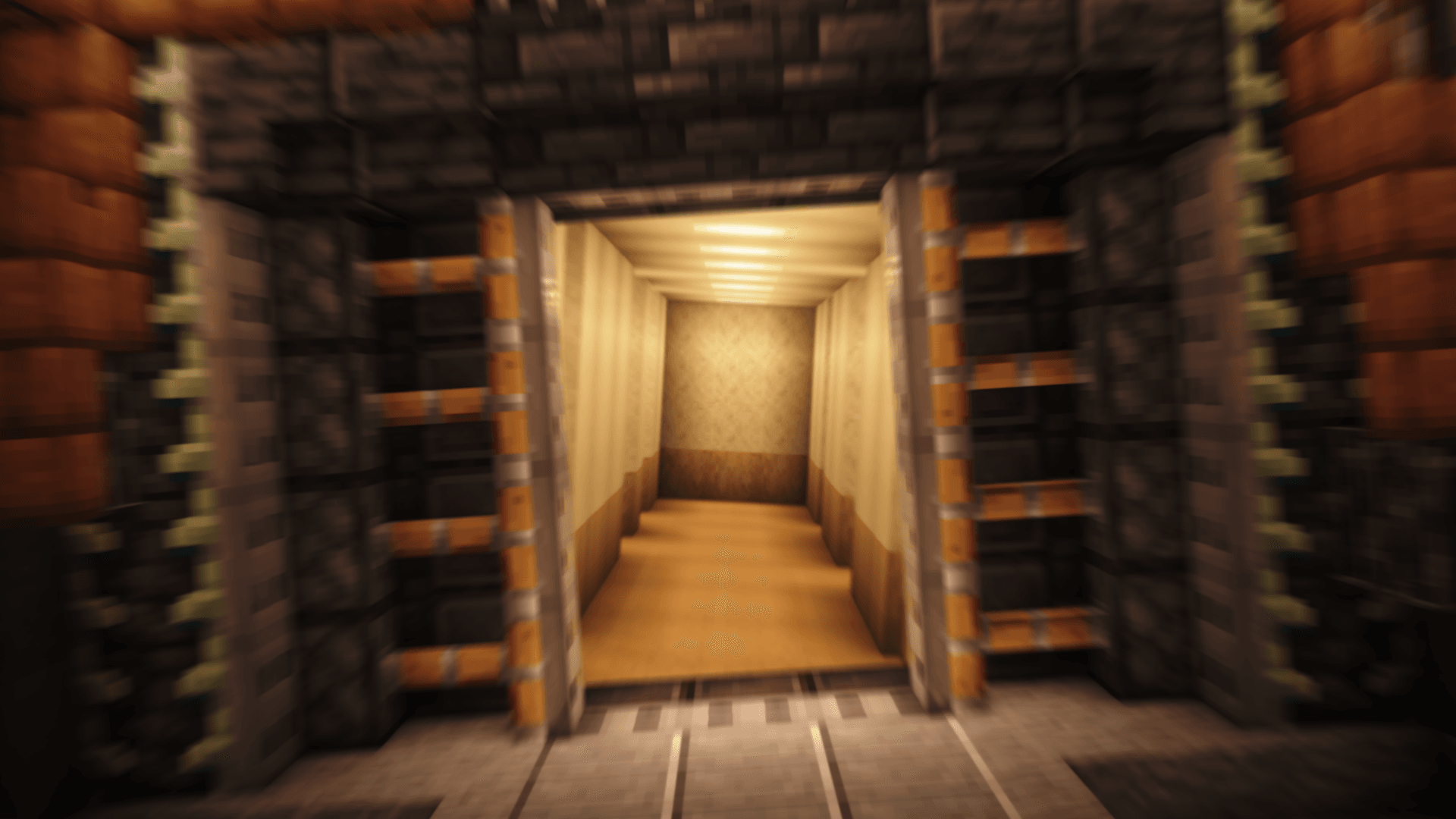
What Team Byte: The Backrooms (Client) looks like

Images: Team Byte: The Backrooms (Client) on Modrinth, published by the project team.
Setup
Your Team Byte: The Backrooms (Client) server in four steps
For errors, check startup logs, Java version, loader and dependencies first. Increase RAM when there is evidence of memory pressure. Keep a copy of the working installation before updates.
- 01
Configure
8 GB of RAM is preselected and Team Byte: The Backrooms (Client) is noted in the configurator. You choose the term and add-ons.
- 02
Pay
By credit card or PayPal. Your server is ready usually under 60 seconds.
- 03
Install the pack
Open the modpack browser in the panel, choose Modrinth, verify the project ID and install your chosen pack release. Back up an existing world first.
- 04
Connect
Every player installs the same pack release in a compatible launcher and connects using the server address from the panel.
Modrinth project ID: QvPniSvj
The panel
Install the pack, find errors.
Real screenshots from the Mado panel. Both come with every Minecraft server.
Modpack browser
Modrinth and CurseForge, right in the panel.
Search the pack, choose a release, install. You do not have to upload the loader or server files by hand.

AI crash analysis
When a mod crashes, the analyzer reads the log.
Large modpacks often fail on a single mod, Java version or missing dependency. The analyzer names a likely cause and suggests a fix.

Releases
Published pack releases
The server and players need the same pack release. Pick it in the modpack browser to match your group’s clients.
Team Byte: The Backrooms (Client) · ModrinthOriginal description by the project author
Team Byte: The Backrooms – Client Mod Pack
This mod pack is made just for players of The Backrooms server! It adds a custom main menu that makes joining the server super easy — just launch the game and click to join. No need to mess with server lists anymore.
Why use it?
- No more reloading the resource pack every time you hop on or off the server—it's built right in.
- Built in Voice Chat that work on the server.
- Slight HUD tweaks to make things feel cleaner and easier to read.
- And of course, the custom menu looks awesome and fits the spooky Backrooms vibe perfectly.
It’s a simple mod pack, but it makes playing on the server smoother and more immersive. Definitely worth using if you're a regular!
Similar packs
More server-ready modpacks
 Server-ready

Cobblemon Official Modpack [Fabric]
by CobbledStudios
The official modpack of the Cobblemon mod, for Fabric!
 Server-ready

COBBLEVERSE - Pokemon Adventure [Cobblemon]
by LUMYVERSE
Start a true Pokémon adventure in Minecraft: Cobblemon 1.8.4 | ALL 1025 Pokémon! | Mega Evolutions | Gyms & Badges | Starter Kit | Unique Structures | Custom Music | Shaders | Optimized | So much more! [1.21.1]
 Server-ready

Better MC [FABRIC] - BMC2
by SHXRKIE
Version 1.20 | A Proper Vanilla+ Modpack | Don't play Vanilla play this!
 Server-ready

Vanilla Perfected
by demonjoeTV
A compilation of Vanilla Plus mods & packs to perfect the Minecraft experience without drifting too far from the feel of the base game!
Ready for your Team Byte: The Backrooms (Client) server?
8 GB of RAM from €16.00 per month. 35% off your first month with MADO35.