

Modrinth · Fabric
The Backrooms: Liminal Depths server hosting
Your own The Backrooms: Liminal Depths server on AMD Ryzen 9 without a thread limit. The server is ready usually under 60 seconds; then install the pack with one click in the modpack browser.
"The Backrooms" Modpack for Minecraft
- Downloads
- 7.1K
- Followers
- 0
- Loader
- Fabric
- Minecraft
- 1.20.1
- Updated
- –
Screenshots
What The Backrooms: Liminal Depths looks like

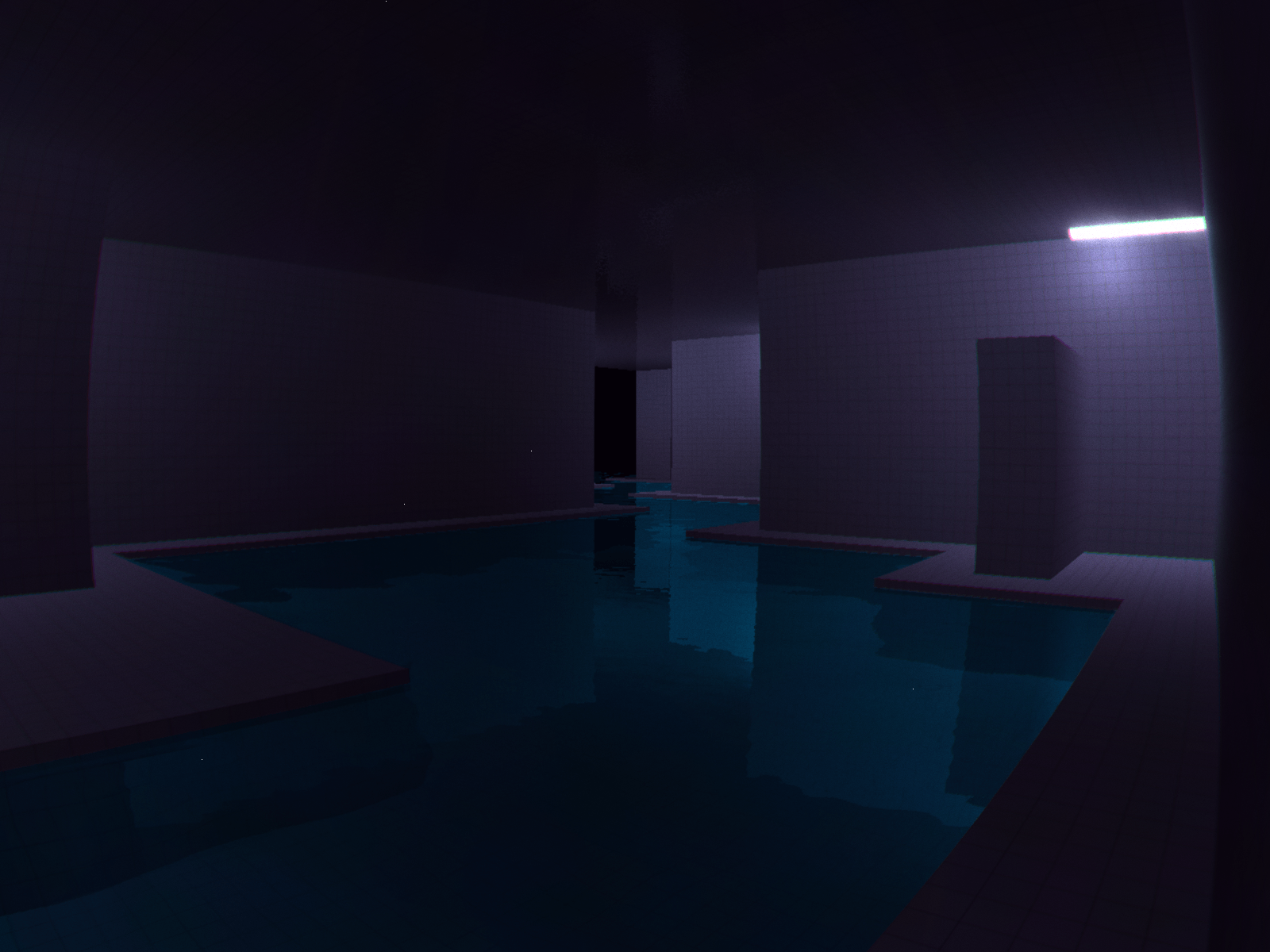
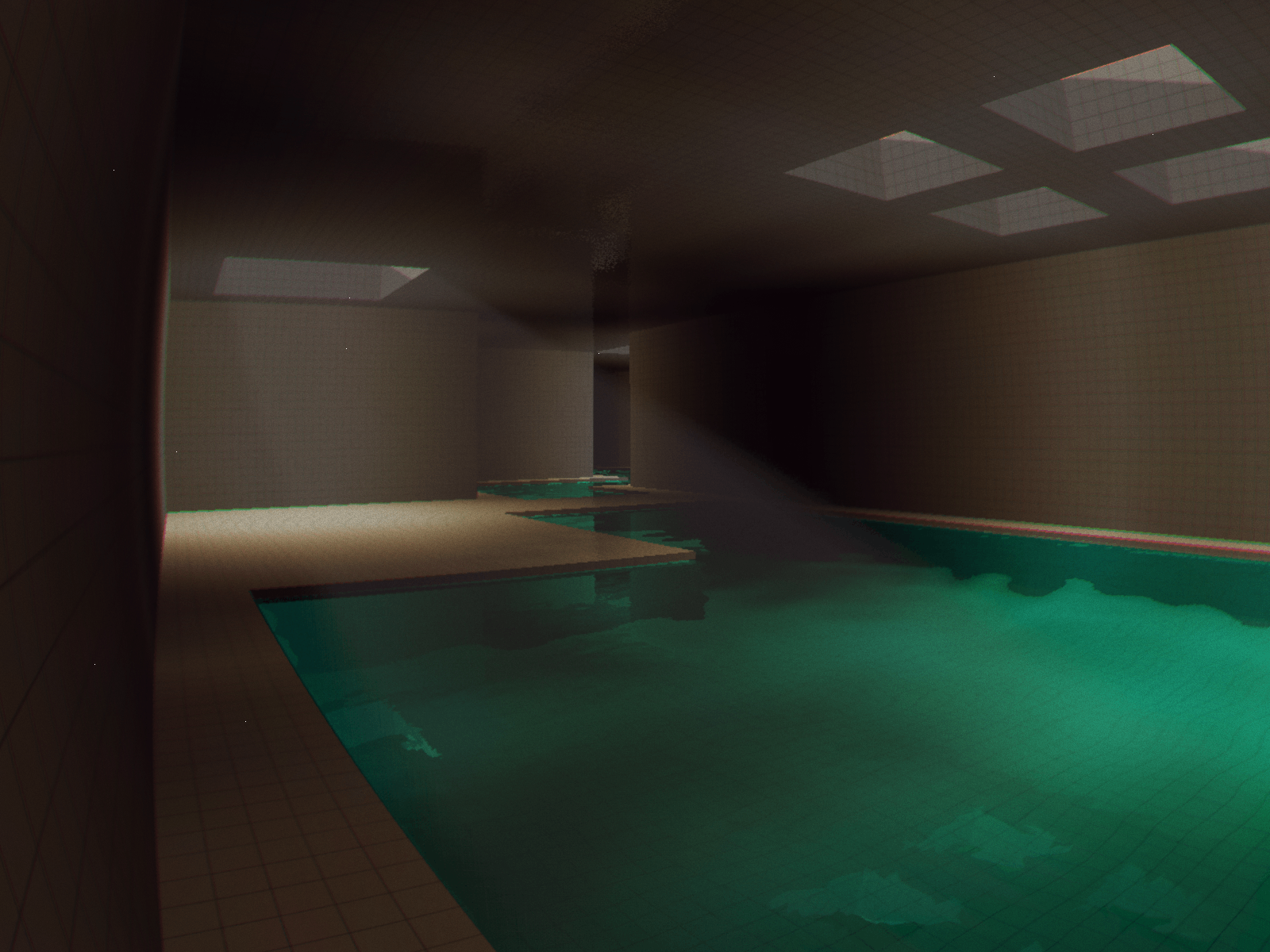
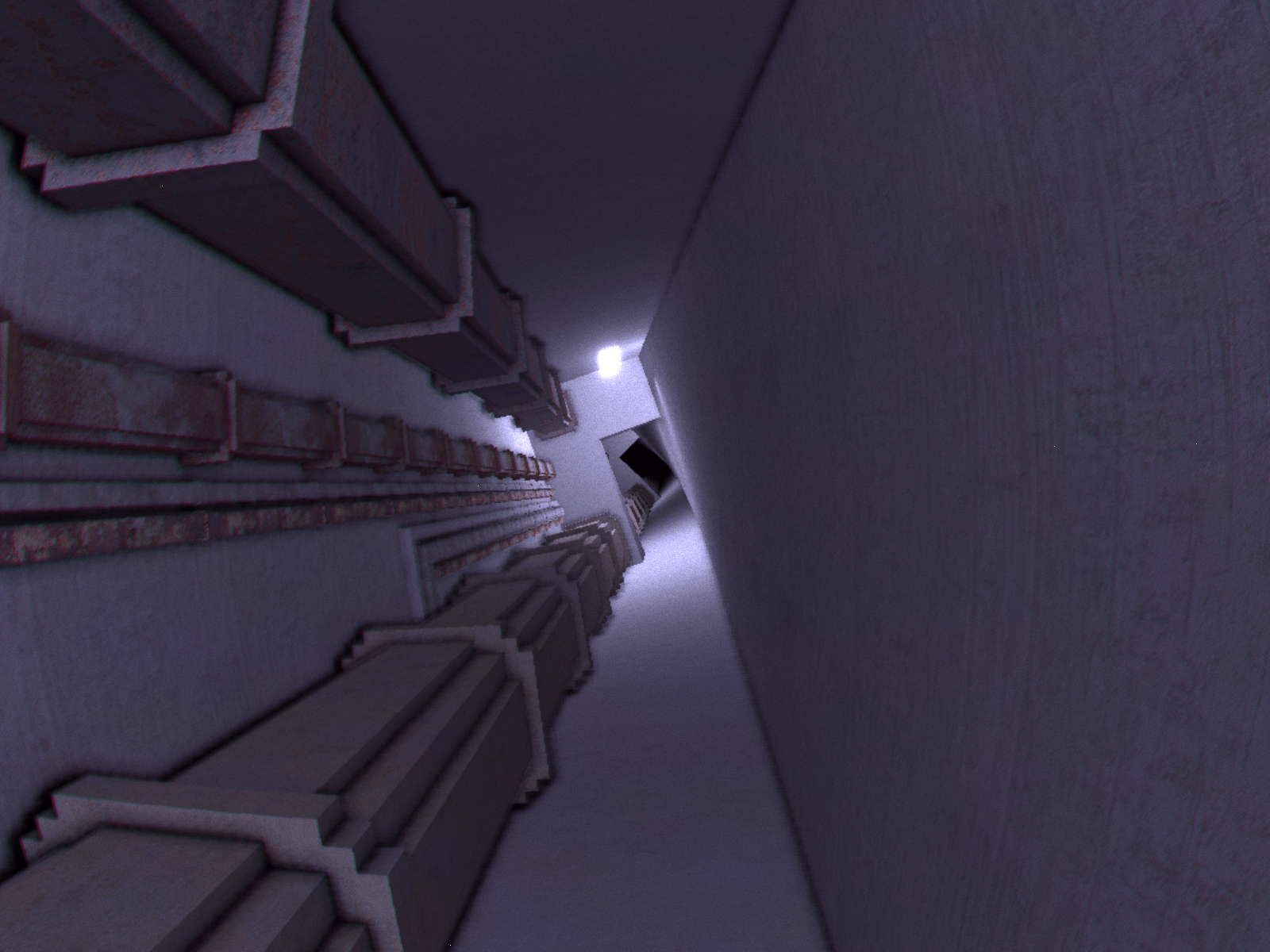
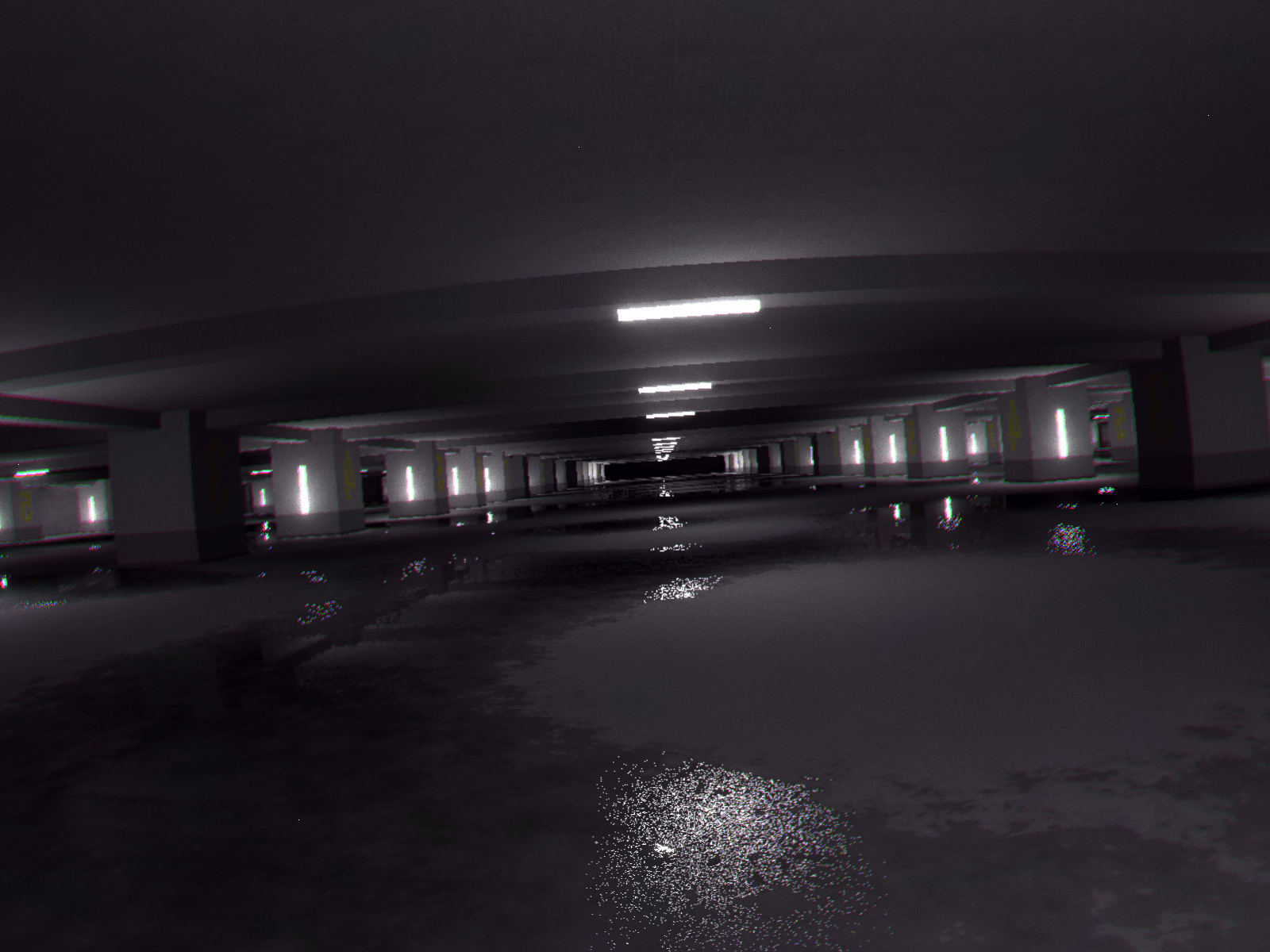
Images: The Backrooms: Liminal Depths on Modrinth, published by the project team.
Setup
Your The Backrooms: Liminal Depths server in four steps
For errors, check startup logs, Java version, loader and dependencies first. Increase RAM when there is evidence of memory pressure. Keep a copy of the working installation before updates.
- 01
Configure
8 GB of RAM is preselected and The Backrooms: Liminal Depths is noted in the configurator. You choose the term and add-ons.
- 02
Pay
By credit card or PayPal. Your server is ready usually under 60 seconds.
- 03
Install the pack
Open the modpack browser in the panel, choose Modrinth, verify the project ID and install your chosen pack release. Back up an existing world first.
- 04
Connect
Every player installs the same pack release in a compatible launcher and connects using the server address from the panel.
Modrinth project ID: YFb4NCiL
The panel
Install the pack, find errors.
Real screenshots from the Mado panel. Both come with every Minecraft server.
Modpack browser
Modrinth and CurseForge, right in the panel.
Search the pack, choose a release, install. You do not have to upload the loader or server files by hand.

AI crash analysis
When a mod crashes, the analyzer reads the log.
Large modpacks often fail on a single mod, Java version or missing dependency. The analyzer names a likely cause and suggests a fix.

Releases
Published pack releases
The server and players need the same pack release. Pick it in the modpack browser to match your group’s clients.
The Backrooms: Liminal Depths · ModrinthOriginal description by the project author

An optimized and stylized Minecraft horror modpack based on 'The Backrooms,' featuring eerie environments, atmospheric elements, and enhanced performance for an immersive gameplay experience.
The Minecraft Backrooms Found Footage mod adds four commands:
- /skinwalker : Just in case the skinwalker refuses to spawn naturally, you can do this to have the skinwalker take the skin of your target
- /release : Releases the target from the skinwalker if the target has had their skin stolen
- /backroomsevent : Manually triggers an event
- /gimmemyinventoryback : Restores the saved inventory of the specified targets from before they entered the Backrooms
Notes
- The skinwalker does not spawn naturally in singleplayer
- There are a few bugs with devices that use integrated graphics
Similar packs
More server-ready modpacks
 Server-ready

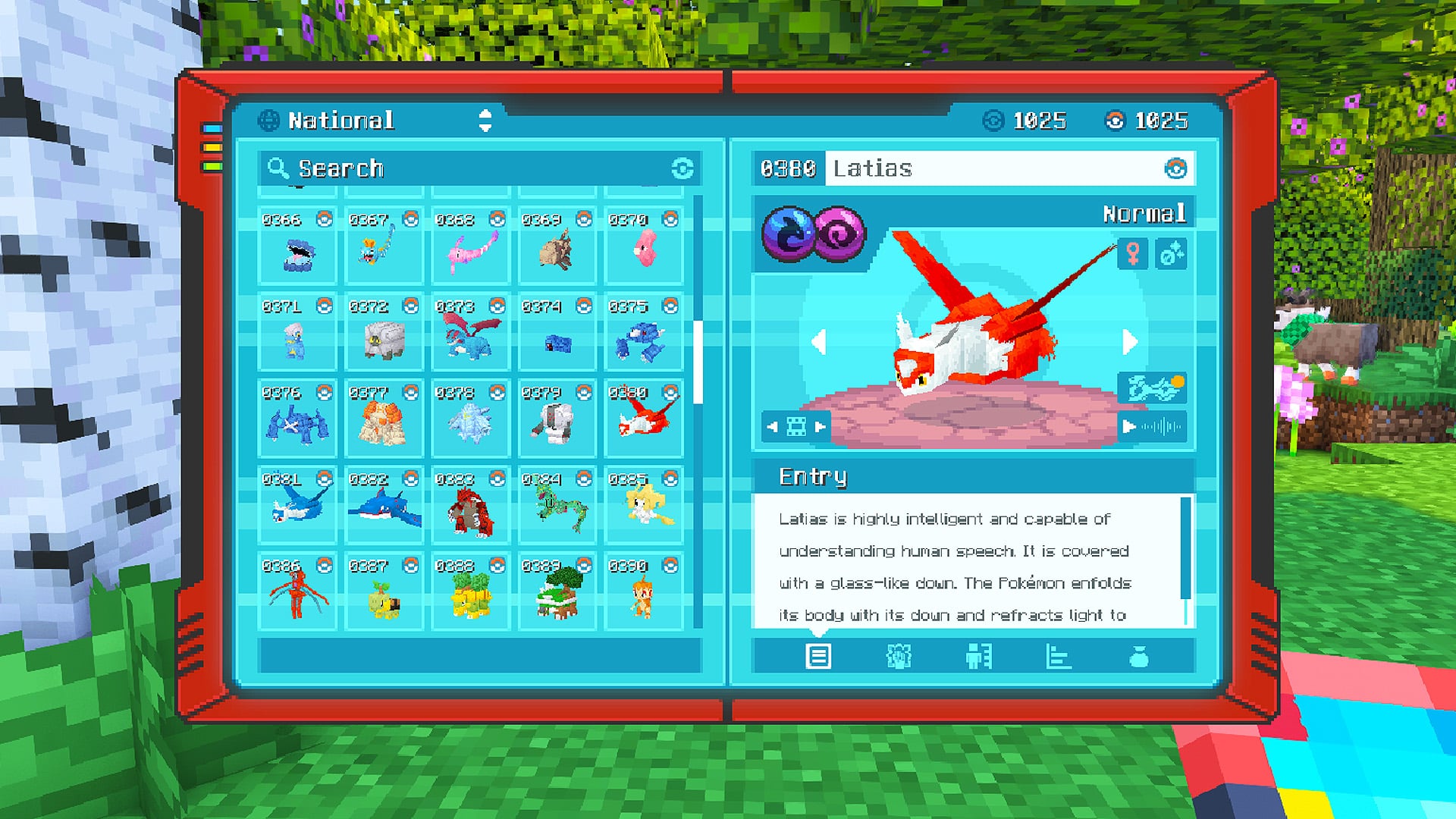
Cobblemon Official Modpack [Fabric]
by CobbledStudios
The official modpack of the Cobblemon mod, for Fabric!
 Server-ready

COBBLEVERSE - Pokemon Adventure [Cobblemon]
by LUMYVERSE
Start a true Pokémon adventure in Minecraft: Cobblemon 1.8.4 | ALL 1025 Pokémon! | Mega Evolutions | Gyms & Badges | Starter Kit | Unique Structures | Custom Music | Shaders | Optimized | So much more! [1.21.1]
 Server-ready

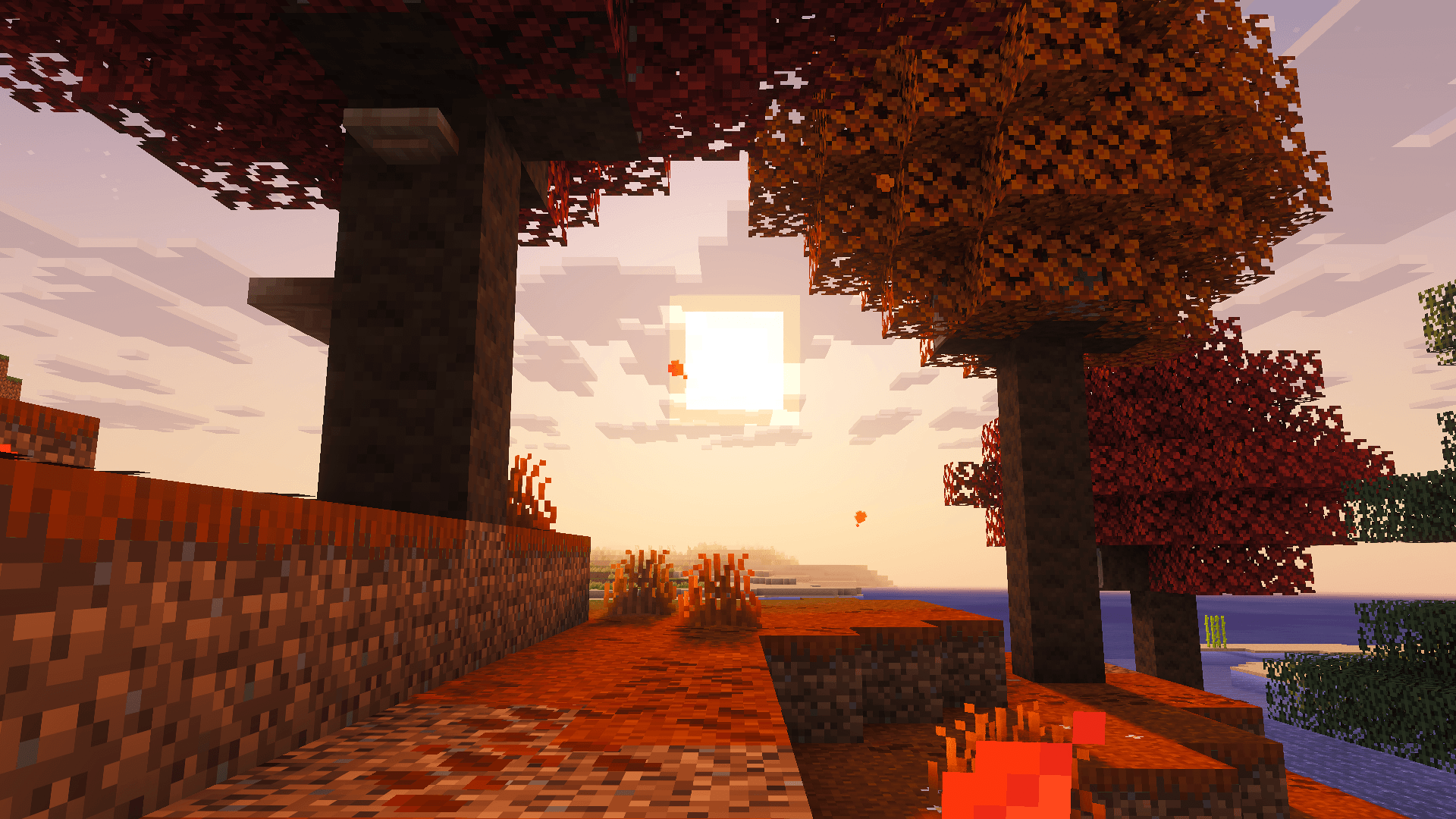
Better MC [FABRIC] - BMC2
by SHXRKIE
Version 1.20 | A Proper Vanilla+ Modpack | Don't play Vanilla play this!
 Server-ready

Vanilla Perfected
by demonjoeTV
A compilation of Vanilla Plus mods & packs to perfect the Minecraft experience without drifting too far from the feel of the base game!
Ready for your The Backrooms: Liminal Depths server?
8 GB of RAM from €16.00 per month. 35% off your first month with MADO35.