

Modrinth · Forge
Fungal Warfare: Engineering and Survival server hosting
Your own Fungal Warfare: Engineering and Survival server on AMD Ryzen 9 without a thread limit. The server is ready usually under 60 seconds; then install the pack with one click in the modpack browser.
A strange fungal infection is spreading around the world
- Downloads
- 6.4K
- Followers
- 0
- Loader
- Forge
- Minecraft
- 1.20.1
- Updated
- –
Screenshots
What Fungal Warfare: Engineering and Survival looks like





Images: Fungal Warfare: Engineering and Survival on Modrinth, published by the project team.
Setup
Your Fungal Warfare: Engineering and Survival server in four steps
For errors, check startup logs, Java version, loader and dependencies first. Increase RAM when there is evidence of memory pressure. Keep a copy of the working installation before updates.
- 01
Configure
6 GB of RAM is preselected and Fungal Warfare: Engineering and Survival is noted in the configurator. You choose the term and add-ons.
- 02
Pay
By credit card or PayPal. Your server is ready usually under 60 seconds.
- 03
Install the pack
Open the modpack browser in the panel, choose Modrinth, verify the project ID and install your chosen pack release. Back up an existing world first.
- 04
Connect
Every player installs the same pack release in a compatible launcher and connects using the server address from the panel.
Modrinth project ID: OrX91S7I
The panel
Install the pack, find errors.
Real screenshots from the Mado panel. Both come with every Minecraft server.
Modpack browser
Modrinth and CurseForge, right in the panel.
Search the pack, choose a release, install. You do not have to upload the loader or server files by hand.

AI crash analysis
When a mod crashes, the analyzer reads the log.
Large modpacks often fail on a single mod, Java version or missing dependency. The analyzer names a likely cause and suggests a fix.

Releases
Published pack releases
The server and players need the same pack release. Pick it in the modpack browser to match your group’s clients.
Fungal Warfare: Engineering and Survival · ModrinthOriginal description by the project author
Fungal Warfare: Engineering and Survival
In this modpack, you’ll face a deadly fungal infection spreading through the world with "Fungal Infection: Spore." Survive this harsh environment while building complex machines and automations with "Create." Use timeless weapons from "[TaCZ] Timeless and Classics Zero" to fight back, and harness the power of advanced explosives from "Ballistix" to defend your base. Combine survival, engineering, and warfare in an exciting battle for survival against the fungal threat!
Wiki :
Similar packs
More server-ready modpacks
 Server-ready

Zombie Invade 100 Days
by FlameFire
僵尸入侵 100 天(高版本惊变重制)—— Same as Forge Labs 100 Days Zombie Apocalypse in new Minecraft
 Server-ready

COBBLEVERSE - Pokemon Adventure [Cobblemon]
by LUMYVERSE
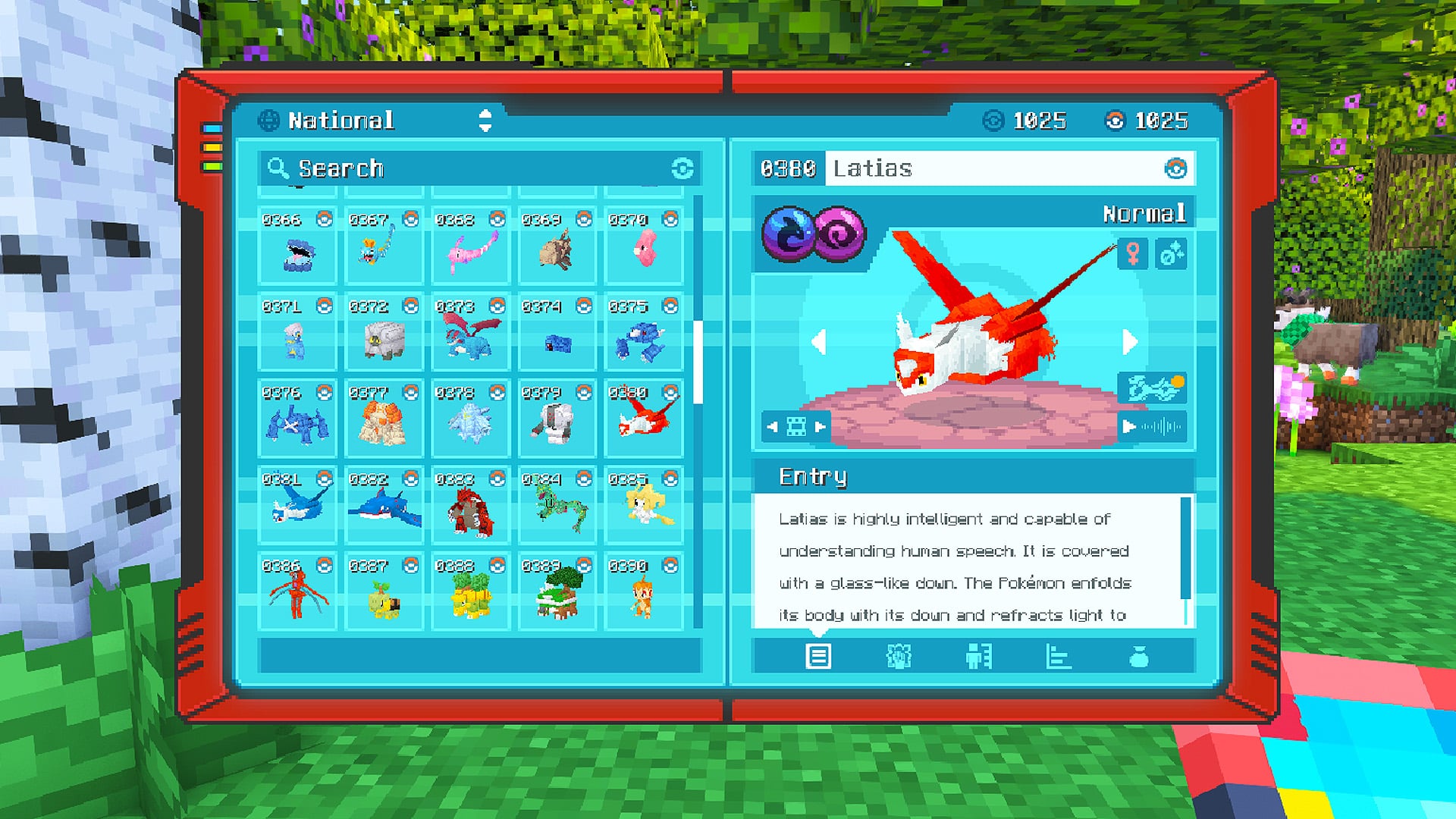
Start a true Pokémon adventure in Minecraft: Cobblemon 1.8.4 | ALL 1025 Pokémon! | Mega Evolutions | Gyms & Badges | Starter Kit | Unique Structures | Custom Music | Shaders | Optimized | So much more! [1.21.1]
 Server-ready

Slimes Adventure
by NotWindx
Tensura: that time i got reincarnated as a slime modpack with many features
 Server-ready

Aged
by xR4YM0ND
realistic / medieval / progression based modpack for Fabric 1.21.1
Ready for your Fungal Warfare: Engineering and Survival server?
6 GB of RAM from €12.00 per month. 35% off your first month with MADO35.