
Truebound - Vanilla Modpack
Truebound – A True Vanilla Survival Experience
Screenshots
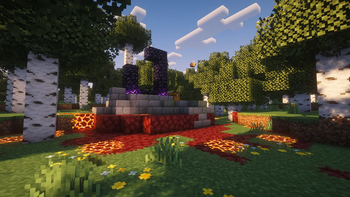
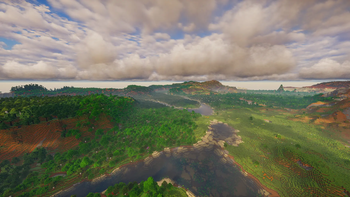
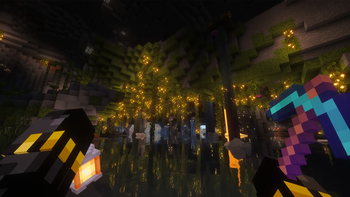
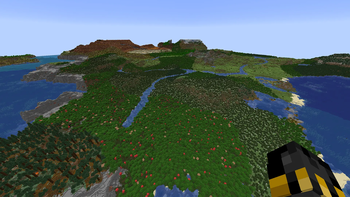
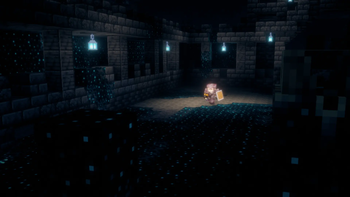
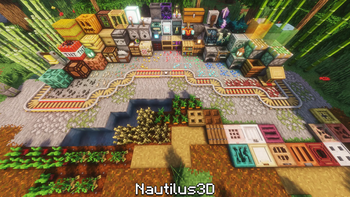
About this Modpack

- Truebound is a new way to experience Minecraft as it was meant to be, without losing the essence of Vanilla. This modpack expands, refines, and deepens every aspect of survival, creating a more immersive, challenging, and rewarding experience. Here, the goal isn’t to turn the game into something different-it’s to push Vanilla to its limits.

The essence of Vanilla Elevad ✨
Truebound was carefully crafted to keep the heart of Minecraft intact. No broken mechanics or forced progression—everything was designed to feel natural, as if it had always been part of the game.
Each change preserves the original rhythm, but adds depth where there was once simplicity.

Immersion in every detail 🍃
Small improvements make a big difference.
Truebound adds visual, mechanical, and audio refinements that make the game more fluid and immersive, without compromising Minecraft’s classic aesthetic. You can feel the difference, without losing that familiar feel.

Built for long days 🧭
This isn't a modpack you can just play for a few days.
Truebound was created for enduring worlds, where farming, building, and progression reach a whole new level. Everything has been designed to be with you for the long haul.

Your world. Your story. Your survival 🌎
Truebound doesn't set rules; it expands possibilities.
If you're looking for an experience that stays true to Vanilla but is much deeper, more immersive, and longer-lasting… You've found it.

❗ IMPORTANT: Order of Resource Packs ❗
- FOLLOW THE ORDER OF THE RESOURCE PACKS LISTED IN THE LINK TO ENSURE PROPER FUNCTIONING, AS WELL AS THAT OF THE MODS THAT DEPEND ON THEM. OTHERWISE, THE MODPACK MAY EXHIBIT ERRORS OR FAIL TO FUNCTION AS EXPECTED.

Solutions for some possible errors/conflicts 💡
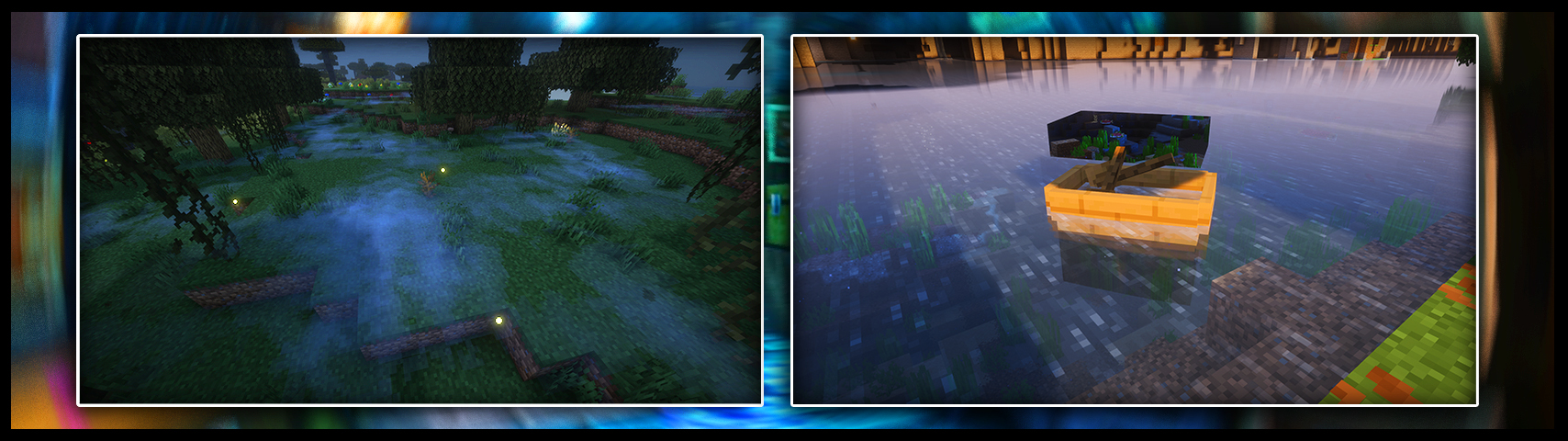
If you see some mist from the Particle Rain mod and want to turn it off, follow these steps: Open the menu, go to “Mods,” search for the “Particle Rain” mod, click the gear icon to open the mod's settings, and uncheck the last two options in each column: “Biome-specific mist” and “Mist after rain.”.
If you see a transparent rectangle over the boat, follow these steps: Go to the Resource Settings (the creeper button in the resource pack menu) > Models > All Models, find boat_patch.jeme, and disable it.

Voxy and Chunky mods ⚙️
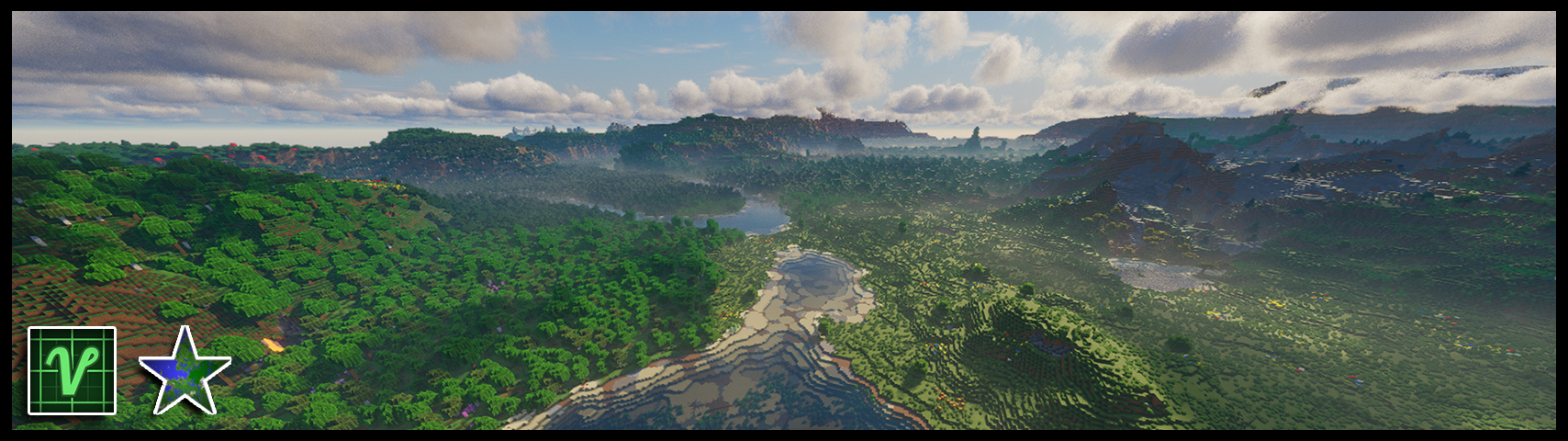
To view extreme distances with the Voxy mod, you must use the Chunky mod, ensuring that all terrain is loaded in advance. To do this, when entering a world, use the command /chunky radius (number of chunks) to define the desired area, and then run /chunky start to begin loading. A progress bar will appear on the screen; wait until all chunks have been processed for the rendering to work correctly.
After completing this process, make sure that Voxy is properly enabled in the game settings and that the mod’s render distance is set correctly; we recommend using the maximum value for optimal performance. For an even cleaner and more immersive visual experience, we also recommend disabling the fog effect.

Flashback mod included 🎬
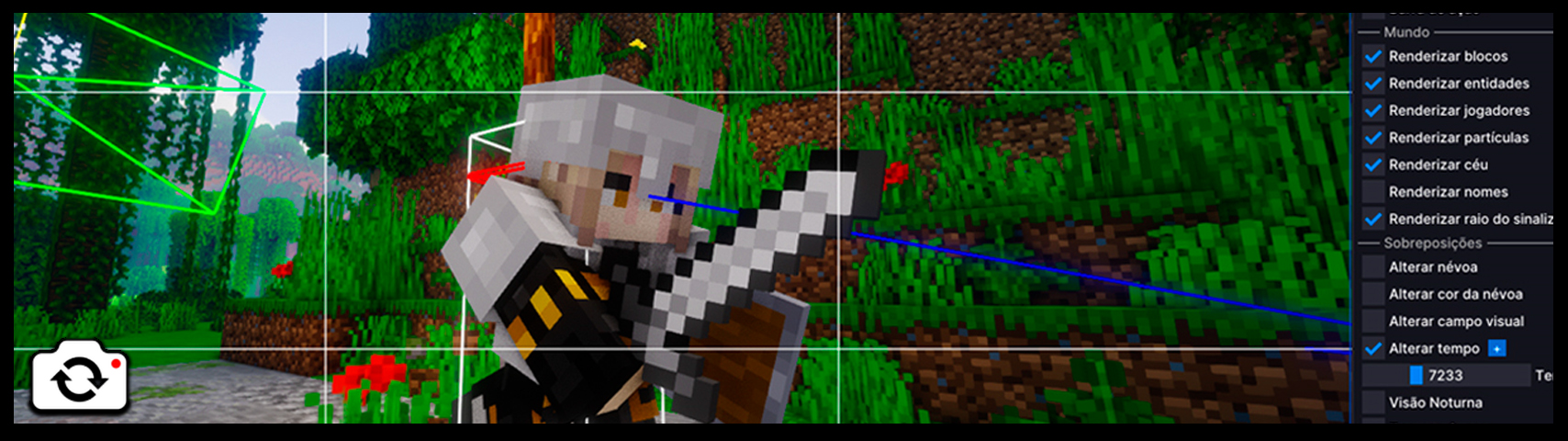
- Flashback is a powerful cinematic recording and editing mod for Minecraft. It captures everything that happens in the world (movements, blocks, mobs) in real time behind the scenes. Then, using an in-game timeline, you can rewind and apply camera angles, slow motion, and zoom to create epic videos.

- Below are the credits for each mod, shader, and resource pack, in case you're interested in any of them.
Mod Credits: Entity Model Features by Traben | Entity Texture Features by Traben | 3D Skin Layers by tr7zw | AmbientSounds by creativemd | AppleSkin by squeek502 | Better F1 Reborn by MovTery | BetterF3 by TreyRuffy & cominixo | Blur+ by Motschen | Chat Animation by Ezzenix | Chunky by pop4959 | Client Sort by TerminalMC & NotRyken | Continuity by Pepper_Bell | Dark Loading Screen by A5b84 | Drip Sounds by PieKing1215 | Easy Anvils by Fuzs & LunaPixelStudios | Easy Magic by Fuzs & LunaPixelStudios | Elytra Physics by OhHeyItsJosh | Entity Culling by tr7zw / Pelotrio & vicisacat | Falling Leaves by Fourmisain / randommcsomethin & BrekiTomasson | Iris Shaders by coderbot & IMS | Item interactions by mineland | ItemPhysic by creativemd | LambDynamicLights by LambdAurora | Lawrence's Ambient Fireflies by Lawrence360 | libIPN by blackd | Not Enough Animations by tr7zw | Particle Rain by PigCart | Particular Reforged by Leclowndu93150 | Presence Footsteps by Sollace | Smooth Gui by Ezzenix | Sound Physics Remastered by henkelmax | Tectonic by Apollo & DawnKiro | Trade Cycling by henkelmax | Visual Workbench by Fuzs & LunaPixelStudios | Voxy by cortex | Wavey Capes by tr7zw & Cardistymo | YDM's Weapon Master by YourDailyModder | Visuality by PinkGoosik | Cut Through by Fuzs / SHXRKIE / LunaPixelStudios | Pick Up Notifier by Fuzs / LunaPixelStudios | Diagonal Fences by Fuzs / LunaPixelStudios | Diagonal Walls by Fuzs / LunaPixelStudios | Climate Rivers by Fuzs | Dyed Flames by Fuzs | Punchy! by PunchyDevGuy / Godku.
Resource Pack Credits: Fluffy Carpets and Wool by bebebea_loste | 3D crops Revamped by vexcenot | Animated Items by palettemc | Animated Rainbow XP Bar by johnnymayodev | Better Lanterns by Nico4play | Connected Bricks / Connected Paths / Connected Rocks by Jacosvaldo | Even Better Enchants by mythitorium | Fresh Animations / Fresh Animations: Details / Fresh Animations: Extensions / Fresh Animations: Objects / Fresh Animations: Player Extension / Fresh Animations: Quivers by FreshLX | GUI Retextures by frugbug | Icons by WeNAN / mr_ch0c0late & Zartrix | Low On Fire by Haikis | Low Shield by Oculie | Nautilus 3D by FabianMPunkt & playtrix | Torches Reimagined by Reijvi | Boss Bars Reforged by Rappenem
Shader Credits: AstraLex by LexBoosT | Bliss by X0nk | BSL by | Complementary Reimagined / Complementary Unbound by EminGT | MakeUp - Ultra Fast by KDXavier | Mellow by TheCMK | Noble by BelmuTM | Solas by Septonious | Visual Vibrance by jbritain.
Available Versions
How to Set Up a Truebound - Vanilla Modpack Server
Order Server
Choose at least 6 GB RAM (8 GB recommended for Truebound - Vanilla Modpack). Based on player count: per 5 players.
Install Modpack in Dashboard
Open the modpack browser in the dashboard, search for "Truebound - Vanilla Modpack" and click "Install". The fabric loader and Minecraft 26.2 are configured automatically.
Start Server & Play
Start the server – all mods are loaded automatically. Share the server IP with friends and play together!
Frequently Asked Questions
Truebound - Vanilla Modpack server crashes or won't start – what to do?
Most common causes: insufficient RAM or wrong fabric loader. Check latest.log for "OutOfMemoryError" → increase RAM to at least 8 GB. For "Mixin" or "ClassNotFoundException" errors: modpack version and loader don't match. With Mado Hosting, loader and Minecraft version are auto-configured on modpack install – preventing most startup issues.
How much RAM does a Truebound - Vanilla Modpack server really need?
Minimum 6 GB, recommended 8 GB for stable performance. per 5 players. Important: Minecraft modpacks need more RAM than vanilla – plan extra per additional player. With Mado Hosting, you can scale RAM up live at any time without data loss (from €7.800000000000001/month).
Can I add custom mods to Truebound - Vanilla Modpack without conflicts?
Yes, but check compatibility: only use mods for the same loader (fabric) and same Minecraft version (26.2). Common issues: ID conflicts with recipe mods and incompatible coremod versions. The Mado dashboard mod browser only shows compatible mods and warns about known conflicts.
Truebound - Vanilla Modpack server lagging – performance tips
1) Increase RAM to 8 GB+. 2) Reduce server view-distance to 8 (server.properties). 3) Pre-generate chunks with the "Chunky" plugin. 4) Use /spark profiler to check which mods consume the most tick time. With Mado Hosting, all servers run on NVMe SSDs with dedicated CPU cores – eliminating hardware as a bottleneck.
Similar Modpacks
![Cobblemon Official Modpack [Fabric]](https://cdn.modrinth.com/data/5FFgwNNP/e7f9ee2e9d361623847853fe2ddce42f519ee64f.png)
![COBBLEVERSE - Pokemon Adventure [Cobblemon]](https://cdn.modrinth.com/data/Jkb29YJU/581ecf54530972afb18a04660afd820f2f24f6c7.png)
![Better MC [FABRIC] - BMC2](https://cdn.modrinth.com/data/shFhR8Vx/a19c2bcb51d38f32f138d3607e91cb2b7b8e387f_96.webp)


![Better MC [FORGE] - BMC4](https://cdn.modrinth.com/data/4BV47HRn/7f5ef7cc61b2593609aabef3ed07a866a4f11b73_96.webp)
Rent Truebound - Vanilla Modpack Server
Start your own server with automatic modpack installation.
Supported Versions
Start your Truebound - Vanilla Modpack Server now
From €7.80/month; 8 GB RAM is recommended for best performance.
Configure Server →