
Modrinth · NeoForge
Winterlands server hosting
Your own Winterlands server on AMD Ryzen 9 without a thread limit. The server is ready usually under 60 seconds; then install the pack with one click in the modpack browser.
A cozy, frosty winter survival experience with festive Christmas ambience, custom worldgen, and polished performance.
- Downloads
- 6.6K
- Followers
- 0
- Loader
- NeoForge
- Minecraft
- 1.21.1
- Updated
- –
Screenshots
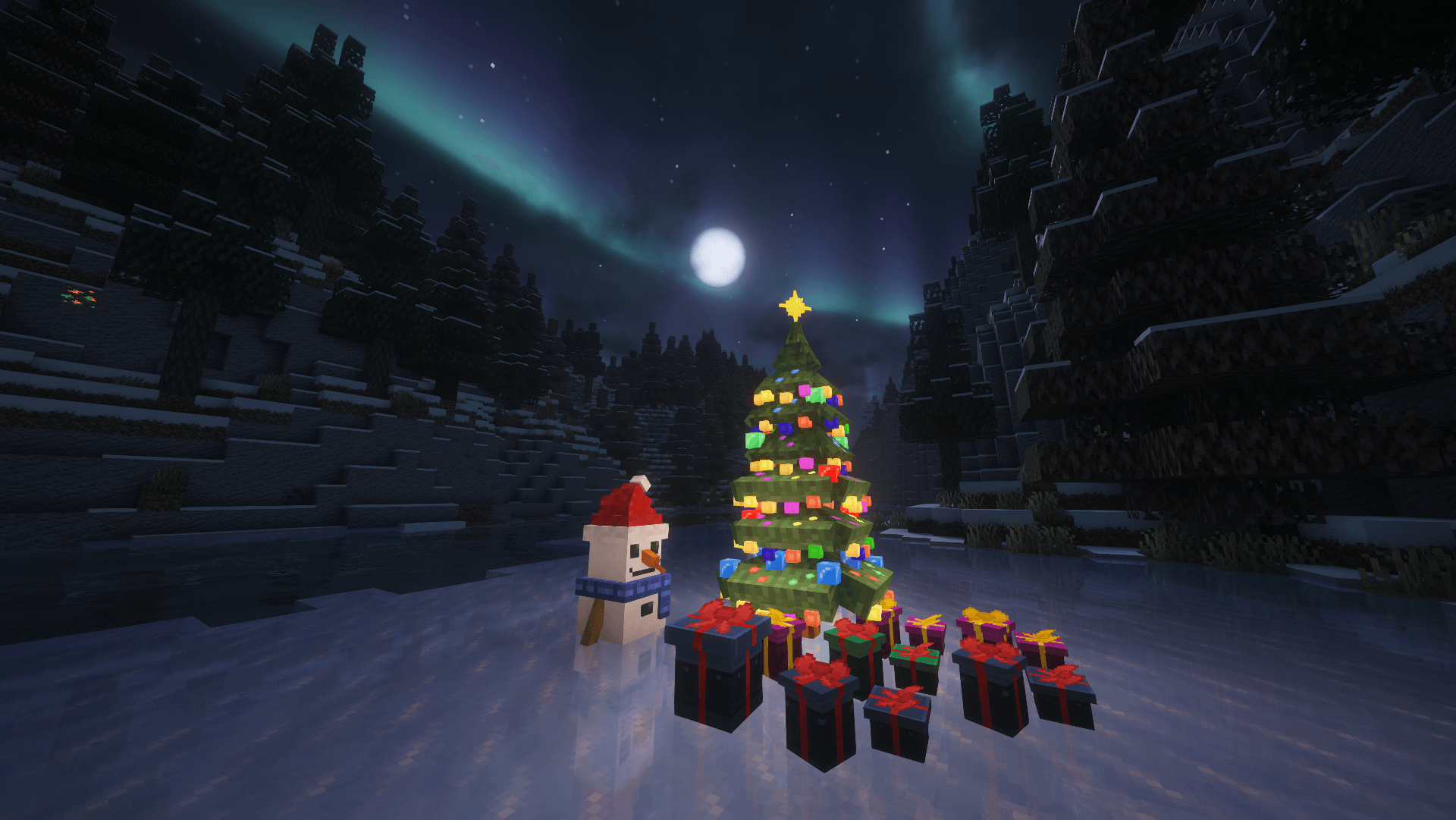
What Winterlands looks like
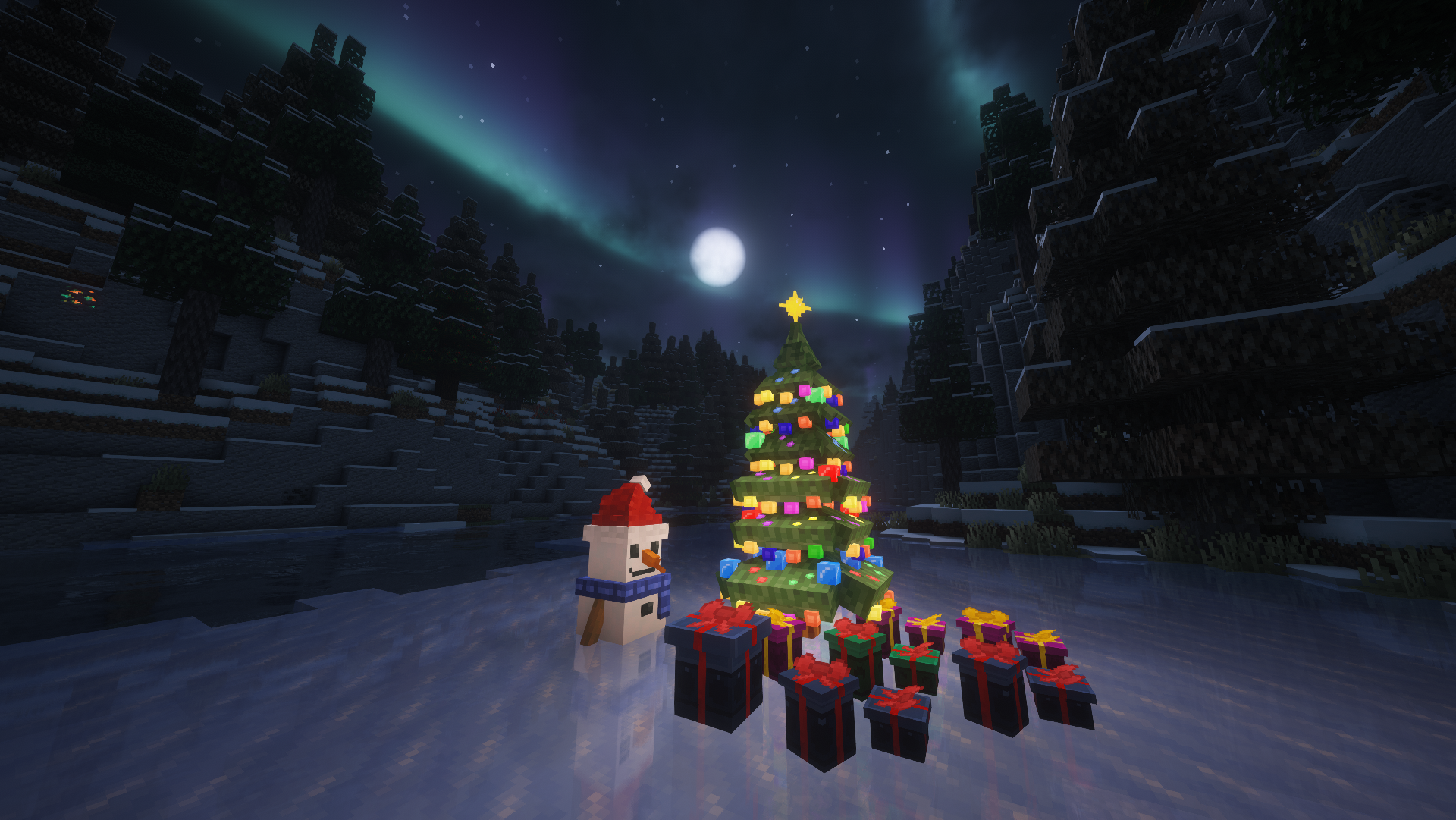 Christmas Items and Blocks
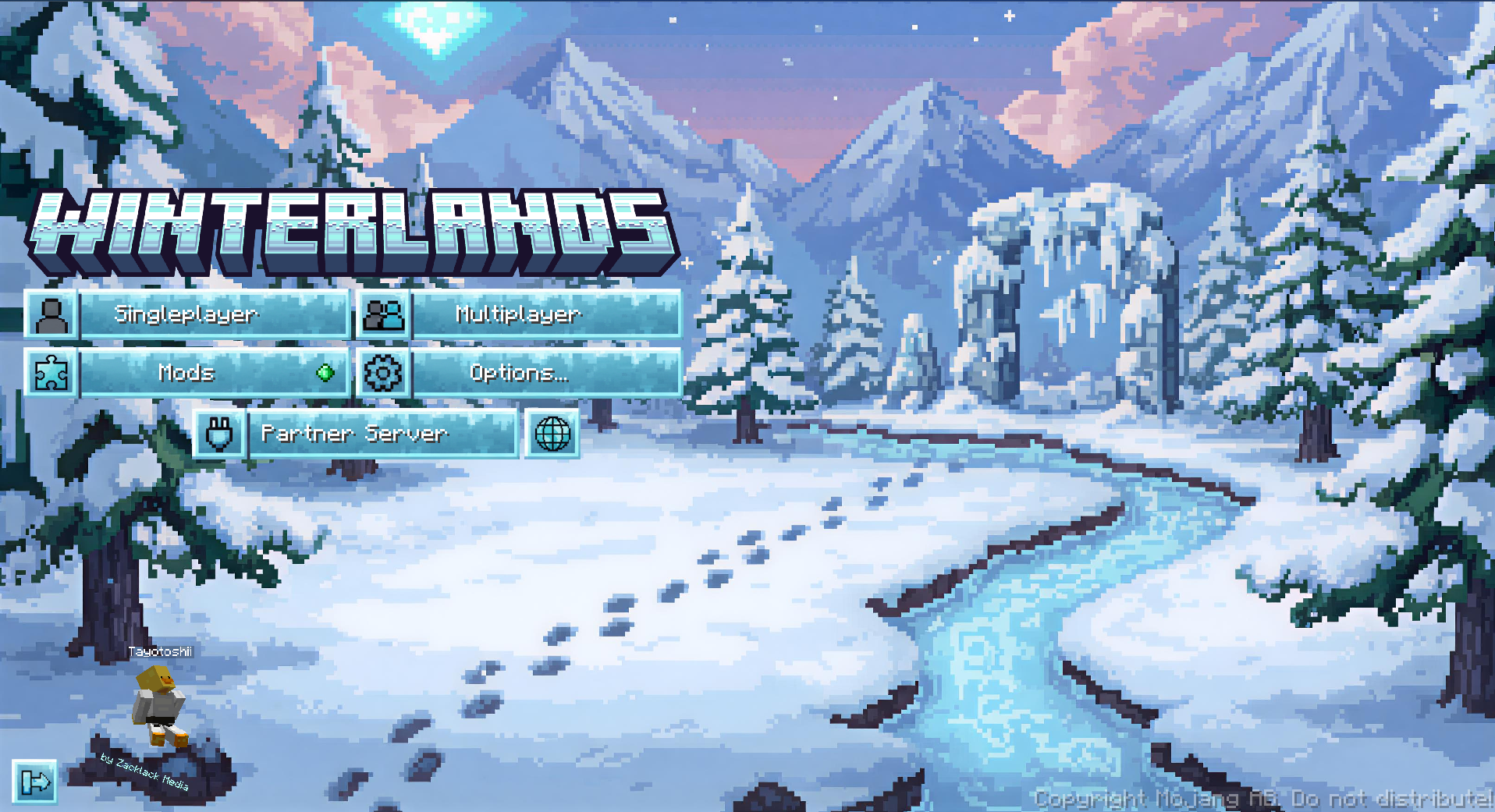 Winterlands Menu
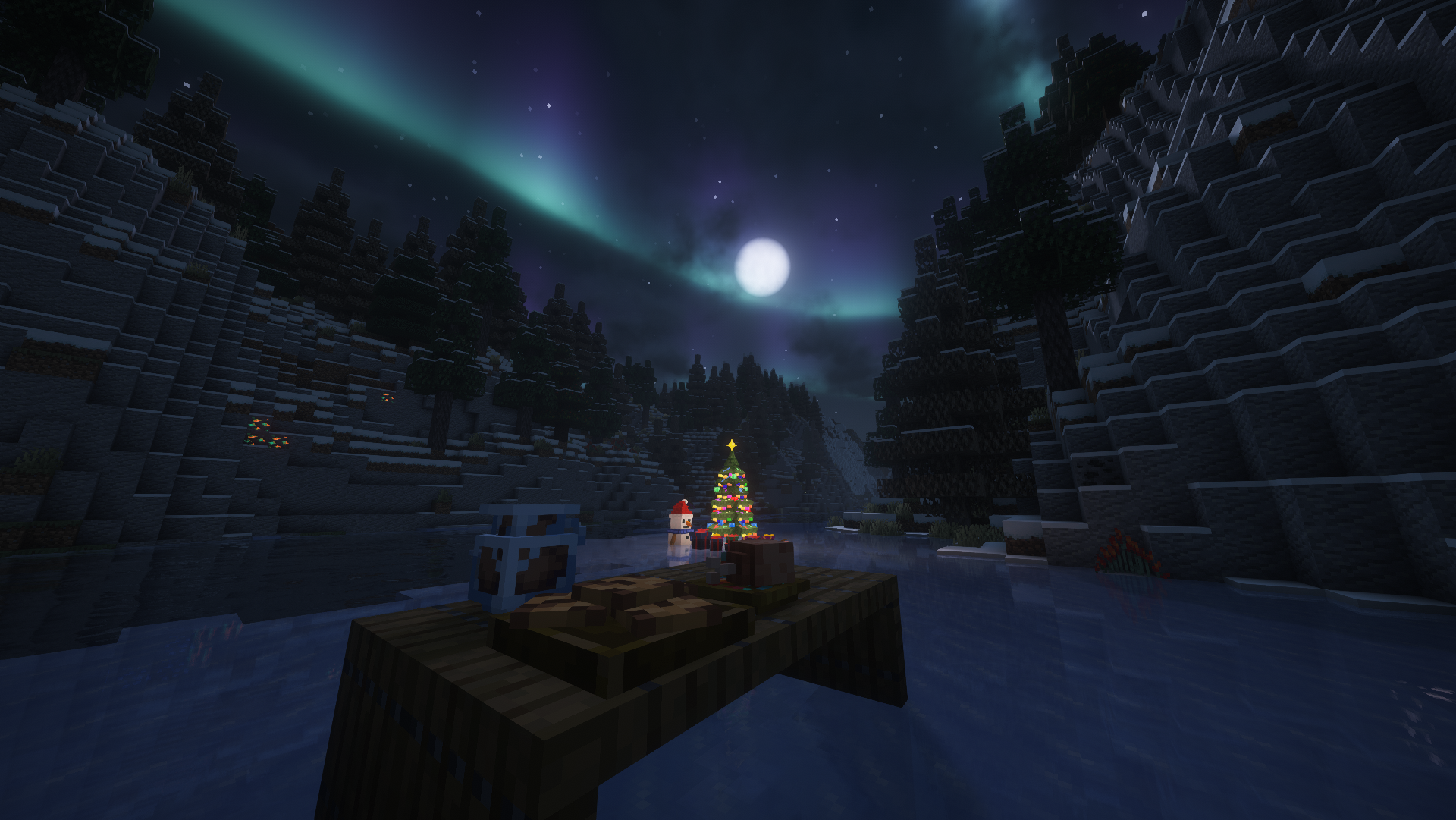 Festive/Christmas themed food
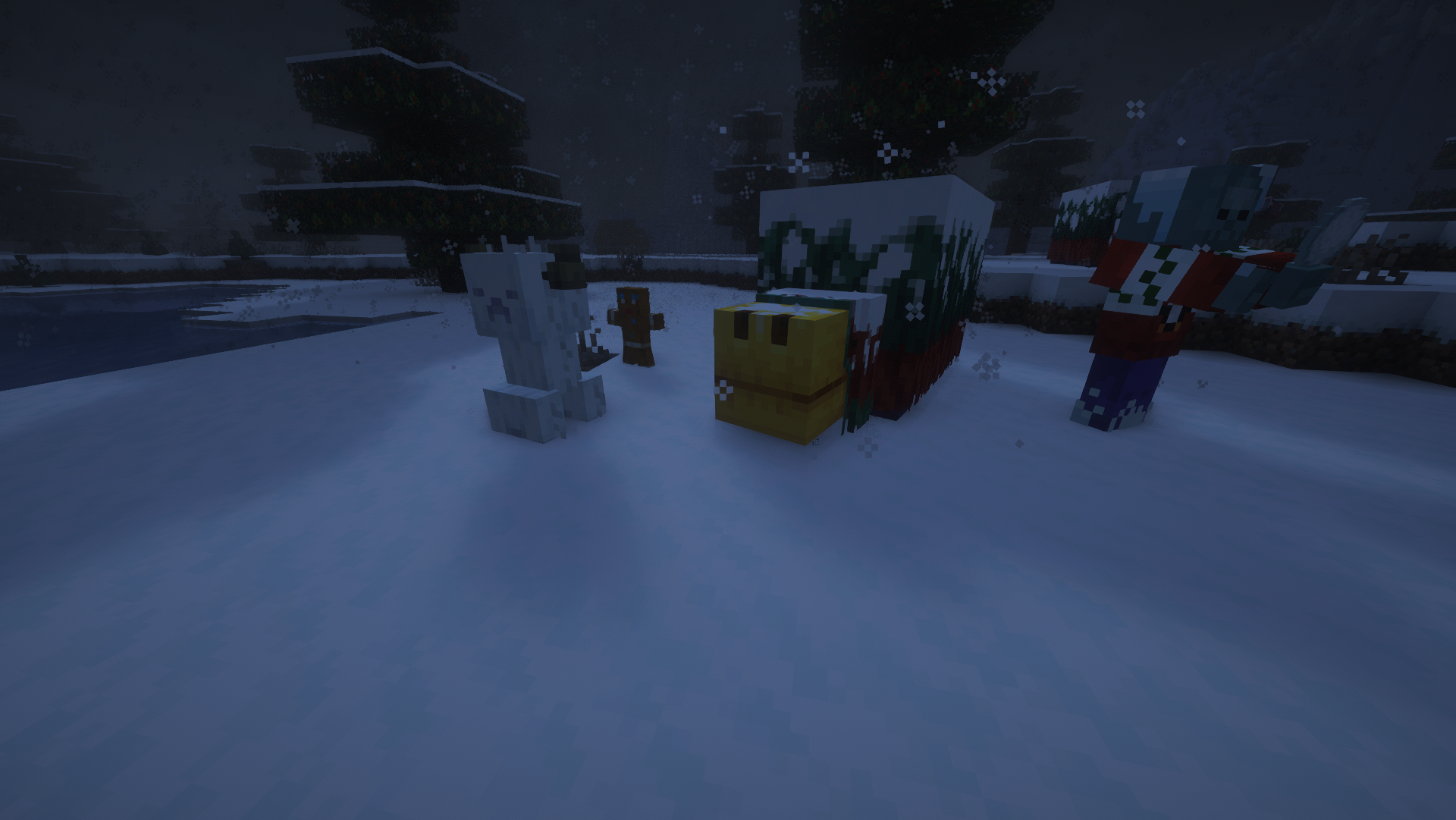 Even the Mobs are influenced by the snow!
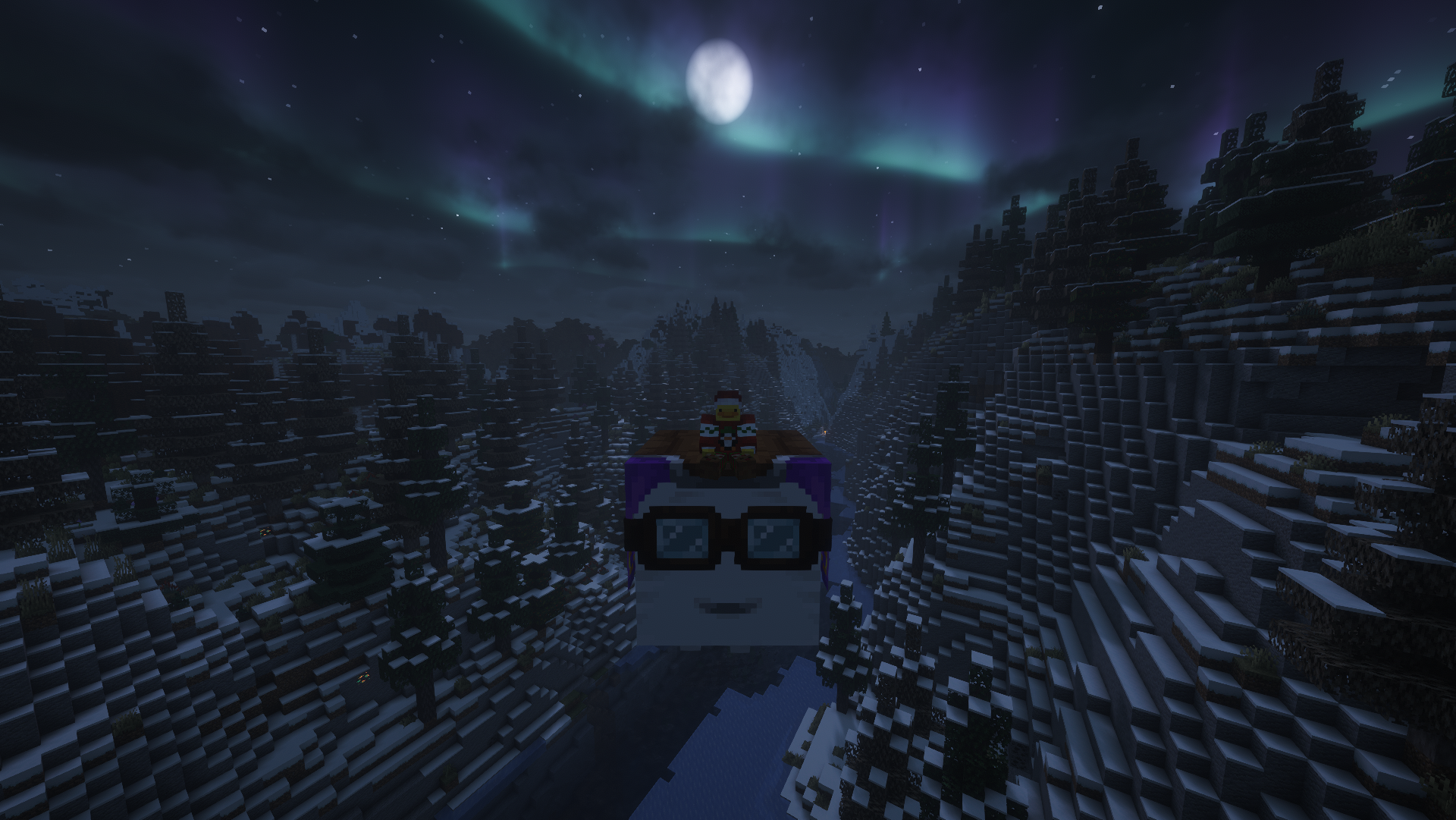 Vanilla Backport
Images: Winterlands on Modrinth, published by the project team.
Setup
Your Winterlands server in four steps
For errors, check startup logs, Java version, loader and dependencies first. Increase RAM when there is evidence of memory pressure. Keep a copy of the working installation before updates.
- 01
Configure
8 GB of RAM is preselected and Winterlands is noted in the configurator. You choose the term and add-ons.
- 02
Pay
By credit card or PayPal. Your server is ready usually under 60 seconds.
- 03
Install the pack
Open the modpack browser in the panel, choose Modrinth, verify the project ID and install your chosen pack release. Back up an existing world first.
- 04
Connect
Every player installs the same pack release in a compatible launcher and connects using the server address from the panel.
Modrinth project ID: knlS3mwQ
The panel
Install the pack, find errors.
Real screenshots from the Mado panel. Both come with every Minecraft server.
Modpack browser
Modrinth and CurseForge, right in the panel.
Search the pack, choose a release, install. You do not have to upload the loader or server files by hand.

AI crash analysis
When a mod crashes, the analyzer reads the log.
Large modpacks often fail on a single mod, Java version or missing dependency. The analyzer names a likely cause and suggests a fix.

Releases
Published pack releases
The server and players need the same pack release. Pick it in the modpack browser to match your group’s clients.
Winterlands · ModrinthOriginal description by the project author


Winterlands
A cozy winter-and-Christmas flavored NeoForge 1.21.1 pack that started as a friends-only world. It's tuned for that perfect seasonal Minecraft phase: frosty landscapes, festive decorations, new Worldgen, and enough performance mods to stay smooth.
Why You'll Love It
- Winter ambience that feels festive without overwhelming every biome.
- Builder-friendly tools, decorative blocks, and exploration hooks that reward wandering and screenshotting.
- Survival-friendly balance: light progression, QoL mods, and accessibility tweaks for comfy long sessions.
- Multiplayer-ready curation with carefully integrated holiday features.
Credits, Permissions & Attribution
All licensing, permissions, and proof screenshots:
Click to expand attribution links
Attribution Required
These mods were obtained from CurseForge and require a link back to their original project page:
- Christmas Culinary and Decorations
https://www.curseforge.com/minecraft/mc-mods/christmas-culinary-desires-decorations
Mods Included With Explicit Permission from Authors
Screenshots of the permission confirmations are available on:
https://winterlands.zacklack.de/licensing/
Farmer’s Delight Christmas Edition (permission granted directly)
Author: ThePoupyBuTers
Original CurseForge page:
https://www.curseforge.com/minecraft/mc-mods/christmas-delightChristmas Music Discs (permission granted directly)
Author: ThePoupyBuTers
Original CurseForge page:
https://www.curseforge.com/minecraft/mc-mods/christmas-music-discsMama’s Merrymaking (permission granted; license changed to MIT)
Author: Mama_Michelle
Original CurseForge page:
https://www.curseforge.com/minecraft/mc-mods/maidens-merry-makingHerbs & Harvest (dependency of Merrymaking, permission confirmed)
Author: Mama_Michelle
Original CurseForge page:
https://www.curseforge.com/minecraft/mc-mods/mamas-herbs-and-harvest
Notes for Server Admins
- Match the client stack: Minecraft 1.21.1 + NeoForge 21.1.215
- Remove anything on the server-incompatible list before launch:
https://github.com/Zzackllack/Winterlands/blob/main/modpack/scripts/server/incompatible-mods.md - Keep bundled datapacks intact when copying to your server (see
config/paxi/datapacks) so world tweaks load correctly.
ℹ️ Version Notice
Releases before Winterlands 0.131.8 (Alpha) are no longer available on Modrinth. This is due to licensing issues identified in 0.131.7 Alpha, where a mod (“fastboot”) had to be removed because it was no longer permitted for redistribution on Modrinth, the mod itself is no longer available on modrinth. These earlier versions remain documented in the repository but cannot be hosted here.Similar packs
More server-ready modpacks
 Server-ready

Cobblemon Official Modpack [Fabric]
by CobbledStudios
The official modpack of the Cobblemon mod, for Fabric!
 Server-ready

COBBLEVERSE - Pokemon Adventure [Cobblemon]
by LUMYVERSE
Start a true Pokémon adventure in Minecraft: Cobblemon 1.8.4 | ALL 1025 Pokémon! | Mega Evolutions | Gyms & Badges | Starter Kit | Unique Structures | Custom Music | Shaders | Optimized | So much more! [1.21.1]
 Server-ready

Better MC [FABRIC] - BMC2
by SHXRKIE
Version 1.20 | A Proper Vanilla+ Modpack | Don't play Vanilla play this!
 Server-ready

Vanilla Perfected
by demonjoeTV
A compilation of Vanilla Plus mods & packs to perfect the Minecraft experience without drifting too far from the feel of the base game!
Ready for your Winterlands server?
8 GB of RAM from €16.00 per month. 35% off your first month with MADO35.