
Modrinth · Fabric · Client mod
Anchor Optimizer
Anchor Optimizer is a client-side mod. Install it on your computer; the server does not need it.
Makes anchoring look like zero ping, Allowed on VTL And mcpvpclub
- Downloads
- 1.7M
- Author
- cutebow
- Loader
- Fabric
- Minecraft
- 1.21 – 26.3
- Updated
- –
Screenshots
What Anchor Optimizer looks like


Images: Anchor Optimizer on Modrinth, published by the project team.
Setup
Install Anchor Optimizer on your client
Client-side mods only run on your computer. More server RAM does not change their performance.
- 01
Install the loader locally
Install Fabric for your Minecraft version in your launcher.
- 02
Download the file
Download the Anchor Optimizer file for your loader and your exact Minecraft version, for example 26.3.
- 03
Add it to the mods folder
Put the .jar file in your local .minecraft/mods folder and remove older duplicates.
- 04
Launch
Launch Minecraft with the loader profile. Nothing needs to change on the server.
- On the server
- Not needed
- On the client
- Required
- Loader
- Fabric
- Minecraft
- 26.3, 26.2, 26.1.2 +14 more
- License
- LicenseRef-All-Rights-Reserved
Releases
Published releases
Pick the file that matches your server’s loader and Minecraft version. The server and players need the same release.
Anchor Optimizer · ModrinthOriginal description by the project author
Anchor Optimizer



How it works.
Instantly hides the anchor once you explode it so that it looks like zero ping, collision for that block is still there until the server confirmed the anchor explodes just you can't see it.
Or another way to put it, it makes anchors look like they explode instantly on your screen, while the server is still processing the real explosion.
the anchor is replaced with a barrier block that is treated like a anchor that has already exploded so all interactions are treated as such keep in mind this is all client sided, the anchor is treated the same but offering that mental ok that it went off improving timing.
you might be thinking, why a barrier block, well this was the compromise that had to be made for it to be allowed on vtl but don't let that worry you as even if it was replaced with something like air for example it actually offers basically no real benefit over a barrier block unless you are on 500+ms which then air could be very badly abused in unintentional ways like hitting through anchors. keep in mind I mainly play high ping like up to 100 and prefer to use mine over others mods alike.
Requires:

Allowed on:
- Allowed on VTL (Update included)
- mcpvp.club
- DonutSMP
- westshop.org (In the serverlist)
- pvptiers.com (Lurrns tierlist)
- napvp.us
- crystalchaos
- catpvp
- crystalranked
- crackedpvp.club
- applepvp.com
- nova tiers
- and more!
If you need proof of any of these dm cute.bow on discord
adds westshop.org to serverlist with an animated effect. (can be removed)
also adds an effect for napvp but that isnt added to the serverlist.
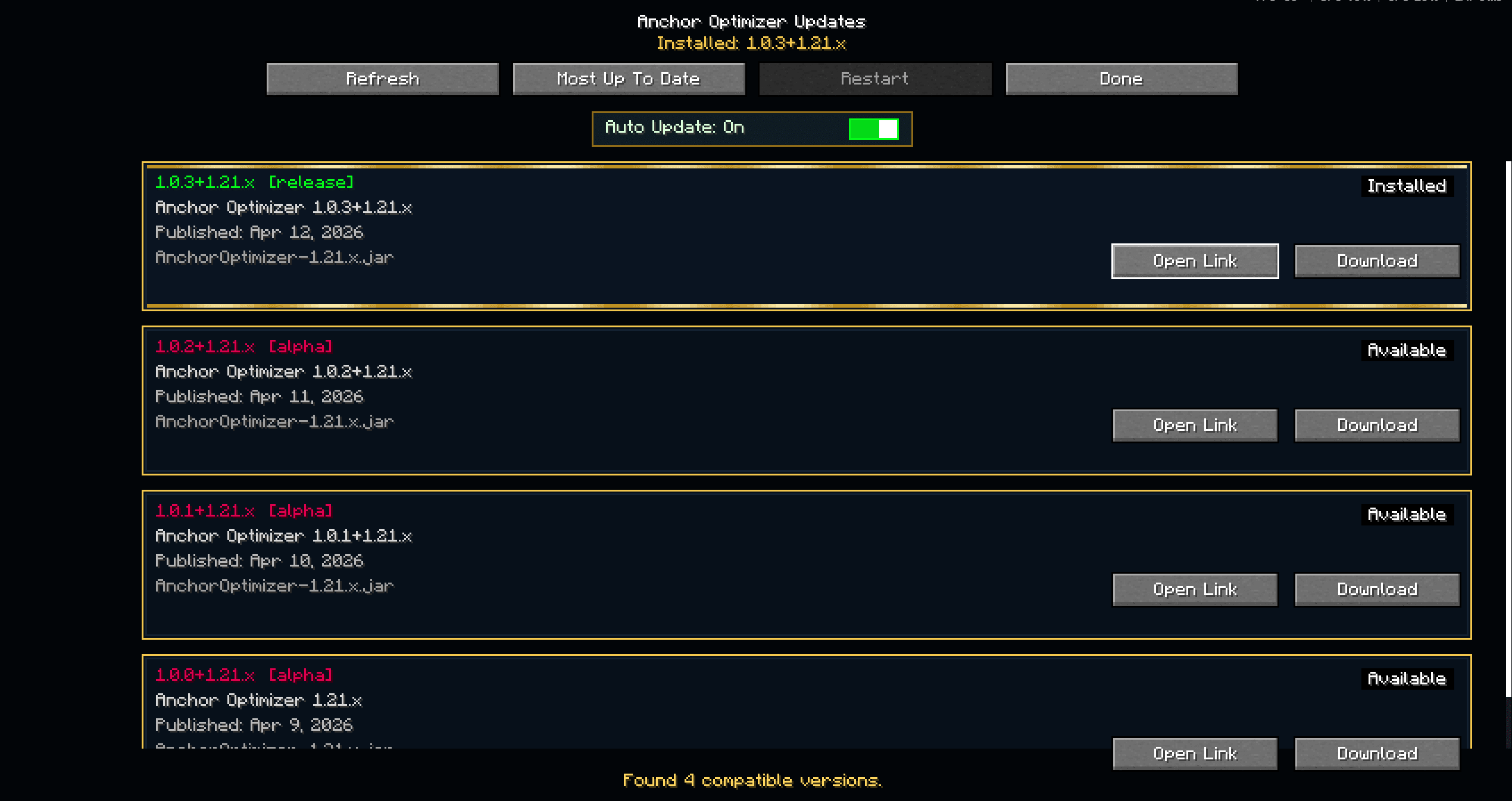
If you have an older version make sure to update for bug fixes!
If you have an issue with a crash or anything try an older version if a version is disallowed on VTL then I will remove it from the version options.
It removes your ping penalty visually
It only changes what your client shows while waiting for the server
It doesn’t change outcomes: no faster damage, no earlier server explosion, no desync other players can see. its only client-side prediction.
If you like fast instant visuals like response when doing actions then this mod is for you!
as well as an updater to stay up to date on the latest version of the mod.
When an update is posted it's pretty important to stay up to date to stay on the latest version allowed on the vanilla tierlist as they are strict when it comes to any bug that can offer unintentional advantages.
Mod creation date: December 9, 2025
Requires YACL and Mod Menu
have any questions?
need help?
want to report a bug?
Then join my Discord!
Does Anchor Optimizer need to be installed on the Minecraft server?
No. Modrinth marks Anchor Optimizer as unsupported on the server side. Install it only in your local mods folder. Your server can stay unchanged unless the project page lists an additional dependency.
Which version and loader does Anchor Optimizer require?
Use a file for Fabric and your exact Minecraft version. Supported versions include 26.3, 26.2, 26.1.2. Files for different loaders are not interchangeable.
Anchor Optimizer is not working – what should I check?
First check the Minecraft version, loader version and required dependencies. Because the mod is client-side, more server RAM will not fix it.
Similar mods
Popular mods in the same category
 Client only

Iris Shaders
by coderbot
A modern shader pack loader for Minecraft intended to be compatible with existing OptiFine shader packs
 Client only

[ETF] Entity Texture Features
by Traben
Emissive, Random & Custom texture support for entities in resourcepacks just like Optifine but for Fabric
 Client only

[EMF] Entity Model Features
by Traben
EMF is an, OptiFine format, Custom Entity Model replacement mod available for Fabric and Forge.
 Client only

Not Enough Animations
by tr7zw
Bringing first-person animations to the third-person
Looking for mods for your own server?
The catalog lists mods that run on Minecraft servers.