
Modrinth · Fabric, Forge, NeoForge, Quilt
Ancient Cities on your Minecraft server
Ancient Cities runs on Minecraft servers with Fabric or Forge or NeoForge or Quilt. Order your server, set the loader in the panel and install the mod with one click in the mod browser.
Bigger, more varied, and far more rewarding Ancient Cities
- Downloads
- 4.1K
- Author
- darkstarworks
- Loader
- Fabric, Forge, NeoForge, Quilt
- Minecraft
- 26.1 – 26.3
- Updated
- –
Screenshots
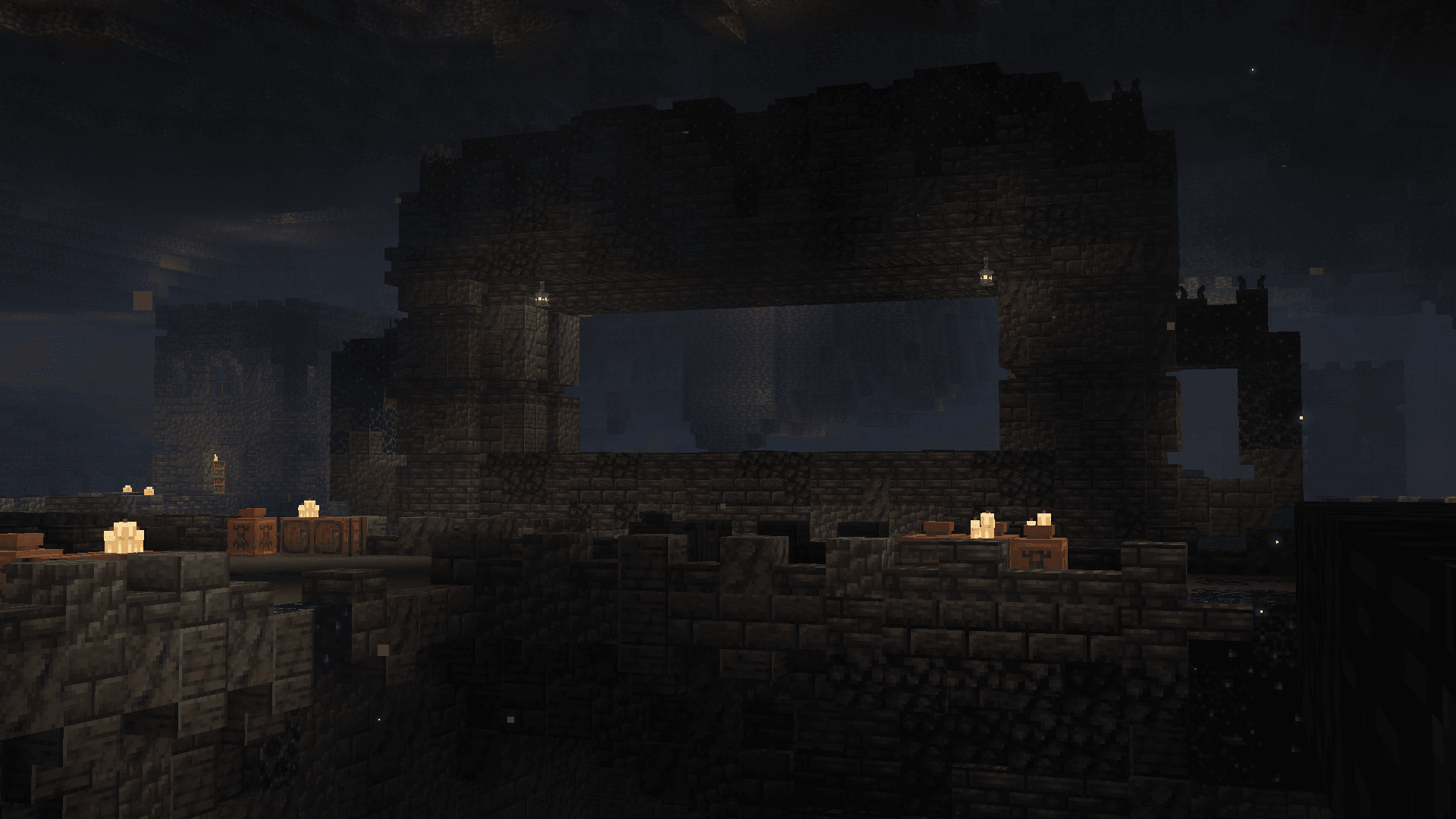
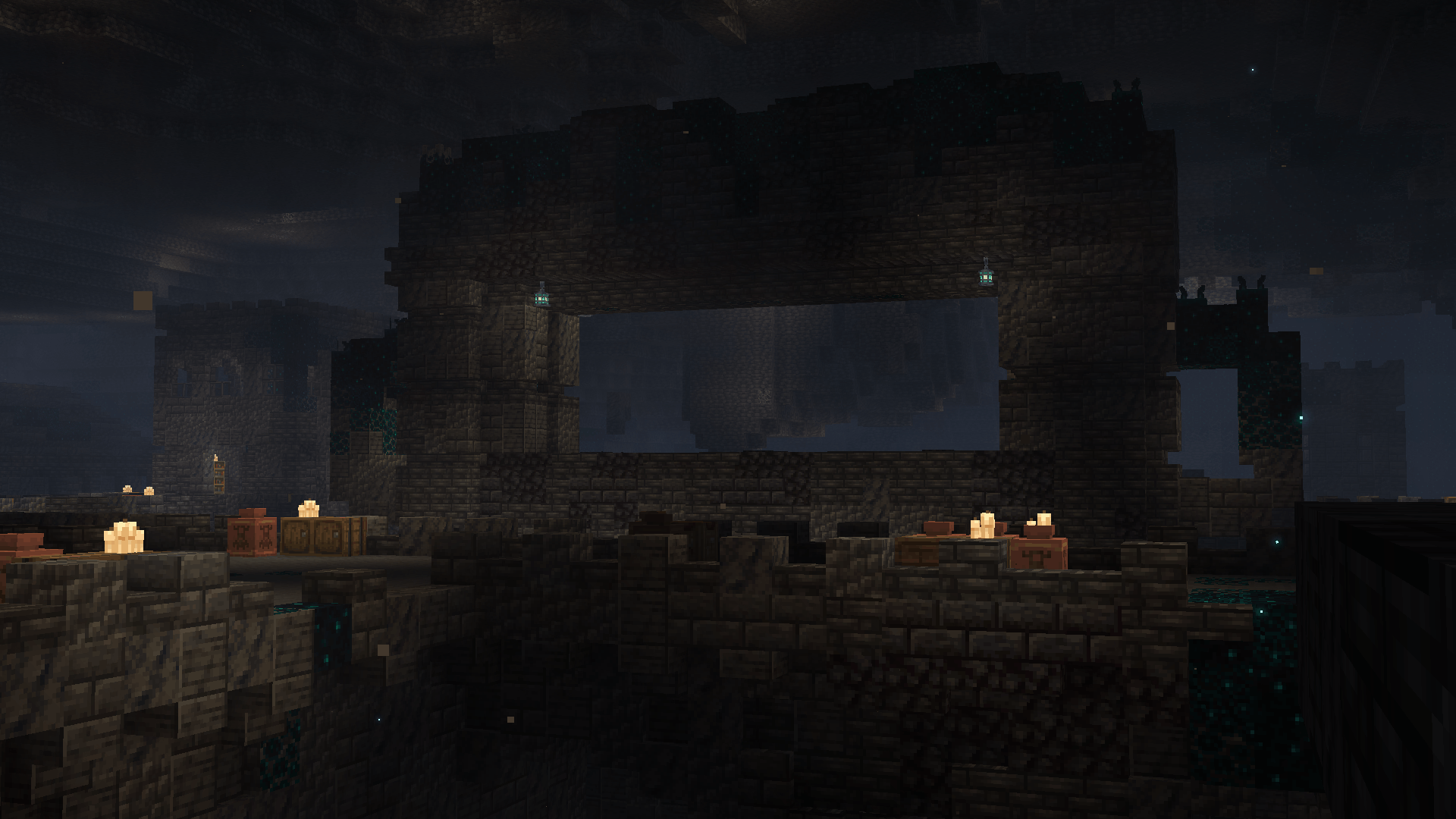
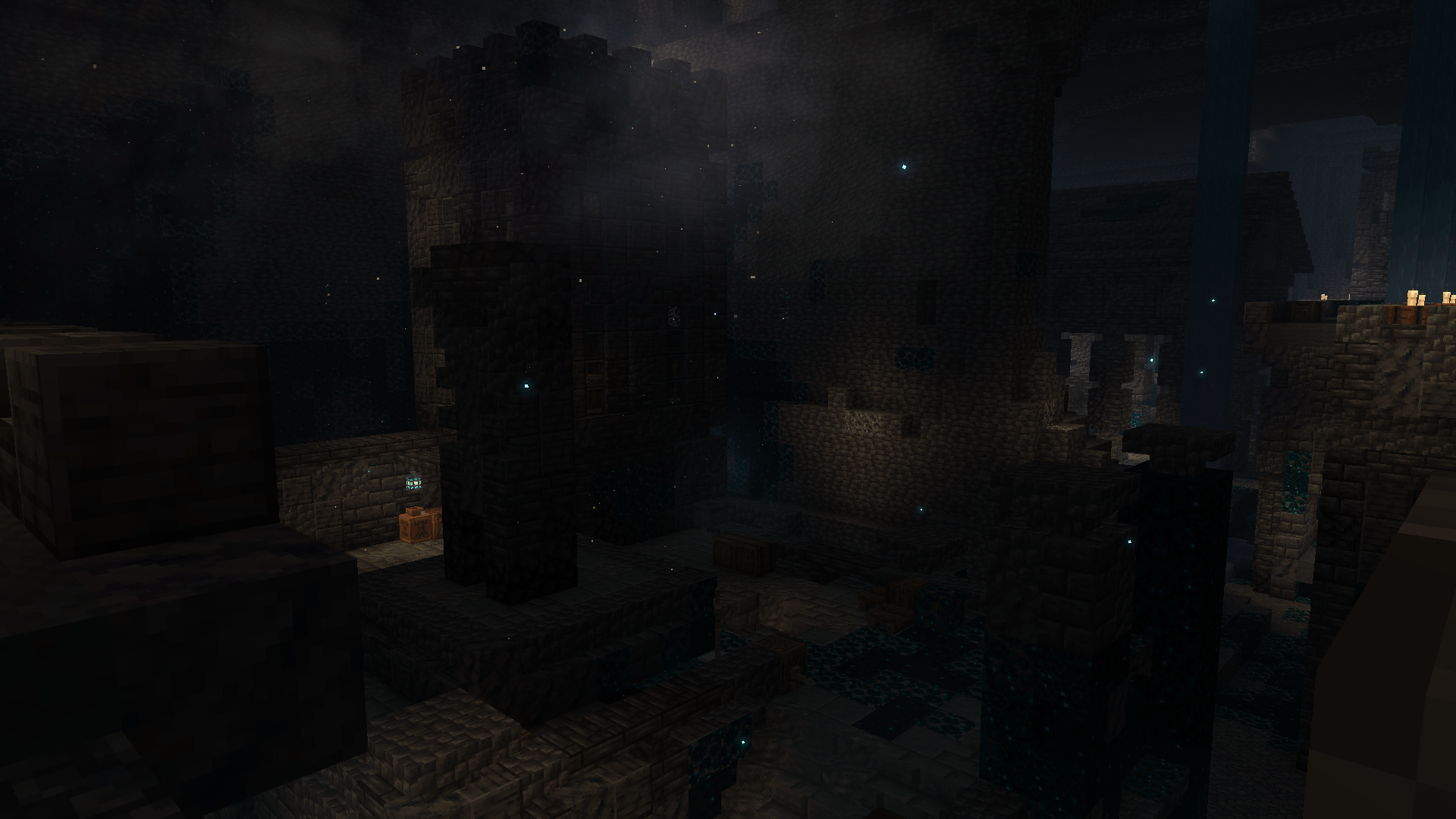
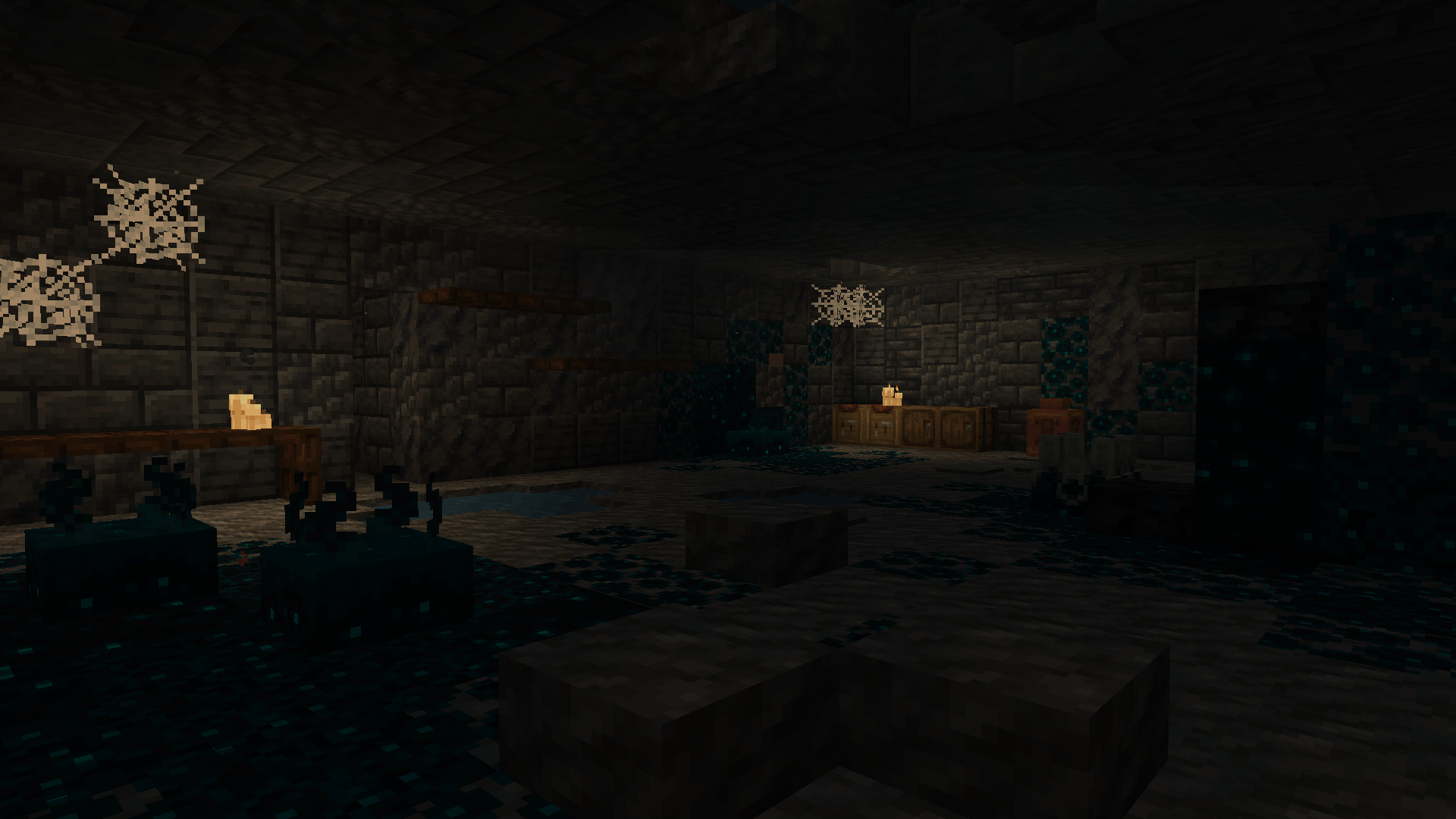
What Ancient Cities looks like
 Ancient City Center
 Ancient City House
 Ancient City Interior 1
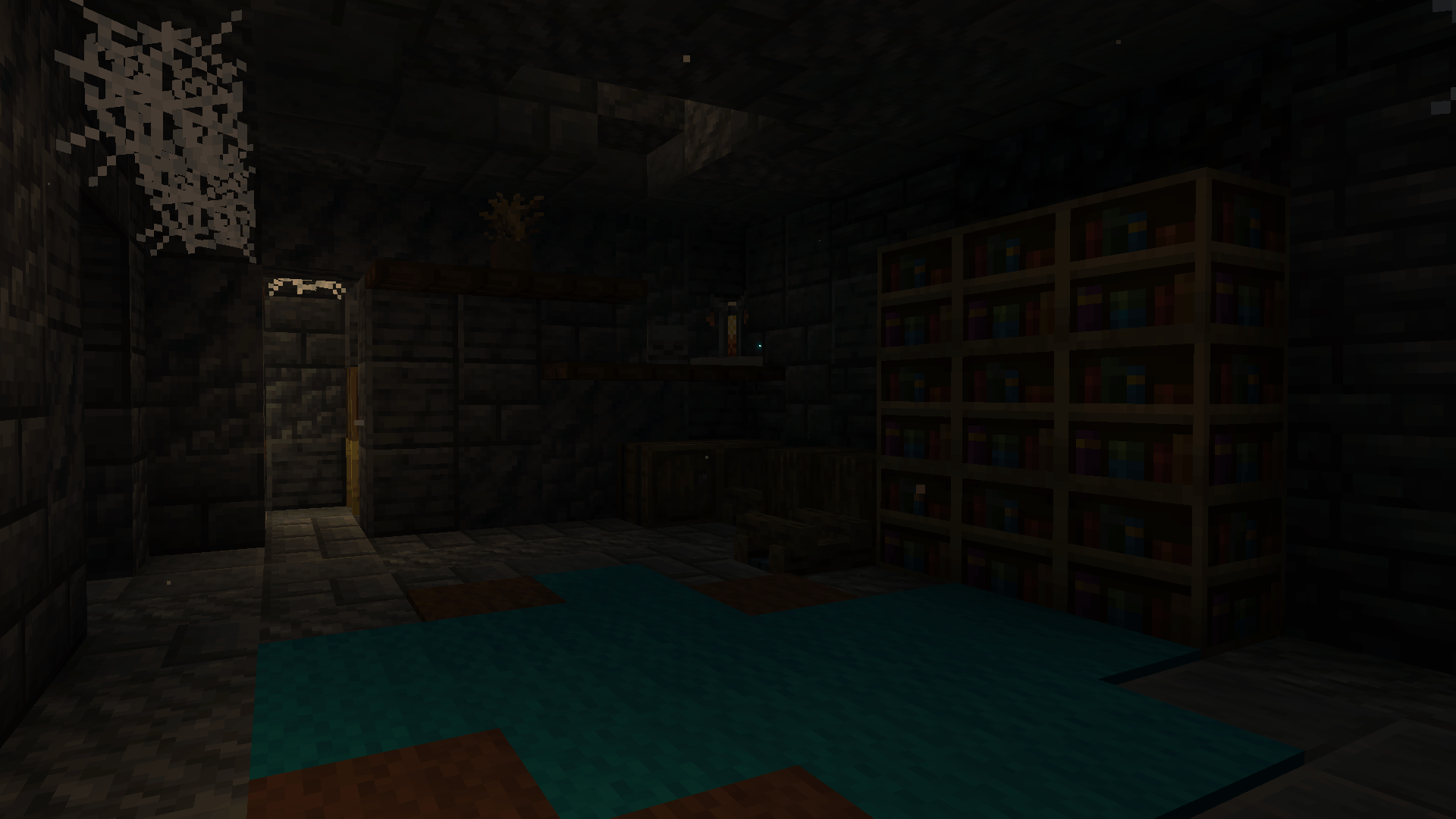 Ancient City Interior 2
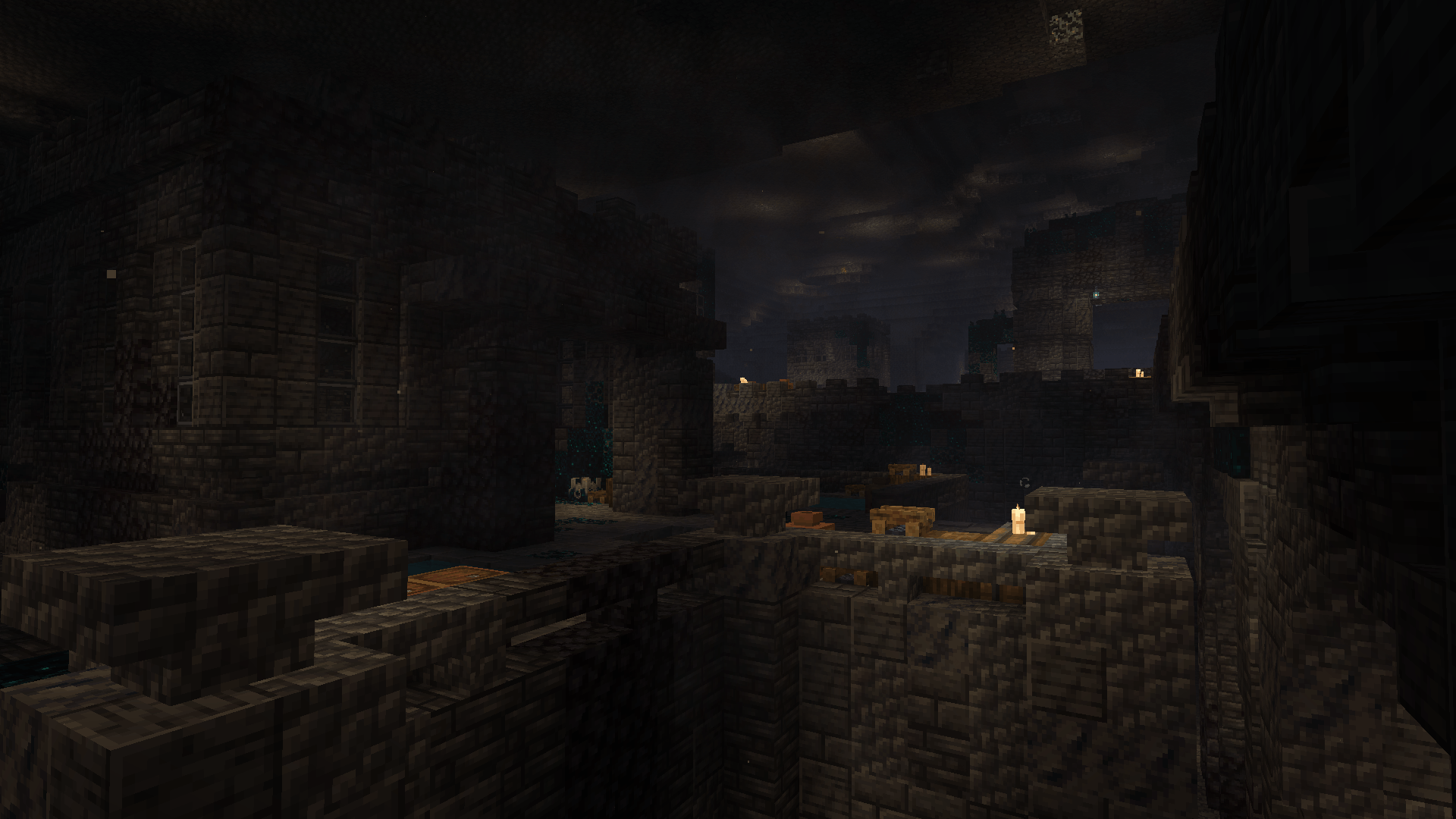 Ancient City Pools
Images: Ancient Cities on Modrinth, published by the project team.
Setup
Install Ancient Cities on your server
The server and players need the same loader and Minecraft version. Back up the world before adding or updating mods.
- 01
Configure
6 GB of RAM is preselected. You choose the term and add-ons and pay by credit card or PayPal.
- 02
Set the loader
In the panel, set the server software to Fabric or Forge or NeoForge or Quilt and choose the matching Minecraft version, for example 26.3.
- 03
Install the mod
Search the mod browser for “Ancient Cities” and install the release for your loader. Alternatively, upload the .jar to the mods folder via SFTP. Required dependencies are listed on the project page.
- 04
Connect
Ancient Cities is optional on the client. Players connect using the server address from the panel.
- On the server
- Required
- On the client
- Optional
- Loader
- Fabric, Forge, NeoForge, Quilt
- Minecraft
- 26.3, 26.2, 26.1.2 +2 more
- License
- LicenseRef-All-Rights-Reserved
The panel
Install mods, find errors.
Real screenshots from the Mado panel. Both come with every Minecraft server.
Mod browser
Modrinth and CurseForge, right in the panel.
The browser filters by your Minecraft version. Install mods with one click, without uploading .jar files.

AI crash analysis
When a mod crashes, the analyzer reads the log.
Mods often fail on a wrong loader version, Java version or missing dependency. The analyzer names a likely cause and suggests a fix.

Releases
Published releases
Pick the file that matches your server’s loader and Minecraft version. The server and players need the same release.
Ancient Cities · Modrinth- Ancient Cities 1.6October 11, 2026Minecraft 26.1, 26.1.1, 26.1.2, 26.2, 26.3 · datapack
- Ancient Cities 1.6October 11, 2026Minecraft 26.1, 26.1.1, 26.1.2, 26.2, 26.3 · Fabric, Forge, NeoForge, Quilt
Original description by the project author

This is a highly improved & optimised derivative of a data pack originally by lukidonu.
New Ancient Cities to get lost in
Bigger, more varied, and far more rewarding to explore than the vanilla deep-dark layout.
This data pack overhauls Ancient City generation so every city comes out larger with more custom buildings, bridges and structures instead of the same handful of vanilla rooms.
All while the Warden still lurks in the dark below.
Pairs perfectly with Better Ancient Cities: these cities still generate as regular
minecraft:ancient_citystructures, so a management plugin like Better Ancient Cities can discover, snapshot, protect, auto-reset and manage loot.
Turn your Ancient Cities into renewable, multiplayer-friendly content.
September 21: the better ancient cities plugin is not yet updated for 26.3, but does work with 26.2
What's been done
- Works on Minecraft 26.2 and 26.3 from one download
- Fixed MANY features that were broken or not behaving as intended
- Repackaged for Fabric, Forge, NeoForge & Quilt (data pack + mod)
- Added a built-in loot editor to tune every chest, barrel, pot & vault to your server
Customise the loot
Want different rewards? This and the other data packs in this collection comes with a simple loot editor.
No commands, no JSON. Just open a plain-text settings file, change how common each item is, how many drop, and how full each container rolls, then double-click Build-Loot to apply it.
You can add or remove items too, and misspelled item names are caught before anything is saved. Grab it from the GitHub collection and read HOW TO CHANGE LOOT.txt.
Credits
- Original author: lukidonu
- Updated, fixed and improved by: darkstarworks
More refreshed projects
The full collection of revived data packs & mods:
Ancient Cities server crashes on startup – what to do?
Common causes: the loader or Minecraft version does not match the mod file, a dependency is missing, or RAM is too low. Check the log (latest.log) for “OutOfMemoryError”, “Mixin” or missing mods. At Mado, the AI crash analysis reads the log and suggests a cause. You can change the loader and version in the panel.
Which loader does Ancient Cities run on?
According to Modrinth, Ancient Cities supports Fabric, Forge, NeoForge, Quilt for Minecraft 26.3, 26.2, 26.1.2. Forge and Fabric files are not interchangeable: pick one loader for the server and clients.
How much RAM does a server with Ancient Cities need?
As guidance, 4–6 GB for a server with this mod. This is an estimate, not a measured minimum. More mods, many players and long view distances need more. The spark profiler shows whether a mod is costing tick time.
Similar mods
Popular mods in the same category
 Client only

[EMF] Entity Model Features
by Traben
EMF is an, OptiFine format, Custom Entity Model replacement mod available for Fabric and Forge.
 Server-ready

Cobblemon
by CobbledStudios
A Pokémon mod for Fabric and NeoForge
 Server-ready

Dungeons and Taverns
by NovaWostra
A Structure Datapack adding dungeons, taverns and other structures to find while you explore the world.
 Server-ready

L_Ender's Cataclysm
by mcl_ender
Cataclysm is a mod that adds difficult dungeons, challenging boss-fights and powerful items.
Ready for your server with Ancient Cities?
6 GB of RAM from €12.00 per month. 35% off your first month with MADO35.