
Armor Stand Poses
Bedrock armor stand poses for Java Edition
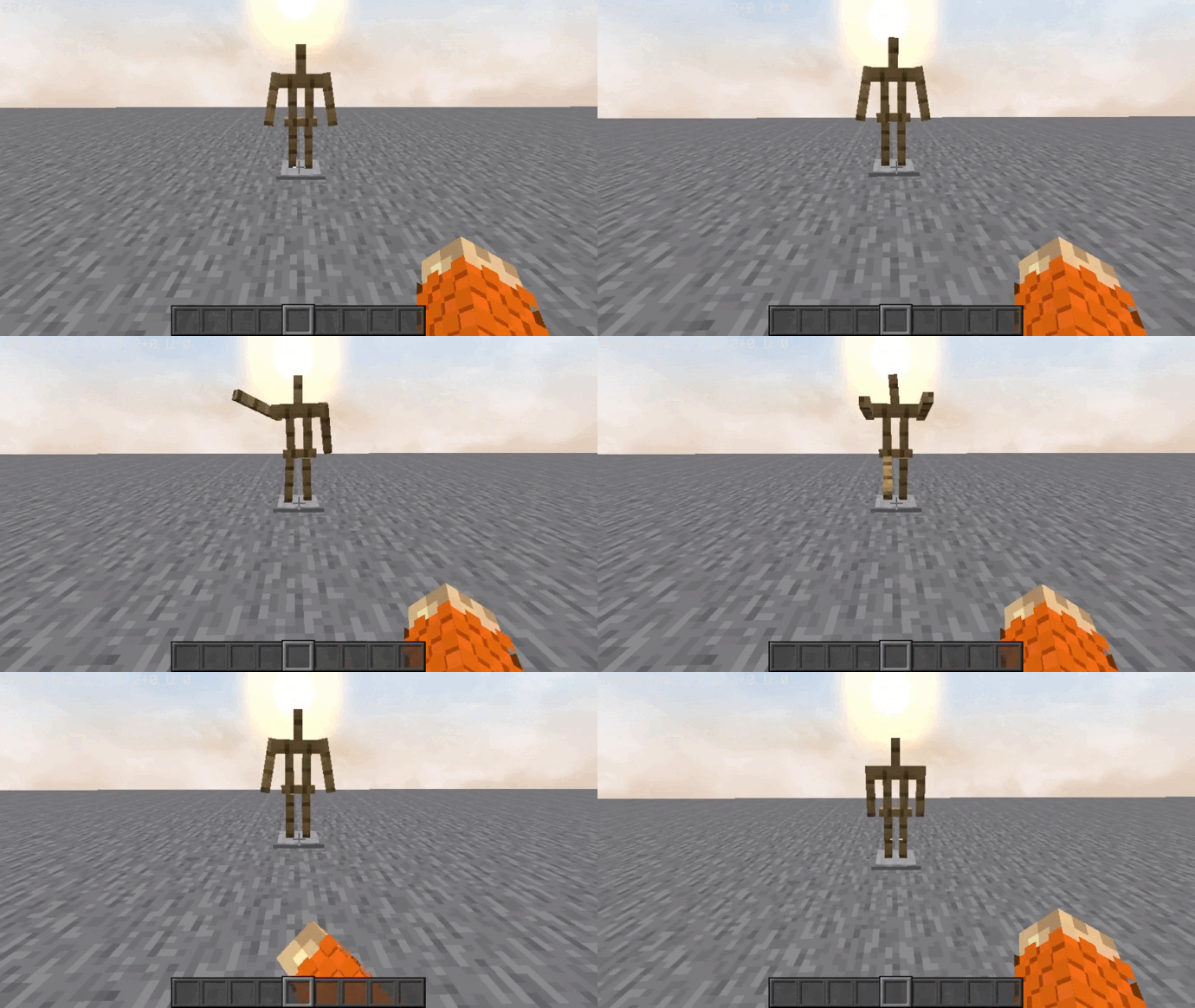
Screenshots

About this Mod

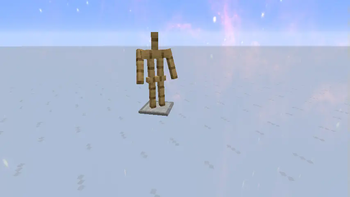
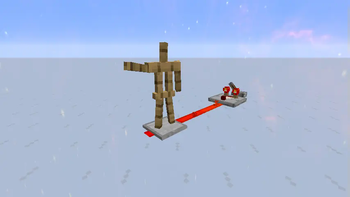
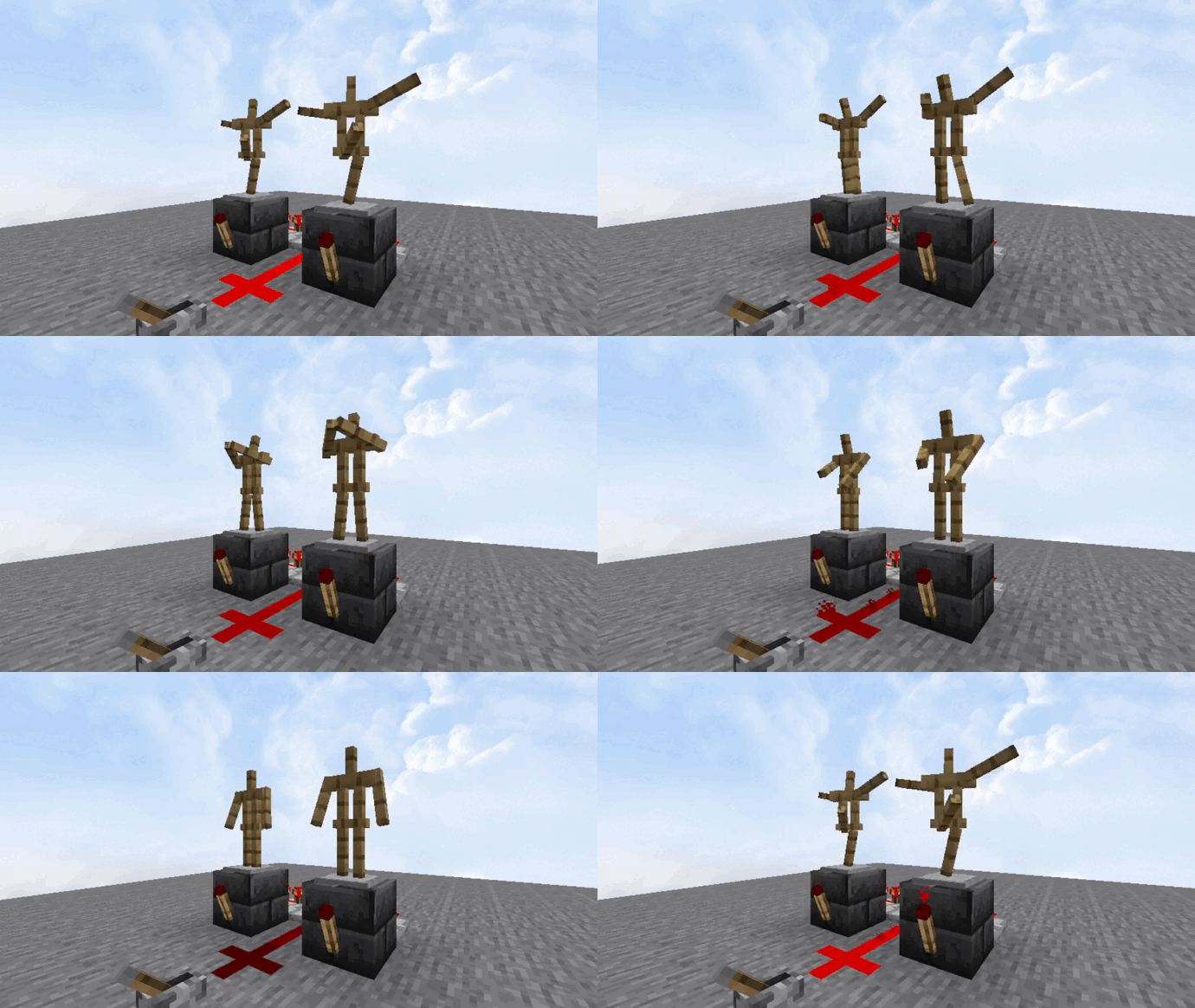
This mod adds poses to armor stands like Bedrock Edition. Redstone is the same as bedrock. You can even create your own data-driven poses!
Click on the above image, select your plan (at least 4GB), use code legopitstop to get 25% off your first month, and enjoy playing with your friends!
Usage
To change an Armor Stand's pose, you can Sneak + Right click the base or use redstone.
Loaders
- Datapack
- Forge
- NeoForge
- Fabric
Supported Mods
Power Pose Name
- 01 default pose
- 02 no pose
- 03 solemn pose
- 04 Athena pose
- 05 brandish pose
- 06 honor pose
- 07 entertain pose
- 08 salute pose
- 09 riposte pose
- 10 zombie pose
- 11 cancan 1 pose
- 12 cancan 2 pose
- 13 hero pose
- 14 default pose
- 15 default pose
FAQ
Can I add this to my mod pack?
Sure, as long as you give proper credit and follow the license.
Are you going to downgrade to older versions (ie; 1.15, 1.12, 1.8)?
I will if there is enough demand for a certain version and I have time to.
Maven
dependencies {
    modImplementation "maven.modrinth:armor-stand-poses:fabric-${project.poses_version}"
}
Available Versions
How to Install Armor Stand Poses on Your Server
Order Server
Order a Minecraft Java server with at least 3 GB RAM (4 GB recommended).
Set fabric Loader
In the panel under "Egg", select the fabric loader and matching Minecraft version (26.3).
Install Mod
Open the mod browser in the dashboard and search for "Armor Stand Poses". Click "Install" – done! Alternatively, upload the .jar via SFTP to the /mods folder.
Compatibility
Mod Loaders
Minecraft Versions
26.3, 26.2, 26.1.2 (+14 more)
Server-side
✓ RequiredRecommended RAM
4 GB(min. 3 GB)Frequently Asked Questions
Armor Stand Poses server crashes on startup – what to do?
Most common cause: wrong fabric version or insufficient RAM. Check the server log (latest.log) for "OutOfMemoryError" or "Mixin" errors. With Mado Hosting: ensure at least 3 GB RAM is allocated and the loader matches the mod version (26.3). You can switch loaders with one click in the panel.
Is Armor Stand Poses compatible with fabric and forge and neoforge?
Armor Stand Poses officially supports fabric, forge, neoforge for Minecraft 26.3, 26.2, 26.1.2. Note: Forge and Fabric mods are NOT cross-compatible – pick one loader and stick with it. The Mado dashboard automatically detects incompatible loader combinations.
Server lagging with Armor Stand Poses – how to optimize performance?
Recommended RAM: 4 GB (per 8 players). Use /spark profiler to check if Armor Stand Poses consumes the most tick time. Common fixes: reduce server view-distance to 8-10, install "performant" or "starlight" as supplementary mods on Forge. With Mado Hosting, your server runs on NVMe SSDs with dedicated CPU cores for minimal latency.
Similar Mods

![[ETF] Entity Texture Features](https://cdn.modrinth.com/data/BVzZfTc1/af683d206d50b05258d865b0d6e4aa2f2cee12f2_96.webp)
![[EMF] Entity Model Features](https://cdn.modrinth.com/data/4I1XuqiY/6e5bbd0d06b1741bfdab6c0cfab6de8fdaf0064c_96.webp)



Rent Modded Server
Install Armor Stand Poses with just one click on your server.
Details
- License
- Creative Commons Attribution Non Commercial No Derivatives 4.0 International
- Server-side
- Required