
Armor Statues
Unlock the full potential of armor stands! Works on vanilla servers, too.
Screenshots

About this Mod
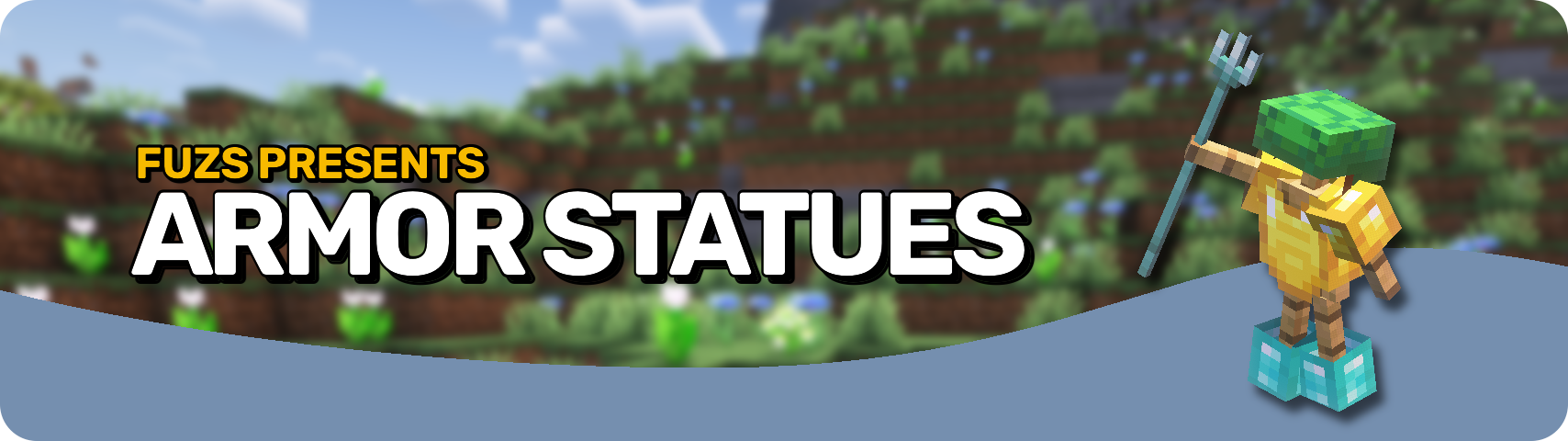








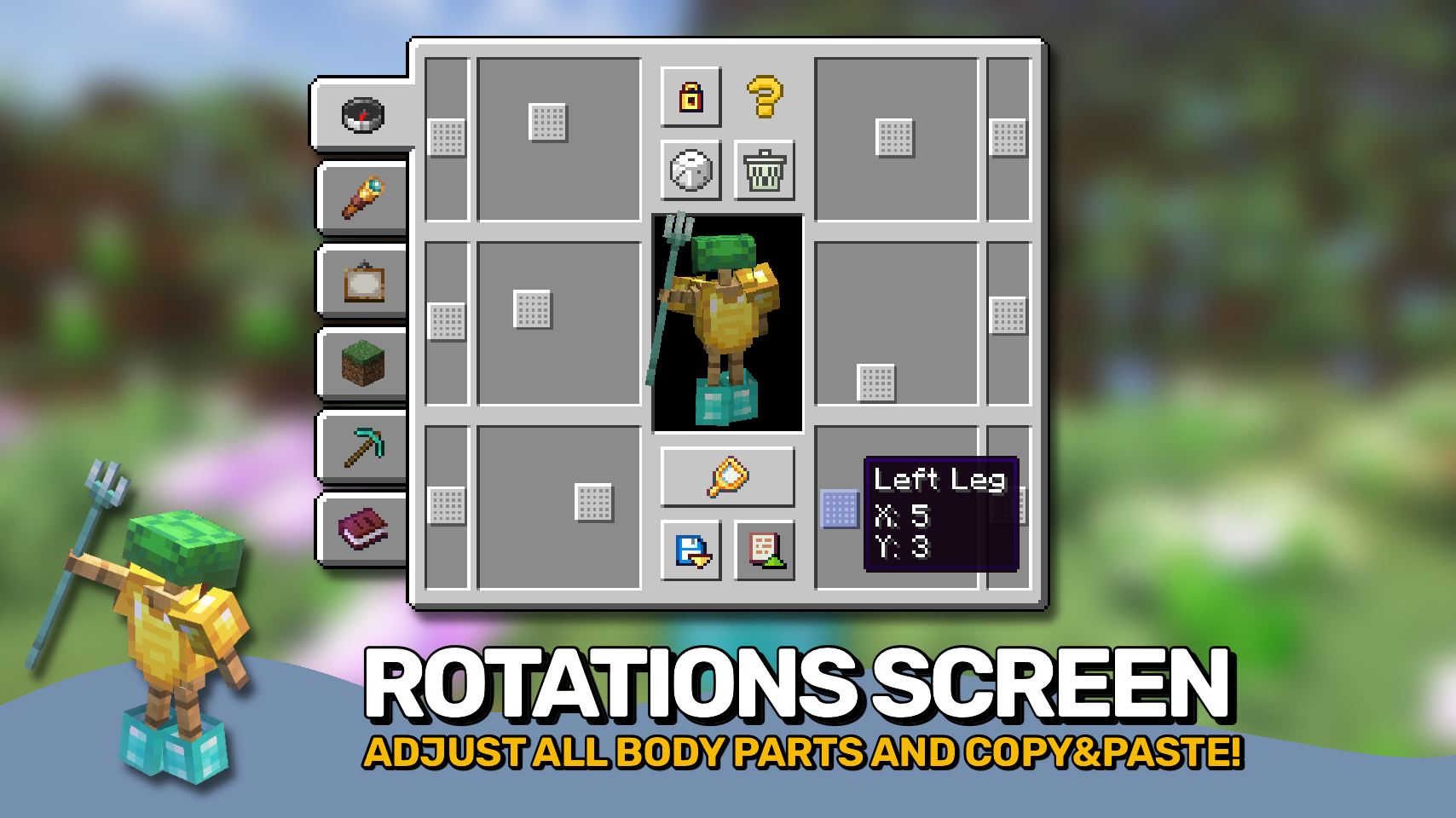
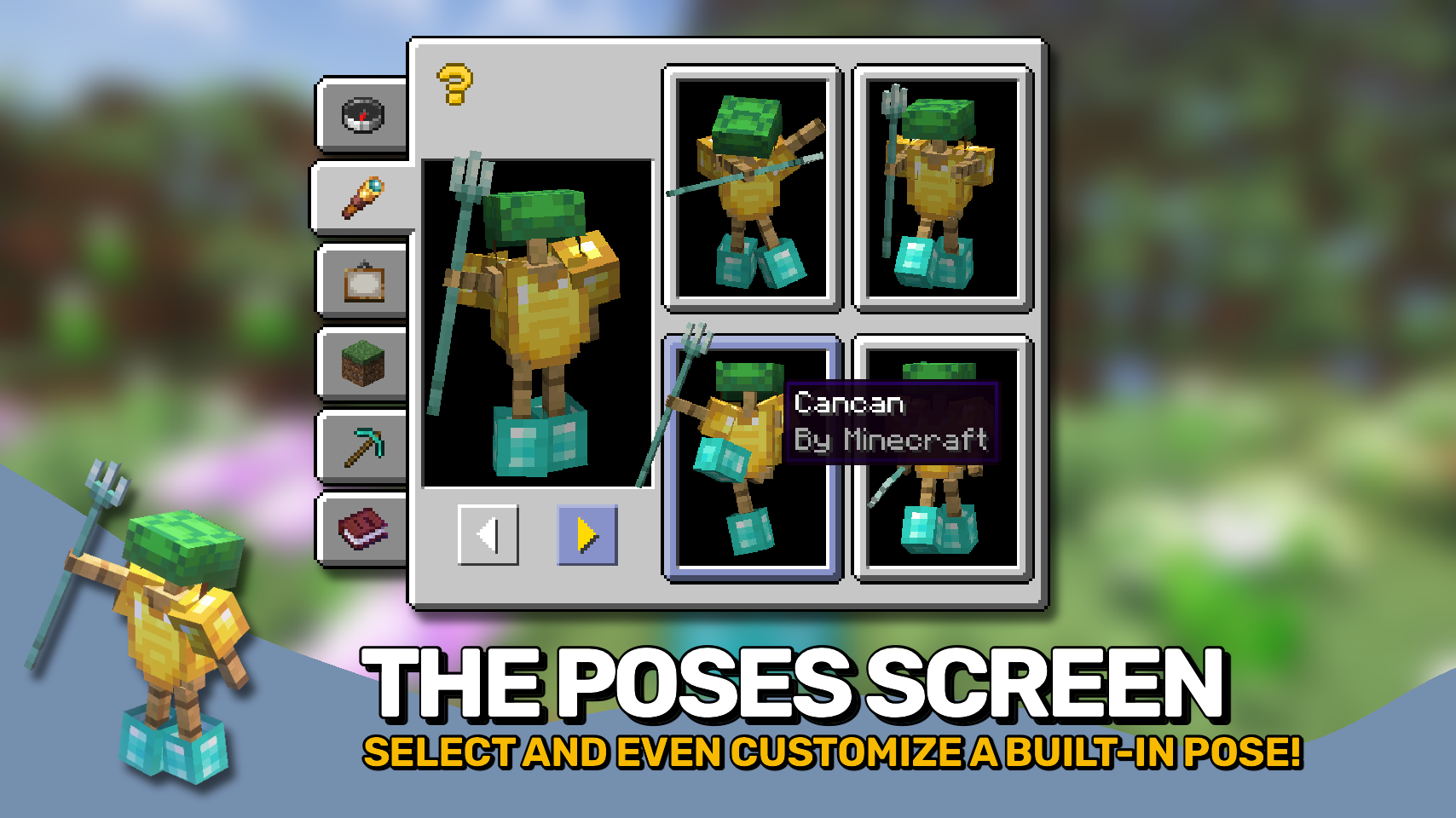
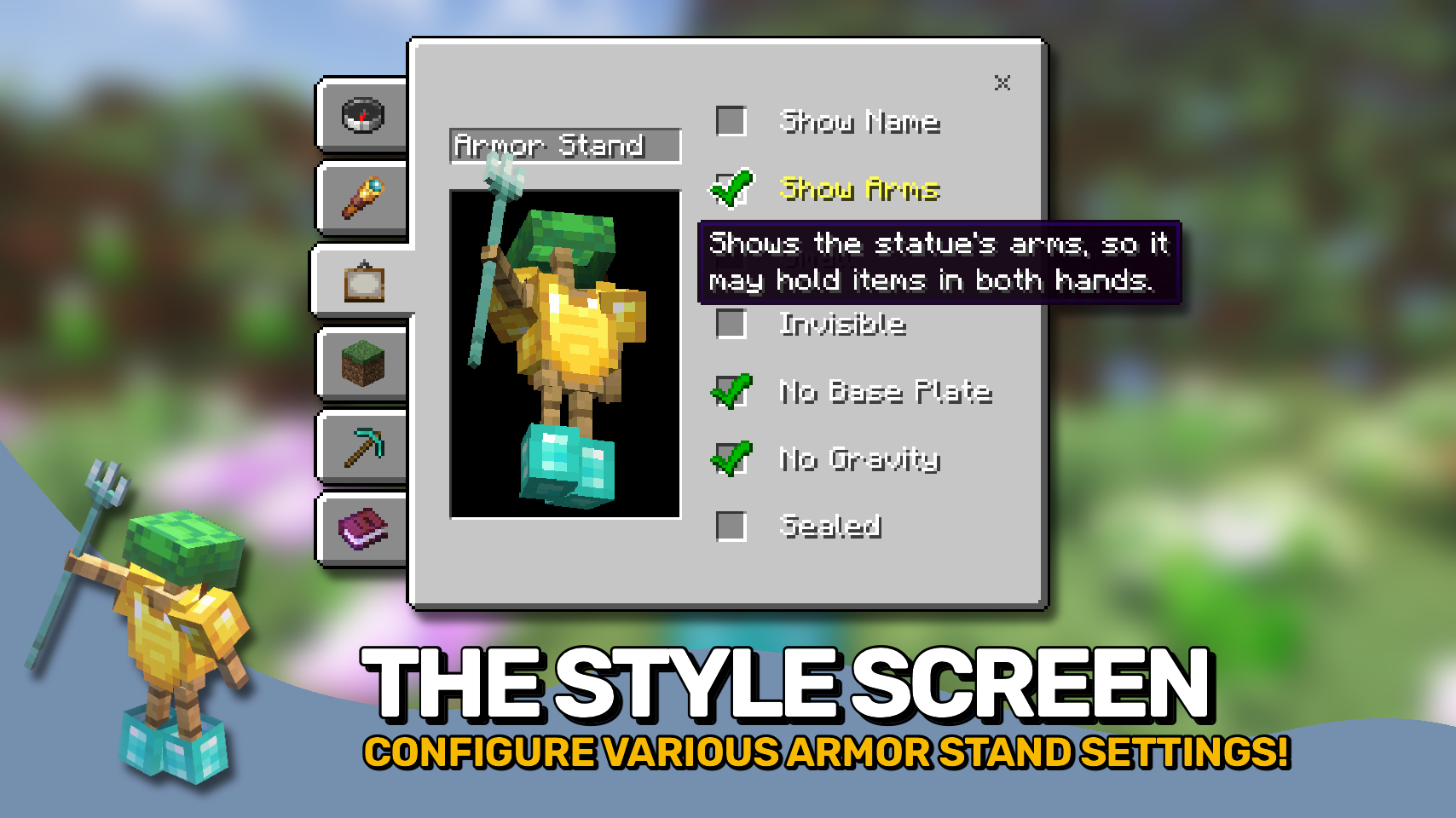
Armor Statues unlocks the full potential of armor stands: Customize everything from unlocking arms, rotating every single body part, to selecting from built-in poses, adjusting various style settings, as well as great tools for positioning the armor stand, even in ways where you can use it to only display items in your world, making the stand itself invisible.
And the best part: This mod works on vanilla servers that do not have it installed! If a server does not have this mod, but has the Vanilla Tweaks: Armor Statues data pack installed, this mod when installed on your client can serve as a replacement for the book normally used for controlling the data pack features. To use this functionality make sure to manually enable the use_vanilla_tweaks_triggers config option. Also if you are a server operator you do not even need the data pack on your server, Armor Statues will simply work by sending vanilla commands in the background.

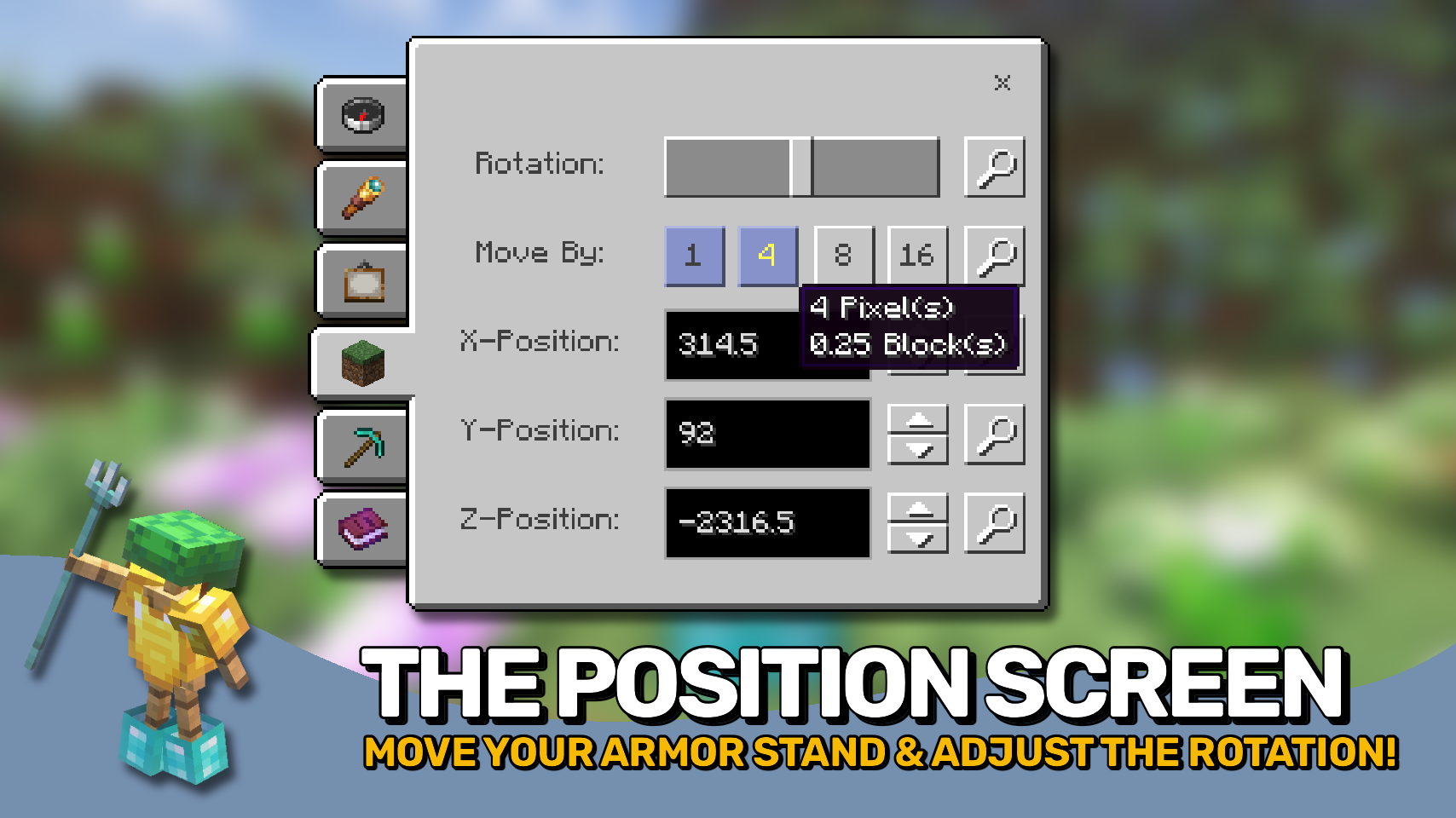
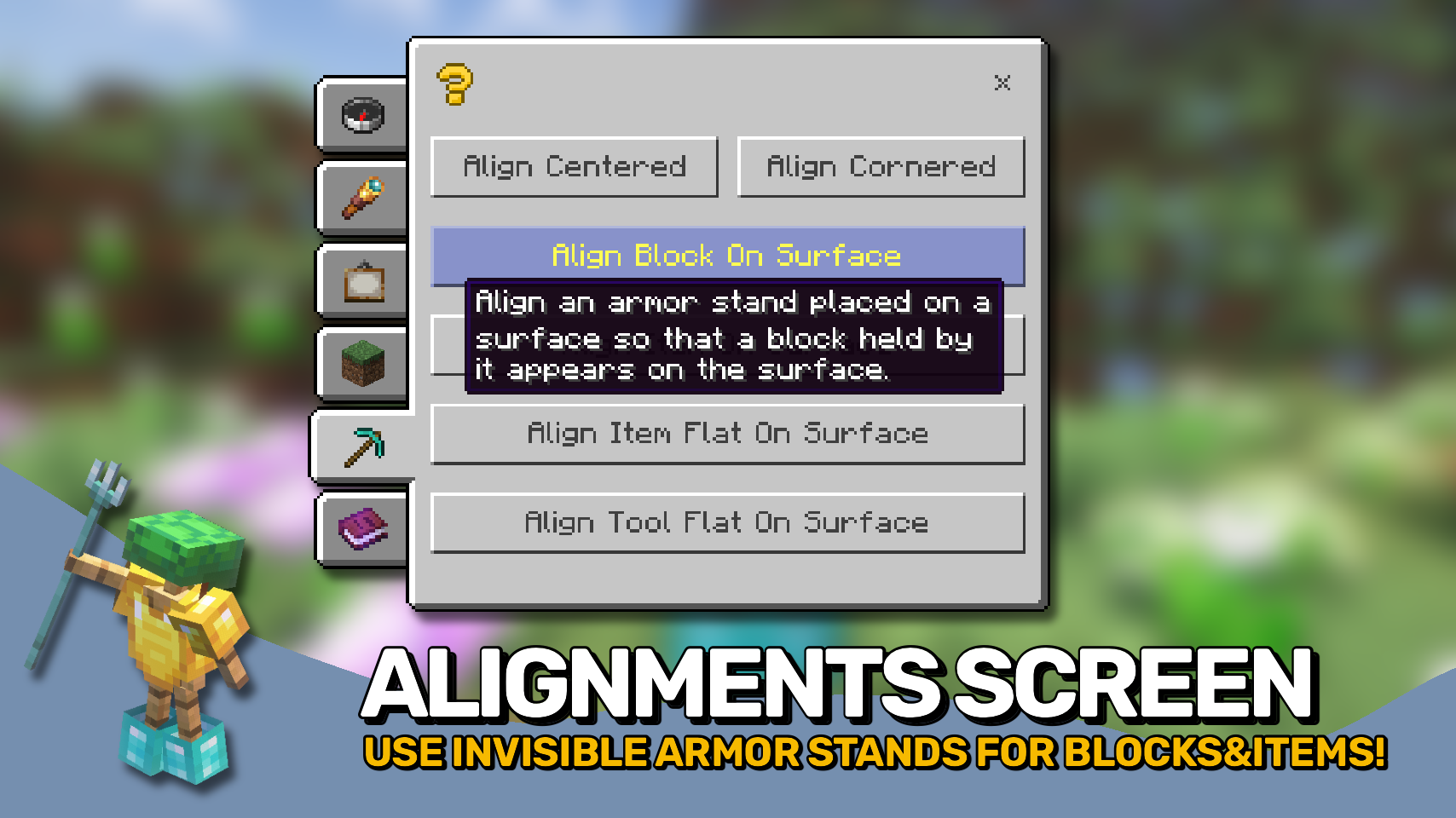
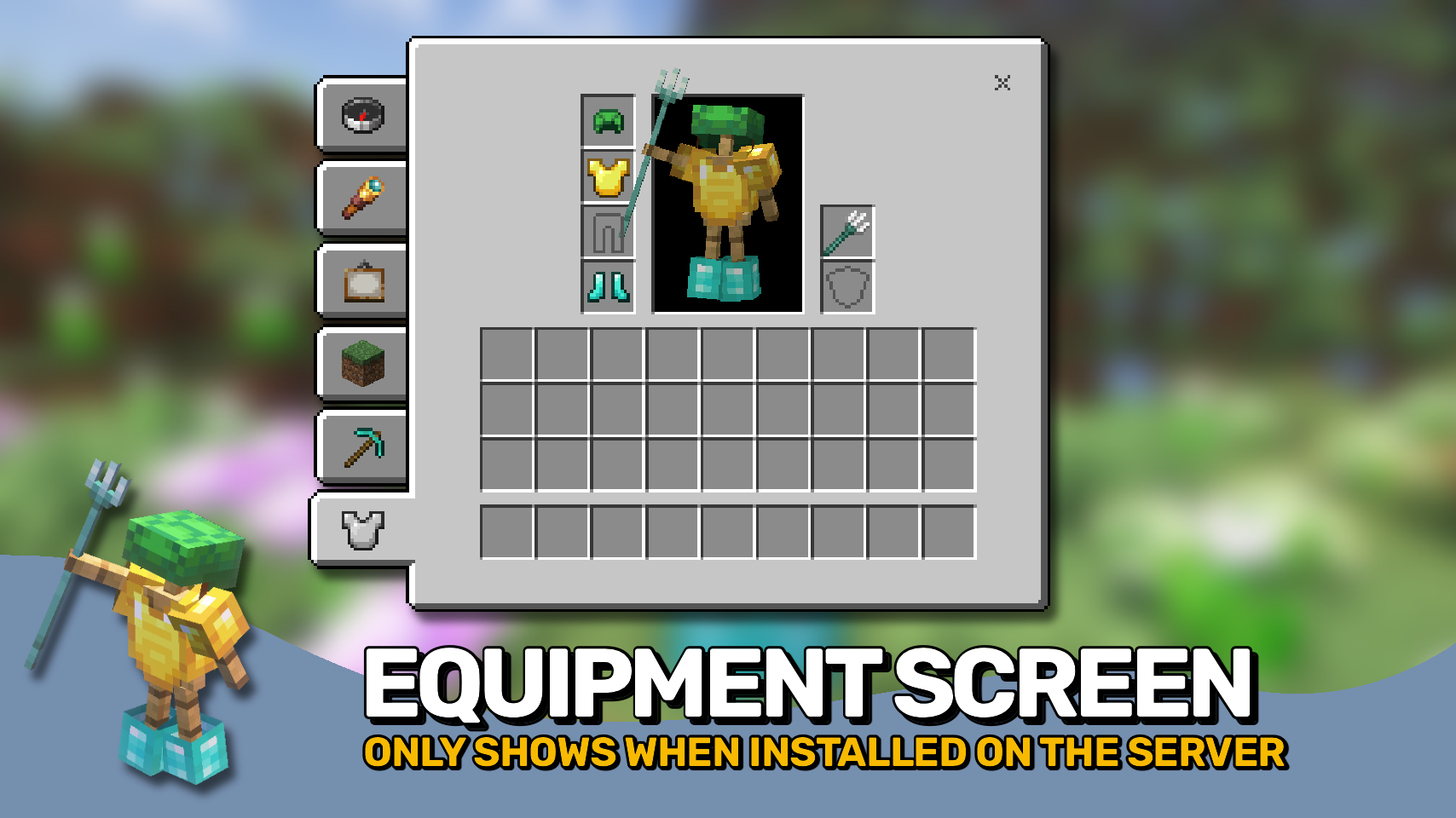
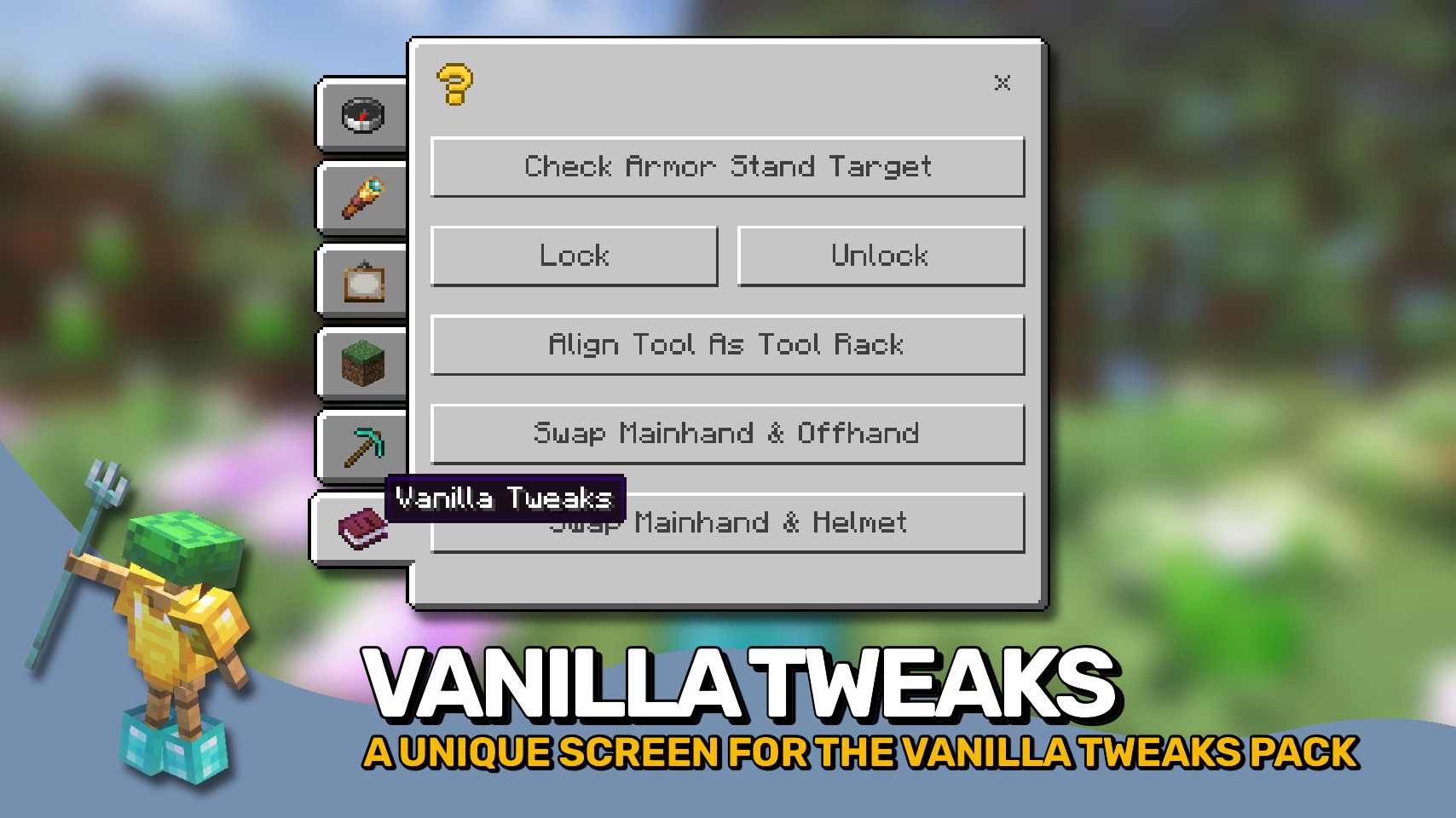

⏩ INSTALLATION REQUIRED ON CLIENT & OPTIONAL ON SERVER
⏩ REQUIRES PUZZLES LIB TO BE INSTALLED (FABRIC & NEOFORGE)
⏩ REQUIRES FABRIC API TO BE INSTALLED (FABRIC)
⏩ REQUIRES FORGE CONFIG API PORT TO BE INSTALLED (FABRIC)

If available for a mod, configuration is possible directly from in-game using the mod menu (requires Mod Menu by Prospector to be installed on Fabric).
For manual configuration using an external text editor all files are found at .minecraft/config, named as MOD_ID-client.toml, MOD_ID-common.toml, or MOD_ID-server.toml, depending on the type of config. Not all types might exist for a mod, if any at all.

🌟 Huge thanks to the VanillaTweaks Team for their Armor Statues data pack, which heavily inspired this whole mod, and provided some values for certain features such as the alignments screen and a lot of the built-in poses.
🌟 Thanks to Forge_User_41096743 and their Armor Stand Configurator mod for being a big inspiration behind this mod.
🌟 Thanks to AUTOMATIC_MAIDEN and their Statues mod which the rotations screen is heavily based upon.
🌟 Thanks to Finalbossblues for their amazing icons available over on itch.io.
 |
 |
|
 |
 |
|
 |
 |
|
 |
 |
|
 |
 |

© 2026 @heyitsfuzs. All rights reserved. This page was last edited on 11 September 2026, at 06:44 (UTC).
Available Versions
How to Install Armor Statues on Your Server
Order Server
Order a Minecraft Java server with at least 3 GB RAM (4 GB recommended).
Set fabric Loader
In the panel under "Egg", select the fabric loader and matching Minecraft version (26.3).
Install Mod
Open the mod browser in the dashboard and search for "Armor Statues". Click "Install" – done! Alternatively, upload the .jar via SFTP to the /mods folder.
Compatibility
Mod Loaders
Minecraft Versions
26.3, 26.2, 26.1.2 (+15 more)
Server-side
~ OptionalRecommended RAM
4 GB(min. 3 GB)Frequently Asked Questions
Armor Statues server crashes on startup – what to do?
Most common cause: wrong fabric version or insufficient RAM. Check the server log (latest.log) for "OutOfMemoryError" or "Mixin" errors. With Mado Hosting: ensure at least 3 GB RAM is allocated and the loader matches the mod version (26.3). You can switch loaders with one click in the panel.
Is Armor Statues compatible with fabric and forge and neoforge?
Armor Statues officially supports fabric, forge, neoforge for Minecraft 26.3, 26.2, 26.1.2. Note: Forge and Fabric mods are NOT cross-compatible – pick one loader and stick with it. The Mado dashboard automatically detects incompatible loader combinations.
Server lagging with Armor Statues – how to optimize performance?
Recommended RAM: 4 GB (per 8 players). Use /spark profiler to check if Armor Statues consumes the most tick time. Common fixes: reduce server view-distance to 8-10, install "performant" or "starlight" as supplementary mods on Forge. With Mado Hosting, your server runs on NVMe SSDs with dedicated CPU cores for minimal latency.
Similar Mods

![[ETF] Entity Texture Features](https://cdn.modrinth.com/data/BVzZfTc1/af683d206d50b05258d865b0d6e4aa2f2cee12f2_96.webp)
![[EMF] Entity Model Features](https://cdn.modrinth.com/data/4I1XuqiY/6e5bbd0d06b1741bfdab6c0cfab6de8fdaf0064c_96.webp)



Rent Modded Server
Install Armor Statues with just one click on your server.