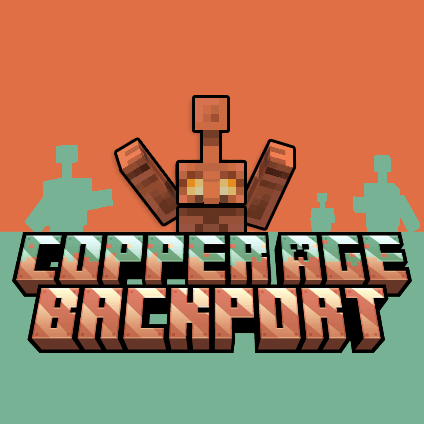

Modrinth · Fabric, Forge, NeoForge
Copper Age Backport on your Minecraft server
Copper Age Backport runs on Minecraft servers with Fabric or Forge or NeoForge. Order your server, set the loader in the panel and install the mod with one click in the mod browser.
A Minecraft mod that brings the complete Copper Age experience to older Minecraft versions.
- Downloads
- 1.4M
- Author
- Smallinger
- Loader
- Fabric, Forge, NeoForge
- Minecraft
- 1.20.1 – 1.21.1
- Updated
- –
Screenshots
What Copper Age Backport looks like


Images: Copper Age Backport on Modrinth, published by the project team.
Setup
Install Copper Age Backport on your server
The server and players need the same loader and Minecraft version. Back up the world before adding or updating mods.
- 01
Configure
4 GB of RAM is preselected. You choose the term and add-ons and pay by credit card or PayPal.
- 02
Set the loader
In the panel, set the server software to Fabric or Forge or NeoForge and choose the matching Minecraft version, for example 1.21.1.
- 03
Install the mod
Search the mod browser for “Copper Age Backport” and install the release for your loader. Alternatively, upload the .jar to the mods folder via SFTP. Required dependencies are listed on the project page.
- 04
Connect
Every player installs the same Copper Age Backport release locally and connects using the server address from the panel.
- On the server
- Required
- On the client
- Required
- Loader
- Fabric, Forge, NeoForge
- Minecraft
- 1.21.1, 1.20.1
- License
- MIT License
The panel
Install mods, find errors.
Real screenshots from the Mado panel. Both come with every Minecraft server.
Mod browser
Modrinth and CurseForge, right in the panel.
The browser filters by your Minecraft version. Install mods with one click, without uploading .jar files.

AI crash analysis
When a mod crashes, the analyzer reads the log.
Mods often fail on a wrong loader version, Java version or missing dependency. The analyzer names a likely cause and suggests a fix.

Releases
Published releases
Pick the file that matches your server’s loader and Minecraft version. The server and players need the same release.
Copper Age Backport · Modrinth- [1.20.1] - 0.1.4 - Iron Golem Flower Gift (Forge)December 1, 2025Minecraft 1.20.1 · Forge
- [1.20.1] - 0.1.4 - Iron Golem Flower Gift (Fabric)December 1, 2025Minecraft 1.20.1 · Fabric
- [1.21.1] - 0.1.4 - Iron Golem Flower Gift (NeoForge)December 1, 2025Minecraft 1.21.1 · NeoForge
- [1.21.1] - 0.1.4 - Iron Golem Flower Gift (Fabric)December 1, 2025Minecraft 1.21.1 · Fabric
- [1.21.1] - 0.1.3 – More Improvements and Bug Fixes (NeoForge)November 30, 2025Minecraft 1.21.1 · NeoForge
Original description by the project author
Copper Age Backport
(formerly Copper Golem Legacy)
A Minecraft mod that brings the complete Copper Age experience to older Minecraft versions. Starting with the beloved Copper Golem from the Minecraft Live 2021 mob vote, this mod adds copper-related blocks, items, and mechanics, including Copper Chests, Buttons, Statues, and the full oxidation system.

Features
Minecraft Namespace
All vanilla backport features use the minecraft: namespace (e.g., minecraft:copper_chests) to ensure seamless world migration when updating to Minecraft 1.21.10+. Mod-exclusive features like Copper Buttons remain under copperagebackport:.
Copper Golem
- Summoned by placing a carved pumpkin on a copper block
- Transports items between Copper Chests
- Randomly presses nearby Copper Buttons
- Four oxidation stages
- Iron Golems can now offer flowers to Copper Golems
- Configurable oxidation time
- Configurable transport stack size
- and more
Wooden Shelves
- Wooden Shelves (12 wood variants, up to 3 items, redstone output)
End Flash Effect
- Periodic sky flashes that illuminate the End dimension with a purple tint
- Doesn’t work with shaders because End Flash doesn’t exist in 1.20.1; it was only added in 1.21.4.
- Iris/OptiFine only provide the endFlashIntensity uniform on 1.21.4+
Copper Storage & Redstone
- Copper Chests with oxidation, waxing, and double chest support
Copper Blocks & Decoration
- Copper Buttons (8 variants, won't oxidize while pressed, exclusive to mod)
- Copper Statues (4 poses, comparator output 1-4, reversible to golems)
- Copper Torch with custom flame particles + wall variant (Amendments compatible)
- Copper Lantern (8 variants, light level 15, hanging & standing, Amendments compatible)
- Copper Chain (8 variants, rotatable, waterloggable, ConnectibleChains compatible)
- Copper Bars (8 variants, connect to blocks, waterloggable)
- Lightning Rods (7 new weathering variants, config to disable oxidation, Friends and Foes conversion recipes)
- Exclusive to 1.20.1
- Copper Trapdoor (8 variants, hand-openable like wooden trapdoors)
- Copper Door (8 variants, synchronized oxidation, both halves wax/scrape together)
- Chiseled Copper (8 variants, crafting & stonecutting recipes)
- Copper Grate (8 variants, transparent, waterloggable, mobs can't spawn on it)
- Copper Bulb (8 variants, T-flip-flop redstone, light levels 15/12/8/4 by oxidation)
Copper Gear
- Copper Tools & Weapons (Pickaxe, Axe, Shovel, Hoe, Sword – stone–iron tier)
- Copper Armor (Helmet, Chestplate, Leggings, Boots – between chainmail & iron)
- Copper Horse Armor (protection 4, found in various loot chests)
Compatibility & Extras
- FastChest support (Fabric & Forge)
- Amendments
- Friends and Foes
- SophisticatedStorage support (NeoForge & Forge)
- IronChests support (NeoForge & Forge)
- ConnectibleChains support (Fabric & Forge)
- Quark support (Forge only)
- PaleGardenBackport: Pale Oak Shelf + crafting recipes
- VanillaBackport support: Pale Oak Shelf + crafting recipes
- Over 50 custom sounds for entities, blocks, and interactions
Localizaion
If you want to help translate this mod into or other languages, you can contribute on Crowdin.
Links & Support
Copper Age Backport server crashes on startup – what to do?
Common causes: the loader or Minecraft version does not match the mod file, a dependency is missing, or RAM is too low. Check the log (latest.log) for “OutOfMemoryError”, “Mixin” or missing mods. At Mado, the AI crash analysis reads the log and suggests a cause. You can change the loader and version in the panel.
Which loader does Copper Age Backport run on?
According to Modrinth, Copper Age Backport supports Fabric, Forge, NeoForge for Minecraft 1.21.1, 1.20.1. Forge and Fabric files are not interchangeable: pick one loader for the server and clients.
How much RAM does a server with Copper Age Backport need?
As guidance, 3–4 GB for a server with this mod. This is an estimate, not a measured minimum. More mods, many players and long view distances need more. The spark profiler shows whether a mod is costing tick time.
Similar mods
Popular mods in the same category
 Client only

[EMF] Entity Model Features
by Traben
EMF is an, OptiFine format, Custom Entity Model replacement mod available for Fabric and Forge.
 Server-ready

Cobblemon
by CobbledStudios
A Pokémon mod for Fabric and NeoForge
 Server-ready

Dungeons and Taverns
by NovaWostra
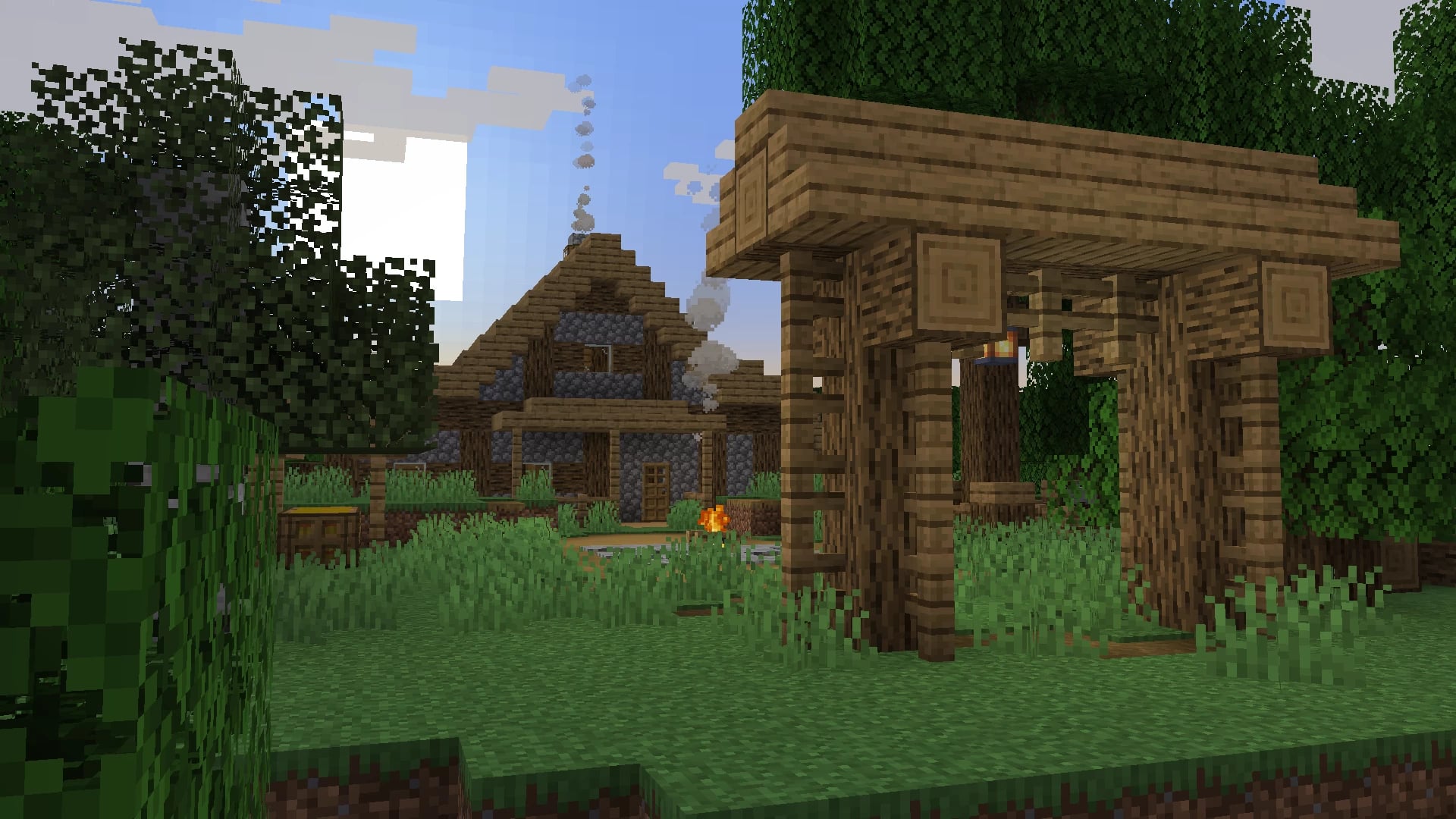
A Structure Datapack adding dungeons, taverns and other structures to find while you explore the world.
 Server-ready

L_Ender's Cataclysm
by mcl_ender
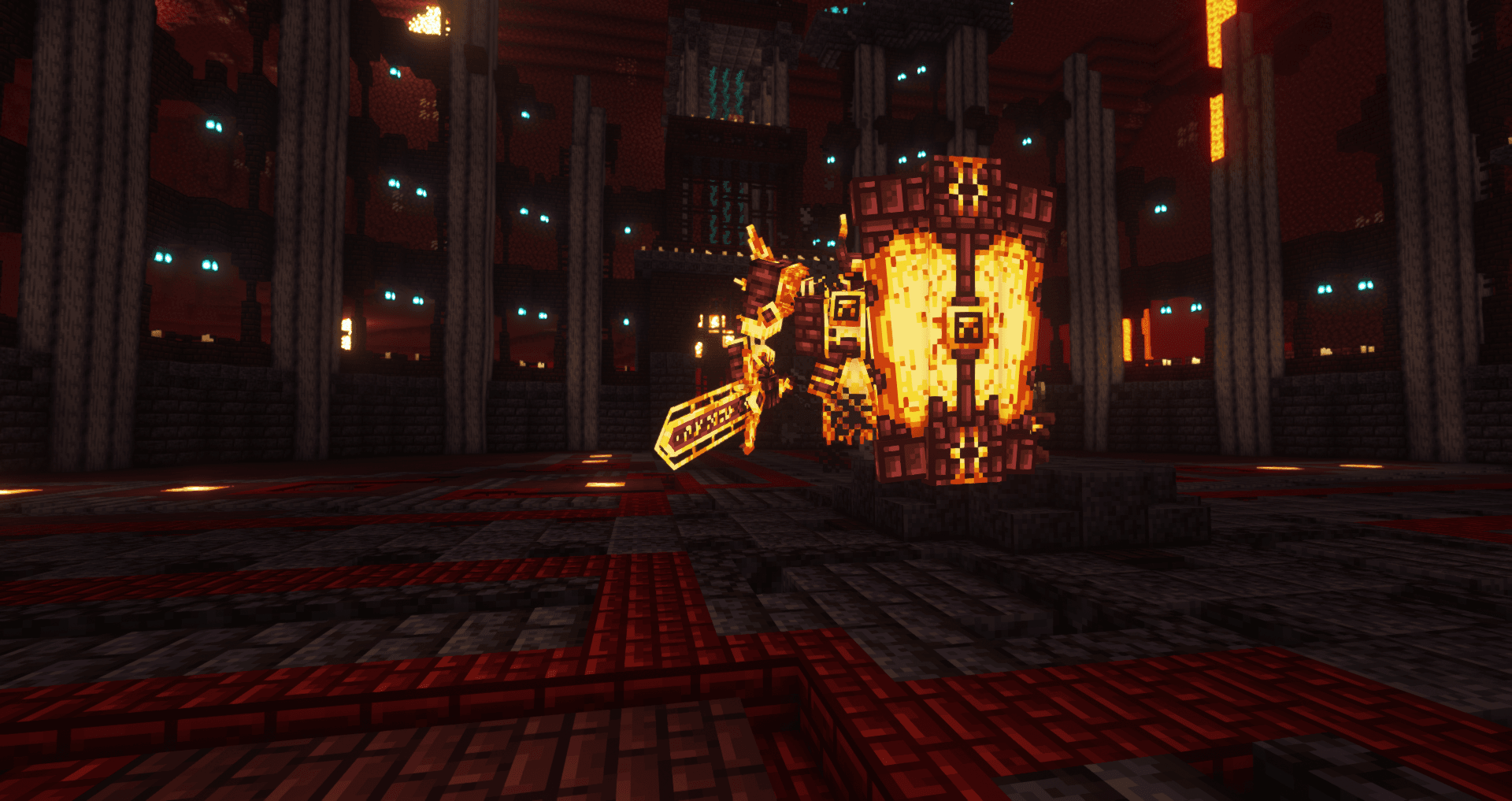
Cataclysm is a mod that adds difficult dungeons, challenging boss-fights and powerful items.
Ready for your server with Copper Age Backport?
4 GB of RAM from €8.00 per month. 35% off your first month with MADO35.