Bedrock Entity Models
Allows Bedrock Edition entity models to be used natively in Java Edition.
Screenshots
About this Mod
Bedrock Entity Models
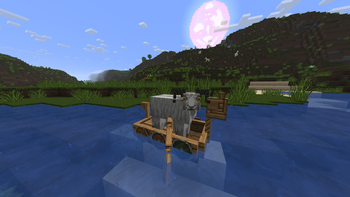
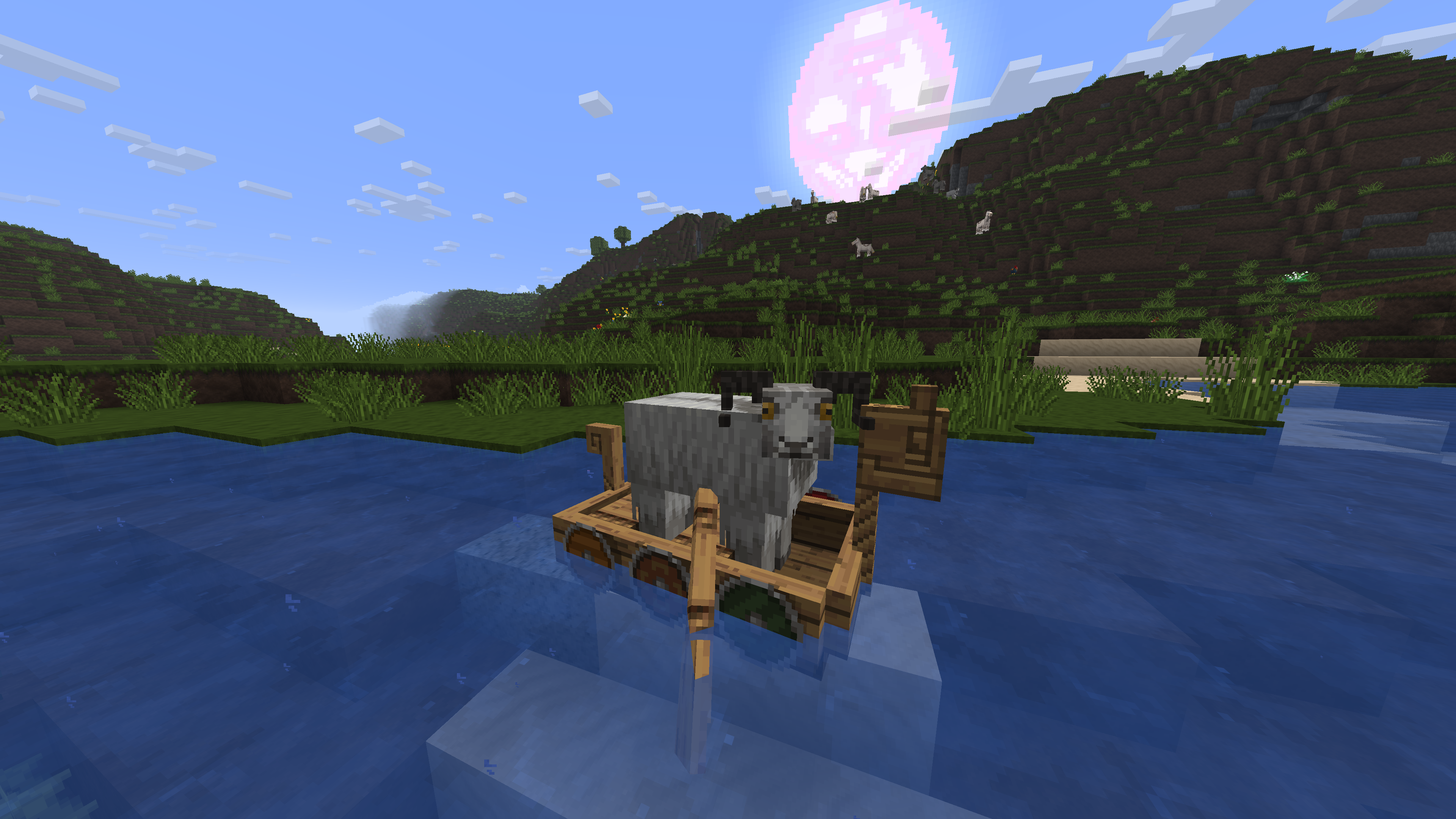
Bedrock Entity Models is a mod that allows Bedrock Edition entity models to be used natively in Java Edition.
This mod is intended to be used alongside resource packs that utilize Bedrock Edition entity models.
Supported Resource Packs
| Icon | Name | Downloads |
|---|---|---|
 | Norse Mythology Mash-up |  |
 | Super Cute Texture Pack |  |
 | Pirates of the Caribbean Mash-up |  |
 | Egyptian Mythology Mash-up |  |
Features
- Bedrock Model Loading: Dynamically parses Bedrock
.geo.jsongeometry files and maps them to Java Edition entity model renderers. - Client Entity Definitions: Supports Bedrock-style
.entity.jsonfiles for configuring models. - Force Adult Mob Models: Mobs that do not have a baby model set will instead use a scaled version of the adult model.
Available Versions
How to Install Bedrock Entity Models on Your Client
Install the Mod Loader Locally
Install fabric for your local Minecraft version.
Download the Matching File
Choose the Bedrock Entity Models file for fabric and Minecraft 26.3.
Install Mod
Place the .jar file in your local .minecraft/mods folder and restart Minecraft. No server-side installation is required.
Compatibility
Mod Loaders
Minecraft Versions
26.3, 26.2, 26.1.2 (+2 more)
Server-side
✗ UnsupportedRecommended RAM
4 GB(min. 3 GB)Frequently Asked Questions
Does Bedrock Entity Models need to be installed on the Minecraft server?
No. Modrinth marks Bedrock Entity Models as unsupported on the server side. Install it only in your local Minecraft mods folder. Your server can remain unchanged unless the mod page lists an additional dependency.
Which version and loader does Bedrock Entity Models require?
Use a file for fabric, neoforge, quilt and your exact Minecraft version. Supported versions include 26.3, 26.2, 26.1.2. Files for different loaders are not interchangeable.
Bedrock Entity Models is not working – what should I check?
First check the Minecraft version, loader version and required dependencies. Put the .jar file in your local .minecraft/mods folder and remove older duplicates. Because this mod is client-side, adding server RAM will not fix it.
Similar Mods

![[ETF] Entity Texture Features](https://cdn.modrinth.com/data/BVzZfTc1/af683d206d50b05258d865b0d6e4aa2f2cee12f2_96.webp)
![[EMF] Entity Model Features](https://cdn.modrinth.com/data/4I1XuqiY/6e5bbd0d06b1741bfdab6c0cfab6de8fdaf0064c_96.webp)



Minecraft Server for Your Group
Bedrock Entity Models stays on your client. Host a compatible world for your group.