

Modrinth · Fabric · Client mod
Better Tab
Better Tab is a client-side mod. Install it on your computer; the server does not need it.
Better Tab improves the player list, making it scrollable and adding numerical ping.
- Downloads
- 491.0K
- Author
- Fy17
- Loader
- Fabric
- Minecraft
- 1.20 – 26.3
- Updated
- –
Setup
Install Better Tab on your client
Client-side mods only run on your computer. More server RAM does not change their performance.
- 01
Install the loader locally
Install Fabric for your Minecraft version in your launcher.
- 02
Download the file
Download the Better Tab file for your loader and your exact Minecraft version, for example 26.3.
- 03
Add it to the mods folder
Put the .jar file in your local .minecraft/mods folder and remove older duplicates.
- 04
Launch
Launch Minecraft with the loader profile. Nothing needs to change on the server.
- On the server
- Not needed
- On the client
- Required
- Loader
- Fabric
- Minecraft
- 26.3, 26.2, 26.1.2 +22 more
- License
- LicenseRef-BetterTab-License
Releases
Published releases
Pick the file that matches your server’s loader and Minecraft version. The server and players need the same release.
Better Tab · ModrinthOriginal description by the project author




Better Tab is a mod that improves the player list, making it scrollable and adding a numerical ping display. The default minecraft player list only shows up to 80 players, and on smaller screens they will overlap making it difficult to read. Better Tab makes the player list scrollable, making sure no entries overlap and infinite players can be seen.
Showcase (Without & with the mod)
Comparison between when using the mod, and when not. Without the mod comes first.
For developers
Developer Documentation
BetterTab also includes a "library" that can help you render icons next to a player on the player list.This could for example be useful if you want to have a synced logo for everyone using your mod or modpack. BetterTab can then help you with the rendering part.
To insert a badge, simply register a badge provider, and insert your icons into the badge array. This could look like this:
import static tab.bettertab.tabList.BadgeManager.registerBadgeProvider;

public class MyMod implements ModInitializer {
    @Override
    public void onInitialize() {
        // You can easily add your own badges by registering a provider like the following example.
        registerBadgeProvider((player, badgeList) -> {
            if (player.getProfile().getName().equals("Fy17")) {
                badgeList.add(Identifier.of("myMod", "textures/gui/example.png"));
            }
        });
    }
}
Check out my other mods


Does Better Tab need to be installed on the Minecraft server?
No. Modrinth marks Better Tab as unsupported on the server side. Install it only in your local mods folder. Your server can stay unchanged unless the project page lists an additional dependency.
Which version and loader does Better Tab require?
Use a file for Fabric and your exact Minecraft version. Supported versions include 26.3, 26.2, 26.1.2. Files for different loaders are not interchangeable.
Better Tab is not working – what should I check?
First check the Minecraft version, loader version and required dependencies. Because the mod is client-side, more server RAM will not fix it.
Similar mods
Popular mods in the same category
 Client only

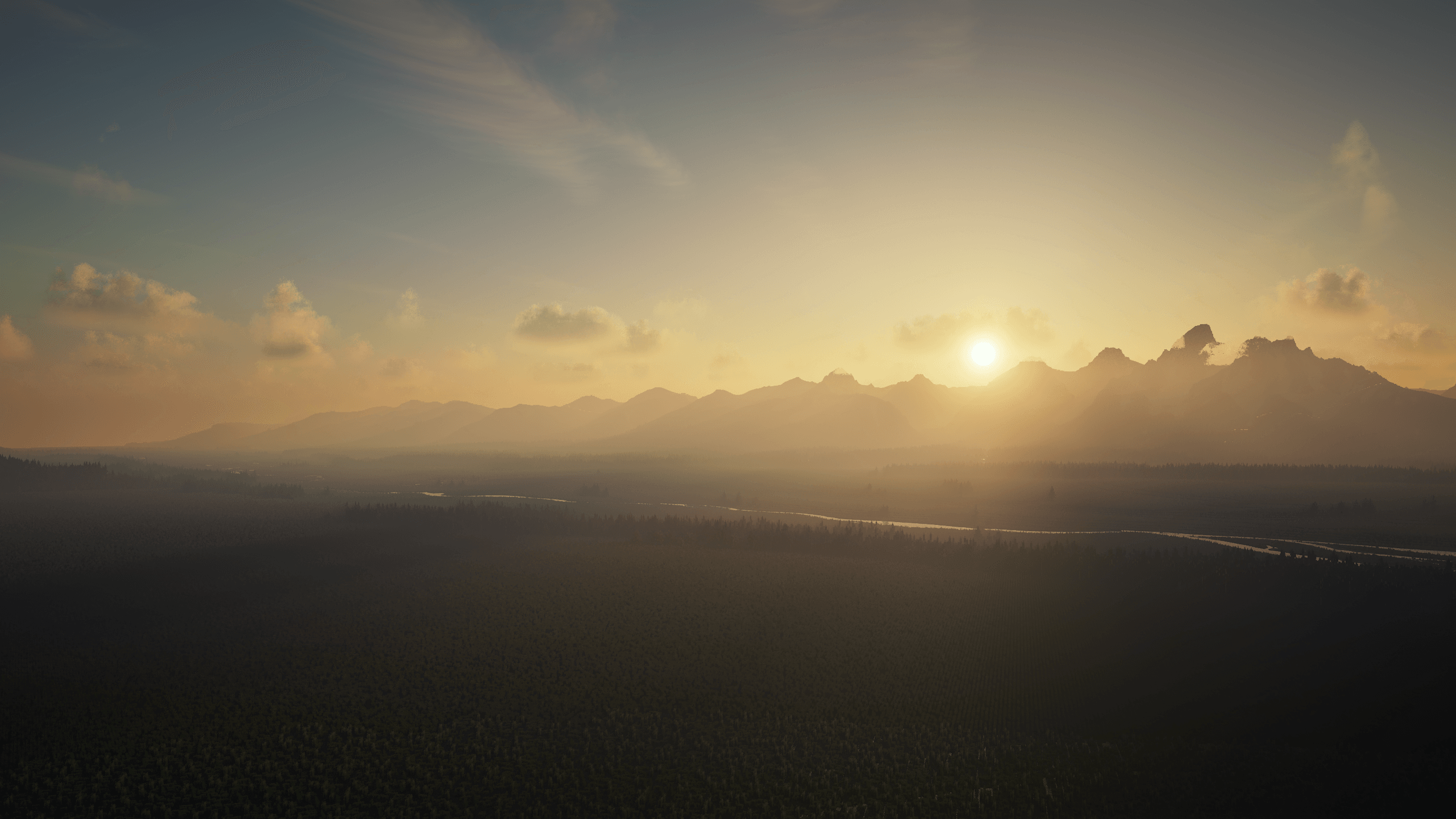
Iris Shaders
by coderbot
A modern shader pack loader for Minecraft intended to be compatible with existing OptiFine shader packs
 Client only

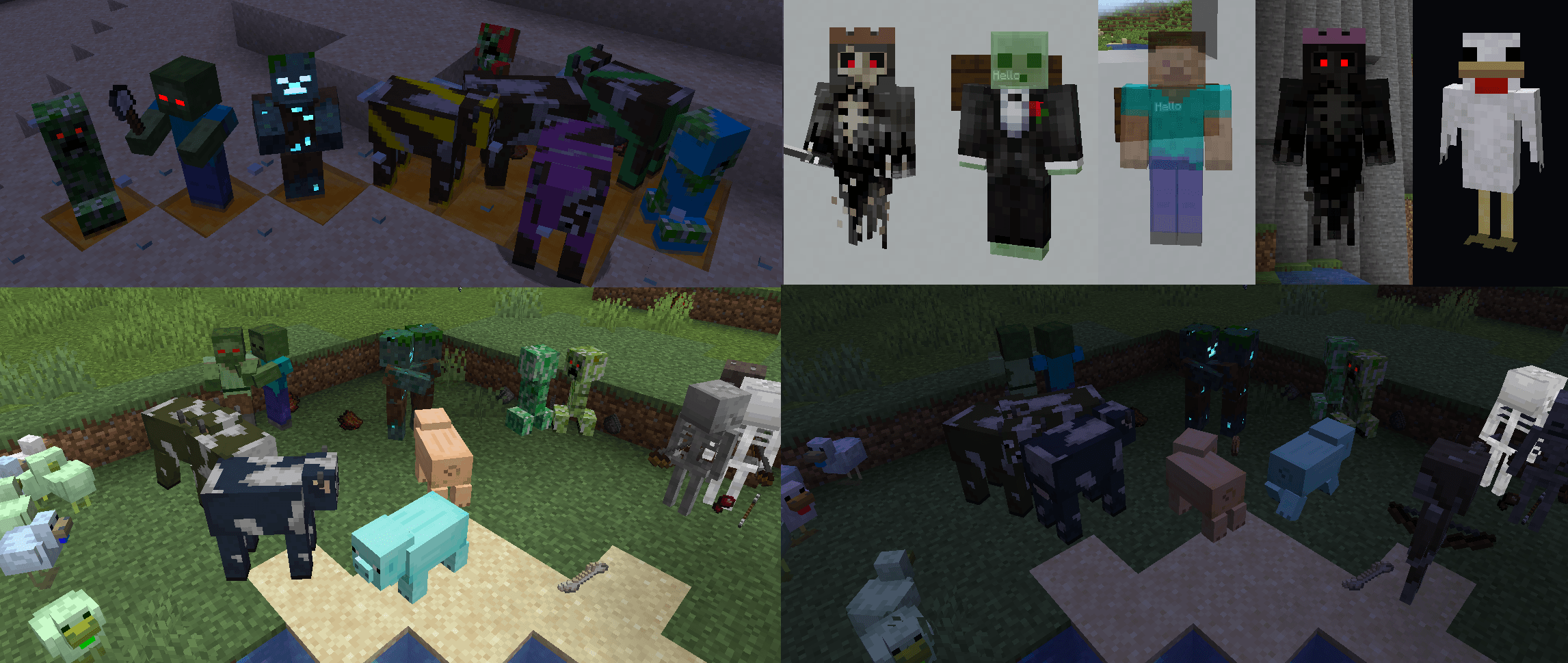
[ETF] Entity Texture Features
by Traben
Emissive, Random & Custom texture support for entities in resourcepacks just like Optifine but for Fabric
 Client only

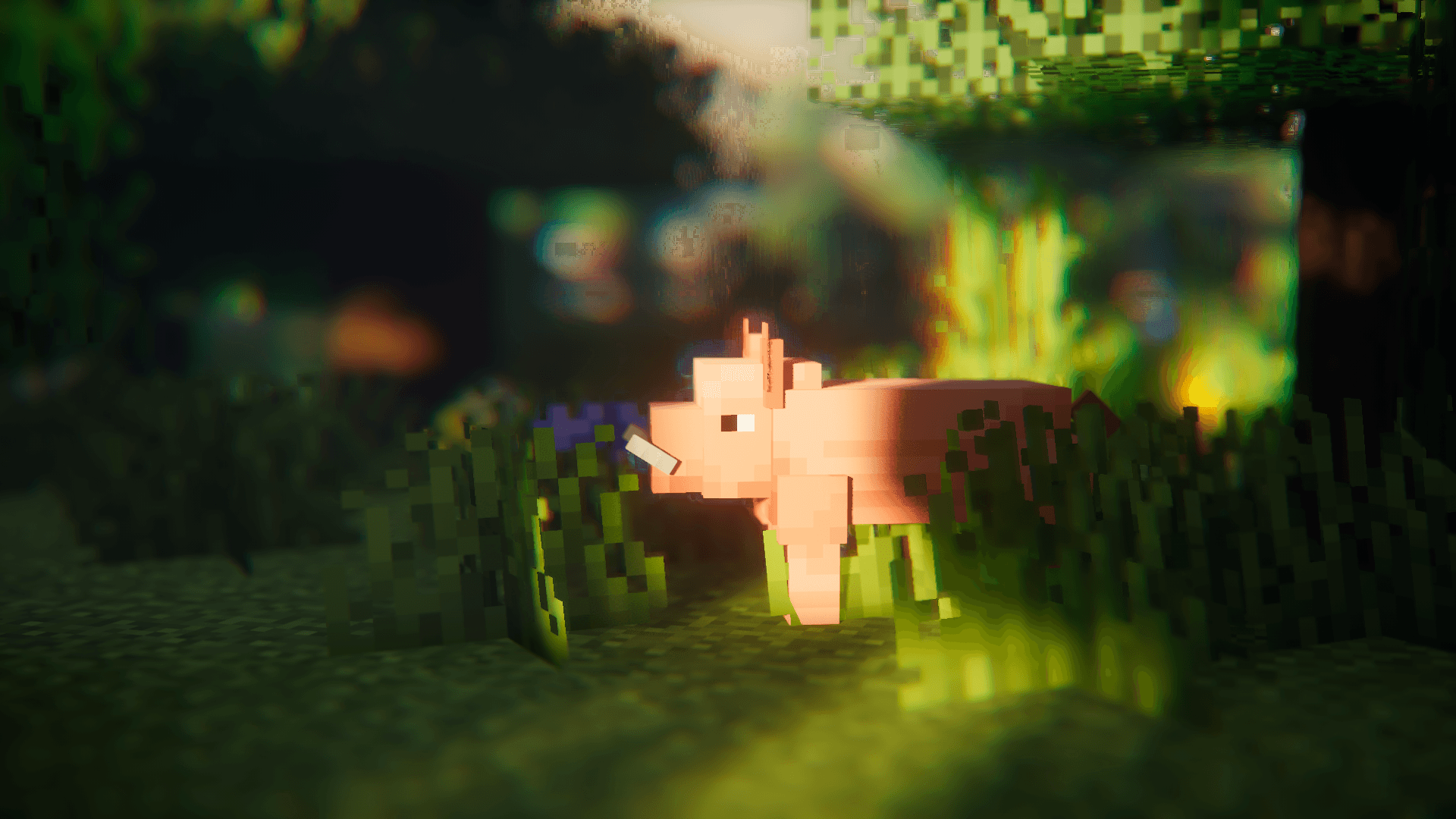
[EMF] Entity Model Features
by Traben
EMF is an, OptiFine format, Custom Entity Model replacement mod available for Fabric and Forge.
 Client only

Not Enough Animations
by tr7zw
Bringing first-person animations to the third-person
Looking for mods for your own server?
The catalog lists mods that run on Minecraft servers.