
Modrinth · Fabric
Big Globe on your Minecraft server
Big Globe runs on Minecraft servers with Fabric. Order your server, set the loader in the panel and install the mod with one click in the mod browser.
The world is big. Go explore it!
- Downloads
- 853.4K
- Author
- Builderb0y
- Loader
- Fabric
- Minecraft
- 1.19.2 – 26.2
- Updated
- –
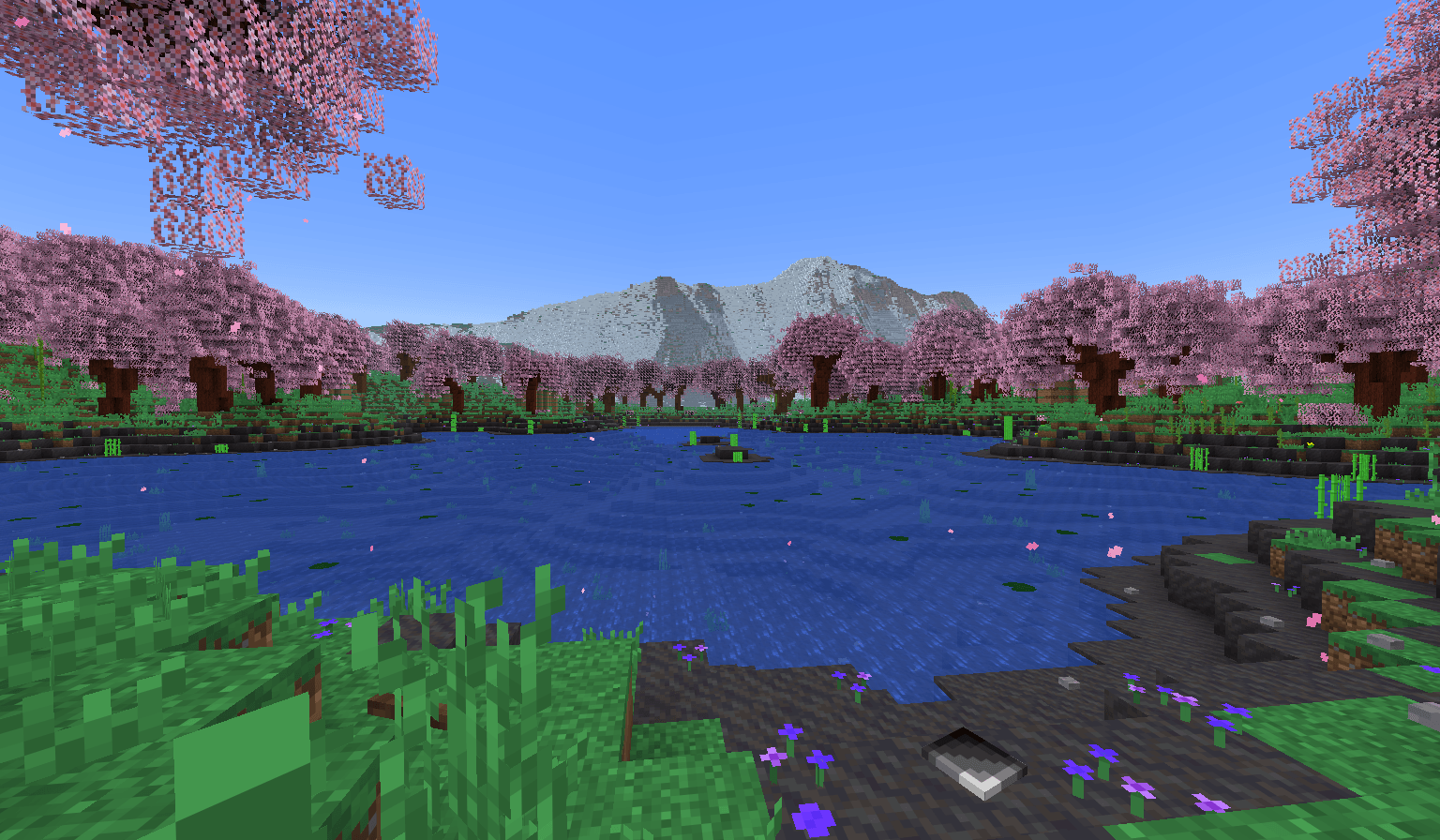
Screenshots
What Big Globe looks like


Images: Big Globe on Modrinth, published by the project team.
Setup
Install Big Globe on your server
The server and players need the same loader and Minecraft version. Back up the world before adding or updating mods.
- 01
Configure
6 GB of RAM is preselected. You choose the term and add-ons and pay by credit card or PayPal.
- 02
Set the loader
In the panel, set the server software to Fabric and choose the matching Minecraft version, for example 26.2.
- 03
Install the mod
Search the mod browser for “Big Globe” and install the release for your loader. Alternatively, upload the .jar to the mods folder via SFTP. Required dependencies are listed on the project page.
- 04
Connect
Every player installs the same Big Globe release locally and connects using the server address from the panel.
- On the server
- Required
- On the client
- Required
- Loader
- Fabric
- Minecraft
- 26.2, 26.1.2, 26.1.1 +22 more
- License
- LicenseRef-All-Rights-Reserved
The panel
Install mods, find errors.
Real screenshots from the Mado panel. Both come with every Minecraft server.
Mod browser
Modrinth and CurseForge, right in the panel.
The browser filters by your Minecraft version. Install mods with one click, without uploading .jar files.

AI crash analysis
When a mod crashes, the analyzer reads the log.
Mods often fail on a wrong loader version, Java version or missing dependency. The analyzer names a likely cause and suggests a fix.

Releases
Published releases
Pick the file that matches your server’s loader and Minecraft version. The server and players need the same release.
Big Globe · Modrinth- Big Globe-6.4.0-MC26.2November 13, 2026Minecraft 26.2 · Fabric
- Big Globe-6.4.0-MC26.1.2November 13, 2026Minecraft 26.1, 26.1.1, 26.1.2 · Fabric
- Big Globe-5.3.2-MC1.21.11May 13, 2026Minecraft 1.21.11 · Fabric
- Big Globe-5.3.2-MC1.21.10May 13, 2026Minecraft 1.21.10, 1.21.9 · Fabric
- Big Globe-5.3.2-MC1.21.8May 13, 2026Minecraft 1.21.6, 1.21.7, 1.21.8 · Fabric
Original description by the project author
Important info first
This mod MIGHT CHANGE in the future, potentially breaking old worlds in the process!
The end dimension is only supported in V3.6.0 and above. In older mod versions, the end is vanilla.
Biomes added by other mods WILL NEED A DATA PACK to generate in Big Globe worlds.
Ores, flowers, and other features and structures added by other mods WILL NEED A DATA PACK to generate in Big Globe worlds.
Data packs that provide compatibility for other mods can be found on my Discord server. Or, you can search Modrinth for compatibility packs that other people have made.
This mod generates worlds on a VERY LARGE scale, both horizontally and vertically. Exploration and resource collecting will be difficult.
This mod uses more RAM than vanilla due to worlds being taller. Be prepared to have to allocate a lot of RAM to the game.
This mod is not planned to support Forge or NeoForge, however it does work with Sinytra Connector. Just note that if you are using an older version of Big Globe than V4.5.0, you will need to disable MobSpawnerLogic_SpawnLightning inside .minecraft/config/bigglobe/mixins.properties for this to work.
This mod cannot be made into a data pack, nor can it be server-side only. Data packs can't add blocks/items/entities to the game (and Big Globe has a lot of those), and also vanilla density functions can't replicate the equations Big Globe needs to generate its terrain.
Ok, now on to the description
Big Globe is, at its heart, a worldgen mod which overhauls all 3 vanilla dimensions to be bigger. Ever since Minecraft 1.18, mods and data packs have been able to change how tall worlds are, and Big Globe takes full advantage of this. The overworld in Big Globe is 2048 blocks tall, while the nether and end are both 1024 blocks tall.
But Big Globe isn't just about making worlds taller. It also provides completely custom terrain features for just about everything, AND it comes with over 100 new blocks to make the game feel more immersive. Most of them are designed to be decorational or fit in with vanilla, but some of them have their own mechanics too, to make certain parts of the game easier. You can find a full list of current blocks and items here.
Big Globe also comes with its own scripting language which data packs can use to add their own worldgen features governed by arbitrary rules. The overwhelming majority of Big Globe's terrain features are, in fact, scripts. But with great power comes great cost: most worldgen added by other mods or other data packs will have no effect in Big Globe worlds. But all is not lost! Data packs designed for Big Globe can place content from other mods or other data packs, so you can make a "compatibility" data pack to bridge the gap between how vanilla does things and how Big Globe does things.
Getting started
Big Globe also changes where some resources generate. If you can't find something and don't know where to look for it, this link might help you.
Recommended other mods to use in combination with Big Globe
Sodium, Lithium, Ferrite Core, and Starlight/ScalableLux: recommended because Big Globe demands a lot of resources by default, and these mods can reduce that somewhat.
C2ME: recommended because it contains a number of optimizations which can improve performance while doing worldgen. Note however that Big Globe already has concurrency built-in to its chunk generator, so the multi-threading aspect of C2ME will be less effective in Big Globe worlds than in vanilla worlds.
Structure Layout Optimizer: recommended because Big Globe needs to generate structures in a larger radius than vanilla, and sometimes needs to re-generate them from scratch. Structure Layout Optimizer can help make that process faster.
Vertigo: recommended in multiplayer because Big Globe will consume vastly more bandwidth without Vertigo installed. Neither recommended nor discouraged in singleplayer. Vertigo might help reduce memory usage somewhat in both singleplayer and multiplayer.
Distant Horizons or Voxy: recommended in V4 in order to see terrain and structures far away. This can make it easier to find areas that interest you, and make it easier to collect resources, as some resources only spawn in specific areas. As of V5.1, Big Globe has its own LOD renderer built-in. And as of V5.0, a more limited version of this LOD renderer existed which lacked the ability to see structures.
In 3.x, mods which let you teleport between locations you've already visited are recommended because worlds as large as Big Globe make transportation difficult otherwise. In 4.0 and later versions, Big Globe has this functionality built-in.
In 4.x and later versions, Satin is recommended, because waypoints and hyperspace look cooler when Satin is installed. Note that Satin is NOT required in MC 1.21.2 and later, and it's also NOT required in V5.0.4 and later.
A word on licensing
When this project got started, I didn't care about it too much, since I hadn't put that much effort into it at the time. As such, I chose a pretty permissive license. Since then, this project has grown a lot, I've put a lot more effort into it, and I've grown more protective of it. For a long time now I've felt like the license I chose is a bit too permissive. As such, V6 is now ARR.
Big Globe server crashes on startup – what to do?
Common causes: the loader or Minecraft version does not match the mod file, a dependency is missing, or RAM is too low. Check the log (latest.log) for “OutOfMemoryError”, “Mixin” or missing mods. At Mado, the AI crash analysis reads the log and suggests a cause. You can change the loader and version in the panel.
Which loader does Big Globe run on?
According to Modrinth, Big Globe supports Fabric for Minecraft 26.2, 26.1.2, 26.1.1.
How much RAM does a server with Big Globe need?
As guidance, 4–6 GB for a server with this mod. This is an estimate, not a measured minimum. More mods, many players and long view distances need more. The spark profiler shows whether a mod is costing tick time.
Similar mods
Popular mods in the same category
 Server-ready

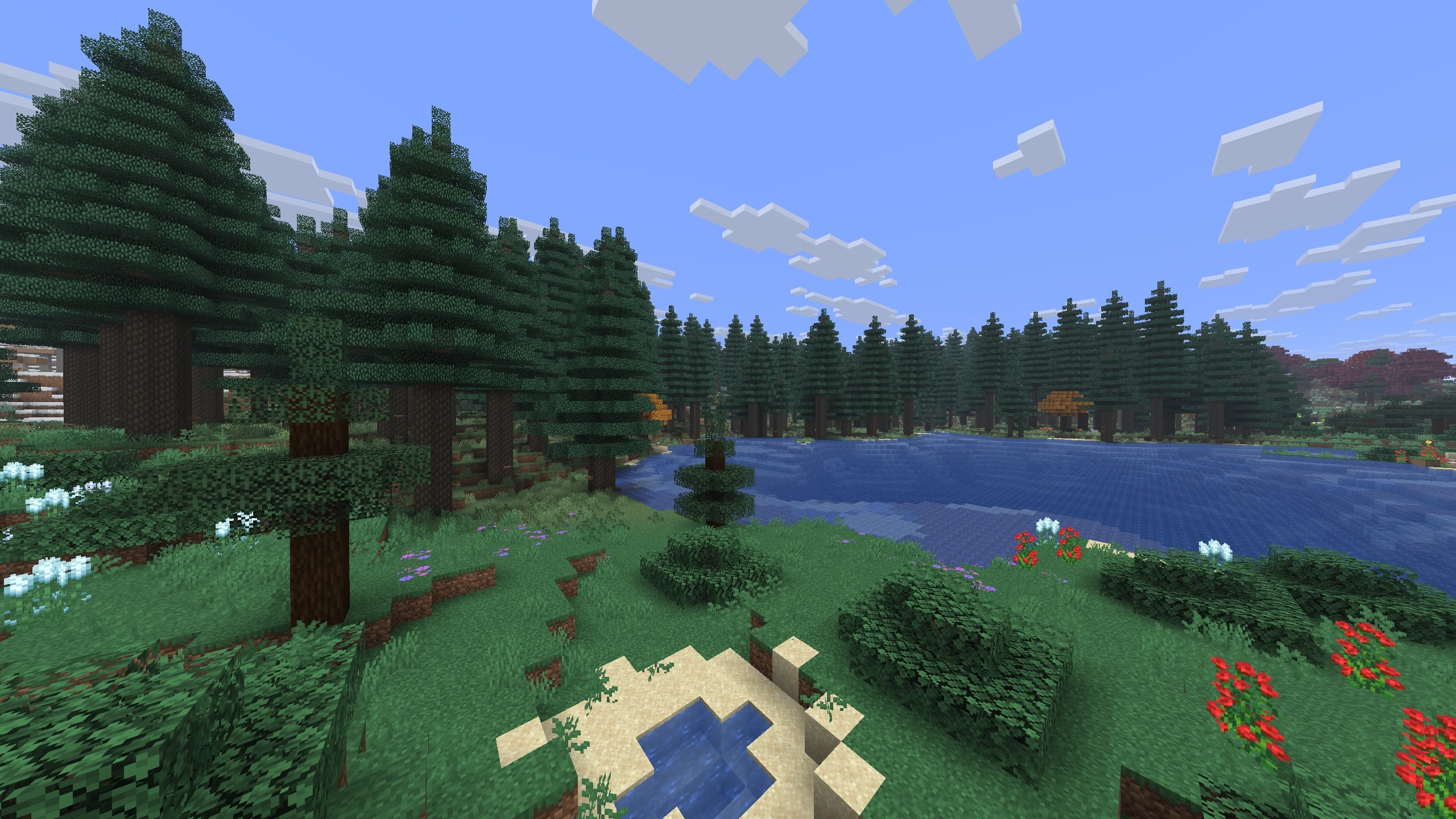
TerraBlender
by Adubbz
A library mod for adding biomes in a simple and compatible manner!
 Server-ready

Biomes O' Plenty
by Forstride
Adds 50+ unique biomes to enhance your world, with new trees, flowers, and more!
 Server-ready

Cobblemon
by CobbledStudios
A Pokémon mod for Fabric and NeoForge
 Server-ready

YUNG's API
by YUNGNICKYOUNG
Library mod for YUNG's mods.
Ready for your server with Big Globe?
6 GB of RAM from €12.00 per month. 35% off your first month with MADO35.