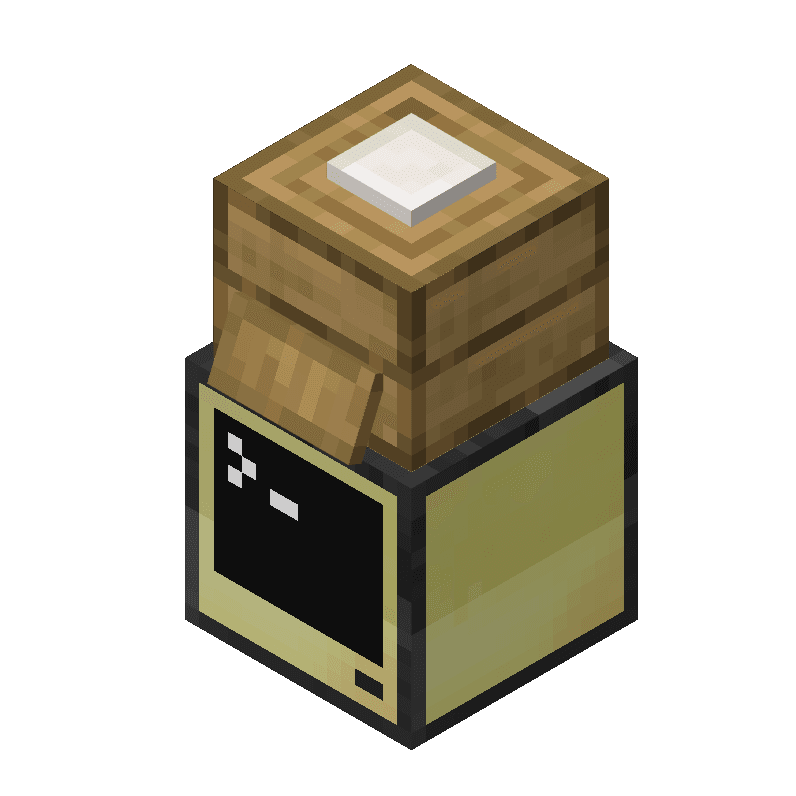

Modrinth · Forge, NeoForge
CC Shops on your Minecraft server
CC Shops runs on Minecraft servers with Forge or NeoForge. Order your server, set the loader in the panel and install the mod with one click in the mod browser.
ComputerCraft integration for Simple Shops
- Downloads
- 11.9K
- Author
- TechTastic
- Loader
- Forge, NeoForge
- Minecraft
- 1.18.2 – 1.20.1
- Updated
- –
Screenshots
What CC Shops looks like

Images: CC Shops on Modrinth, published by the project team.
Setup
Install CC Shops on your server
The server and players need the same loader and Minecraft version. Back up the world before adding or updating mods.
- 01
Configure
4 GB of RAM is preselected. You choose the term and add-ons and pay by credit card or PayPal.
- 02
Set the loader
In the panel, set the server software to Forge or NeoForge and choose the matching Minecraft version, for example 1.20.1.
- 03
Install the mod
Search the mod browser for “CC Shops” and install the release for your loader. Alternatively, upload the .jar to the mods folder via SFTP. Required dependencies are listed on the project page.
- 04
Connect
Every player installs the same CC Shops release locally and connects using the server address from the panel.
- On the server
- Required
- On the client
- Required
- Loader
- Forge, NeoForge
- Minecraft
- 1.20.1, 1.19.2, 1.18.2
- License
- MIT License
The panel
Install mods, find errors.
Real screenshots from the Mado panel. Both come with every Minecraft server.
Mod browser
Modrinth and CurseForge, right in the panel.
The browser filters by your Minecraft version. Install mods with one click, without uploading .jar files.

AI crash analysis
When a mod crashes, the analyzer reads the log.
Mods often fail on a wrong loader version, Java version or missing dependency. The analyzer names a likely cause and suggests a fix.

Releases
Published releases
Pick the file that matches your server’s loader and Minecraft version. The server and players need the same release.
CC Shops · Modrinth- CC Shops 0.0.1 FixedFebruary 22, 2025Minecraft 1.20.1 · Forge, NeoForge
- CC Shops 0.0.1June 22, 2024Minecraft 1.19.2 · Forge
- CC Shops 0.0.1August 10, 2023Minecraft 1.18.2 · Forge
Original description by the project author
This mod adds integration between ComputerCraft and Simple Shops to let computers have more access to the Shops in various ways
The list of features include:
- Simple Shop Peripheral (lets you get information on the shops, including events)
- Simple Shop Command Peripheral (lets Command Computers both get and set shop information)
- Turtles gain the ability to buy from Shops via ShopAPI
- An event is fired upon any attempt to buy, whether by turtle or player!
I was inspired to make this addon after realizing that, besides visual indicators, there was no way to get information from these shops, not even Comparator output!
This mod is under the MIT License and can be used freely in any modpack!
CC Shops server crashes on startup – what to do?
Common causes: the loader or Minecraft version does not match the mod file, a dependency is missing, or RAM is too low. Check the log (latest.log) for “OutOfMemoryError”, “Mixin” or missing mods. At Mado, the AI crash analysis reads the log and suggests a cause. You can change the loader and version in the panel.
Which loader does CC Shops run on?
According to Modrinth, CC Shops supports Forge, NeoForge for Minecraft 1.20.1, 1.19.2, 1.18.2.
How much RAM does a server with CC Shops need?
As guidance, 3–4 GB for a server with this mod. This is an estimate, not a measured minimum. More mods, many players and long view distances need more. The spark profiler shows whether a mod is costing tick time.
Similar mods
Popular mods in the same category
 Server-ready

ChoiceTheorem's Overhauled Village
by ChoiceTheorem
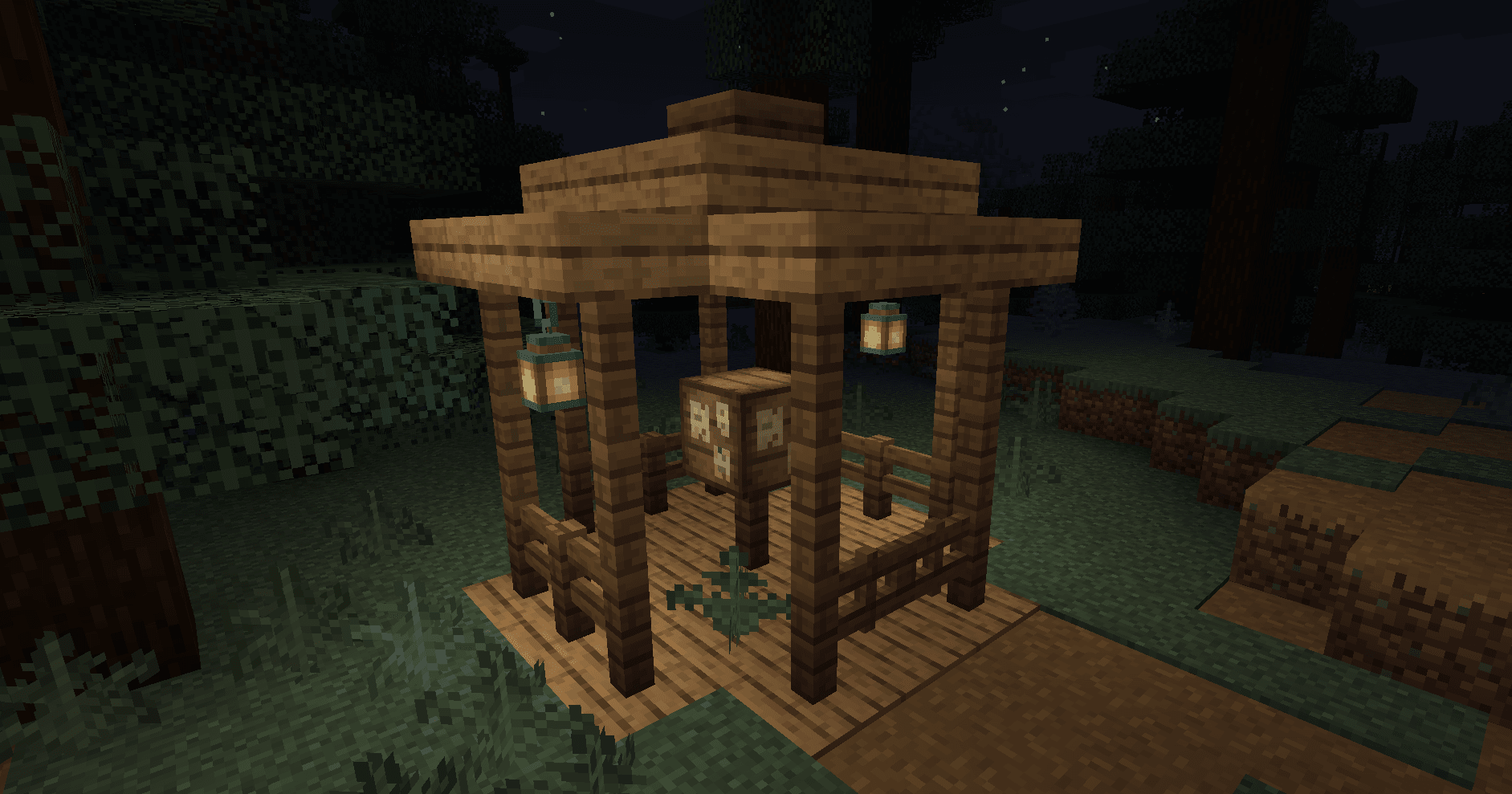
Enhances and creates new villages and pillager outposts, that perfectly fit into your Minecraft world.
 Server-ready

Cobblemon additions
by strikebyte
A Mod that adds villages with Pokemon Village/City variants - Originally made for the Brocraft server. This will spawn in a variety of structures within the villages as well. We are planning on adding rare structures!
 Server-ready

VillagersPlus
by LithiumPlus
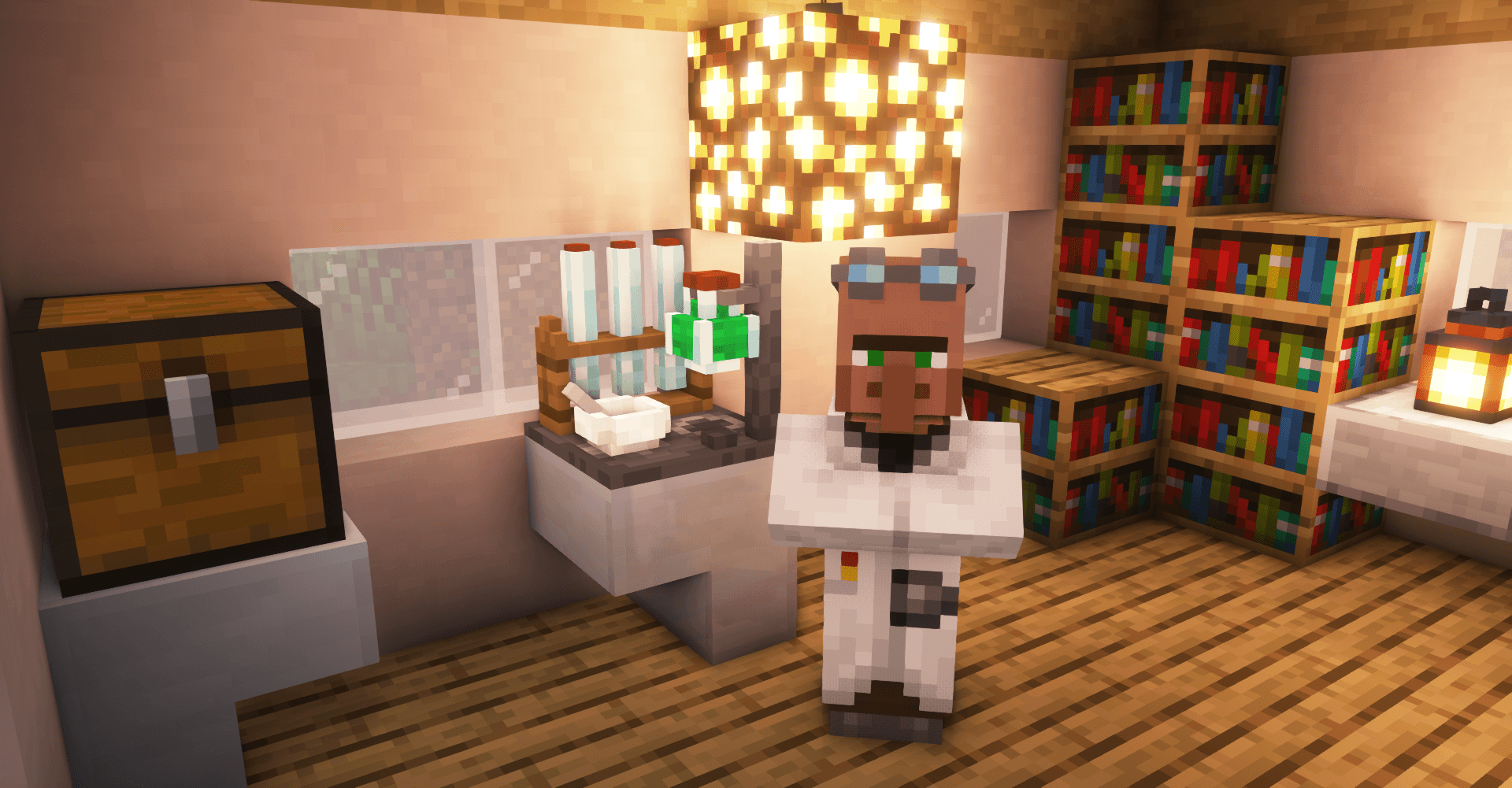
A villager extension mod, adding new villager types, trades and beautiful workstations.
 Server-ready
Bountiful
by ejektaflex
Adds bounty boards, giving rewards for collecting different blocks and items.
Ready for your server with CC Shops?
4 GB of RAM from €8.00 per month. 35% off your first month with MADO35.