
Cerulean
Advancements optimization mod, updated fork of Icterine with added features
Screenshots
About this Mod

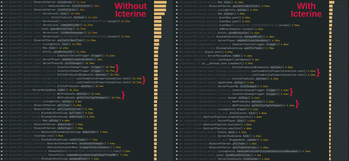
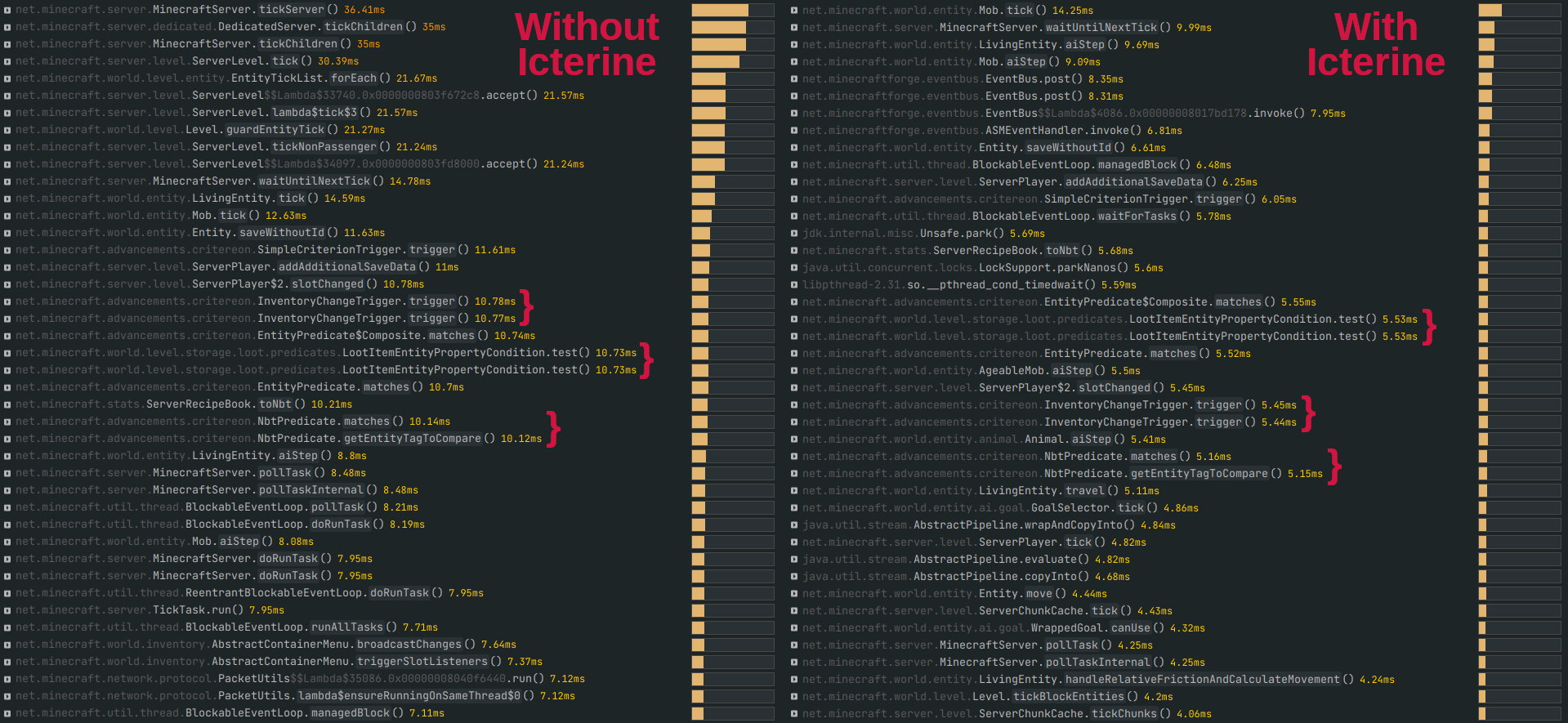
Cerulean is a mod that optimizes Minecraft's advancement checking system, specifically the laggy InventoryChangeTrigger, which can cause heavy lag in modpacks with lots of modded advancements. It is a fork of Icterine, updated to modern versions and with additional features.
Aside from being updated to 1.21.1, Cerulean adds an option to only process advancements every few ticks, which is the strategy used by mods like Achievements Optimizer (which does not work with the original Icterine). This option is handled in a way that ensures the first time an item is picked up per player, it is always processed for achievements--preventing cases where advancements would stall until you moved items around.
From the original mod page:
- Optimizes triggering advancements for obtaining items;
- Might break parity with vanilla, but doesn't affect vanilla advancements and shouldn't affect the vast majority of mods/datapacks;
- Even if it does affect something, advancement still should be obtainable by just dropping and picking up one of required items;
- Currently, there are no known incompatibilities or issues;
- Every injection into vanilla code can be disabled in config file.
- All changes are server-side.
Available Versions
How to Install Cerulean on Your Server
Order Server
Order a Minecraft Java server with at least 3 GB RAM (4 GB recommended).
Set fabric Loader
In the panel under "Egg", select the fabric loader and matching Minecraft version (1.21.1).
Install Mod
Open the mod browser in the dashboard and search for "Cerulean". Click "Install" – done! Alternatively, upload the .jar via SFTP to the /mods folder.
Compatibility
Mod Loaders
Minecraft Versions
1.21.1, 1.20.1, 1.20
Server-side
✓ RequiredRecommended RAM
4 GB(min. 3 GB)Frequently Asked Questions
Cerulean server crashes on startup – what to do?
Most common cause: wrong fabric version or insufficient RAM. Check the server log (latest.log) for "OutOfMemoryError" or "Mixin" errors. With Mado Hosting: ensure at least 3 GB RAM is allocated and the loader matches the mod version (1.21.1). You can switch loaders with one click in the panel.
Is Cerulean compatible with fabric and forge and neoforge?
Cerulean officially supports fabric, forge, neoforge for Minecraft 1.21.1, 1.20.1, 1.20. Note: Forge and Fabric mods are NOT cross-compatible – pick one loader and stick with it. The Mado dashboard automatically detects incompatible loader combinations.
Server lagging with Cerulean – how to optimize performance?
Recommended RAM: 4 GB (per 8 players). Use /spark profiler to check if Cerulean consumes the most tick time. Common fixes: reduce server view-distance to 8-10, install "performant" or "starlight" as supplementary mods on Forge. With Mado Hosting, your server runs on NVMe SSDs with dedicated CPU cores for minimal latency.
Similar Mods


Rent Modded Server
Install Cerulean with just one click on your server.