
Modrinth · Fabric
CobbleFoods on your Minecraft server
CobbleFoods runs on Minecraft servers with Fabric. Order your server, set the loader in the panel and install the mod with one click in the mod browser.
Adds a few berry-based food items, as well as local specialties, for Cobblemon
- Downloads
- 42.3K
- Author
- Blue_Azul
- Loader
- Fabric
- Minecraft
- 1.20.1
- Updated
- –
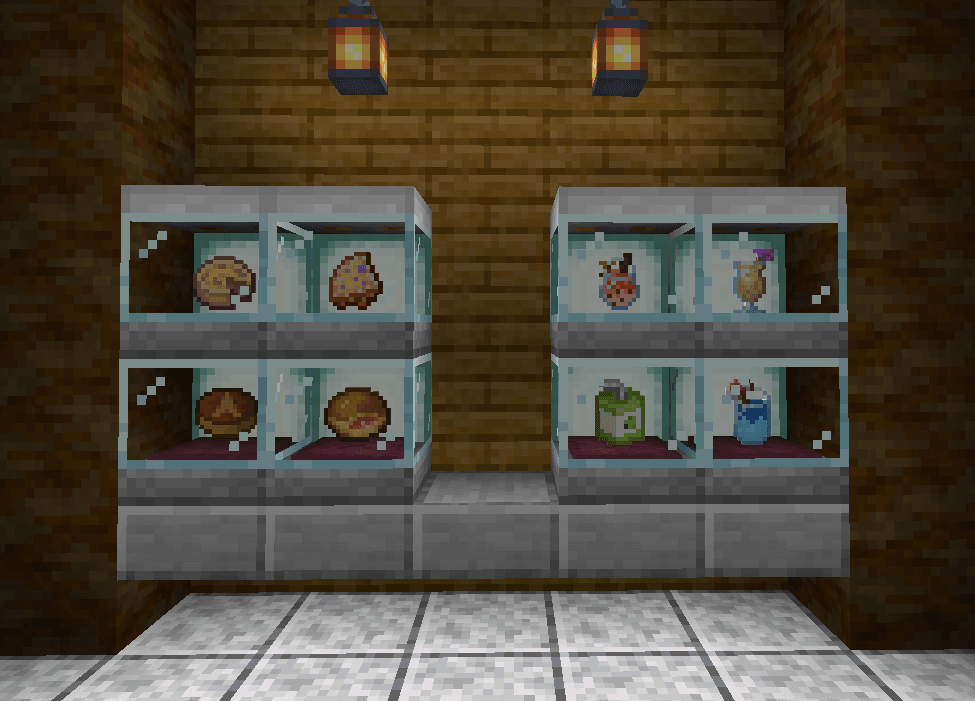
Screenshots
What CobbleFoods looks like


Images: CobbleFoods on Modrinth, published by the project team.
Setup
Install CobbleFoods on your server
The server and players need the same loader and Minecraft version. Back up the world before adding or updating mods.
- 01
Configure
4 GB of RAM is preselected. You choose the term and add-ons and pay by credit card or PayPal.
- 02
Set the loader
In the panel, set the server software to Fabric and choose the matching Minecraft version, for example 1.20.1.
- 03
Install the mod
Search the mod browser for “CobbleFoods” and install the release for your loader. Alternatively, upload the .jar to the mods folder via SFTP. Required dependencies are listed on the project page.
- 04
Connect
Every player installs the same CobbleFoods release locally and connects using the server address from the panel.
- On the server
- Required
- On the client
- Required
- Loader
- Fabric
- Minecraft
- 1.20.1
- License
- MIT License
The panel
Install mods, find errors.
Real screenshots from the Mado panel. Both come with every Minecraft server.
Mod browser
Modrinth and CurseForge, right in the panel.
The browser filters by your Minecraft version. Install mods with one click, without uploading .jar files.

AI crash analysis
When a mod crashes, the analyzer reads the log.
Mods often fail on a wrong loader version, Java version or missing dependency. The analyzer names a likely cause and suggests a fix.

Releases
Published releases
Pick the file that matches your server’s loader and Minecraft version. The server and players need the same release.
CobbleFoods · Modrinth- CobbleFoods 1.3.3-1.20.1February 2, 2025Minecraft 1.20.1 · Fabric
- CobbleFoods 1.3.2-1.20.1October 19, 2024Minecraft 1.20.1 · Fabric
Original description by the project author

A side-mod for Cobblemon that aims at adding food items based mostly on berries.
It's just a fun, silly thing we made for a small server between friends, so don't expect it to be super serious or balanced. However I hope it can help add a bit more flavor to your world!
Features:

Roasted Berries
Can be made by cooking a Cobblemon berry in a Furnace, Smoker or Campfire. Now you can finally fulfill your dream of eating those berries yourself rather than only giving them to your Pokémon!
The Berry Blender
Crafted with three iron ingots, one glass block and one copper ingot, it allows for you to blend berries into many different drinks! If you can't figure out the recipes by yourself, the block also has REI compatibility!

Berry Juices
Made in the Berry Blender, with three of any berry, a water bottle, and a piece of paper! If you use two or more of a single type of berry, the resulting juice will may give a roughly equivalent effect to the one of the berry used, so be careful with some of them!
Custom Berry Dishes
Created to provide more uses for Cobblemon Berries and a better variety of unique food items. Not only they can help spice up your diet, some of them also give unique effects as well!
Apricorn Drinks
You can now mix and match Apricorns to make some Aprijuice, as well as Apricorn Milk Tea, which come in various colors!
Local Specialties
Another set of dishes coming straight from the Pokémon games! They can be obtained by trading with a new kind of Villager, explained below:
The Orchardist
A new type of Villager who works with the Berry Blender. They are slightly different as they use Poké from the Pokémon Mystery Dungeon series as currency, which you can also use to pile up on the ground and decorate your world with your wealth!
Custom Advancements
The mod adds two new advancements by default, but if you're into greater challenges, make sure to check out this complementary datapack that adds many more: CobbleFoods Advancements!
Supported Languages
The mod is currently fully supported in English, Italian and Portuguese! Along with partial support for Spanish, French and German.
Hope you enjoy it ^^

CobbleFoods server crashes on startup – what to do?
Common causes: the loader or Minecraft version does not match the mod file, a dependency is missing, or RAM is too low. Check the log (latest.log) for “OutOfMemoryError”, “Mixin” or missing mods. At Mado, the AI crash analysis reads the log and suggests a cause. You can change the loader and version in the panel.
Which loader does CobbleFoods run on?
According to Modrinth, CobbleFoods supports Fabric for Minecraft 1.20.1.
How much RAM does a server with CobbleFoods need?
As guidance, 3–4 GB for a server with this mod. This is an estimate, not a measured minimum. More mods, many players and long view distances need more. The spark profiler shows whether a mod is costing tick time.
Similar mods
Popular mods in the same category
 Server-ready

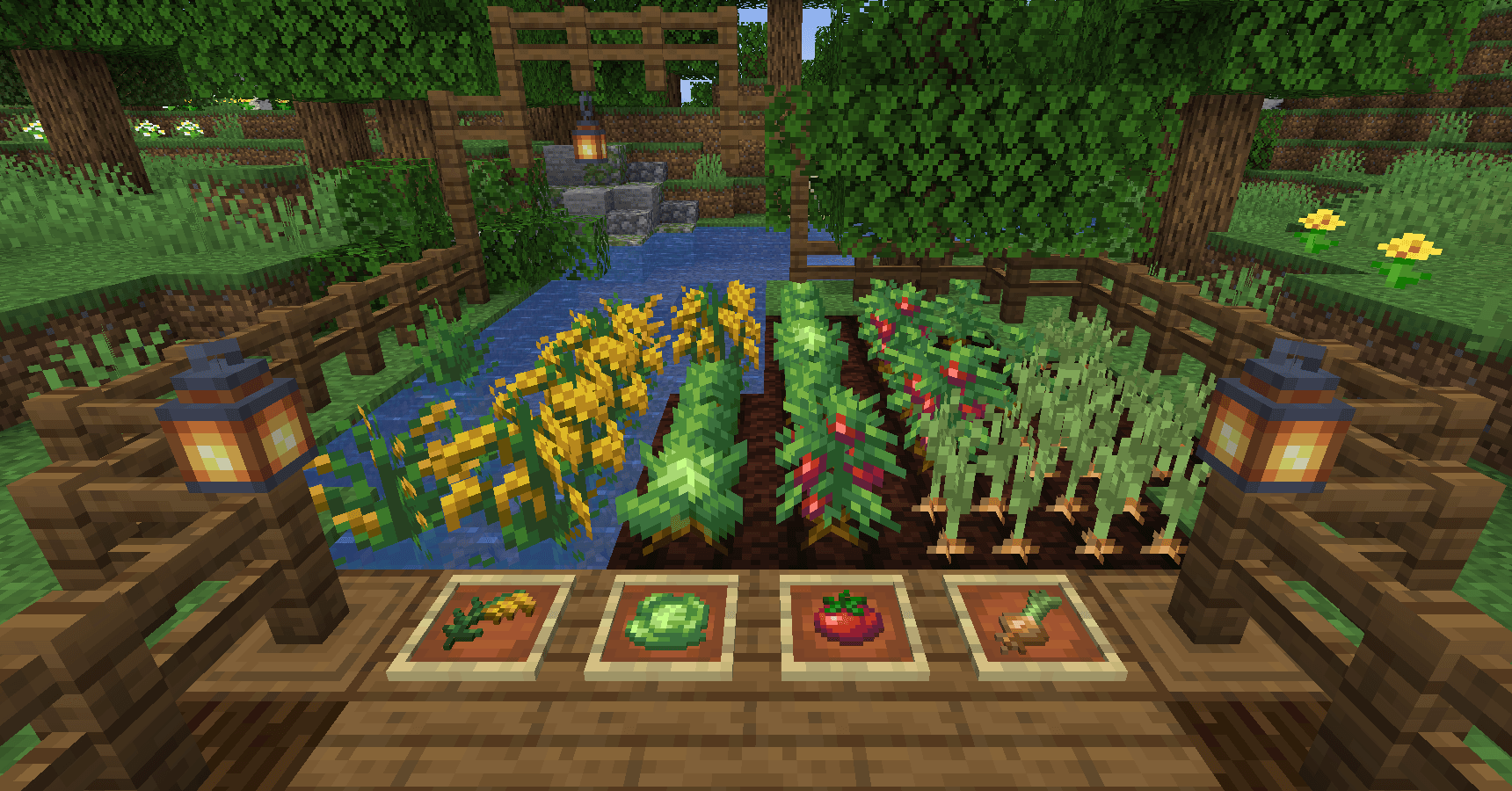
AppleSkin
by squeek502
Food/hunger-related HUD improvements
 Server-ready

Farmer's Delight
by vectorwing
A cozy expansion to farming and cooking!
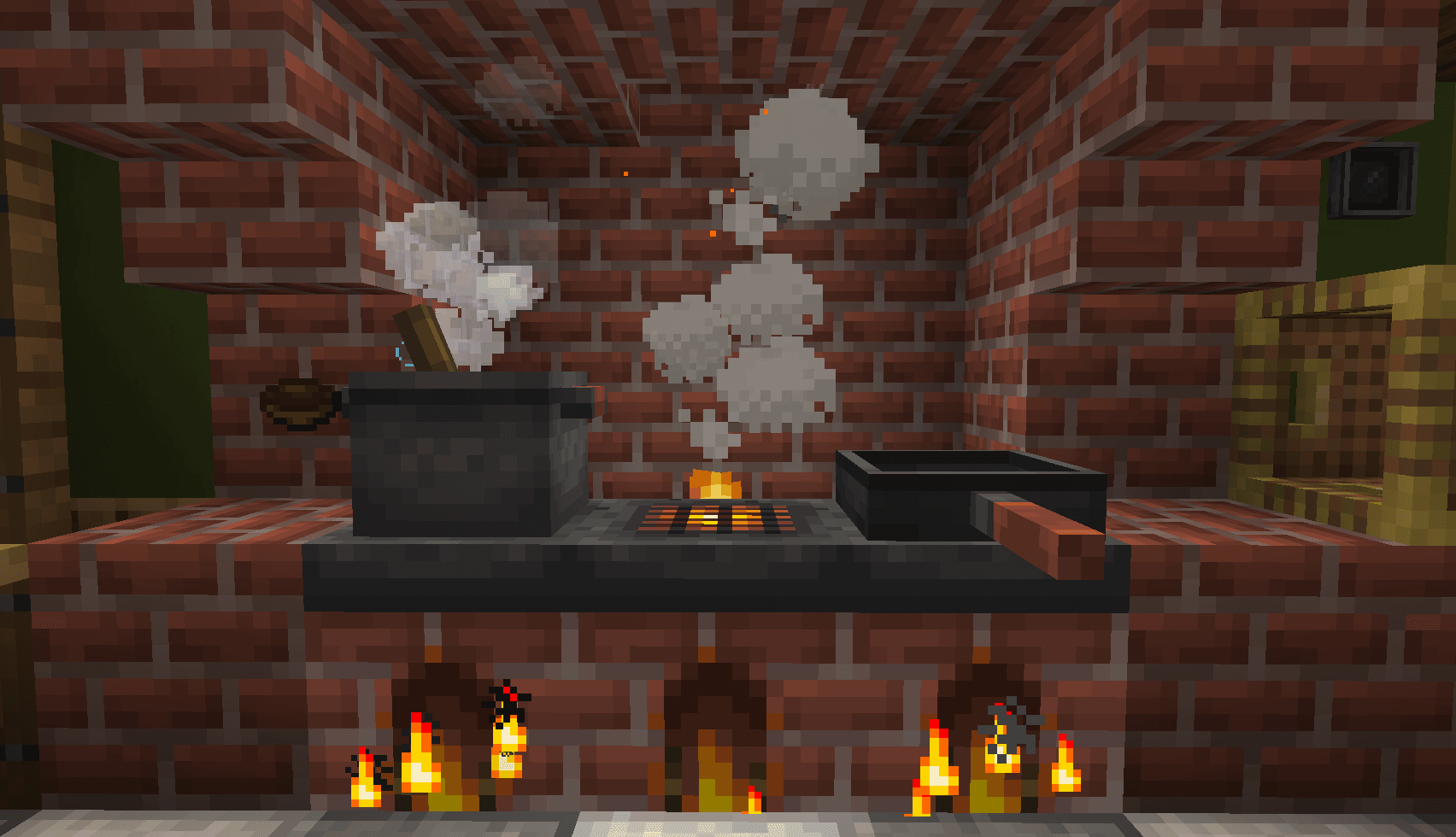 Server-ready

Farmer's Delight Refabricated
by Cassian
Modern Fabric port of the cooking and farming mod, "Farmer's Delight"
 Server-ready

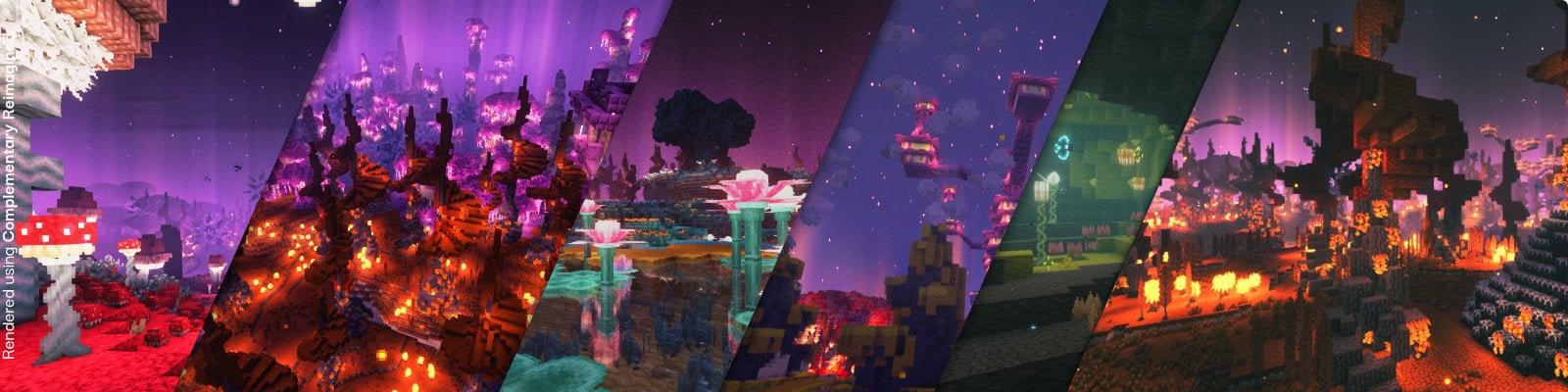
BetterEnd
by quiqueck
New Biomes, mysterious rituals and Mobs for your End
Ready for your server with CobbleFoods?
4 GB of RAM from €8.00 per month. 35% off your first month with MADO35.