
Modrinth · Fabric, NeoForge
Cobblemon QoL Suite on your Minecraft server
Cobblemon QoL Suite runs on Minecraft servers with Fabric or NeoForge. Order your server, set the loader in the panel and install the mod with one click in the mod browser.
The ultimate quality-of-life suite for Cobblemon, featuring advanced PC management, hunting tools, spawn alerts, integrations and server optimizations.
- Downloads
- 2.0K
- Author
- LevelsFR
- Loader
- Fabric, NeoForge
- Minecraft
- 1.21.1
- Updated
- –
Screenshots
What Cobblemon QoL Suite looks like
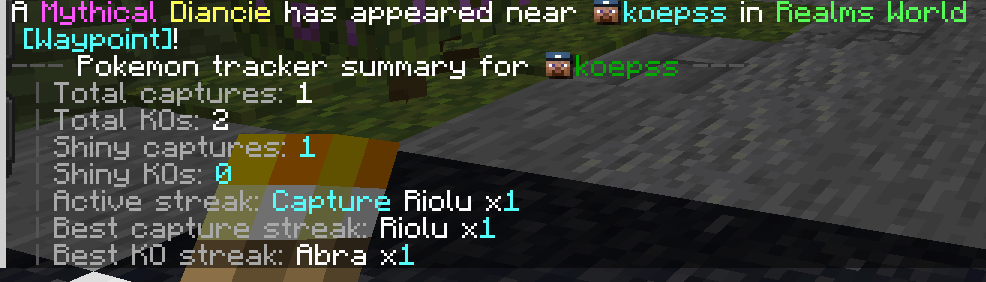


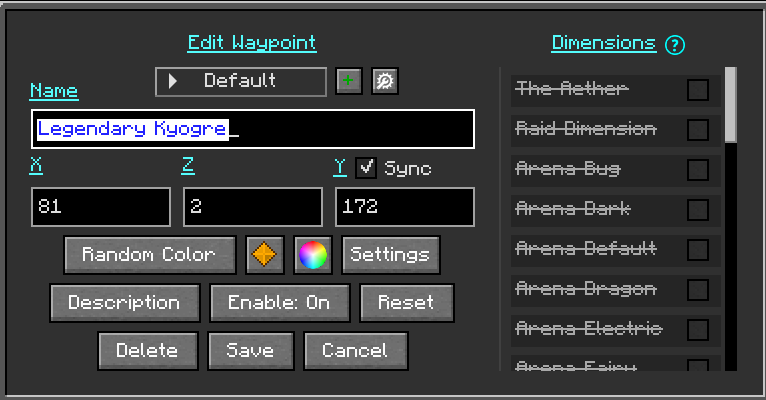
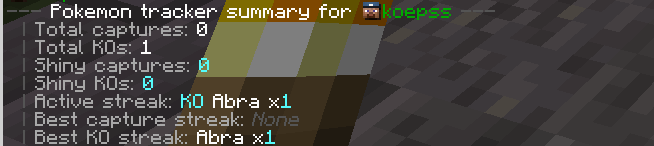
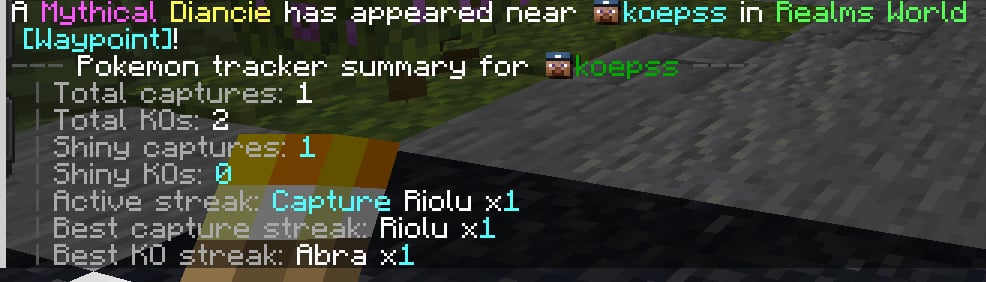
Images: Cobblemon QoL Suite on Modrinth, published by the project team.
Setup
Install Cobblemon QoL Suite on your server
The server and players need the same loader and Minecraft version. Back up the world before adding or updating mods.
- 01
Configure
4 GB of RAM is preselected. You choose the term and add-ons and pay by credit card or PayPal.
- 02
Set the loader
In the panel, set the server software to Fabric or NeoForge and choose the matching Minecraft version, for example 1.21.1.
- 03
Install the mod
Search the mod browser for “Cobblemon QoL Suite” and install the release for your loader. Alternatively, upload the .jar to the mods folder via SFTP. Required dependencies are listed on the project page.
- 04
Connect
Every player installs the same Cobblemon QoL Suite release locally and connects using the server address from the panel.
- On the server
- Required
- On the client
- Required
- Loader
- Fabric, NeoForge
- Minecraft
- 1.21.1
- License
- LicenseRef-All-Rights-Reserved
The panel
Install mods, find errors.
Real screenshots from the Mado panel. Both come with every Minecraft server.
Mod browser
Modrinth and CurseForge, right in the panel.
The browser filters by your Minecraft version. Install mods with one click, without uploading .jar files.

AI crash analysis
When a mod crashes, the analyzer reads the log.
Mods often fail on a wrong loader version, Java version or missing dependency. The analyzer names a likely cause and suggests a fix.

Releases
Published releases
Pick the file that matches your server’s loader and Minecraft version. The server and players need the same release.
Cobblemon QoL Suite · Modrinth- Cobblemon QoL Suite 2.8November 22, 2026Minecraft 1.21.1 · NeoForge
- Cobblemon QoL Suite 2.8November 22, 2026Minecraft 1.21.1 · Fabric
Original description by the project author
✨ Cobblemon QoL Suite
Everything around Cobblemon, improved.







About
Cobblemon QoL Suite is a modular quality-of-life expansion designed to improve the everyday Cobblemon experience.
Manage your collection faster, improve Pokémon hunting, receive useful spawn information, interact with your Pokémon and enhance your server with a collection of configurable systems built into one mod.
Highlights
- 💻 Advanced PC Management: Search, filter, sort, favorite, bookmark and organize your Pokémon collection.
- 🗂️ PC Organizer: Create structured boxes, automatically route Pokémon and build Living Dex layouts.
- ✨ Smart Pokémon Highlights: Quickly identify Shiny, Radiant, Hidden Ability, high-IV and special Pokémon.
- 🔍 Detailed Pokémon Information: View IVs, EVs, abilities, forms, marks, Original Trainer information and more directly from the PC.
- 🎯 Hunting Progression: Build Capture and KO chains with progressive IV, Hidden Ability and Shiny bonuses.
- 🚨 Rare Spawn Notifications: Receive configurable alerts for Shiny, Legendary, Mythical, Ultra Beast, Paradox and custom Pokémon.
- ❤️ Pet Your Cobblemon: Pet your Pokémon, gain friendship and progress through interaction milestones.
- 📖 Mod Integrations: Additional support for JEI, Jade, JourneyMap, Rustling Spots, Pokémon Fly Transitions, Cloth Config and Mod Menu.
- ⚙️ Server Tools: Adaptive spawning, AI optimization, tick throttling and rare Pokémon despawn protection.
- 🔧 Fully Configurable: Enable, disable or adjust major systems independently to fit your modpack or server.
Detailed Features
Expand a category to discover more. All categories are collapsed by default where supported.
💻 PC Management & Multi-Selection
View features
- Advanced PC search: find Pokémon by species and filters such as type, ability, nature, IVs, EVs, form, held item, Shiny or Legendary status.
- Multi-selection: select individual Pokémon, a range, a rectangle, or all visible Pokémon using keyboard and mouse shortcuts.
- Mass release: release selected Pokémon by pressing Delete twice within the confirmation window. Protected Pokémon are blocked.
- Collection safeguards: favorite Pokémon, protect them from supported release actions, lock boxes, and bookmark frequently used boxes.
- Group tools: move selected Pokémon between PC boxes, compare two Pokémon side by side, and access held-item tools.
- Native PC option: disable QoL Suite PC interface additions to restore Cobblemon’s standard controls while keeping detailed tooltips and highlights available.
🗂️ PC Organizer & Living Dex
View features
- Organizer profiles: create customizable profiles for sorting and automated storage routing.
- Smart categories: arrange Pokémon into Living Dex, Shiny, Alpha, Legendary, Mythical, Ultra Beast, Paradox, high-IV, duplicate, and other categories.
- Living Dex support: organize a collection around Pokédex entries and configured layouts.
- Safe sorting: preview supported sorting changes before confirming them; locked boxes receive additional protection.
- Optional automation: without an active organizer profile, native Cobblemon storage behavior remains unchanged.
📤 PC Export & Collection Reports
View features
- Four formats: export Pokémon data to Excel (XLSX), CSV, JSON, or Pokémon Showdown text.
- Flexible scopes: export your full PC, party, both together, an individual box, organizer category, or PC search results.
- Custom column profiles: choose collection, trading, competitive or complete presets, or configure your own export columns.
- Optional reports: inspect missing Living Dex entries, duplicates, eligible trade selections, changes between exports, and training candidates.
- Showdown goals: import supported sets to compare them with your existing Pokémon without modifying your collection.
- Local files: run
/cqsexportwithout opening the PC. Exports are saved to your Minecraft instance, not uploaded to a website.
⚔️ Battle Interface & Pokémon Knowledge
View features
- Enhanced battle HUD: customizable battle log, turn counter, active Pokémon information panels, and improved party previews.
- Better battle decisions: inspect move type, category, power, accuracy, descriptions, effectiveness and other supported details in tooltips.
- Switch-screen details: see richer Pokémon summaries, held-item information, Poké Ball markers, and useful matchup information.
- Move learning: inspect level-up, Egg and TM move information with detailed tooltips.
- Type chart: open an in-game single- or dual-type matchup reference using
/pokechart. - Pokédex search: use type-based filters and exclusions; battle UI additions can be disabled to restore Cobblemon’s default battle interface.
🎯 Hunts, Chains & Spawn Alerts
View features
- Capture and KO tracking: monitor totals, species statistics, active and best streaks, shiny encounters, and session progress.
- Configurable chain progression: servers can configure capture/KO chain bonuses related to IVs, Hidden Abilities, and Shiny chances.
- Personal hunts: start a species-specific or all-species hunt and track its progress using
/cqs hunt. - Encounter journal: review your recent delivered spawn alerts, captures, and wild Pokémon KOs.
- Spawn notifications: configure alerts for Shiny, Alpha, Legendary, Mythical, Ultra Beast, Paradox, starters and selected species.
- Alert delivery: customize chat messages, visibility, cooldowns, optional JourneyMap waypoints and optional Discord webhooks.
✨ Pokémon Details, Highlights & Care
View features
- Detailed PC tooltips: show selected Pokémon attributes such as IVs, IV averages, nature, abilities, form, friendship, Original Trainer, marks, egg groups and held-item details.
- Visual highlights: use configurable colors to distinguish Shiny, Alpha, Radiant, Hidden Ability, high-IV and special Pokémon in PC boxes.
- Egg information: optional Cobbreeding egg details, hatch estimates where available, and an on-screen egg tracker.
- Pet your Pokémon: interact through Cobblemon’s native interaction wheel, with configurable friendship gains, reactions, cooldowns and milestones.
- Jade information: display optional contextual Pokémon and Cobblemon block information, including Pokédex status.
📖 JEI, EMI & Optional Integrations
View features
- JEI and EMI catalogs: browse Pokémon drops, reverse drop sources, spawn biomes and conditions, evolutions, forms, statistics and learnable moves.
- Advanced catalog search: filter Pokémon by type, ability, biome, generation, form, drop item and season in JEI or EMI.
- FTB Ultimine: harvest mature Cobblemon berries and apricorns using supported crop-like behavior.
- JourneyMap and CobbleSafari: optional waypoint links, portal alerts and waypoint cleanup.
- Serene Seasons: optional seasonal forms, spawn conditions and evolution requirements.
- More compatibility: Catch Indicator, Jade, Accessories + Radical Trainers, Cobblemon Fly Transitions, Rustling Spots, Cloth Config and Mod Menu where applicable.
- All listed integrations are optional; install only the mods you want to use.
⚙️ Server Configuration & Performance
View features
- Modular settings: control major features through separate client and server JSON files and supported in-game configuration screens.
- Optional optimizations: configurable adaptive spawning, AI controls, batch despawning and low-TPS tick throttling.
- Safer defaults: low-TPS tick throttling and other aggressive optimization options are not enabled automatically by default.
- Rare Pokémon protection: configurable rules can protect selected rare categories from supported despawn optimization behavior.
- Additional controls: optional wild Alpha balancing and administrator diagnostics; use
/cqs reloadfor mod settings.
⌨️ Quick Commands & Setup
View features
/pokechartor/cqs-typechartto open the type chart./cqs trackerand/cqs tracker sessionto view Pokémon progress./cqs hunt start [species],/cqs hunt status,/cqs hunt journalto manage hunts./cqsexport xlsx pc collectionto export your PC to Excel./cqsexport opento open the latest export folder./cqs reload(operator) to reload supported server settings.- For multiplayer features, install compatible QoL Suite and mandatory dependencies on both client and server.
Fully Configurable
Cobblemon QoL Suite is designed to adapt to your setup.
Use the complete suite or only the features you need. Most major systems can be independently enabled, disabled or configured.
Configuration files are stored under:
config/cobblemon_qol_suite/
A complete wiki covering every feature, configuration option and integration is coming soon.
Requirements
Minecraft: 1.21.1
Cobblemon: 1.8.4 (required for v2.7.1)
Loaders: Fabric & NeoForge
OS Cobblemon Library: 1.5.2+ (required)
Java: 21
Some features require the mod to be installed on both the client and server.
Optional integrations are only enabled when their respective mods are installed.
Support the Project
Enjoying Cobblemon QoL Suite?
Support future updates and upcoming Our Story projects through Patreon.


For support, suggestions or bug reports, join the Our Story community on Discord.
Game Hosting
Need a server for your Cobblemon adventures?
Every purchase helps support the development of Our Story projects.
Created by LevelsFR
CurseForge • Modrinth • Discord • Patreon
Cobblemon QoL Suite server crashes on startup – what to do?
Common causes: the loader or Minecraft version does not match the mod file, a dependency is missing, or RAM is too low. Check the log (latest.log) for “OutOfMemoryError”, “Mixin” or missing mods. At Mado, the AI crash analysis reads the log and suggests a cause. You can change the loader and version in the panel.
Which loader does Cobblemon QoL Suite run on?
According to Modrinth, Cobblemon QoL Suite supports Fabric, NeoForge for Minecraft 1.21.1.
How much RAM does a server with Cobblemon QoL Suite need?
As guidance, 3–4 GB for a server with this mod. This is an estimate, not a measured minimum. More mods, many players and long view distances need more. The spark profiler shows whether a mod is costing tick time.
Similar mods
Popular mods in the same category
 Server-ready

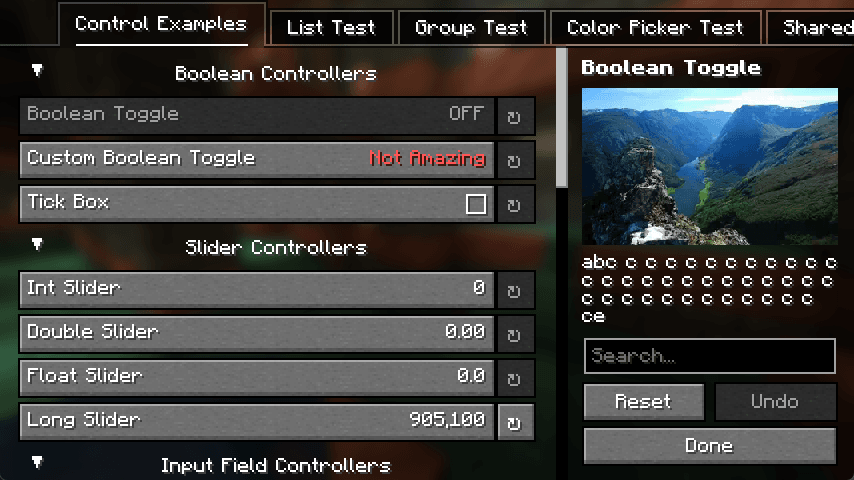
YetAnotherConfigLib (YACL)
by isxander
A builder-based configuration library for Minecraft!
 Server-ready
Text Placeholder API
by Patbox
Placeholder and Text manipulation library for your Minecraft mods.
 Client only

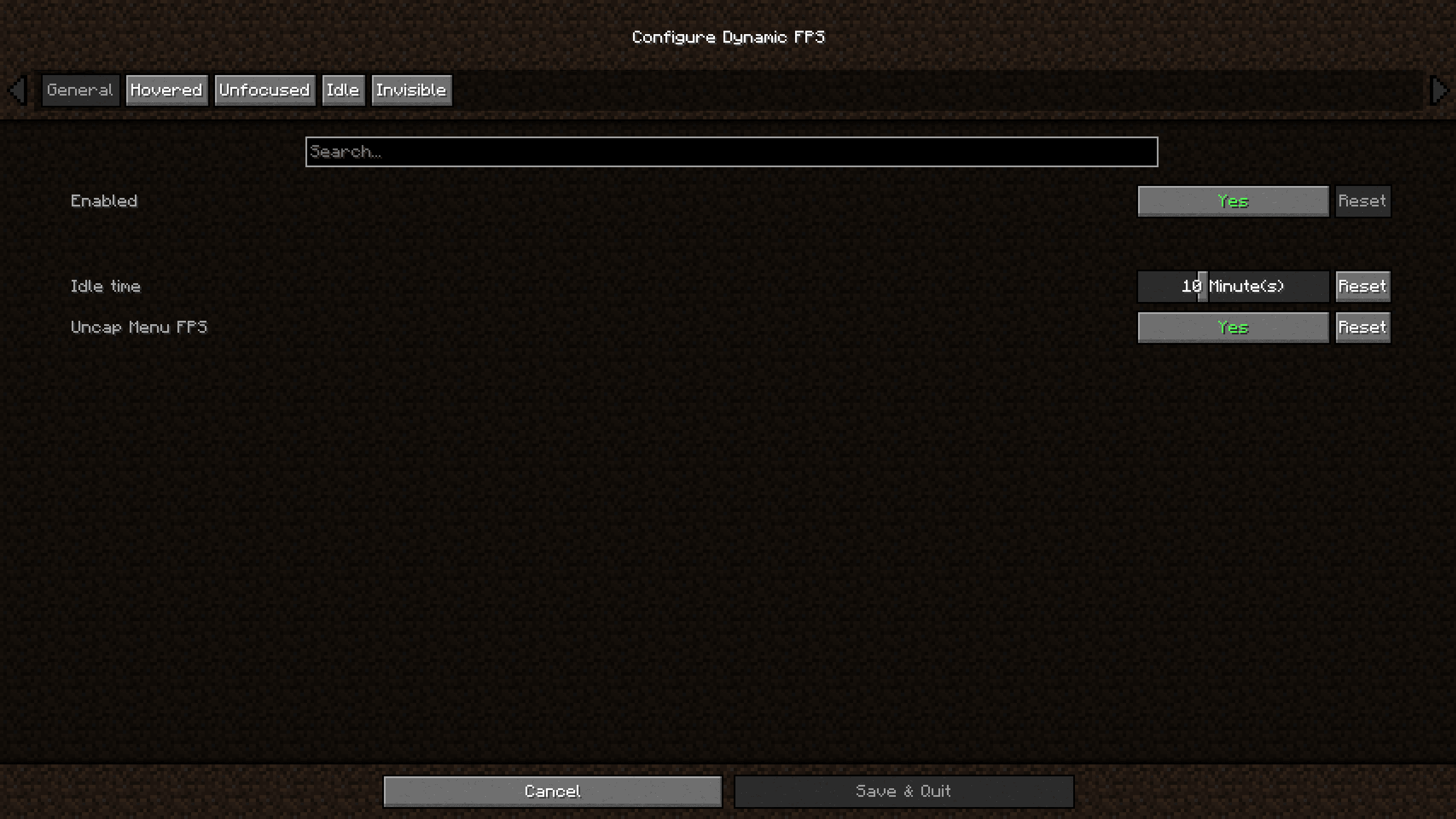
Dynamic FPS
by juliand665
Reduce resource usage while Minecraft is in the background, idle, or on battery.
 Server-ready

No Chat Reports
by Aizistral
Makes chat unreportable (where possible)
Ready for your server with Cobblemon QoL Suite?
4 GB of RAM from €8.00 per month. 35% off your first month with MADO35.