
Modrinth · Forge, NeoForge
Cognition on your Minecraft server
Cognition runs on Minecraft servers with Forge or NeoForge. Order your server, set the loader in the panel and install the mod with one click in the mod browser.
Formerly Experience Obelisk. Overhaul your minecraft experience with strange and arcane technologies
- Downloads
- 127.9K
- Author
- cyanog3n
- Loader
- Forge, NeoForge
- Minecraft
- 1.18.1 – 1.21.5
- Updated
- –
Screenshots
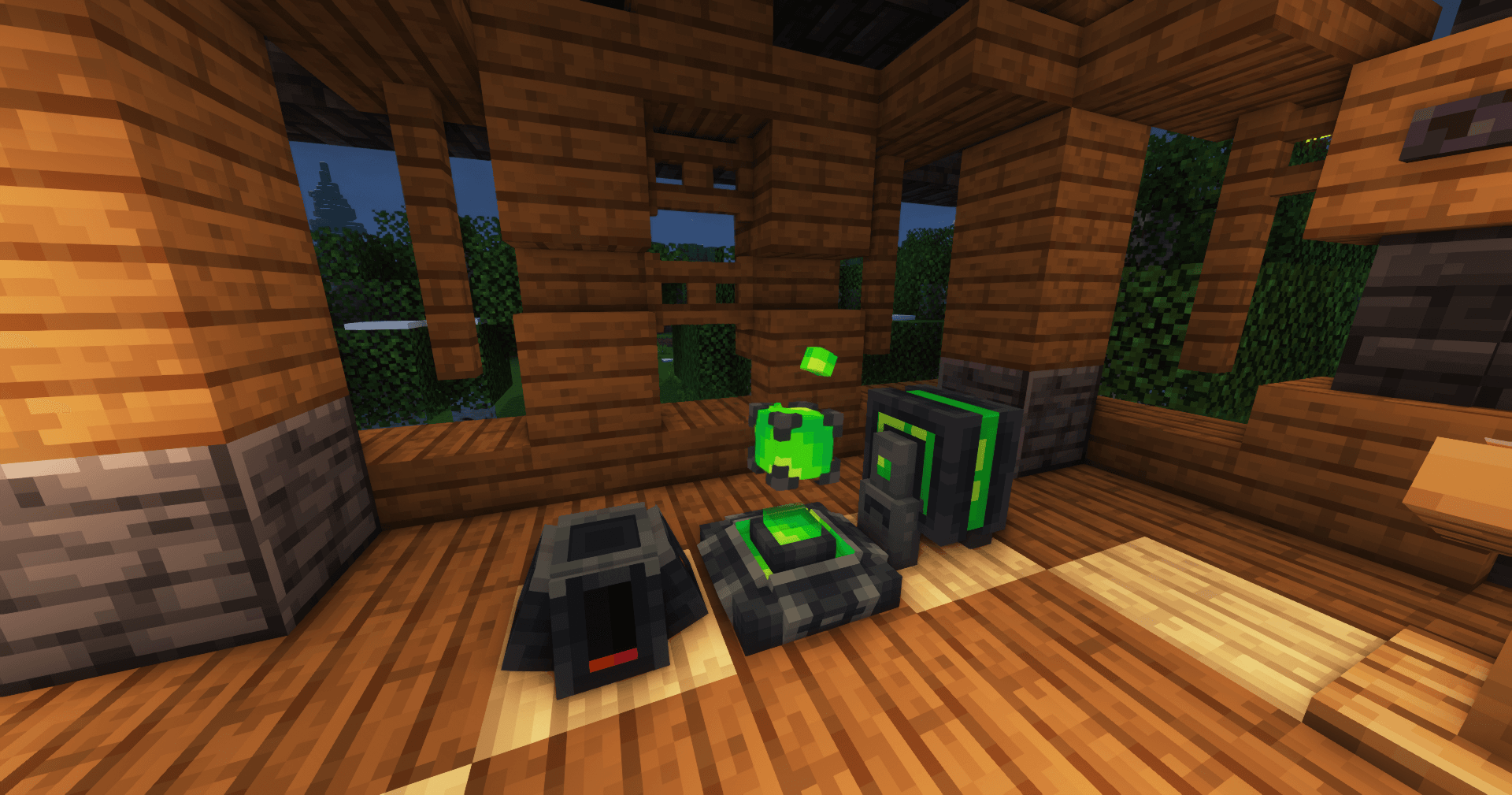
What Cognition looks like


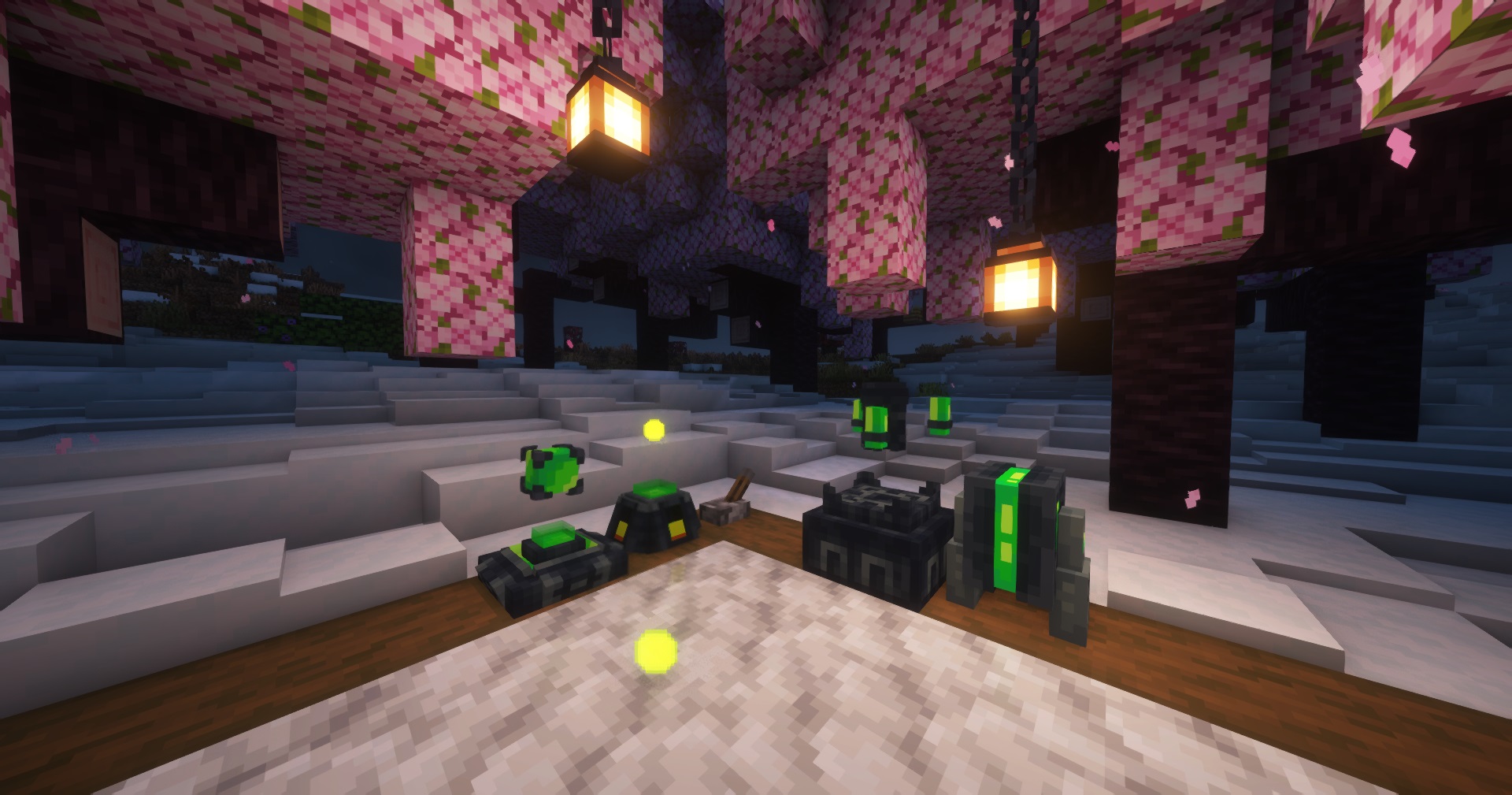
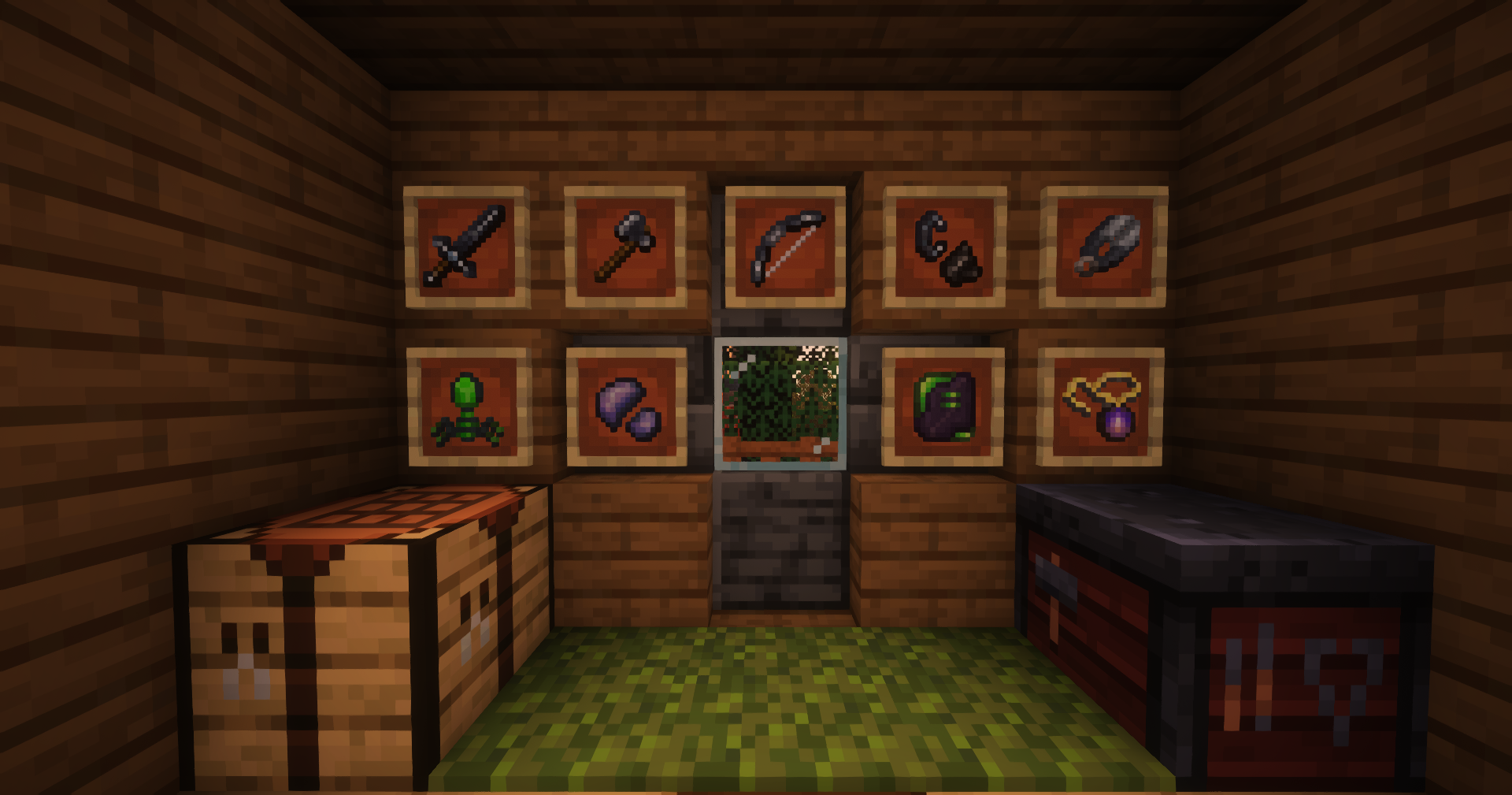
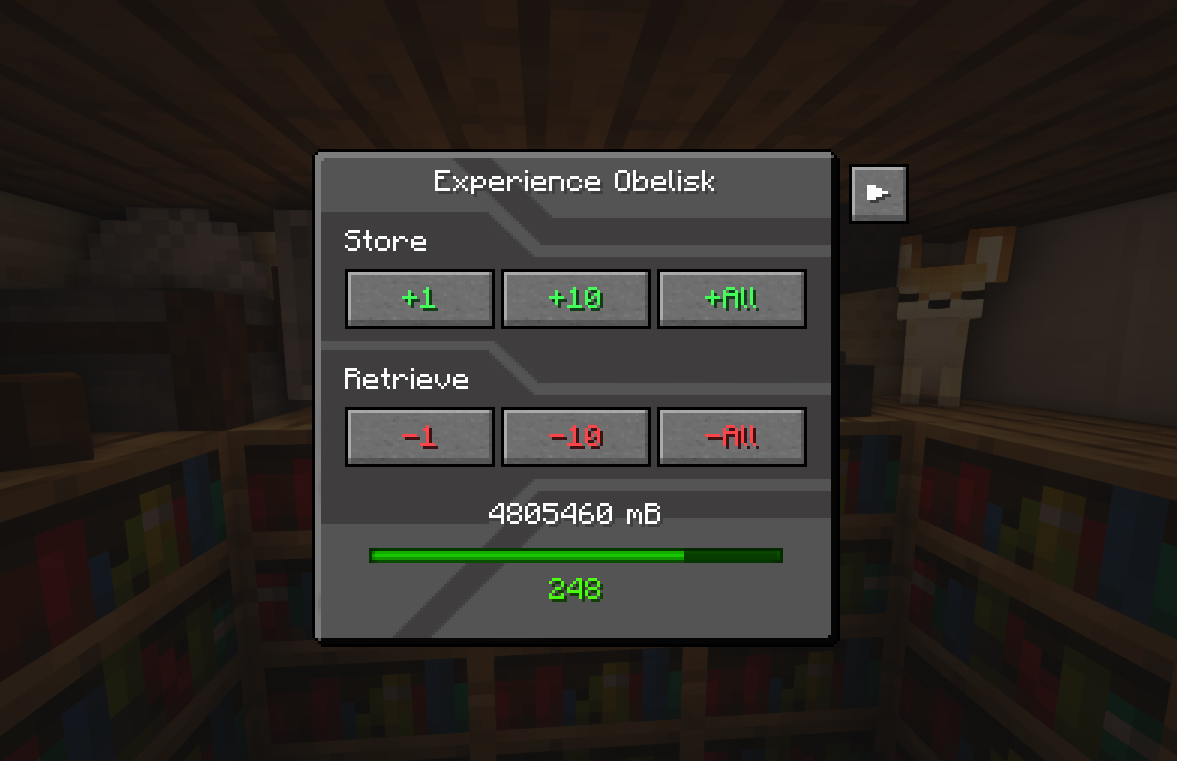
Images: Cognition on Modrinth, published by the project team.
Setup
Install Cognition on your server
The server and players need the same loader and Minecraft version. Back up the world before adding or updating mods.
- 01
Configure
4 GB of RAM is preselected. You choose the term and add-ons and pay by credit card or PayPal.
- 02
Set the loader
In the panel, set the server software to Forge or NeoForge and choose the matching Minecraft version, for example 1.21.5.
- 03
Install the mod
Search the mod browser for “Cognition” and install the release for your loader. Alternatively, upload the .jar to the mods folder via SFTP. Required dependencies are listed on the project page.
- 04
Connect
Every player installs the same Cognition release locally and connects using the server address from the panel.
- On the server
- Required
- On the client
- Required
- Loader
- Forge, NeoForge
- Minecraft
- 1.21.5, 1.21.4, 1.21.3 +8 more
- License
- MIT License
The panel
Install mods, find errors.
Real screenshots from the Mado panel. Both come with every Minecraft server.
Mod browser
Modrinth and CurseForge, right in the panel.
The browser filters by your Minecraft version. Install mods with one click, without uploading .jar files.

AI crash analysis
When a mod crashes, the analyzer reads the log.
Mods often fail on a wrong loader version, Java version or missing dependency. The analyzer names a likely cause and suggests a fix.

Releases
Published releases
Pick the file that matches your server’s loader and Minecraft version. The server and players need the same release.
Cognition · Modrinth- Cognition 2.3.2-1.20.1March 13, 2025Minecraft 1.20.1 · Forge
- Cognition 2.2.3August 3, 2024Minecraft 1.19.2 · Forge
- Cognition 2.2.3August 3, 2024Minecraft 1.20.1 · Forge
Original description by the project author
Experience Obelisk is now Cognition!
Cognition aims to overhaul player XP, by providing new ways to store, transport, and use it in weird and wonderful ways. Power all sorts of mystical machinery with Cognitium, best described as pure knowledge given corporeal form. As for now the content available is quite small, but much more is currently in the works!
View the wiki here for detailed information about this mod's contents
Important Info
⚠️ This project requires ⚠️
- Geckolib 3 for 1.18.2 and 1.19.2 versions
- Geckolib 4 for 1.20.1+ versions
- Additionally, as an optional dependency, you might want to install Curios API, which will allow you to wear items from this mod in curios slots.
For backward compatibility, the mod id remains "experienceobelisk", which is to say, should you need to obtain the IDs for anything in the game, they will be in the format "experienceobelisk:item_or_block_id" (UPDATE: The mod id is now "cognition" for v2.3.7-1.21.1 onwards). If you would like to report a bug or request a feature, please don't hesitate to do so at the github page.
Should you want updates on the mod, or just wanna chat, join the official Terrarium discord!
If you enjoyed this project feel free to check out my other mods:
Diagonalization - Place blocks on corners and vertices!
Acknowledgements:
- All block models were done by the extremely talented Squishy
- Thank you lazerdude for helping with playtesting!
- Prior to the release of v2.0.0, this mod was originally called "Experience Obelisk" and added a single block of the same name. It was intended to provide the functionality of EnderIO's experience obelisk to versions of Minecraft for which it was not available for at the time. Without EnderIO, this mod would not exist! Massive thanks to the EnderIO team for creating the mod we know and love.
Cognition server crashes on startup – what to do?
Common causes: the loader or Minecraft version does not match the mod file, a dependency is missing, or RAM is too low. Check the log (latest.log) for “OutOfMemoryError”, “Mixin” or missing mods. At Mado, the AI crash analysis reads the log and suggests a cause. You can change the loader and version in the panel.
Which loader does Cognition run on?
According to Modrinth, Cognition supports Forge, NeoForge for Minecraft 1.21.5, 1.21.4, 1.21.3.
How much RAM does a server with Cognition need?
As guidance, 3–4 GB for a server with this mod. This is an estimate, not a measured minimum. More mods, many players and long view distances need more. The spark profiler shows whether a mod is costing tick time.
Similar mods
Popular mods in the same category
 Server-ready

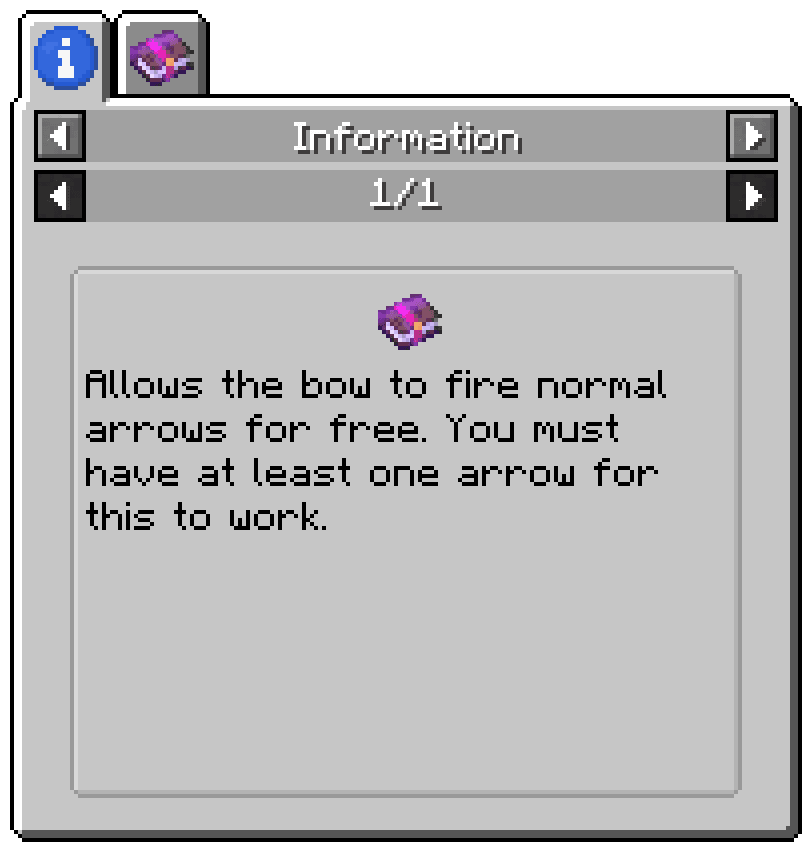
Enchantment Descriptions
by Darkhax
Provides a way to get enchantment descriptions from enchanted books.
 Server-ready

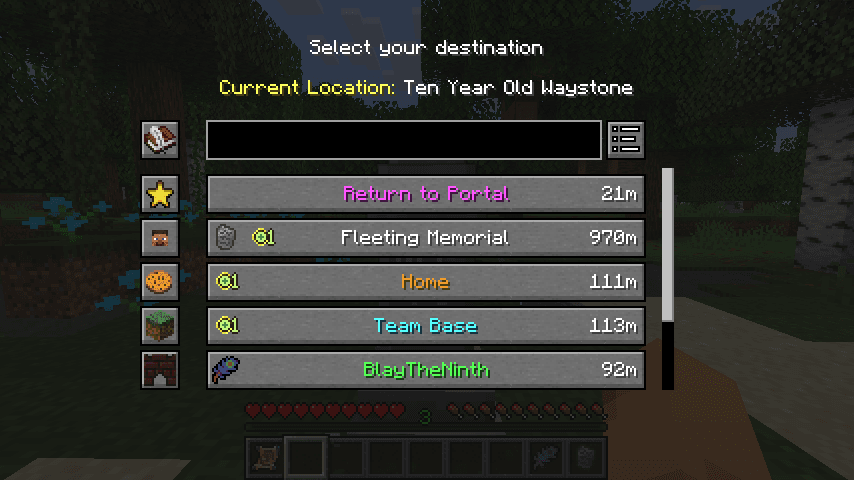
Waystones
by BlayTheNinth
Teleport from waystone to waystone or craft magical scrolls to warp.
 Server-ready

Sinytra Connector
by Su5eD
Lets you play Fabric mods on NeoForge
 Client only

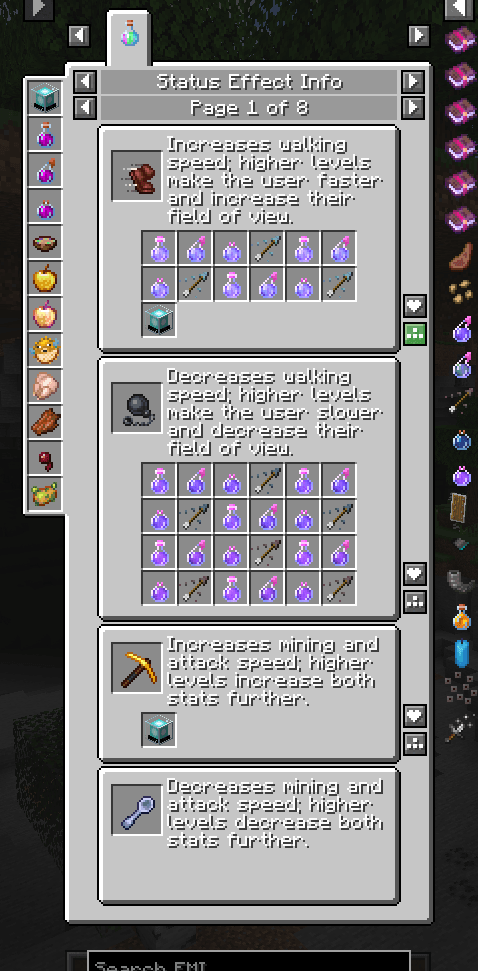
EMIffect
by moechakucha
EMI addon that appends status effects in EMI and provides information about each status effect.
Ready for your server with Cognition?
4 GB of RAM from €8.00 per month. 35% off your first month with MADO35.