
Concentration
Borderless fullscreen support for Minecraft 1.20.6+
Screenshots
About this Mod
Introduction
Added borderless support for Minecraft 1.20.6+.
Version 1.0.0 requires Embeddium. Not supports Sodium on Fabric platform.
Version 1.0.1 requires Sodium as dependency.
Version 1.0.2+ doesn't require any mods as dependencies!
For Modpackers
You can use my mod in your modpack, however please don't provide the mod file directly, use mrpack instead.
Screenshots
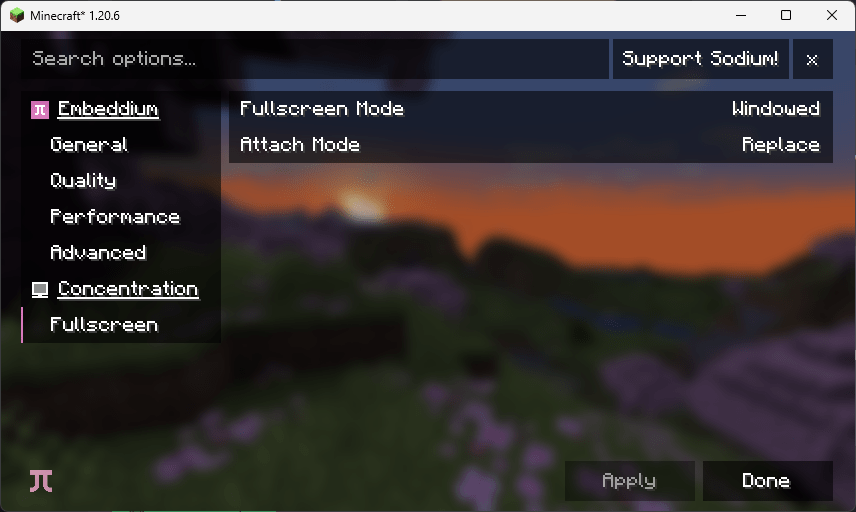
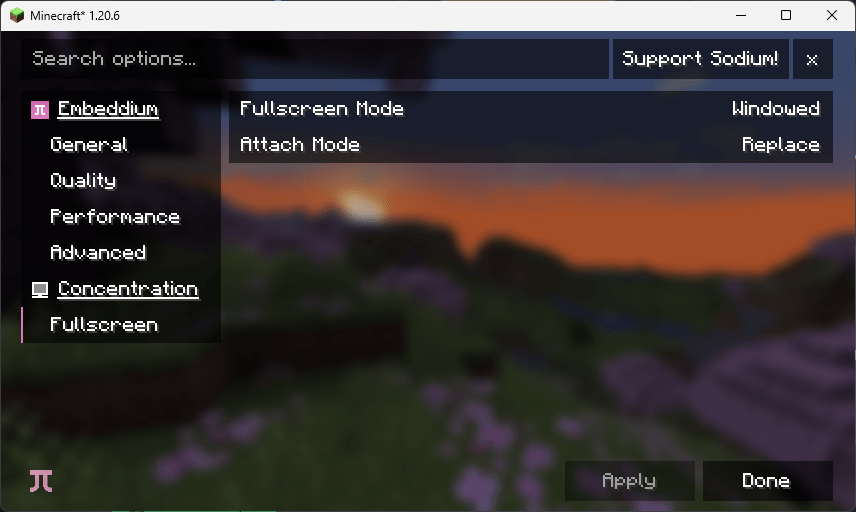
(This page has been removed after 1.0.1, and borderless fullscreen replaced native fullscreen directly)
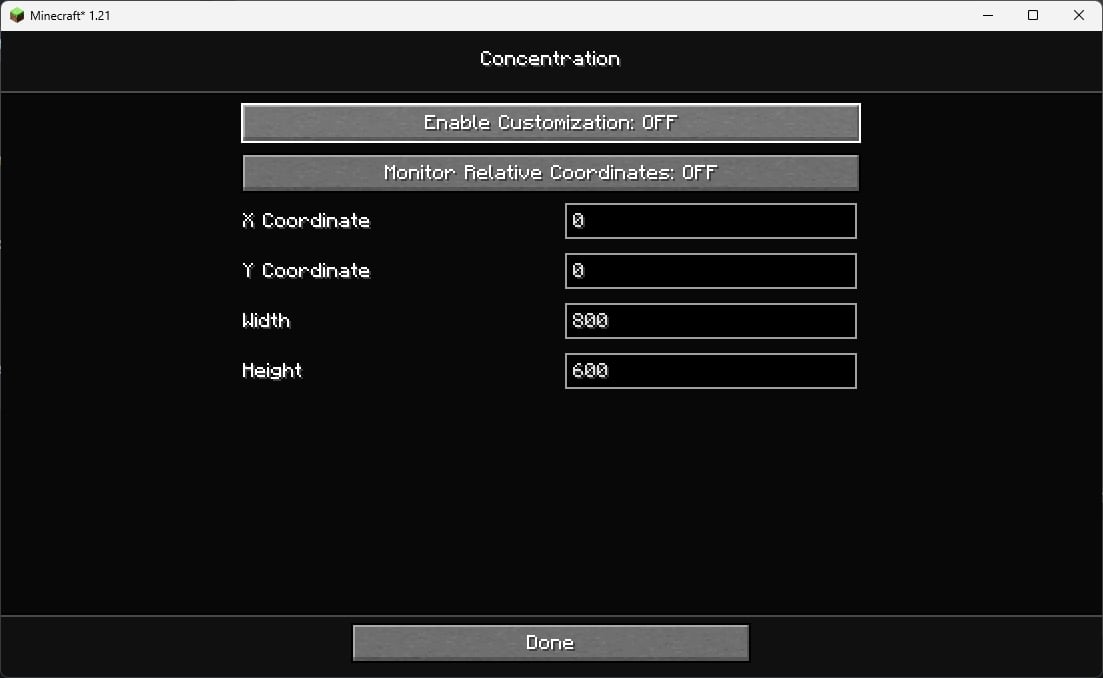
(This is the new config screen, NeoForge available without any dependency, Fabric requires ModMenu to open this page)
Compatiblility
Sodium
Totally fine, no conflicts.
Embeddium
Totally fine, no conflicts.
Vulkan Mod
As a user reported in issue#7, the borderless fullscreen provided by Vulkan Mod not works. So I add compatibility with Vulkan Mod so that you can use Concentration as an alternative borderless fullscreen with Vulkan Mod.
Known Issues
The option text won't change when you press fullscreen shortcut in the options page. This actually is sodium and embeddium problem not Concentration problem.
Available Versions
How to Install Concentration on Your Client
Install the Mod Loader Locally
Install fabric for your local Minecraft version.
Download the Matching File
Choose the Concentration file for fabric and Minecraft 1.21.2.
Install Mod
Place the .jar file in your local .minecraft/mods folder and restart Minecraft. No server-side installation is required.
Compatibility
Mod Loaders
Minecraft Versions
1.21.2, 24w33a, 1.21.1 (+3 more)
Server-side
✗ UnsupportedRecommended RAM
4 GB(min. 3 GB)Frequently Asked Questions
Does Concentration need to be installed on the Minecraft server?
No. Modrinth marks Concentration as unsupported on the server side. Install it only in your local Minecraft mods folder. Your server can remain unchanged unless the mod page lists an additional dependency.
Which version and loader does Concentration require?
Use a file for fabric, forge, neoforge, quilt and your exact Minecraft version. Supported versions include 1.21.2, 24w33a, 1.21.1. Files for different loaders are not interchangeable.
Concentration is not working – what should I check?
First check the Minecraft version, loader version and required dependencies. Put the .jar file in your local .minecraft/mods folder and remove older duplicates. Because this mod is client-side, adding server RAM will not fix it.
Similar Mods


Minecraft Server for Your Group
Concentration stays on your client. Host a compatible world for your group.