
Cooking for Blockheads
Adds a multiblock kitchen that shows recipes you can make with what ingredients you have available.
Screenshots
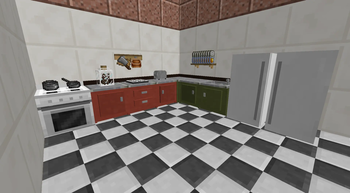
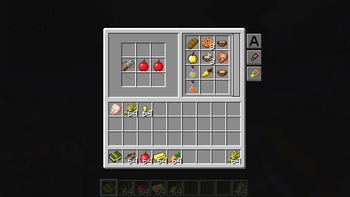
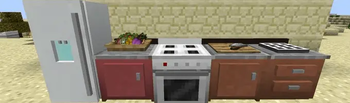
About this Mod
This mod adds a functional kitchen to Minecraft. Use the Cooking Table to find out what you can cook with what ingredients you currently have available, and start cooking immediately through a single click.
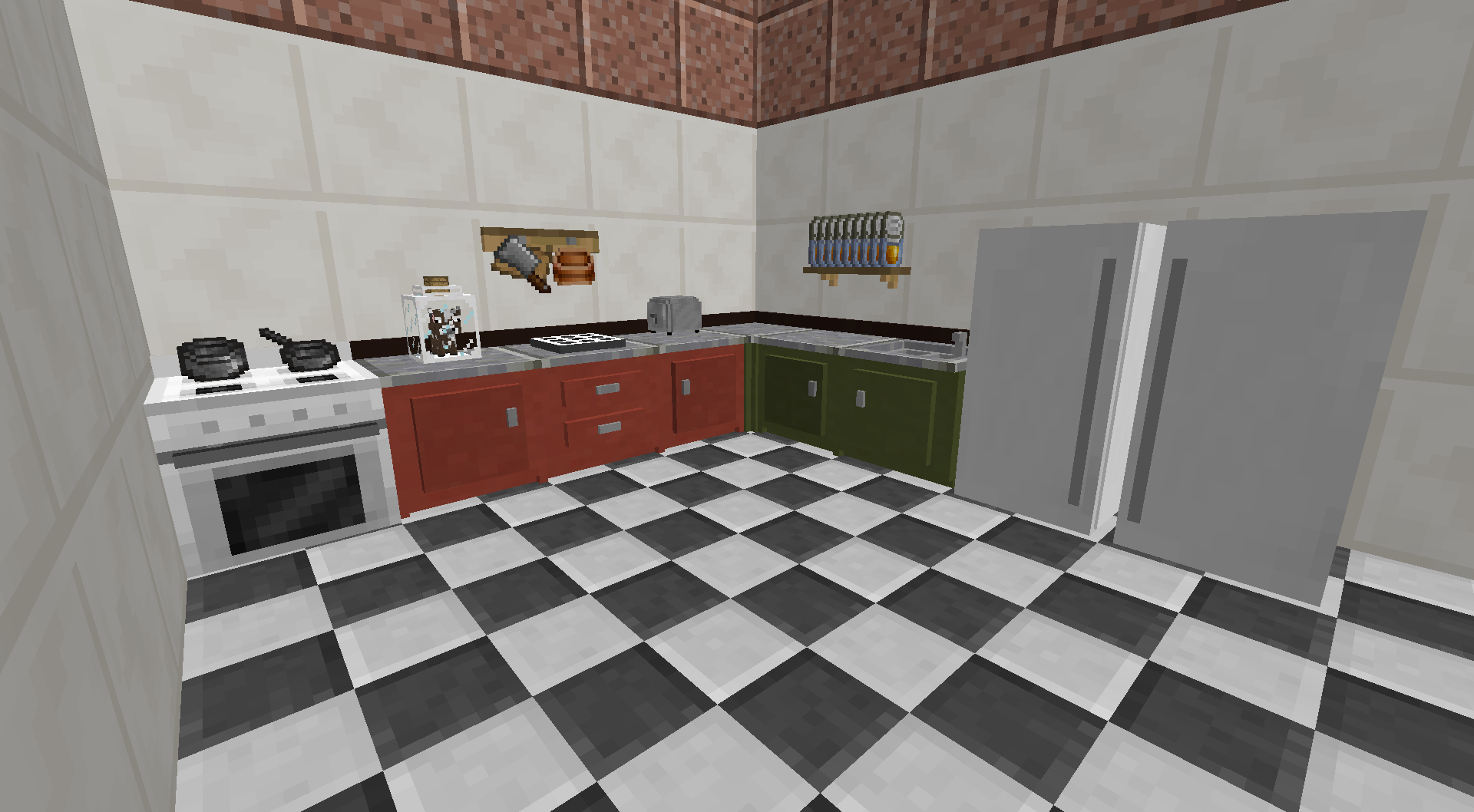
The kitchen is modular and can be upgraded through additional blocks, such as cupboards for expanded storage, a sink for infinite water, or efficient cooking with the oven. Some people even went as far as capturing a Cow in a Jar to provide them with infinite milk!
This mod requires Balm, which must be installed alongside the mod.

- Multiblock Kitchens consisting of several components that each unlock new abilities
- Browse food recipes that you can create with the ingredients you have available
- #NoFilter book to simply show all food item recipes (no matter what ingredients you have available)
- Sorting options to see the most nutritious foods you can make
- Supports Pam's Harvestcraft as well as many other food mods
Available Versions
How to Install Cooking for Blockheads on Your Server
Order Server
Order a Minecraft Java server with at least 3 GB RAM (4 GB recommended).
Set fabric Loader
In the panel under "Egg", select the fabric loader and matching Minecraft version (26.3).
Install Mod
Open the mod browser in the dashboard and search for "Cooking for Blockheads". Click "Install" – done! Alternatively, upload the .jar via SFTP to the /mods folder.
Compatibility
Mod Loaders
Minecraft Versions
26.3, 26.2, 26.1.2 (+27 more)
Server-side
✓ RequiredRecommended RAM
4 GB(min. 3 GB)Frequently Asked Questions
Cooking for Blockheads server crashes on startup – what to do?
Most common cause: wrong fabric version or insufficient RAM. Check the server log (latest.log) for "OutOfMemoryError" or "Mixin" errors. With Mado Hosting: ensure at least 3 GB RAM is allocated and the loader matches the mod version (26.3). You can switch loaders with one click in the panel.
Is Cooking for Blockheads compatible with fabric and forge and neoforge?
Cooking for Blockheads officially supports fabric, forge, neoforge for Minecraft 26.3, 26.2, 26.1.2. Note: Forge and Fabric mods are NOT cross-compatible – pick one loader and stick with it. The Mado dashboard automatically detects incompatible loader combinations.
Server lagging with Cooking for Blockheads – how to optimize performance?
Recommended RAM: 4 GB (per 8 players). Use /spark profiler to check if Cooking for Blockheads consumes the most tick time. Common fixes: reduce server view-distance to 8-10, install "performant" or "starlight" as supplementary mods on Forge. With Mado Hosting, your server runs on NVMe SSDs with dedicated CPU cores for minimal latency.
Similar Mods

![[ETF] Entity Texture Features](https://cdn.modrinth.com/data/BVzZfTc1/af683d206d50b05258d865b0d6e4aa2f2cee12f2_96.webp)
![[EMF] Entity Model Features](https://cdn.modrinth.com/data/4I1XuqiY/6e5bbd0d06b1741bfdab6c0cfab6de8fdaf0064c_96.webp)



Rent Modded Server
Install Cooking for Blockheads with just one click on your server.