
Create Deco
Industrial decoration themed around the aesthetics of the Create mod.
Screenshots
About this Mod
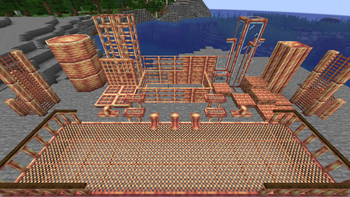
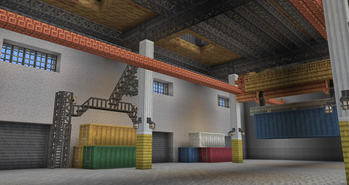
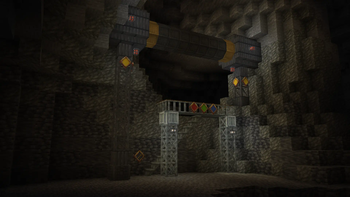
Create Deco is the best mod around for taking your industrial, urban, or steampunk builds to the next level. With everything from catwalks to cage lamps and shipping containers to sheet metal, Create Deco integrates flawlessly with the existing selection of building blocks in Create.
Block Sets
Create Deco has a number of block sets with each being available in six materials, those being
Andesite, Zinc, Iron, Industrial Iron, Copper and Brass.
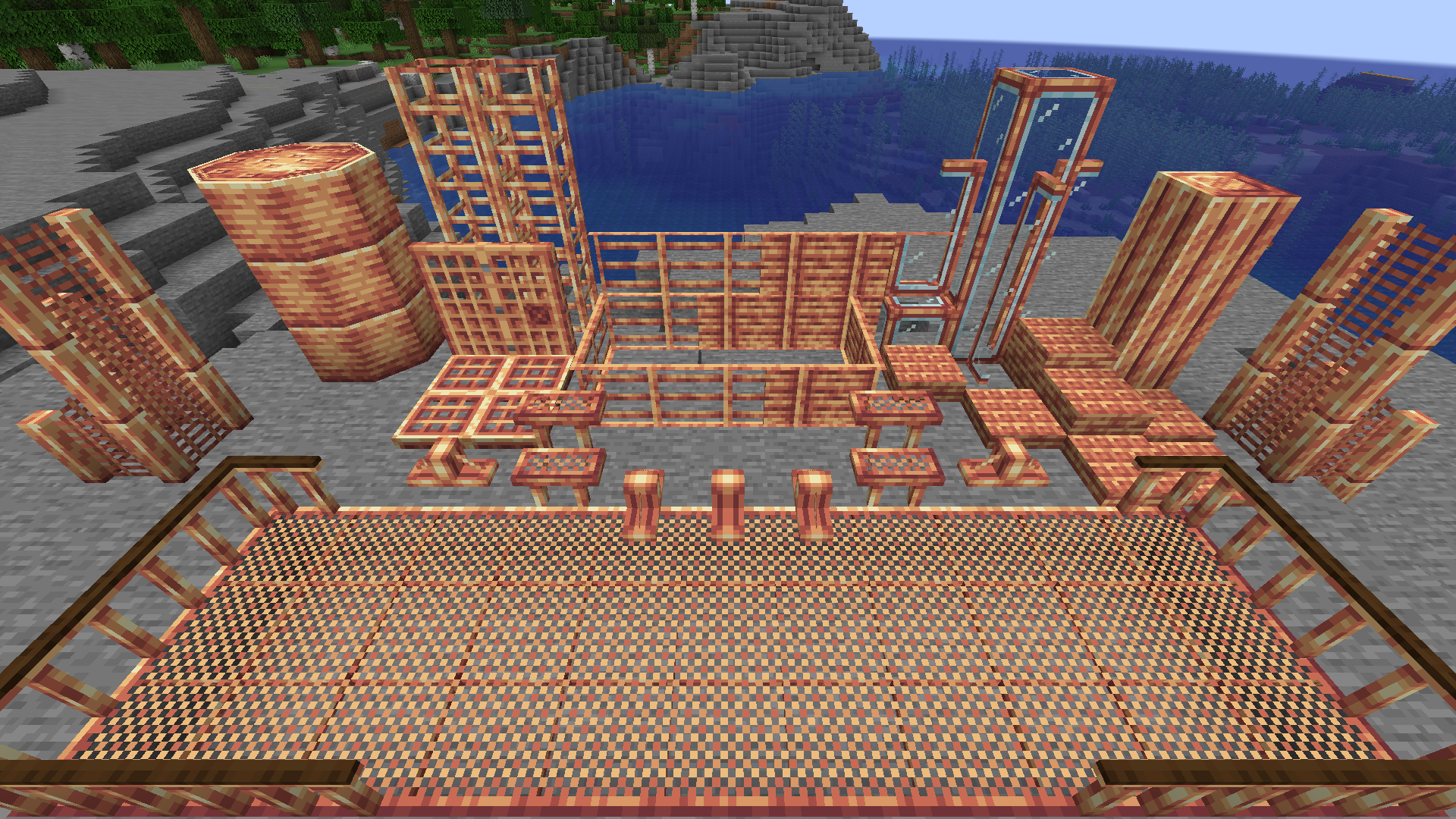
The block sets included are:
- Support Blocks
- Support Wedges
- Train Hulls
- Catwalks
- Catwalk Railings
- Catwalk Stairs
- Cage Lamps (available in four light colors!)
- Sheet Metal
- Windows (+ panes!)
- Bars (+ opaque paneled bars)
- Chain Link Fences
- Coin Stacks (+ coin items)
- Doors
- Ladders
- Plus much more to come!!!
Additional Decor
On top of sets of metal blocks, the mod includes decor options like Decals with different symbols on them that can be used to indicate a fire hazard or a restricted area.
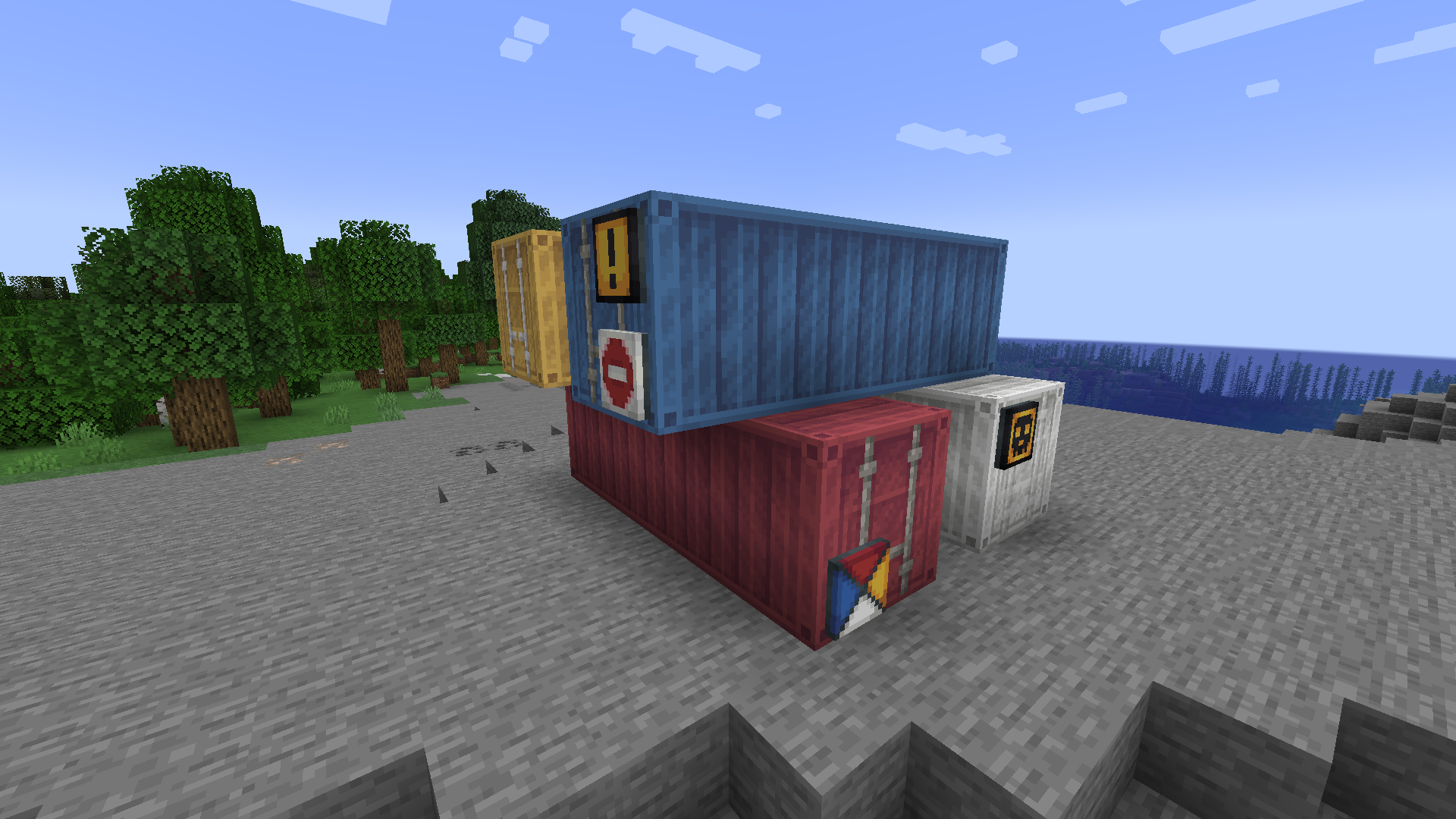
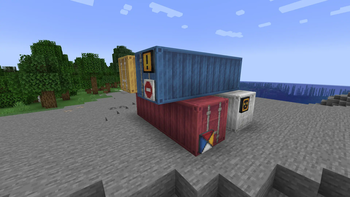
Also, there are shipping containers in all 16 dye colors that act like Item Vaults but with a fresh new look
Bricks
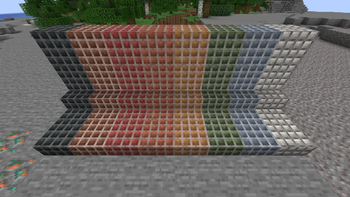
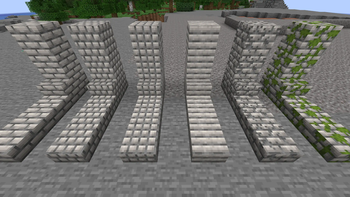
Create Deco has a number of new colors of brick that can be cut or modified into different looks for variety. The colors of brick are: Red, Scarlet, Blue, Umber, Dean, Dusk, Verdant and Pearl.
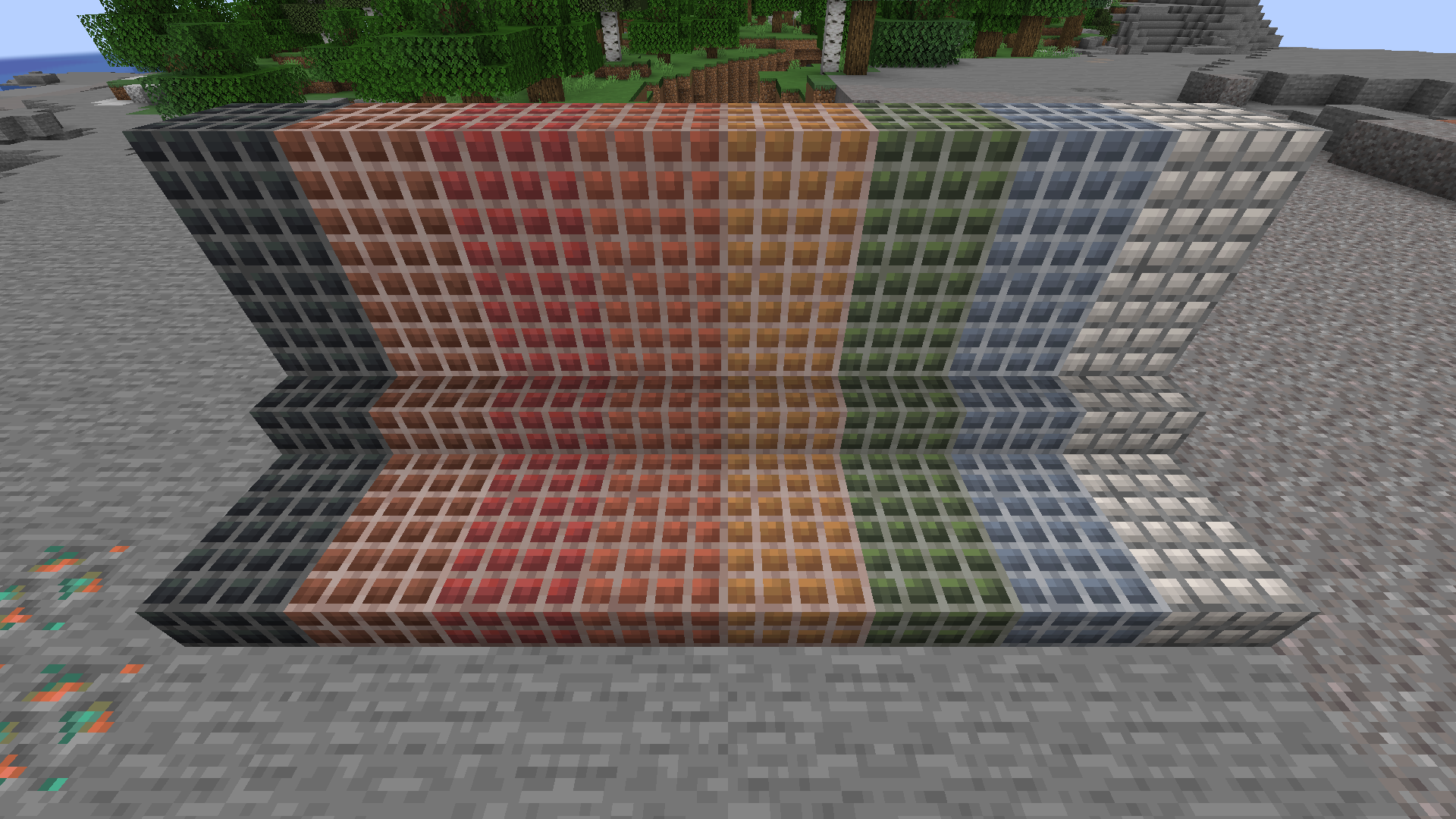
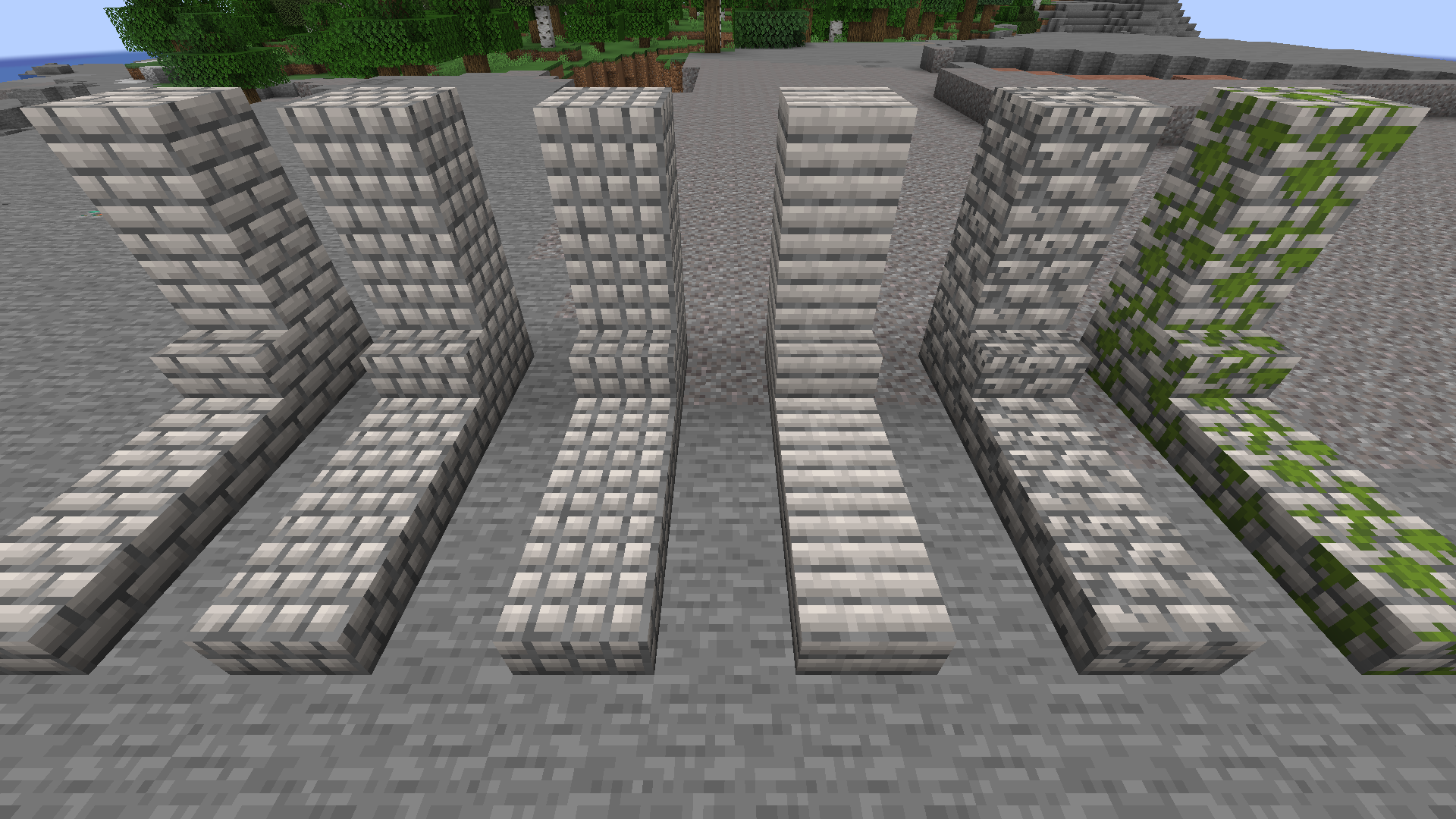
These bricks can be short, long, tiled, cracked or mossy and all have stairs and slabs.
We hope you enjoy Create Deco!
Available Versions
How to Install Create Deco on Your Server
Order Server
Order a Minecraft Java server with at least 4 GB RAM (6 GB recommended).
Set fabric Loader
In the panel under "Egg", select the fabric loader and matching Minecraft version (1.21.1).
Install Mod
Open the mod browser in the dashboard and search for "Create Deco". Click "Install" – done! Alternatively, upload the .jar via SFTP to the /mods folder.
Compatibility
Mod Loaders
Minecraft Versions
1.21.1, 1.20.1
Server-side
✓ RequiredRecommended RAM
6 GB(min. 4 GB)Frequently Asked Questions
Create Deco server crashes on startup – what to do?
Most common cause: wrong fabric version or insufficient RAM. Check the server log (latest.log) for "OutOfMemoryError" or "Mixin" errors. With Mado Hosting: ensure at least 4 GB RAM is allocated and the loader matches the mod version (1.21.1). You can switch loaders with one click in the panel.
Is Create Deco compatible with fabric and forge and neoforge?
Create Deco officially supports fabric, forge, neoforge for Minecraft 1.21.1, 1.20.1. Note: Forge and Fabric mods are NOT cross-compatible – pick one loader and stick with it. The Mado dashboard automatically detects incompatible loader combinations.
Server lagging with Create Deco – how to optimize performance?
Recommended RAM: 6 GB (per 5 players). Use /spark profiler to check if Create Deco consumes the most tick time. Common fixes: reduce server view-distance to 8-10, install "performant" or "starlight" as supplementary mods on Forge. With Mado Hosting, your server runs on NVMe SSDs with dedicated CPU cores for minimal latency.
Similar Mods

![[ETF] Entity Texture Features](https://cdn.modrinth.com/data/BVzZfTc1/af683d206d50b05258d865b0d6e4aa2f2cee12f2_96.webp)
![[EMF] Entity Model Features](https://cdn.modrinth.com/data/4I1XuqiY/6e5bbd0d06b1741bfdab6c0cfab6de8fdaf0064c_96.webp)



Rent Modded Server
Install Create Deco with just one click on your server.