
Create Fly
Higher version Create mod porting to Fabric
Screenshots
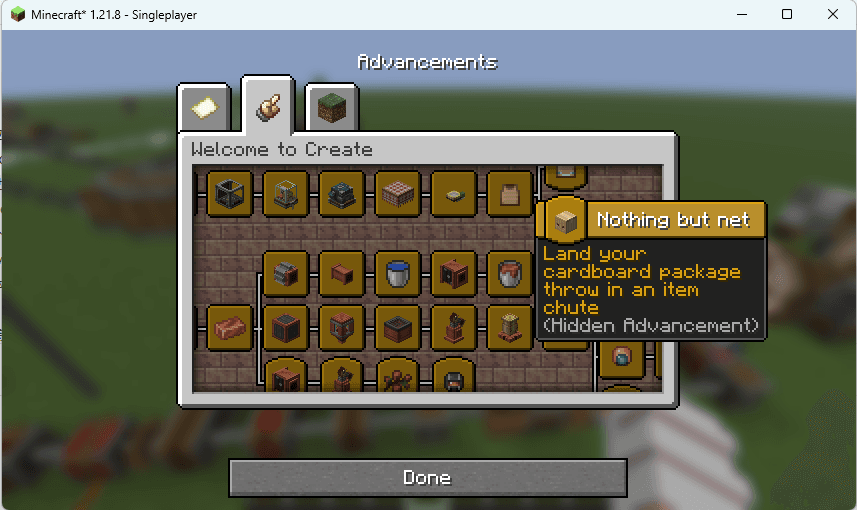
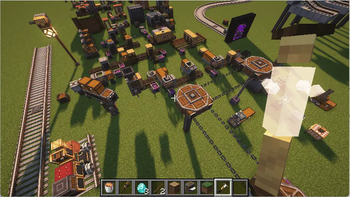

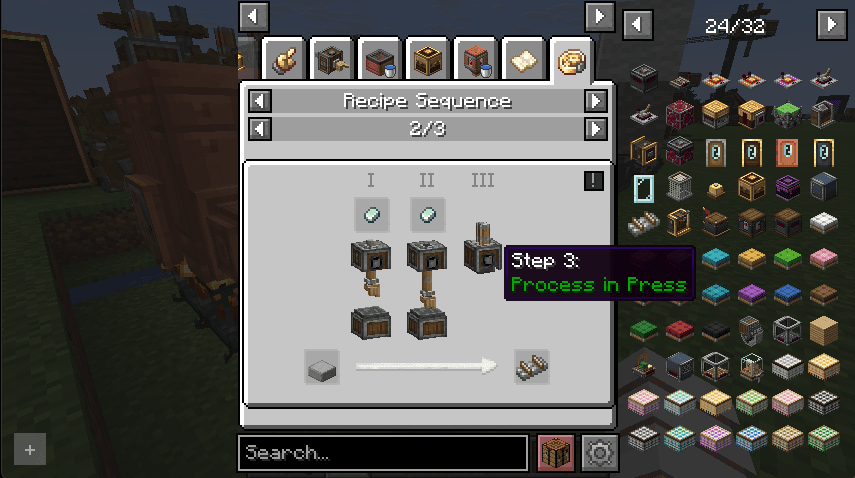
About this Mod
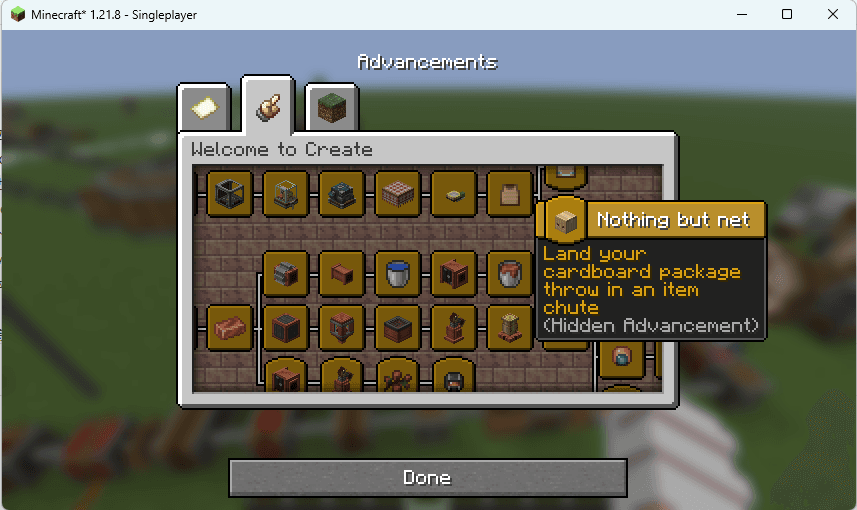
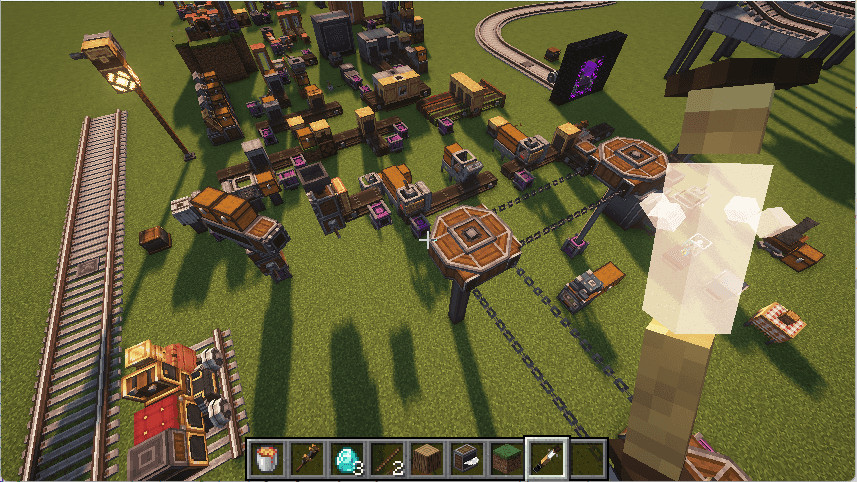
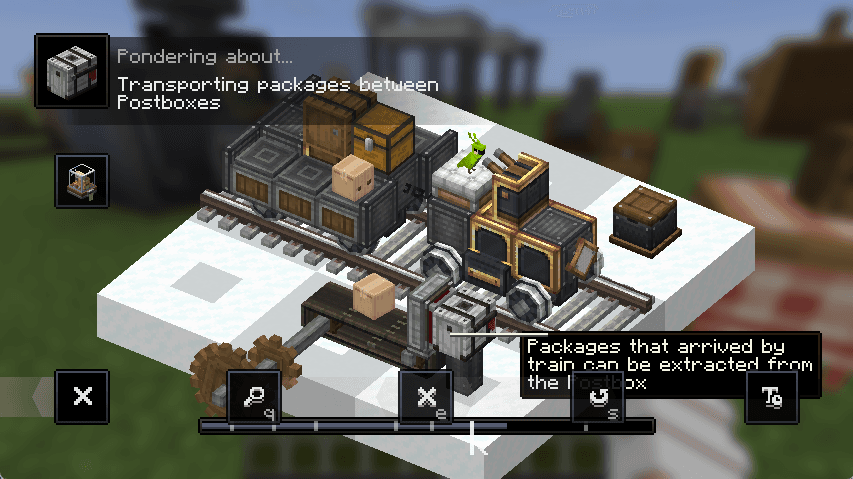
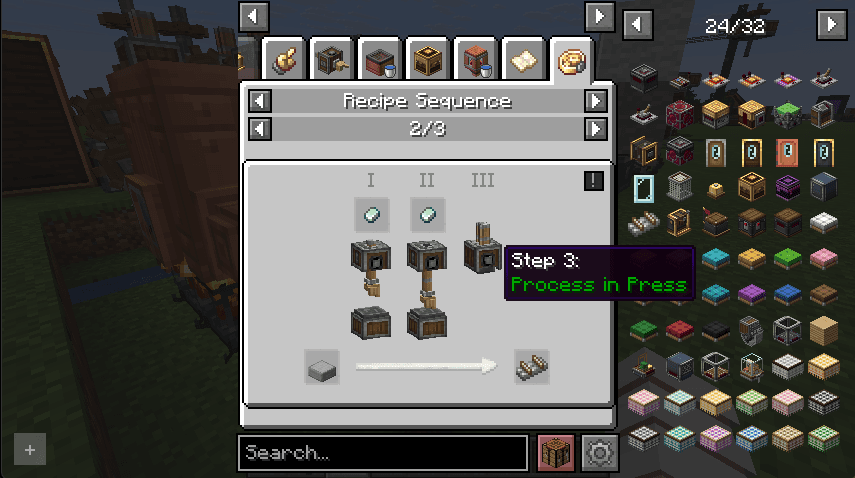
Higher version Create mod porting to Fabric
1. What the project specifically does or adds
- This is a Fabric fork of Create.
The official Create Fabric fork has not released a version 1.21.1 or higher. it has been a year since then. - Minecraft uses a new rendering method in higher versions: item models use a dedicated rendering folder, rendering uses a rendering pipeline, Entity, BlockEntity and GUI rendering is changed to extract the state first and then render, which requires creating special rendering for GUI elements.
- Minecraft uses a new data loading method that can capture error messages, which requires a lot of changes to be compatible.
- The original Fabric fork was ported using Porting-Lib, which actually required implementing many NeoForge features. This project uses a mixin specifically for Create features to make porting easier.
- The original Fabric fork used a mixed approach to server-side and client-side development, which made it easy for the server to call non-existent client code, leading to errors. This project uses a new code separation mode for development.
- The original Fabric fork used a builder to generate data, which relied on Registrate-Refabricated and made migration difficult. This project registers data in a way that's more consistent with vanilla Minecraft.
- This project implements the full Create feature independently, without the need to install the Fabric API.
2. Why someone should want to download the project
- Minecraft will always release new versions, and old versions will always become obsolete. If they cannot be ported in time, the accumulated modifications will be huge.
- This project can provide higher version Create content that does not exist in the original Fabric fork.
3. Any other critical information the user must know before downloading
- Please do not report issues with this mod to simibubi and NeoForge Create.
- Please do not use old game saves. Because data loading changes, data may be lost.
- Recommended to use REI or JEI or EIV or RRV to view recipes, and please report any game crashes.
- Using shaders will disable Flywheel optimizations.
- For more related Mods, please follow Discord.
4. TODO List
- Create Commands
- Compat Fabric Events
- Compat Other Mod
This project modifies and includes code from the following projects:
- Engine-Room/Flywheel
- Engine-Room/Flywheel/Vanillin
- Creators-of-Create/Create
- Creators-of-Create/Ponder
Contains partial code
- fabricMC/fabric ItemGroup
- neoforged/NeoForge ObjModel
The license agreement for the open source code used in this project is stored in the licenses directory.
Modrinth Maven
repositories {
    exclusiveContent {
        forRepository {
            maven {
                name = "Modrinth"
                url = "https://api.modrinth.com/maven"
            }
        }
        filter {
            includeGroup "maven.modrinth"
        }
    }
}

dependencies {
    // 26.2-rc-2
    implementation "maven.modrinth:create-fly:26.2-rc-2-6.0.9-1"
    // 26.1.2
    implementation "maven.modrinth:create-fly:26.1.2-6.0.9-4"
    // 1.21.11
    modImplementation "maven.modrinth:create-fly:1.21.11-6.0.9-5"
    // 1.21.10
    modImplementation "maven.modrinth:create-fly:1.21.10-6.0.9-2"
    // 1.21.8
    modImplementation "maven.modrinth:create-fly:1.21.8-6.0.9-2"
}
Donate
- Supporting the Project


Available Versions
How to Install Create Fly on Your Server
Order Server
Order a Minecraft Java server with at least 4 GB RAM (6 GB recommended).
Set fabric Loader
In the panel under "Egg", select the fabric loader and matching Minecraft version (26.2).
Install Mod
Open the mod browser in the dashboard and search for "Create Fly". Click "Install" – done! Alternatively, upload the .jar via SFTP to the /mods folder.
Compatibility
Mod Loaders
Minecraft Versions
26.2, 26.2-rc-2, 26.2-pre-5 (+21 more)
Server-side
✓ RequiredRecommended RAM
6 GB(min. 4 GB)Frequently Asked Questions
Create Fly server crashes on startup – what to do?
Most common cause: wrong fabric version or insufficient RAM. Check the server log (latest.log) for "OutOfMemoryError" or "Mixin" errors. With Mado Hosting: ensure at least 4 GB RAM is allocated and the loader matches the mod version (26.2). You can switch loaders with one click in the panel.
Is Create Fly compatible with fabric and quilt?
Create Fly officially supports fabric, quilt for Minecraft 26.2, 26.2-rc-2, 26.2-pre-5. The Mado dashboard automatically detects incompatible loader combinations.
Server lagging with Create Fly – how to optimize performance?
Recommended RAM: 6 GB (per 5 players). Use /spark profiler to check if Create Fly consumes the most tick time. Common fixes: reduce server view-distance to 8-10, install "performant" or "starlight" as supplementary mods on Forge. With Mado Hosting, your server runs on NVMe SSDs with dedicated CPU cores for minimal latency.
Similar Mods

![[ETF] Entity Texture Features](https://cdn.modrinth.com/data/BVzZfTc1/af683d206d50b05258d865b0d6e4aa2f2cee12f2_96.webp)
![[EMF] Entity Model Features](https://cdn.modrinth.com/data/4I1XuqiY/6e5bbd0d06b1741bfdab6c0cfab6de8fdaf0064c_96.webp)



Rent Modded Server
Install Create Fly with just one click on your server.