

Modrinth · Forge
Create: Numismatics Crafting on your Minecraft server
Create: Numismatics Crafting runs on Minecraft servers with Forge. Order your server, set the loader in the panel and install the mod with one click in the mod browser.
Adds crafts to the Create: Numismatics "Coins"
- Downloads
- 14.2K
- Author
- catcoll456
- Loader
- Forge
- Minecraft
- 1.20.1
- Updated
- –
Setup
Install Create: Numismatics Crafting on your server
The server and players need the same loader and Minecraft version. Back up the world before adding or updating mods.
- 01
Configure
6 GB of RAM is preselected. You choose the term and add-ons and pay by credit card or PayPal.
- 02
Set the loader
In the panel, set the server software to Forge and choose the matching Minecraft version, for example 1.20.1.
- 03
Install the mod
Search the mod browser for “Create: Numismatics Crafting” and install the release for your loader. Alternatively, upload the .jar to the mods folder via SFTP. Required dependencies are listed on the project page.
- 04
Connect
Create: Numismatics Crafting is not needed on the client. Players connect using the server address from the panel.
- On the server
- Required
- On the client
- Not needed
- Loader
- Forge
- Minecraft
- 1.20.1
- License
- LicenseRef-All-Rights-Reserved
The panel
Install mods, find errors.
Real screenshots from the Mado panel. Both come with every Minecraft server.
Mod browser
Modrinth and CurseForge, right in the panel.
The browser filters by your Minecraft version. Install mods with one click, without uploading .jar files.

AI crash analysis
When a mod crashes, the analyzer reads the log.
Mods often fail on a wrong loader version, Java version or missing dependency. The analyzer names a likely cause and suggests a fix.

Releases
Published releases
Pick the file that matches your server’s loader and Minecraft version. The server and players need the same release.
Create: Numismatics Crafting · ModrinthOriginal description by the project author
Create: Numismatics Crafting Recipe Mod
Overview: Create: Numismatics Crafting Recipe is a mod designed to expand the crafting mechanics in the Create: Numismatics mod, providing players with a more immersive and detailed crafting experience. This mod introduces new "unpolished" versions of all the coins (Spur, Bevel, Sprocket, Cog, Crown, Sun), adding an extra layer of realism and complexity to the coin production process.
Features:
Unpolished Coins:
Each type of coin (Spur, Bevel, Sprocket, Cog, Crown, Sun) now has an "unpolished" variant.
Crafting these unpolished coins requires the respective ore and a cogwheel.
Crafting Recipes:
Spur Coin: Crafted a using copper nugget and a cogwheel.
Bevel Coin: Crafted a using crushed raw zinc and a cogwheel.
Sprocket Coin: Crafted a using iron plate and a large cogwheel.
Cog Coin: Crafted using a brass ingot and a large cogwheel.
Crown Coin: Crafted using a gold block and a large cogwheel.
Sun Coin: Crafted using a Crown, netherite block and a large cogwheel.
Washing Process:
To transform the unpolished coins into their polished, usable form, they must be washed.
Use an encased fan to wash the unpolished coins, making them ready for use in crafting and trading.
How to Use:
Crafting Unpolished Coins:
Gather the necessary ore and a cogwheel.
Access a mechanical press and combine the ore with the cogwheel to create the unpolished coin of your choice.
Polishing Coins:
Set up an encased fan with a water source.
Place the unpolished coins in front of the encased fan.
Allow the fan to wash the coins until they transform into their polished versions.
Benefits:
Adds depth and realism to the coin production process in Create: Numismatics.
Crafts for multi-player and single-player worlds
Using create's functions to fit in
Compatibility:
Requires the Create: Numismatics & Create mods to be installed.
Fully compatible with other mods that add new types of items like copper nuggets and gold block varients
Experience a richer and more detailed crafting system with Create: Numismatics Crafting Recipe, where every coin tells a story of careful crafting and mechanical ingenuity.
Create: Numismatics Crafting server crashes on startup – what to do?
Common causes: the loader or Minecraft version does not match the mod file, a dependency is missing, or RAM is too low. Check the log (latest.log) for “OutOfMemoryError”, “Mixin” or missing mods. At Mado, the AI crash analysis reads the log and suggests a cause. You can change the loader and version in the panel.
Which loader does Create: Numismatics Crafting run on?
According to Modrinth, Create: Numismatics Crafting supports Forge for Minecraft 1.20.1.
How much RAM does a server with Create: Numismatics Crafting need?
As guidance, 4–6 GB for a server with this mod. This is an estimate, not a measured minimum. More mods, many players and long view distances need more. The spark profiler shows whether a mod is costing tick time.
Similar mods
Popular mods in the same category
 Server-ready

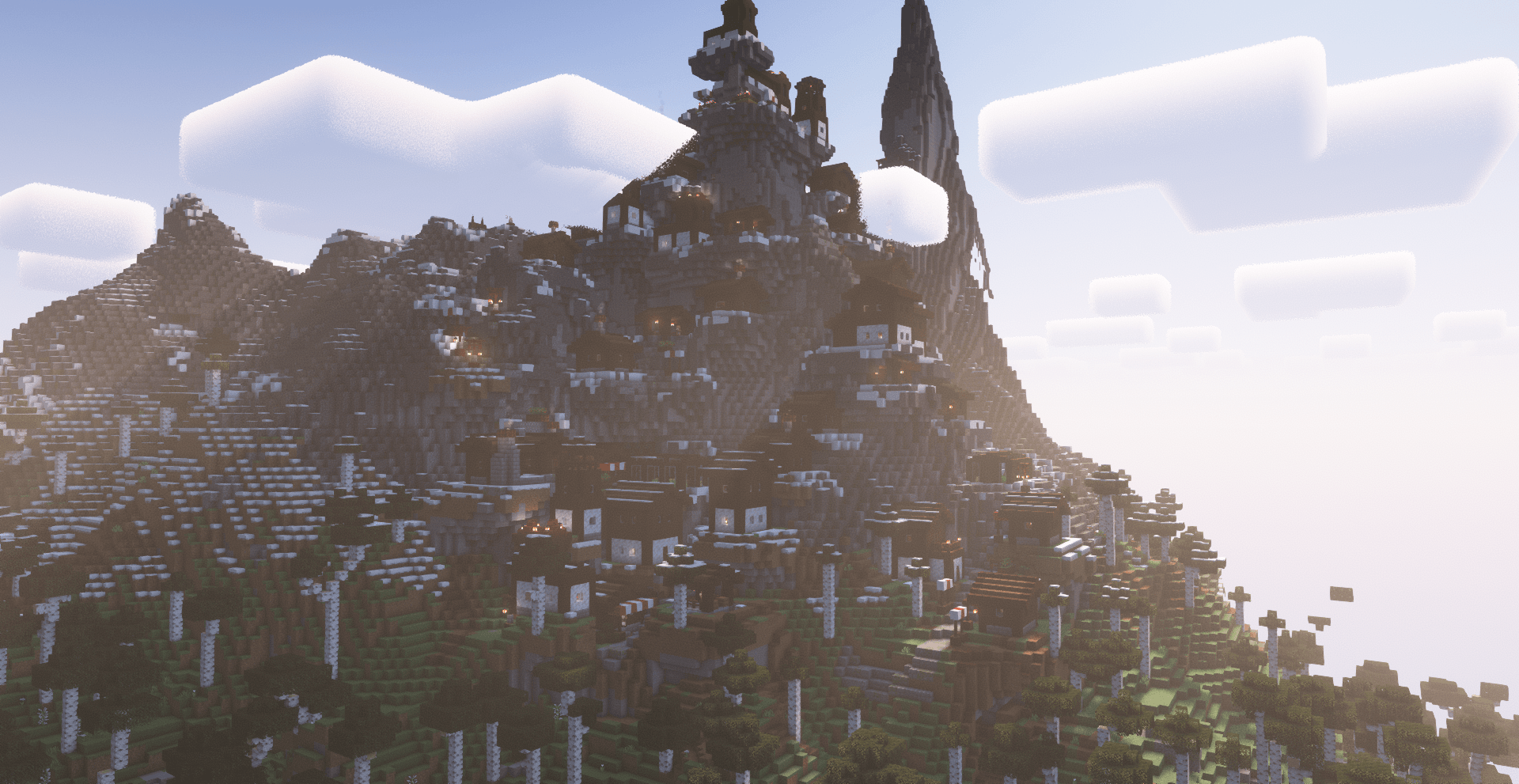
ChoiceTheorem's Overhauled Village
by ChoiceTheorem
Enhances and creates new villages and pillager outposts, that perfectly fit into your Minecraft world.
 Server-ready

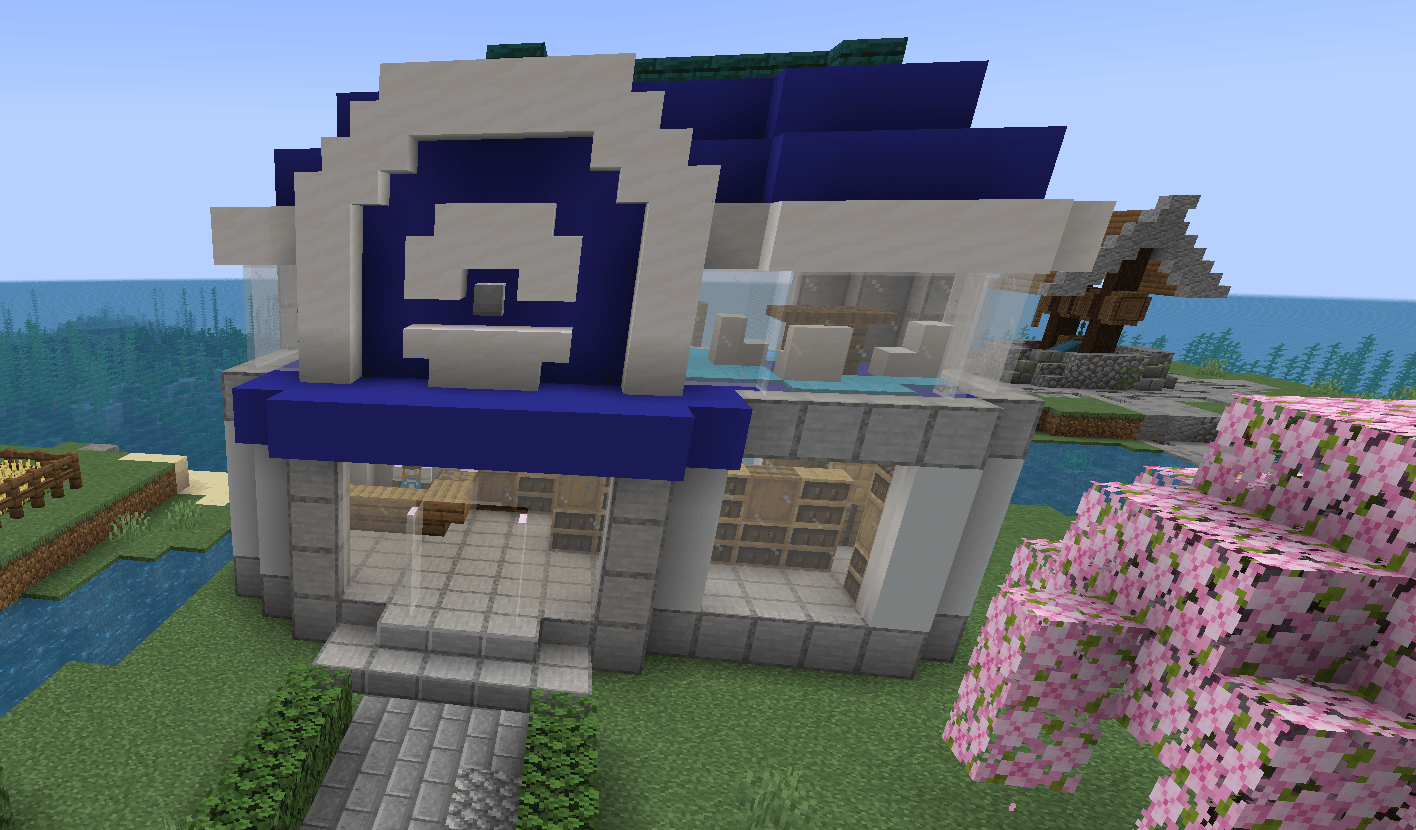
Cobblemon additions
by strikebyte
A Mod that adds villages with Pokemon Village/City variants - Originally made for the Brocraft server. This will spawn in a variety of structures within the villages as well. We are planning on adding rare structures!
 Server-ready

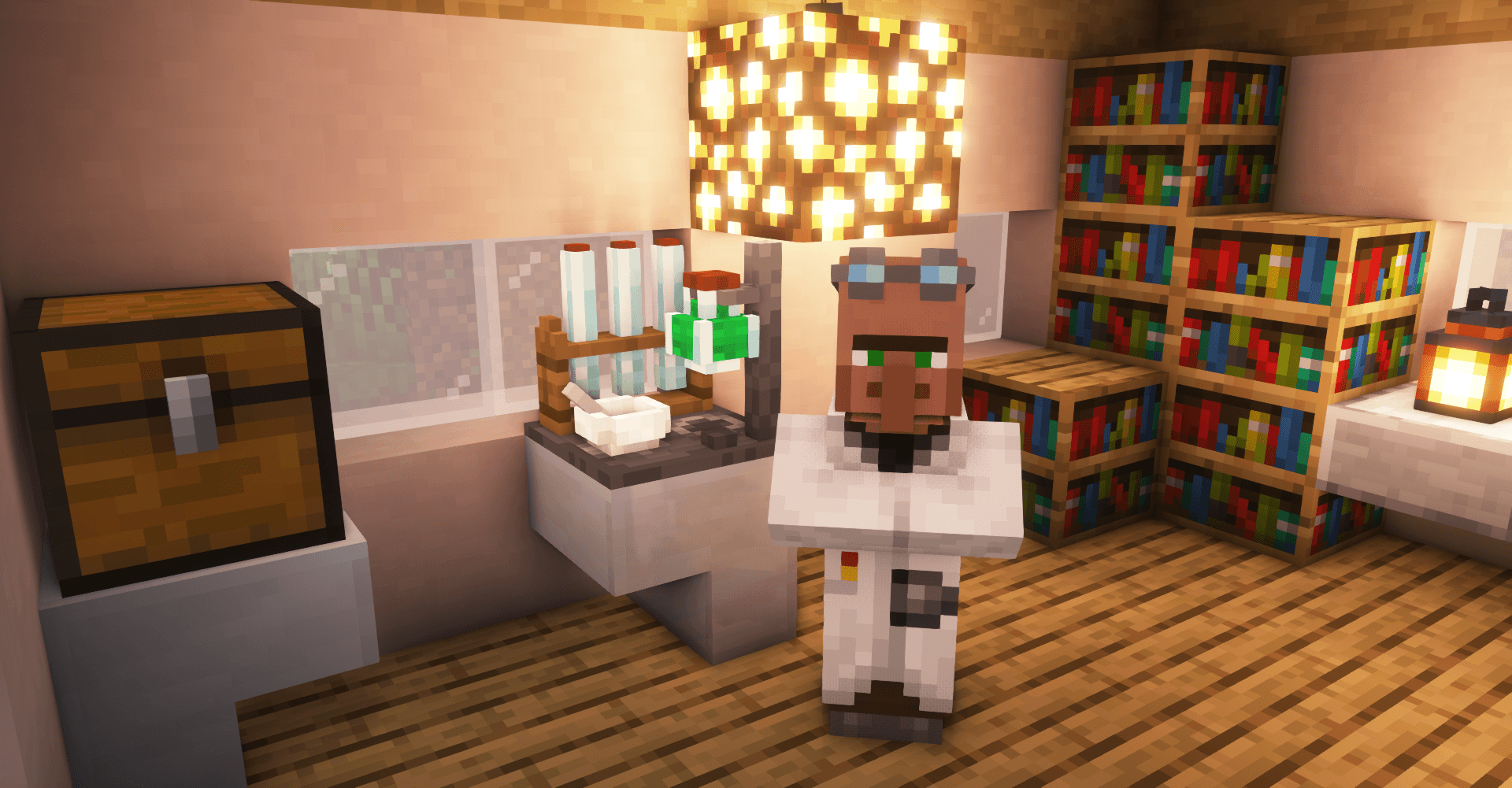
VillagersPlus
by LithiumPlus
A villager extension mod, adding new villager types, trades and beautiful workstations.
 Server-ready
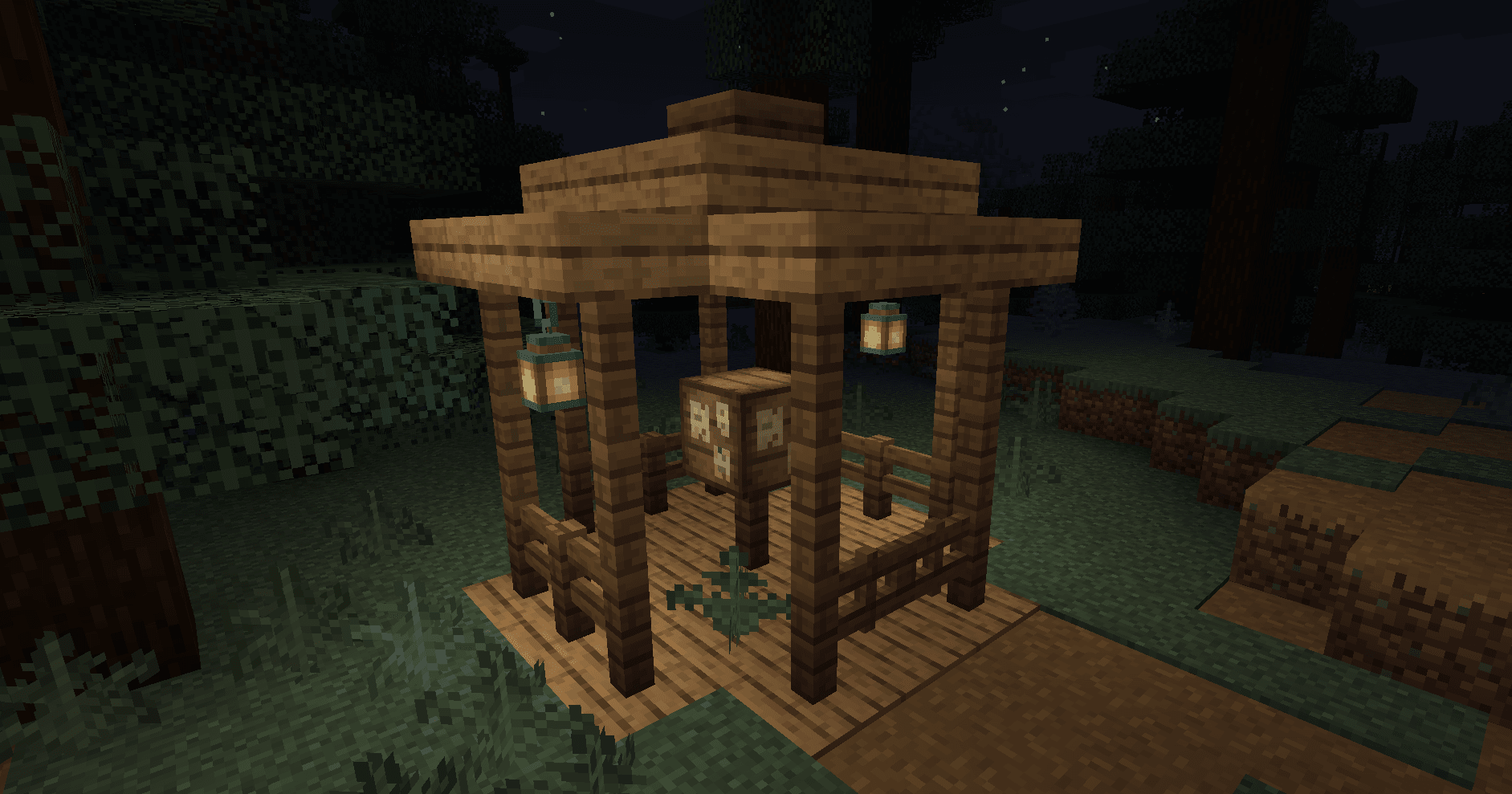
Bountiful
by ejektaflex
Adds bounty boards, giving rewards for collecting different blocks and items.
Ready for your server with Create: Numismatics Crafting?
6 GB of RAM from €12.00 per month. 35% off your first month with MADO35.