
Create Train Utilities (Create Train Doors)
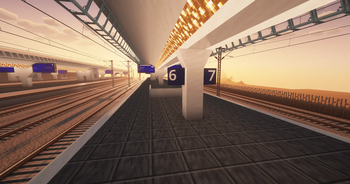
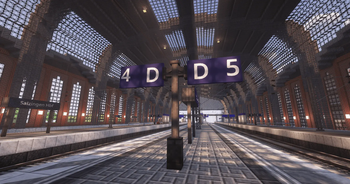
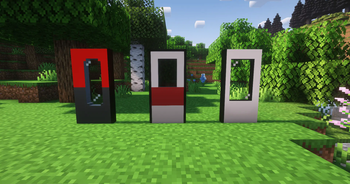
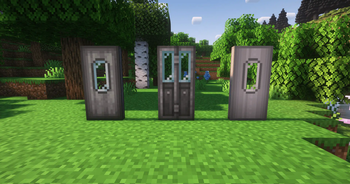
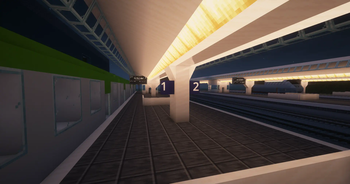
Create Addon that adds custom sliding doors with realistic opening & closing sounds, platform blocks and building blocks for stations and trains.
Screenshots
About this Mod
ANNOUNCEMENT
Create Train Utilities is being renamed to Create Train Doors
Since the doors in Create Train Utilities are the mod’s main function and also the feature that best represents the mod to the outside world, Create Train Utilities is being renamed to Create Train Doors.
The renaming will take effect with Create Train Doors version 4.
With version 4, a few blocks will also be removed because they no longer fit the new name and theme. These blocks are:
- all Platform Blocks
- all Noise Isolation Walls
These features will be completely removed in version 4 and will soon be available in a new, more thematically appropriate mod called Create TrackSta, which focuses on tracks and stations. Anyone who wishes to continue using the removed features can install the new mod as well. Release of the new mod: coming soon
Along with the new mod, an update (v3.1.0) for Create Train Utilities will be released, which will restrict access to the features that will soon be removed. Specifically, the recipes and loot tables have been removed, and the block items have been removed from the ModTab. Additionally, warning messages have been added so that everyone is notified in advance. The exact scope of the update will be explained in more detail in the next section, “Roadmap.”
Please use the time between versions 3.1.0 and 4 to remove the old platform blocks and noise isolation walls and replace them with the new blocks from Create TrackSta before updating to version 4.0.0 as soon as it becomes available!
Create Train Utilities
Please also take a look at my other mods:
Create Addon that adds custom sliding doors with realistic opening & closing sounds, platform blocks and building blocks for stations and trains.


Dependencies
Features
Overview Video
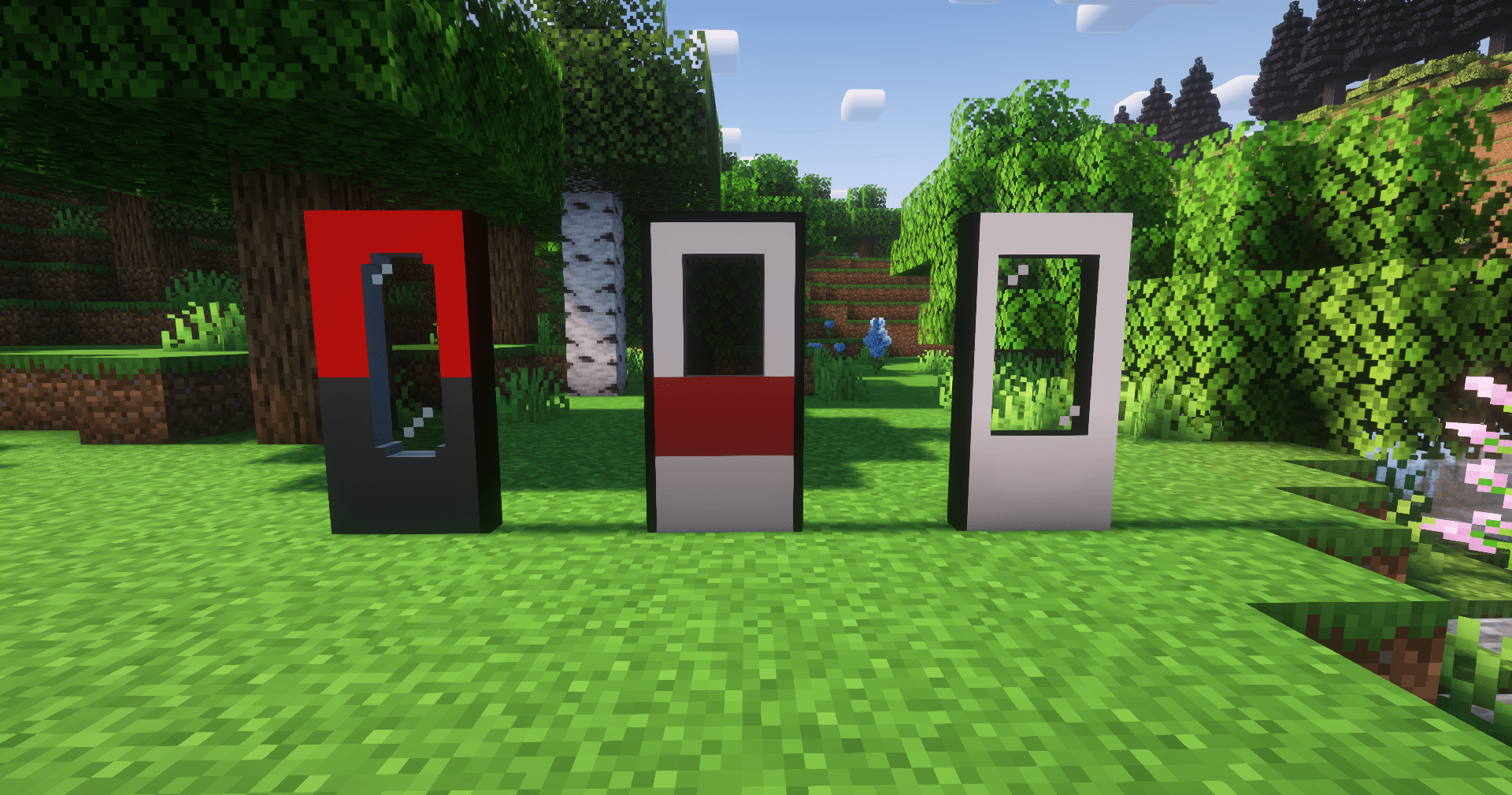
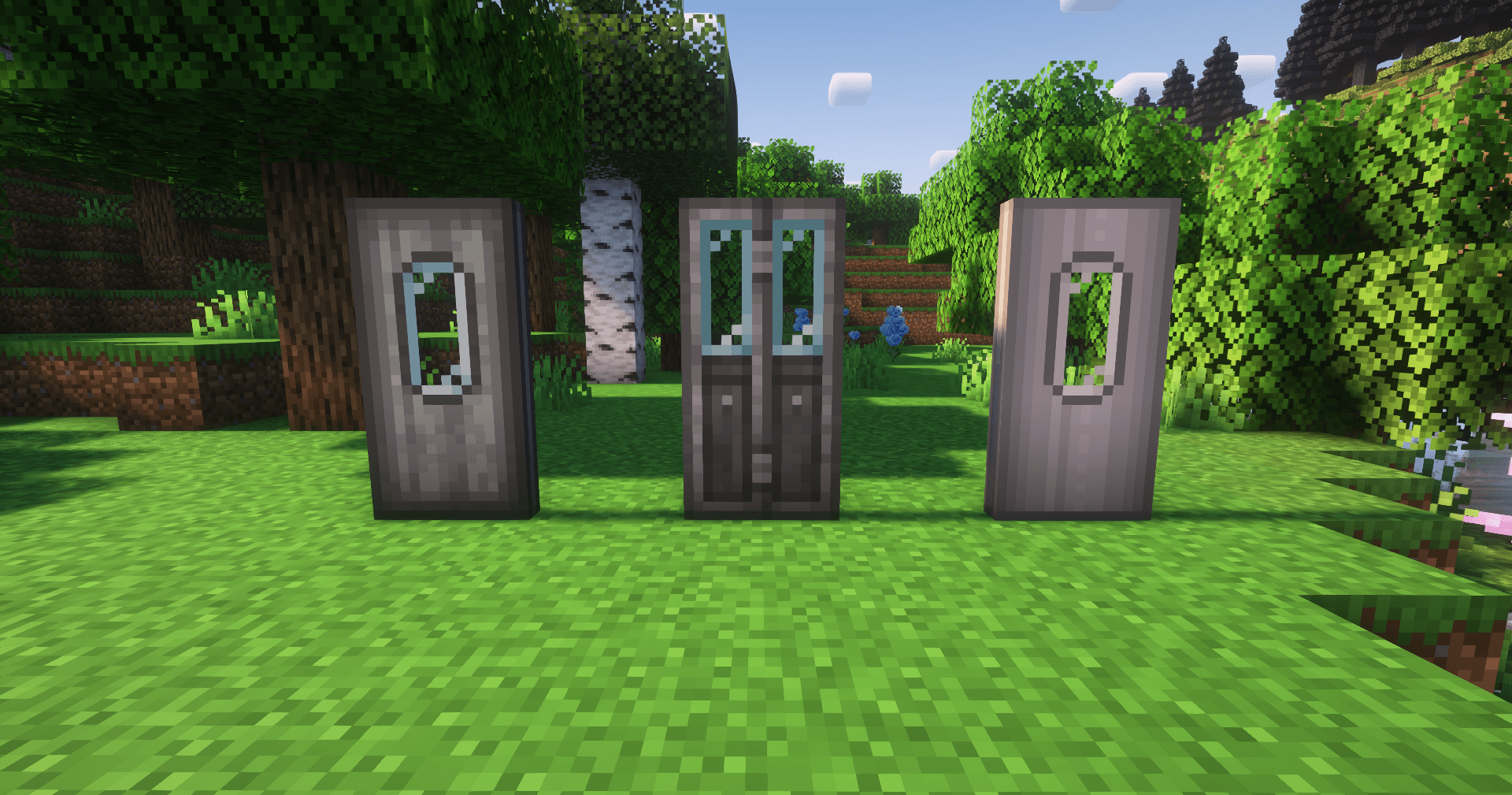
New sliding doors
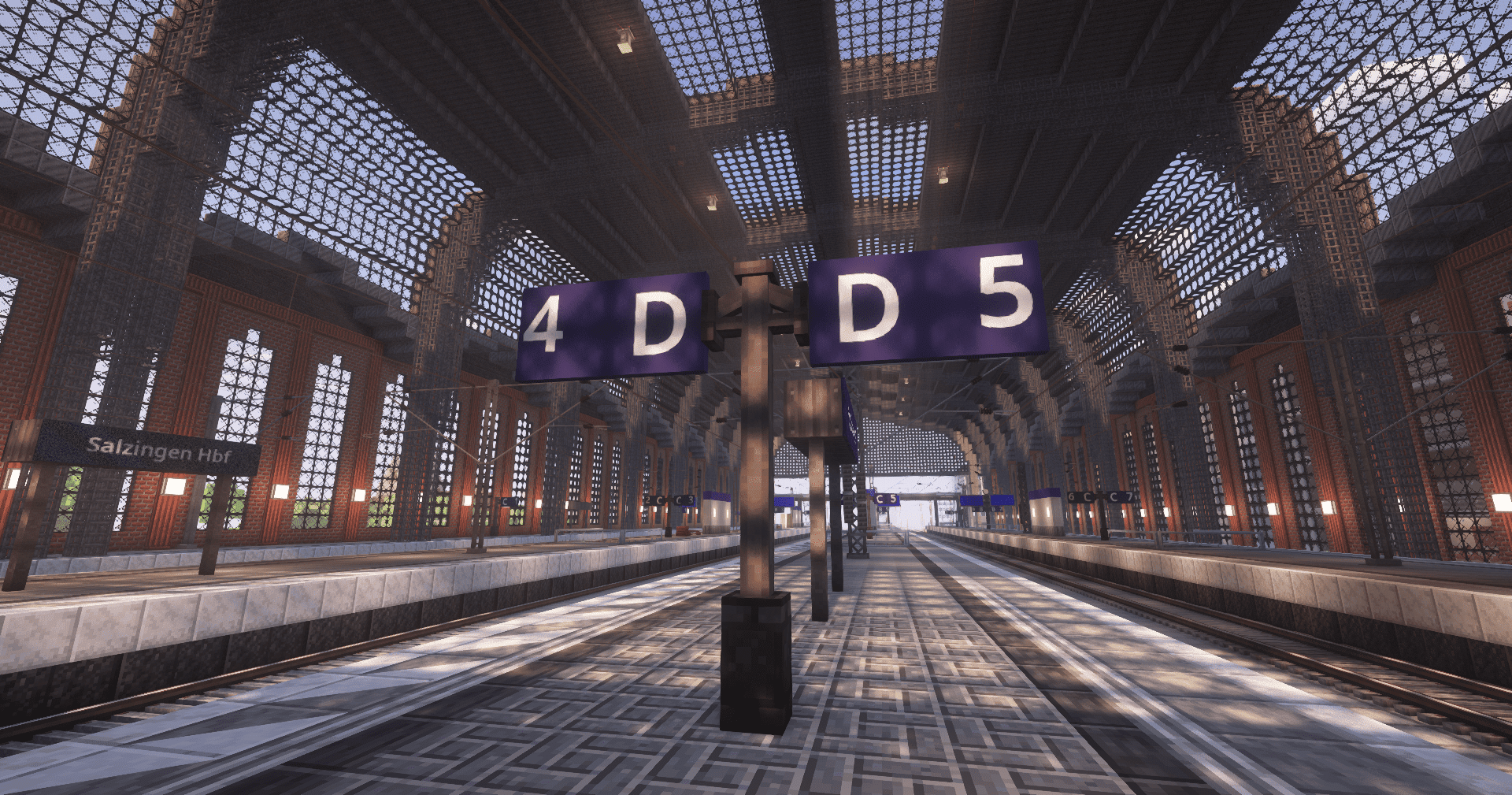
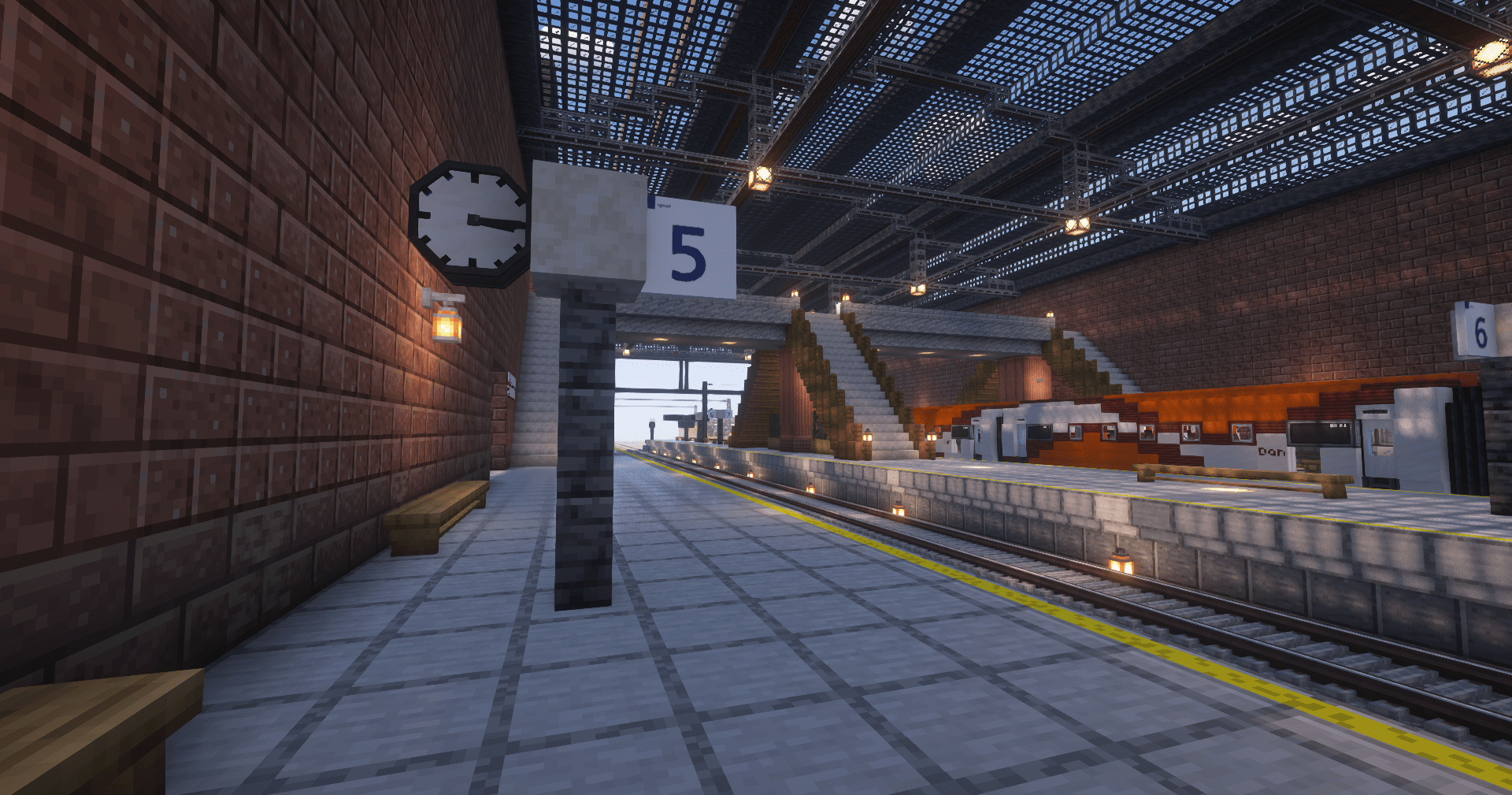
Platform Blocks
More Features
- Opening & Closing sounds
- auto closing doors
- doors can be controlled on all carriages
- and more!
Languages
- English
- German
- Spanish (by Timanfour, AlbertoSaurio)
- Czech (by Panzimy)
- Russian (by Best-Jaro)
- French (by Alba0404)
- Chinese (by Jim139129)
Important!
You should always back up your world before installing a mod update to protect your world from damage.
Support me
If you want to support me and my work, check out my Ko-fi Page ❤️
Credits
Adeptstack
Complexity made simple.
Create Train Doors is developed by ProgrammerLP under
Adeptstack — also making other tools like Notivity
and Activity Pulse.
Available Versions
How to Install Create Train Utilities (Create Train Doors) on Your Server
Order Server
Order a Minecraft Java server with at least 4 GB RAM (6 GB recommended).
Set fabric Loader
In the panel under "Egg", select the fabric loader and matching Minecraft version (1.21.1).
Install Mod
Open the mod browser in the dashboard and search for "Create Train Utilities (Create Train Doors)". Click "Install" – done! Alternatively, upload the .jar via SFTP to the /mods folder.
Compatibility
Mod Loaders
Minecraft Versions
1.21.1, 1.20.1, 1.19.2 (+1 more)
Server-side
✓ RequiredRecommended RAM
6 GB(min. 4 GB)Frequently Asked Questions
Create Train Utilities (Create Train Doors) server crashes on startup – what to do?
Most common cause: wrong fabric version or insufficient RAM. Check the server log (latest.log) for "OutOfMemoryError" or "Mixin" errors. With Mado Hosting: ensure at least 4 GB RAM is allocated and the loader matches the mod version (1.21.1). You can switch loaders with one click in the panel.
Is Create Train Utilities (Create Train Doors) compatible with fabric and forge and neoforge?
Create Train Utilities (Create Train Doors) officially supports fabric, forge, neoforge for Minecraft 1.21.1, 1.20.1, 1.19.2. Note: Forge and Fabric mods are NOT cross-compatible – pick one loader and stick with it. The Mado dashboard automatically detects incompatible loader combinations.
Server lagging with Create Train Utilities (Create Train Doors) – how to optimize performance?
Recommended RAM: 6 GB (per 5 players). Use /spark profiler to check if Create Train Utilities (Create Train Doors) consumes the most tick time. Common fixes: reduce server view-distance to 8-10, install "performant" or "starlight" as supplementary mods on Forge. With Mado Hosting, your server runs on NVMe SSDs with dedicated CPU cores for minimal latency.
Similar Mods

![[ETF] Entity Texture Features](https://cdn.modrinth.com/data/BVzZfTc1/af683d206d50b05258d865b0d6e4aa2f2cee12f2_96.webp)
![[EMF] Entity Model Features](https://cdn.modrinth.com/data/4I1XuqiY/6e5bbd0d06b1741bfdab6c0cfab6de8fdaf0064c_96.webp)



Rent Modded Server
Install Create Train Utilities (Create Train Doors) with just one click on your server.