Dark Loading Screen
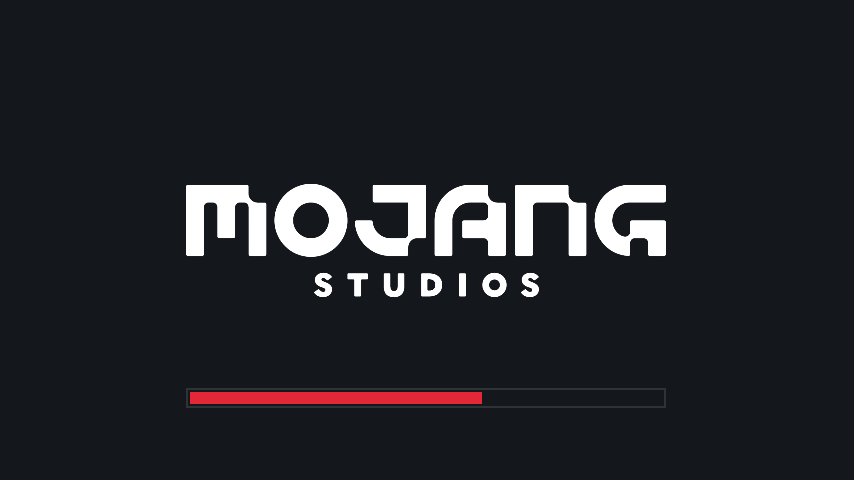
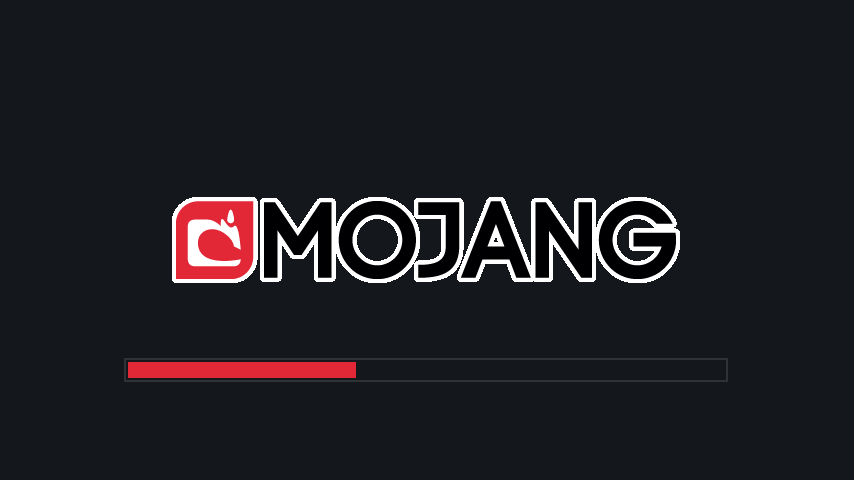
Makes the loading screen darker.
Screenshots
About this Mod
A simple Fabric mod to make the loading screen darker.
A changelog is available here.
Color configuration
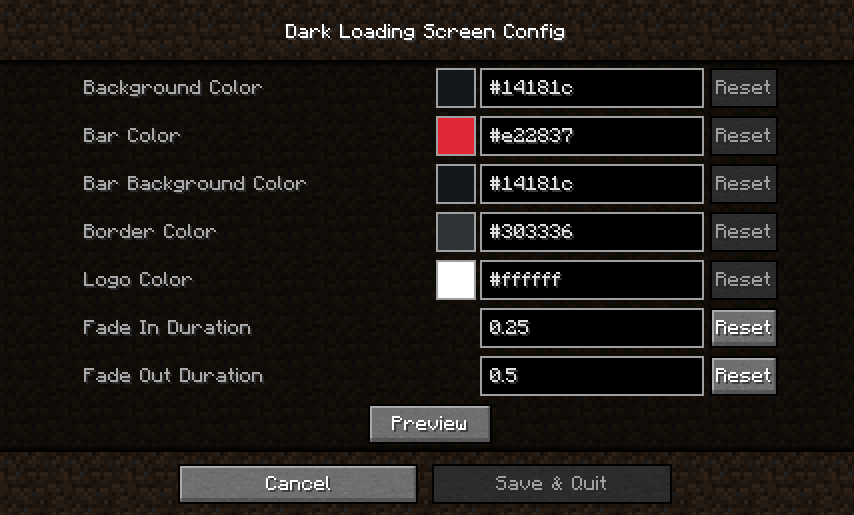
Colors can be modified in-game if both Mod Menu and Cloth Config are installed.
Manual configuration
Create or edit .minecraft/config/dark-loading-screen.json, the default config is
{
    "background": "14181c",
    "bar": "e22837",
    "barBackground": "14181c",
    "border": "303336",
    "logo": "ffffff",
    "fadeIn": 1.0,
    "fadeOut": 2.0
}
Manual changes are only visible after restarting the game.
Credits
- Config screen made using shedaniel's Cloth Config
- Logo coloring suggested by Minenash
- Bar background coloring suggested by Chrisblox
bg_bgtranslation by natee22de_detranslation by Der_Anderl and moritz-htkes_xxtranslations by Haseckit_ittranslations by Ocizukoko_krtranslation by gyularpl_pltranslation by DarkKnightComes and goodideagiverpt_brtranslation by FITFCru_rutranslation by Felix14-v2sv_setranslation by Luracasmustr_trtranslation by Mid0ariauk_uatranslation by BurrConniezh_cntranslation by GodGun968, Hambaka, w5860363, Q2297045667
Links: CurseForge · GitHub · Modrinth
Available Versions
How to Install Dark Loading Screen on Your Client
Install the Mod Loader Locally
Install fabric for your local Minecraft version.
Download the Matching File
Choose the Dark Loading Screen file for fabric and Minecraft 26.3.
Install Mod
Place the .jar file in your local .minecraft/mods folder and restart Minecraft. No server-side installation is required.
Compatibility
Mod Loaders
Minecraft Versions
26.3, 26.2, 26.1.2 (+45 more)
Server-side
✗ UnsupportedRecommended RAM
4 GB(min. 3 GB)Frequently Asked Questions
Does Dark Loading Screen need to be installed on the Minecraft server?
No. Modrinth marks Dark Loading Screen as unsupported on the server side. Install it only in your local Minecraft mods folder. Your server can remain unchanged unless the mod page lists an additional dependency.
Which version and loader does Dark Loading Screen require?
Use a file for fabric, quilt and your exact Minecraft version. Supported versions include 26.3, 26.2, 26.1.2. Files for different loaders are not interchangeable.
Dark Loading Screen is not working – what should I check?
First check the Minecraft version, loader version and required dependencies. Put the .jar file in your local .minecraft/mods folder and remove older duplicates. Because this mod is client-side, adding server RAM will not fix it.
Similar Mods

![[ETF] Entity Texture Features](https://cdn.modrinth.com/data/BVzZfTc1/af683d206d50b05258d865b0d6e4aa2f2cee12f2_96.webp)
![[EMF] Entity Model Features](https://cdn.modrinth.com/data/4I1XuqiY/6e5bbd0d06b1741bfdab6c0cfab6de8fdaf0064c_96.webp)



Minecraft Server for Your Group
Dark Loading Screen stays on your client. Host a compatible world for your group.