
Modrinth · Fabric, Forge, NeoForge
Enttick on your Minecraft server
Enttick runs on Minecraft servers with Fabric or Forge or NeoForge. Order your server, set the loader in the panel and install the mod with one click in the mod browser.
Restores pre 1.14s responsive entity impulse by reordering the entity tracker tick. Fixes MC-297196.
- Downloads
- 1.9K
- Author
- cintlex
- Loader
- Fabric, Forge, NeoForge
- Minecraft
- 1.14.4 – 26.3
- Updated
- –
Screenshots
What Enttick looks like
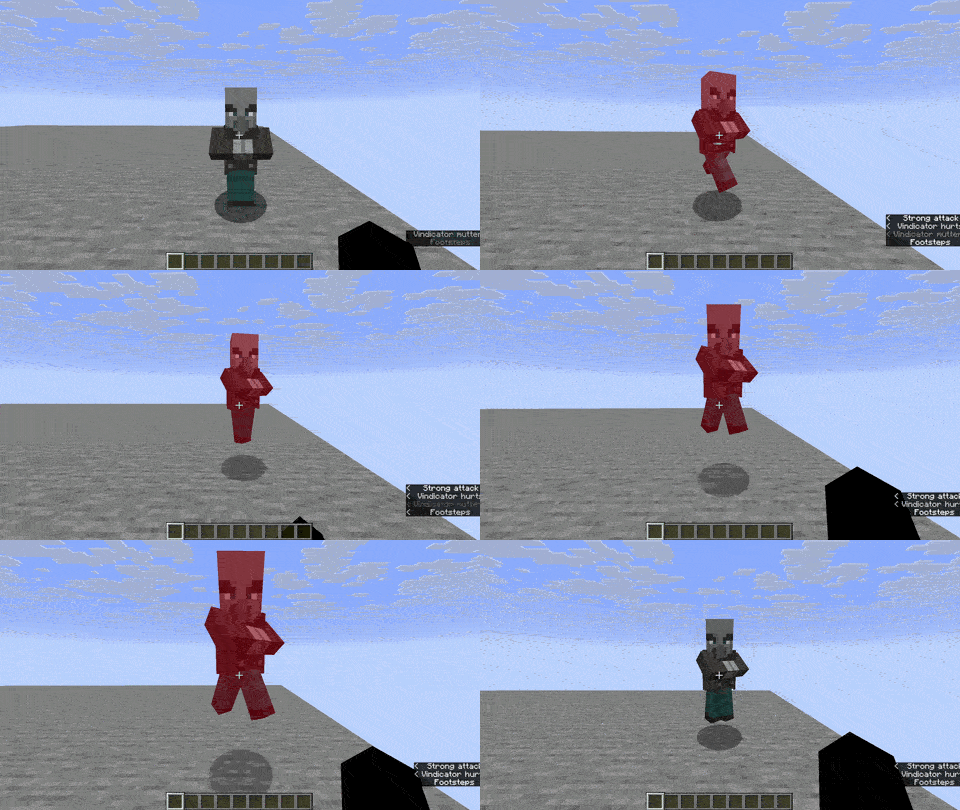
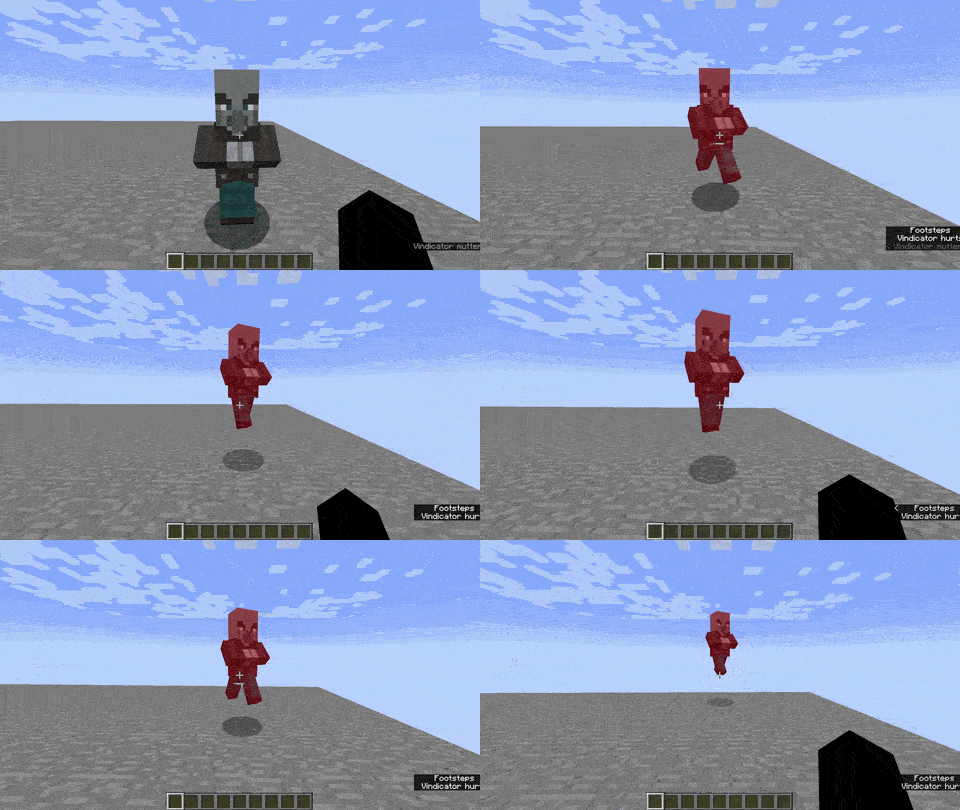
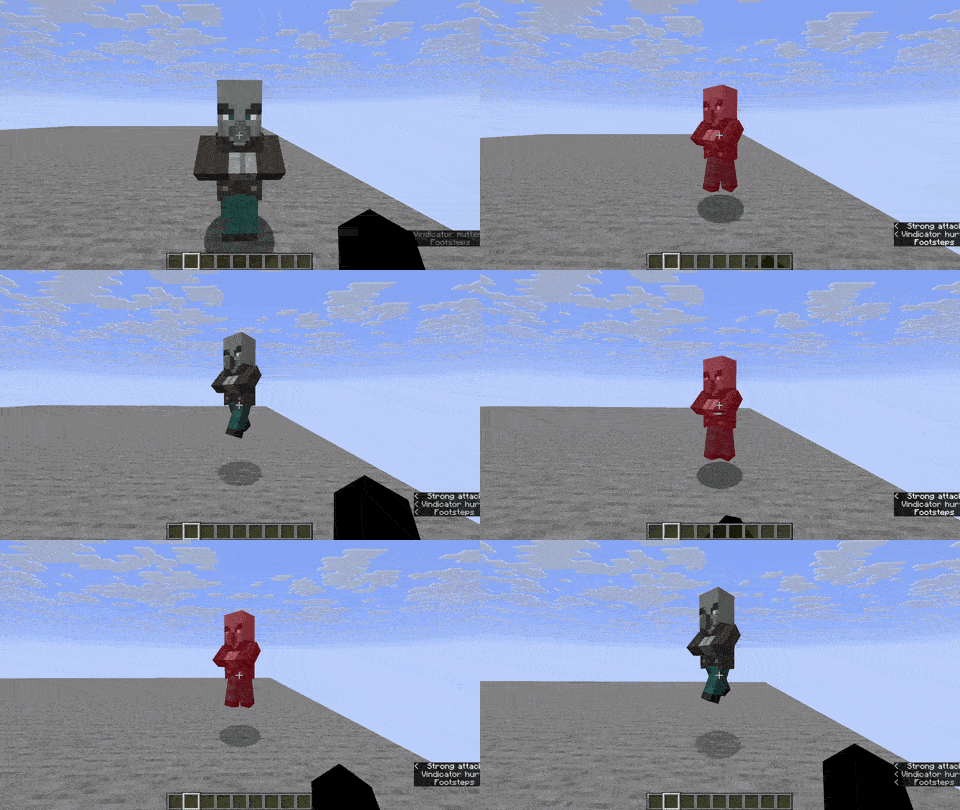
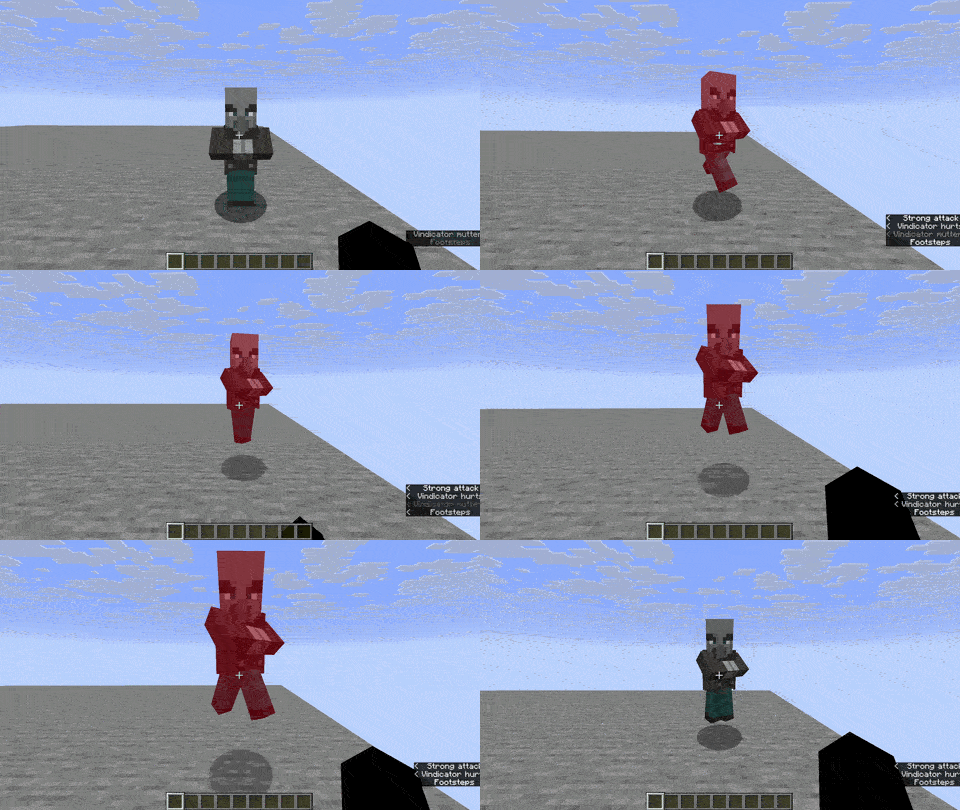
Images: Enttick on Modrinth, published by the project team.
Setup
Install Enttick on your server
The server and players need the same loader and Minecraft version. Back up the world before adding or updating mods.
- 01
Configure
4 GB of RAM is preselected. You choose the term and add-ons and pay by credit card or PayPal.
- 02
Set the loader
In the panel, set the server software to Fabric or Forge or NeoForge and choose the matching Minecraft version, for example 26.3.
- 03
Install the mod
Search the mod browser for “Enttick” and install the release for your loader. Alternatively, upload the .jar to the mods folder via SFTP. Required dependencies are listed on the project page.
- 04
Connect
Enttick is not needed on the client. Players connect using the server address from the panel.
- On the server
- Required
- On the client
- Not needed
- Loader
- Fabric, Forge, NeoForge
- Minecraft
- 26.3, 26.2, 26.1.2 +41 more
- License
- GNU Lesser General Public License v3.0 only
The panel
Install mods, find errors.
Real screenshots from the Mado panel. Both come with every Minecraft server.
Mod browser
Modrinth and CurseForge, right in the panel.
The browser filters by your Minecraft version. Install mods with one click, without uploading .jar files.

AI crash analysis
When a mod crashes, the analyzer reads the log.
Mods often fail on a wrong loader version, Java version or missing dependency. The analyzer names a likely cause and suggests a fix.

Releases
Published releases
Pick the file that matches your server’s loader and Minecraft version. The server and players need the same release.
Enttick · Modrinth- 0.2.0 Forge 1.20.1September 2, 2026Minecraft 1.20.1 · Forge
- 0.2.0 NeoForge 26.1+September 2, 2026Minecraft 26.1, 26.1.1, 26.1.2, 26.2 · NeoForge
- 0.2.0 NeoForge 1.21-1.21.11September 2, 2026Minecraft 1.21, 1.21.1, 1.21.10, 1.21.11, 1.21.2, 1.21.3, 1.21.4, 1.21.5, 1.21.6, 1.21.7, 1.21.8, 1.21.9 · NeoForge
- 0.2.0 Fabric 26.1+September 2, 2026Minecraft 26.1, 26.1.1, 26.1.2, 26.2, 26.3 · Fabric
- 0.2.0 Fabric 1.20.3-1.21.11September 2, 2026Minecraft 1.20.3, 1.20.4, 1.20.5, 1.20.6, 1.21, 1.21.1, 1.21.10, 1.21.11, 1.21.2, 1.21.3, 1.21.4, 1.21.5, 1.21.6, 1.21.7, 1.21.8, 1.21.9 · Fabric
Original description by the project author
Info
Ent(d)tick is a small mixin patch for all java edition versions post 1.14. It's only purpose is to fix MC-297196, which at root is causing an arbitrary 1-3 tick interaction update delay between you, other players, and entities in vanilla.
This mod is kept up to date on Fabric and NeoForge for the latest versions. Forge is supported on 1.20.1. Its lightweight, contains no config, and doesn't change or break vanilla parity. Its highly compatible and will work with most mods.
In modern versions, you might've noticed that even on a good connection, theres a delayed reaction when attacking or interacting with entities. This wasn't there before, and especially noticeable if you've played older versions.
This is because of internal changes Mojang did to entity tracking in 1.14, which placed the tracker out of order and caused it to be first in the tick event cycle. This mod corrects that by placing the new tracker back to its original spot in the tick cycle, fixing the issue completely with no side effects (so far).
Usage
This mod is completely server sided so clients don't need to install it. It works in singleplayer if installed on the client, but has no effects on servers without the mod.
Fabric
Fabric supports 1.14.4 to the latest release. No extra dependencies are needed, just drop the mod into your directory mod folder. It'll run out of the box. Supported Fabric Loader minimum version is 0.17.0.NeoForge
NeoForge supports 1.21 to the latest release. No extra dependencies are needed, just drop the mod into your directory mod folder. It'll run out of the box. Minimum NeoForge loader version is 26.1.0.19-beta for 26.1 and later. 1.21 builds require a minimum of 21.0.167.Forge
Forge only supports 1.20.1. No extra dependencies are needed, just drop the mod into your directory mod folder. It'll run out of the box. Minimum FML version is 47.4.10.License
This mod operates under the LGPL 3.0 Only license.
Enttick server crashes on startup – what to do?
Common causes: the loader or Minecraft version does not match the mod file, a dependency is missing, or RAM is too low. Check the log (latest.log) for “OutOfMemoryError”, “Mixin” or missing mods. At Mado, the AI crash analysis reads the log and suggests a cause. You can change the loader and version in the panel.
Which loader does Enttick run on?
According to Modrinth, Enttick supports Fabric, Forge, NeoForge for Minecraft 26.3, 26.2, 26.1.2. Forge and Fabric files are not interchangeable: pick one loader for the server and clients.
How much RAM does a server with Enttick need?
As guidance, 3–4 GB for a server with this mod. This is an estimate, not a measured minimum. More mods, many players and long view distances need more. The spark profiler shows whether a mod is costing tick time.
Similar mods
Popular mods in the same category
 Client only

[EMF] Entity Model Features
by Traben
EMF is an, OptiFine format, Custom Entity Model replacement mod available for Fabric and Forge.
 Server-ready

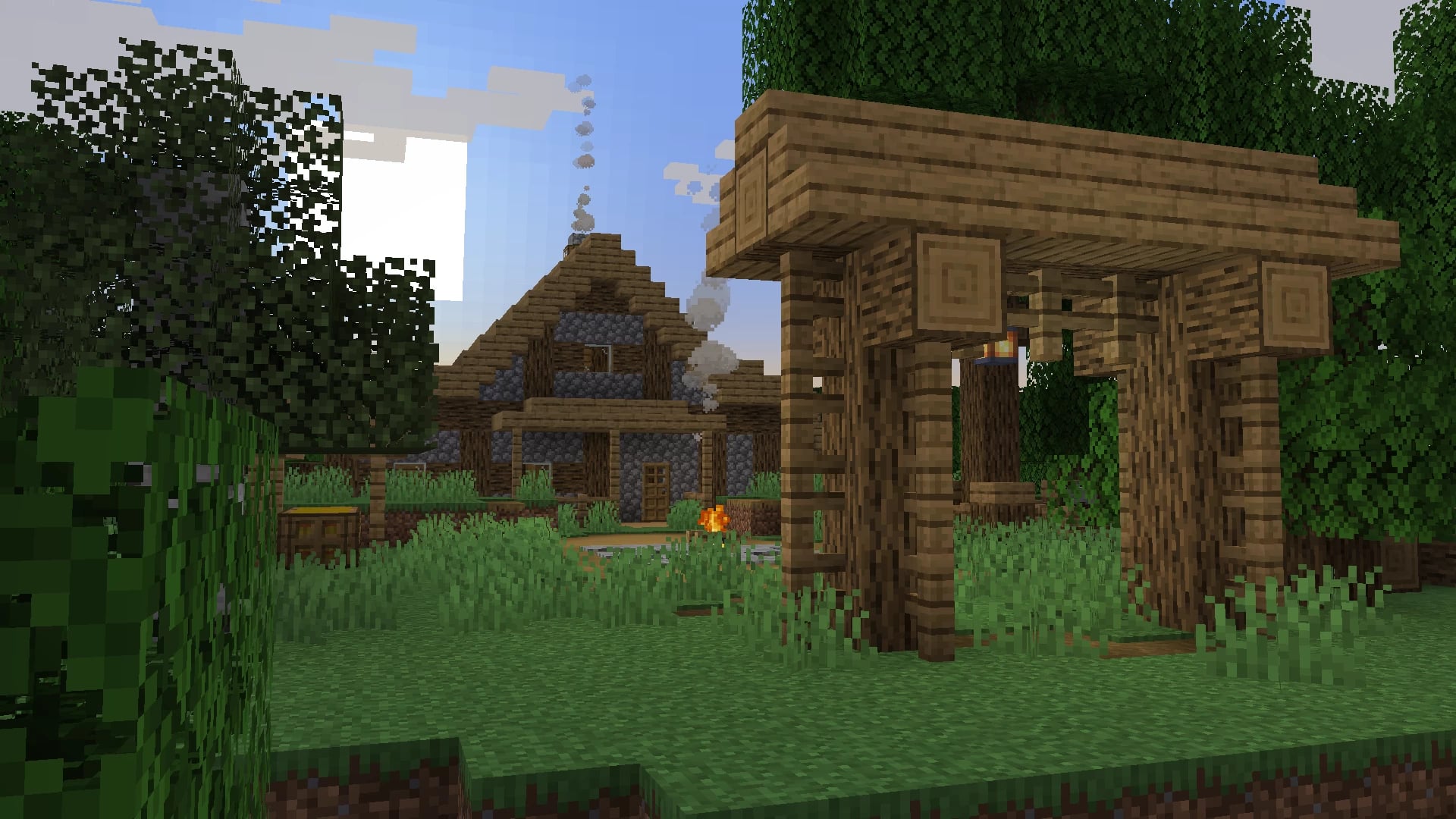
Cobblemon
by CobbledStudios
A Pokémon mod for Fabric and NeoForge
 Server-ready

Dungeons and Taverns
by NovaWostra
A Structure Datapack adding dungeons, taverns and other structures to find while you explore the world.
 Server-ready

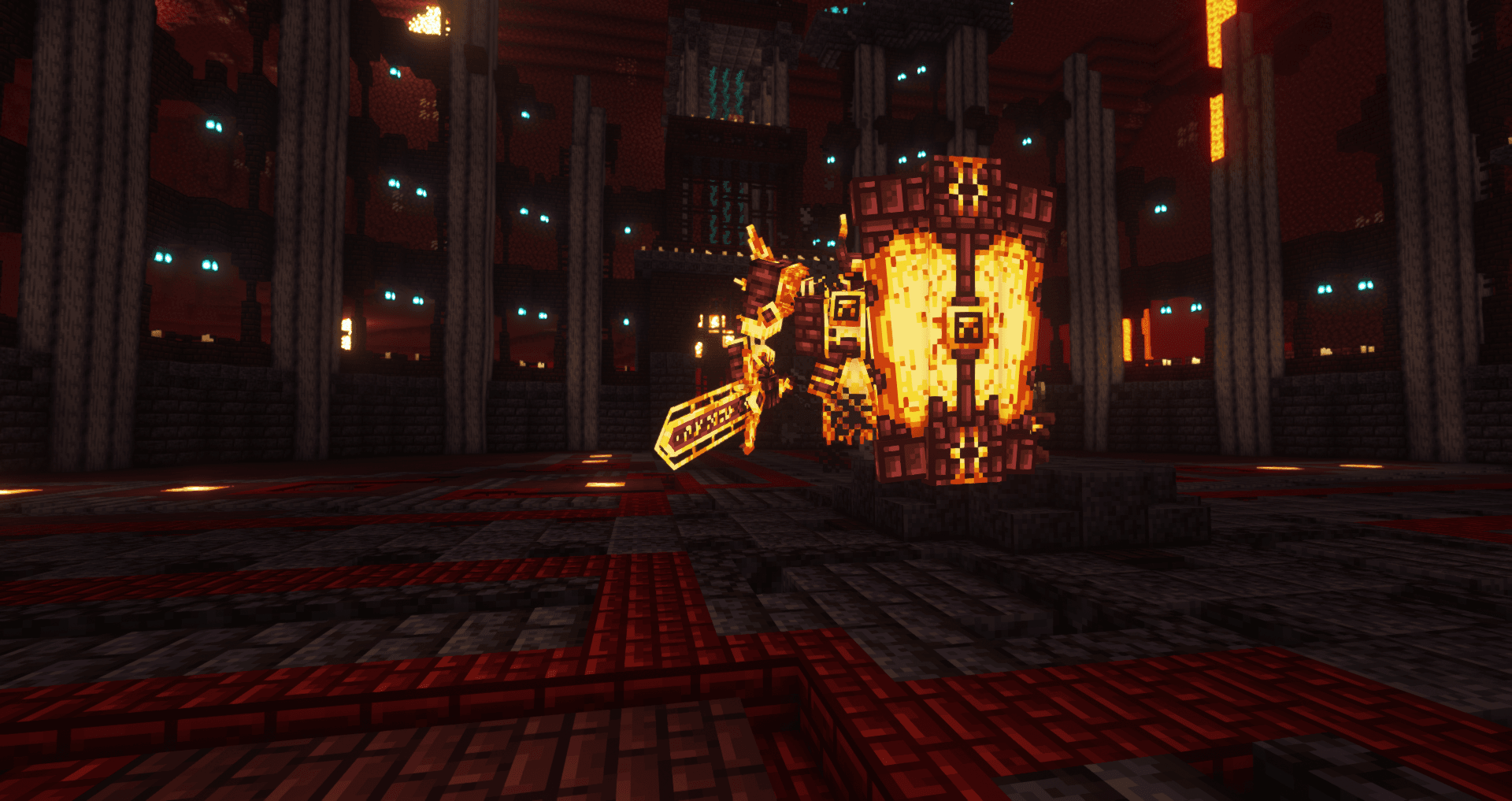
L_Ender's Cataclysm
by mcl_ender
Cataclysm is a mod that adds difficult dungeons, challenging boss-fights and powerful items.
Ready for your server with Enttick?
4 GB of RAM from €8.00 per month. 35% off your first month with MADO35.