Fast IP Ping
Yeet the laggy reversed DNS lookup for literal IP server addresses
Screenshots
About this Mod
Yeet the laggy reversed DNS lookup for literal IP server addresses
Extracted from the yeetServerIpReversedDnsLookup option in TweakerMore Mod
What & Why & How
For servers whose addresses are represented solely by a literal IP, e.g. 192.168.2.10:25565, disable reverse DNS lookups in the corresponding InetAddress object
Many non-loopback IPs lack associated domain names, which makes reverse lookups time-consuming
// java.net.InetAddress#getHostName(boolean)
String getHostName(boolean check) {
    if (holder().getHostName() == null) {  // It will be null if InetAddress.getByName() received a literal IP
        holder().hostName = InetAddress.getHostFromNameService(this, check);  // <-- takes forever
    }
    return holder().getHostName();
}
This option sets the domain of those servers directly to their IP, bypassing the reverse DNS check
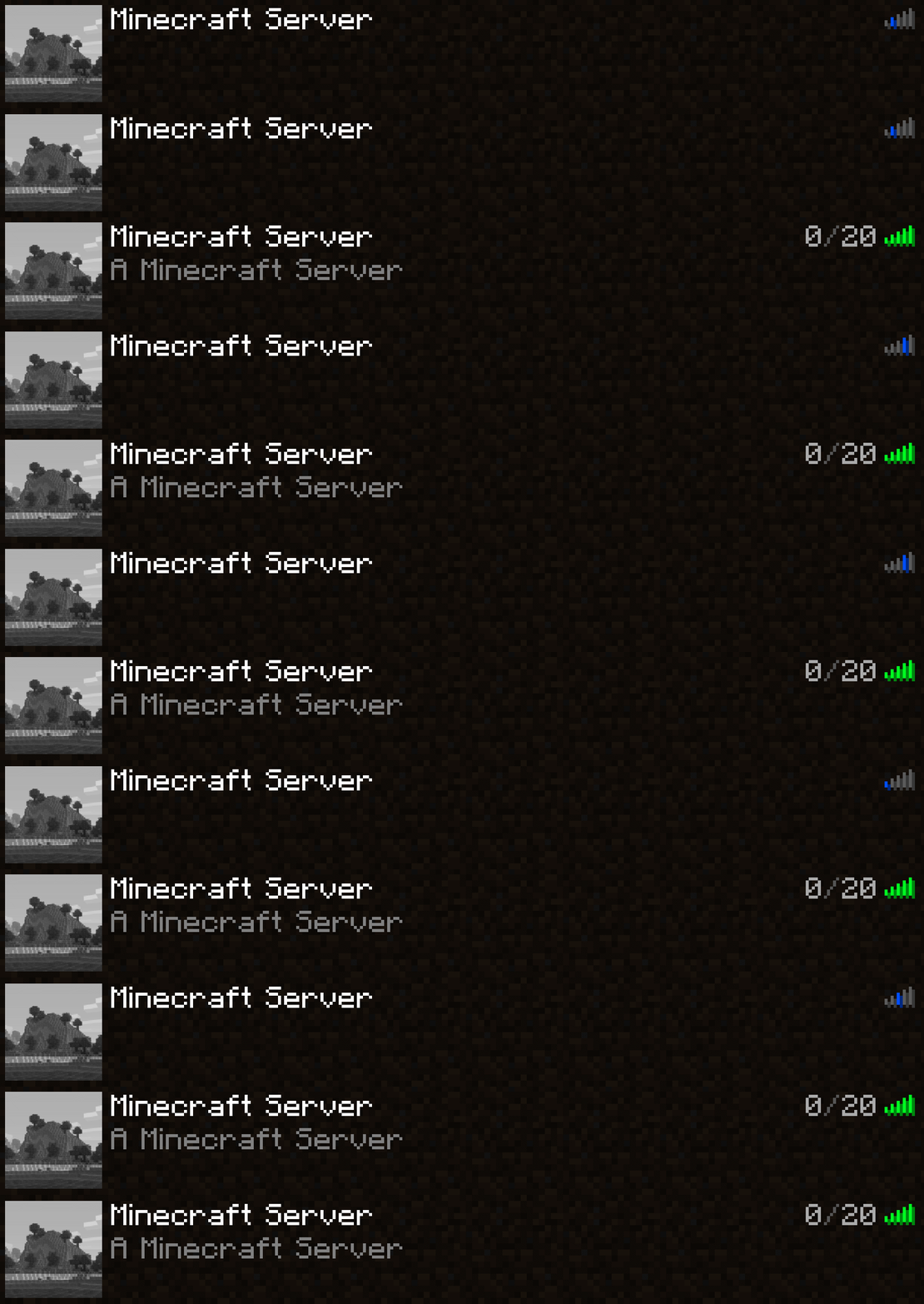
This results in a 1s ~ 5s reduction in time for servers with literal IP address. Affects the following environments:
- Pinging the server in the server list screen
- Connecting to the server
Environment
- Client-side only
- Fabric / Forge / NeoForge mod loader. No extra requirement is needed
Available Versions
How to Install Fast IP Ping on Your Client
Install the Mod Loader Locally
Install fabric for your local Minecraft version.
Download the Matching File
Choose the Fast IP Ping file for fabric and Minecraft 26.3.
Install Mod
Place the .jar file in your local .minecraft/mods folder and restart Minecraft. No server-side installation is required.
Compatibility
Mod Loaders
Minecraft Versions
26.3, 26.2, 26.1.2 (+39 more)
Server-side
✗ UnsupportedRecommended RAM
4 GB(min. 3 GB)Frequently Asked Questions
Does Fast IP Ping need to be installed on the Minecraft server?
No. Modrinth marks Fast IP Ping as unsupported on the server side. Install it only in your local Minecraft mods folder. Your server can remain unchanged unless the mod page lists an additional dependency.
Which version and loader does Fast IP Ping require?
Use a file for fabric, forge, neoforge and your exact Minecraft version. Supported versions include 26.3, 26.2, 26.1.2. Files for different loaders are not interchangeable.
Fast IP Ping is not working – what should I check?
First check the Minecraft version, loader version and required dependencies. Put the .jar file in your local .minecraft/mods folder and remove older duplicates. Because this mod is client-side, adding server RAM will not fix it.
Similar Mods


Minecraft Server for Your Group
Fast IP Ping stays on your client. Host a compatible world for your group.