
Modrinth · Fabric, Forge
Fossils and Archeology: Revival on your Minecraft server
Fossils and Archeology: Revival runs on Minecraft servers with Fabric or Forge. Order your server, set the loader in the panel and install the mod with one click in the mod browser.
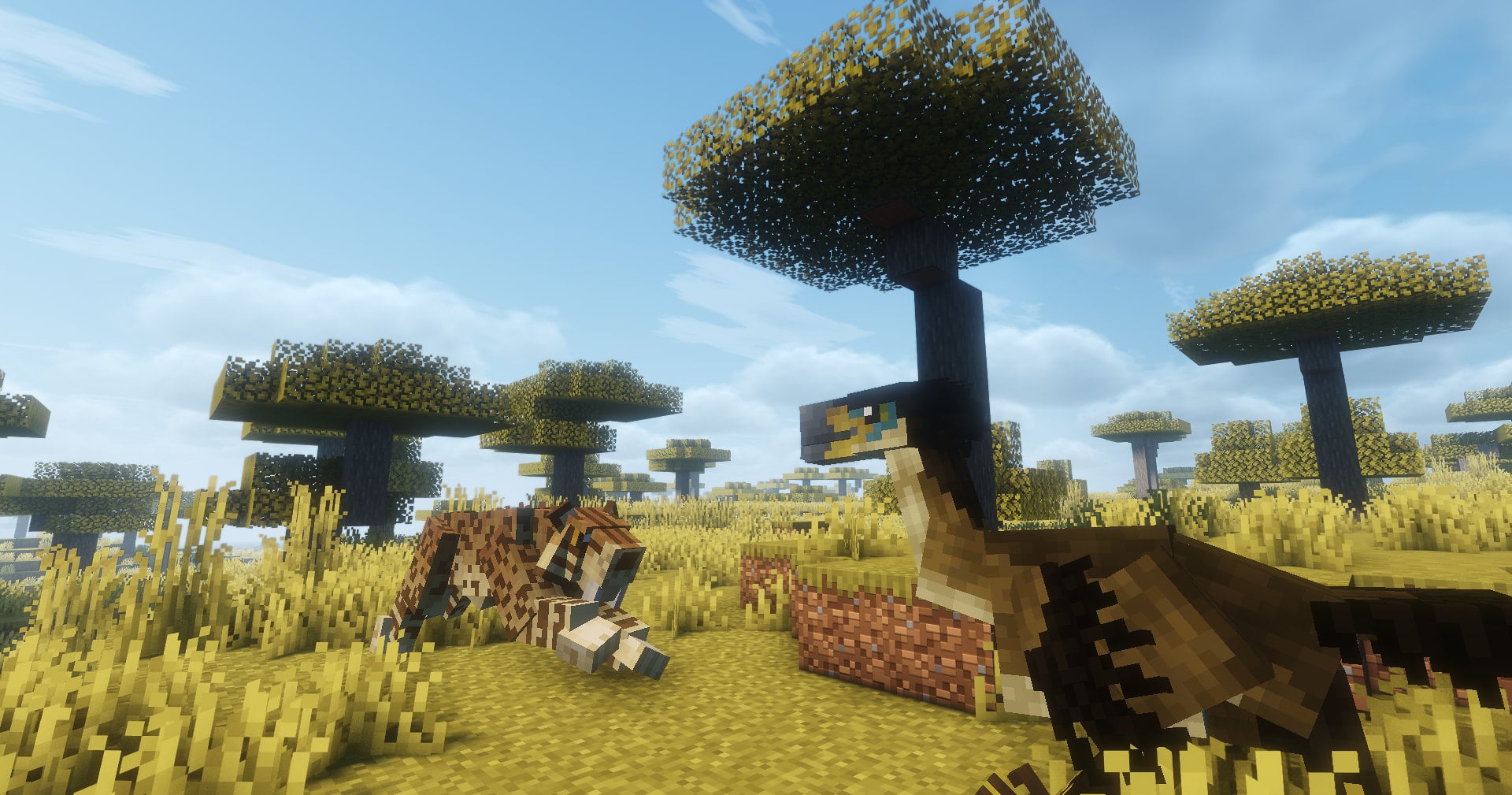
The mod offers a variety of dinosaurs that are brought back to life through discovering bones, extracting DNA, creating Embryos, and making eggs. Along with dinosaurs there are other prehistoric creatures such as mammoths, smilodons, and DODOS!!
- Downloads
- 592.4K
- Author
- ddino-dan
- Loader
- Fabric, Forge
- Minecraft
- 1.12.2 – 1.7.10
- Updated
- –
Screenshots
What Fossils and Archeology: Revival looks like


Images: Fossils and Archeology: Revival on Modrinth, published by the project team.
Setup
Install Fossils and Archeology: Revival on your server
The server and players need the same loader and Minecraft version. Back up the world before adding or updating mods.
- 01
Configure
6 GB of RAM is preselected. You choose the term and add-ons and pay by credit card or PayPal.
- 02
Set the loader
In the panel, set the server software to Fabric or Forge and choose the matching Minecraft version, for example 1.7.10.
- 03
Install the mod
Search the mod browser for “Fossils and Archeology: Revival” and install the release for your loader. Alternatively, upload the .jar to the mods folder via SFTP. Required dependencies are listed on the project page.
- 04
Connect
Every player installs the same Fossils and Archeology: Revival release locally and connects using the server address from the panel.
- On the server
- Required
- On the client
- Required
- Loader
- Fabric, Forge
- Minecraft
- 1.7.10, 1.20.1, 1.19.4 +4 more
- License
- LicenseRef-FA-License
The panel
Install mods, find errors.
Real screenshots from the Mado panel. Both come with every Minecraft server.
Mod browser
Modrinth and CurseForge, right in the panel.
The browser filters by your Minecraft version. Install mods with one click, without uploading .jar files.

AI crash analysis
When a mod crashes, the analyzer reads the log.
Mods often fail on a wrong loader version, Java version or missing dependency. The analyzer names a likely cause and suggests a fix.

Releases
Published releases
Pick the file that matches your server’s loader and Minecraft version. The server and players need the same release.
Fossils and Archeology: Revival · Modrinth- 9.3.4.0 for Forge 1.20.1June 8, 2026Minecraft 1.20.1 · Forge
- 9.3.4.0 for Fabric 1.20.1June 8, 2026Minecraft 1.20.1 · Fabric
- 9.3.4.0 for Forge 1.19.4June 8, 2026Minecraft 1.19.4 · Forge
- 9.3.4.0 for Fabric 1.19.4June 8, 2026Minecraft 1.19.4 · Fabric
- 9.3.4.0 for Forge 1.19.3June 8, 2026Minecraft 1.19.3 · Forge
Original description by the project author

Fossils and Archeology is a Forge and Fabric mod that offers a variety of prehistoric creatures that are brought back to life through discovering bones, extracting DNA, creating Embryos, and making eggs. Along with dinosaurs there are other prehistoric creatures such as mammoths, smilodons, terror birds, dodos, and more. There are currently 60+ prehistoric creatures added by the mod!
Alongside with the new mobs you are able to make, there is an archaeological aspect for the people who like to explore more or collect beautiful new blocks. Fossils and Archeology Revival also now has built-in support for Farmer's Delight, Roughly Enough Items and Jade.
Thank you all for the continued patience! We are proud to have made the jump to 1.18.2 after so many years of what basically amounts to rewriting everything from scratch. We are very thankful for everyone that continued to have hope in us even when in times everything seemed hopeless. As for the people who gave up, we hope that we'll see you again when you rediscover our mod! Next update should take much less time... hopefully haha!
Fossils and Archeology first started off in Minecraft beta 1.7.2 under the original author, Flammarilva and Team July. Since going open source at the end of 2012, the Revival project started under a new team and has been going since.
Fossils and Archeology: Revival server crashes on startup – what to do?
Common causes: the loader or Minecraft version does not match the mod file, a dependency is missing, or RAM is too low. Check the log (latest.log) for “OutOfMemoryError”, “Mixin” or missing mods. At Mado, the AI crash analysis reads the log and suggests a cause. You can change the loader and version in the panel.
Which loader does Fossils and Archeology: Revival run on?
According to Modrinth, Fossils and Archeology: Revival supports Fabric, Forge for Minecraft 1.7.10, 1.20.1, 1.19.4. Forge and Fabric files are not interchangeable: pick one loader for the server and clients.
How much RAM does a server with Fossils and Archeology: Revival need?
As guidance, 4–6 GB for a server with this mod. This is an estimate, not a measured minimum. More mods, many players and long view distances need more. The spark profiler shows whether a mod is costing tick time.
Similar mods
Popular mods in the same category
 Client only

[EMF] Entity Model Features
by Traben
EMF is an, OptiFine format, Custom Entity Model replacement mod available for Fabric and Forge.
 Server-ready

Cobblemon
by CobbledStudios
A Pokémon mod for Fabric and NeoForge
 Server-ready

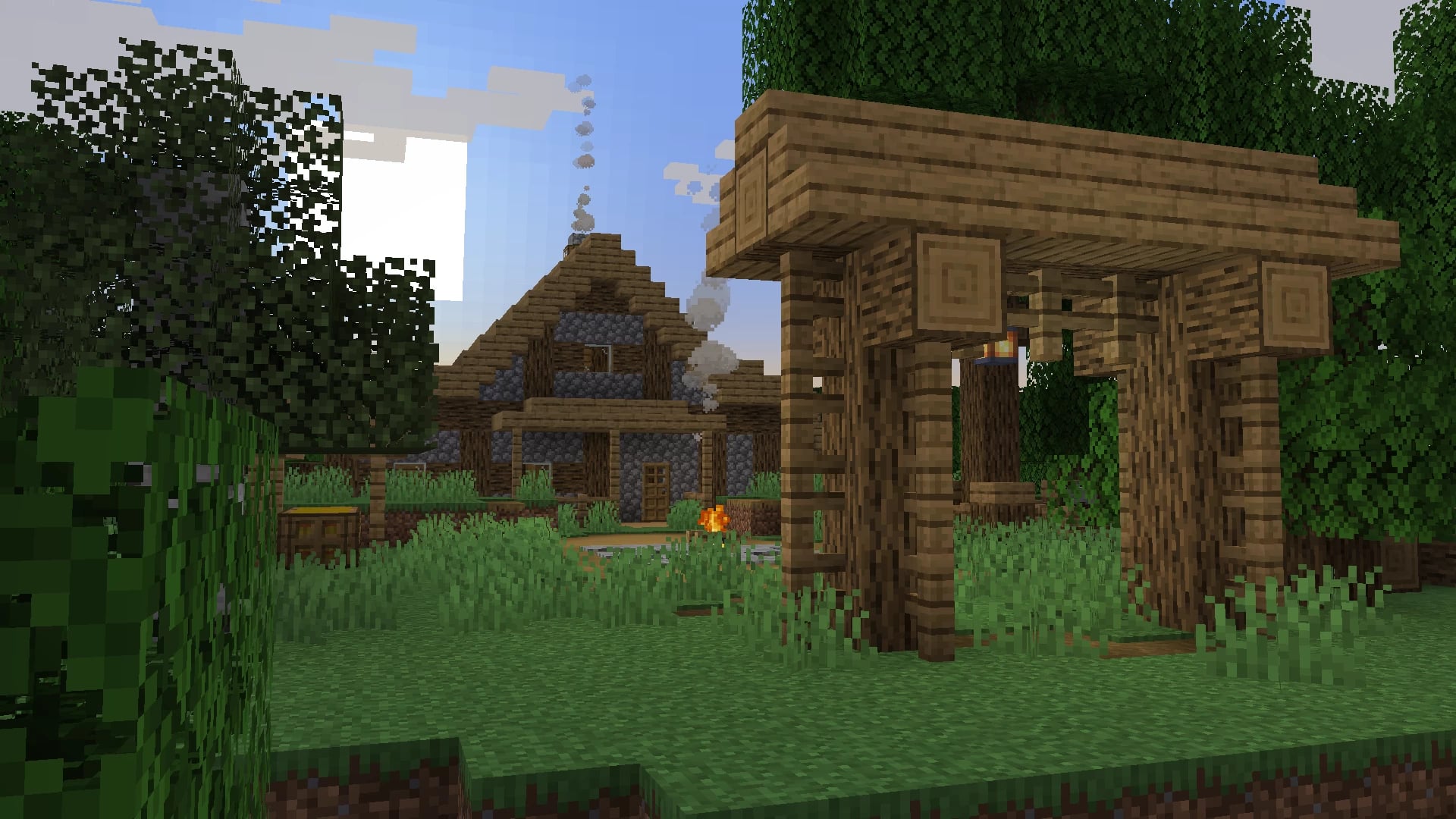
Dungeons and Taverns
by NovaWostra
A Structure Datapack adding dungeons, taverns and other structures to find while you explore the world.
 Server-ready

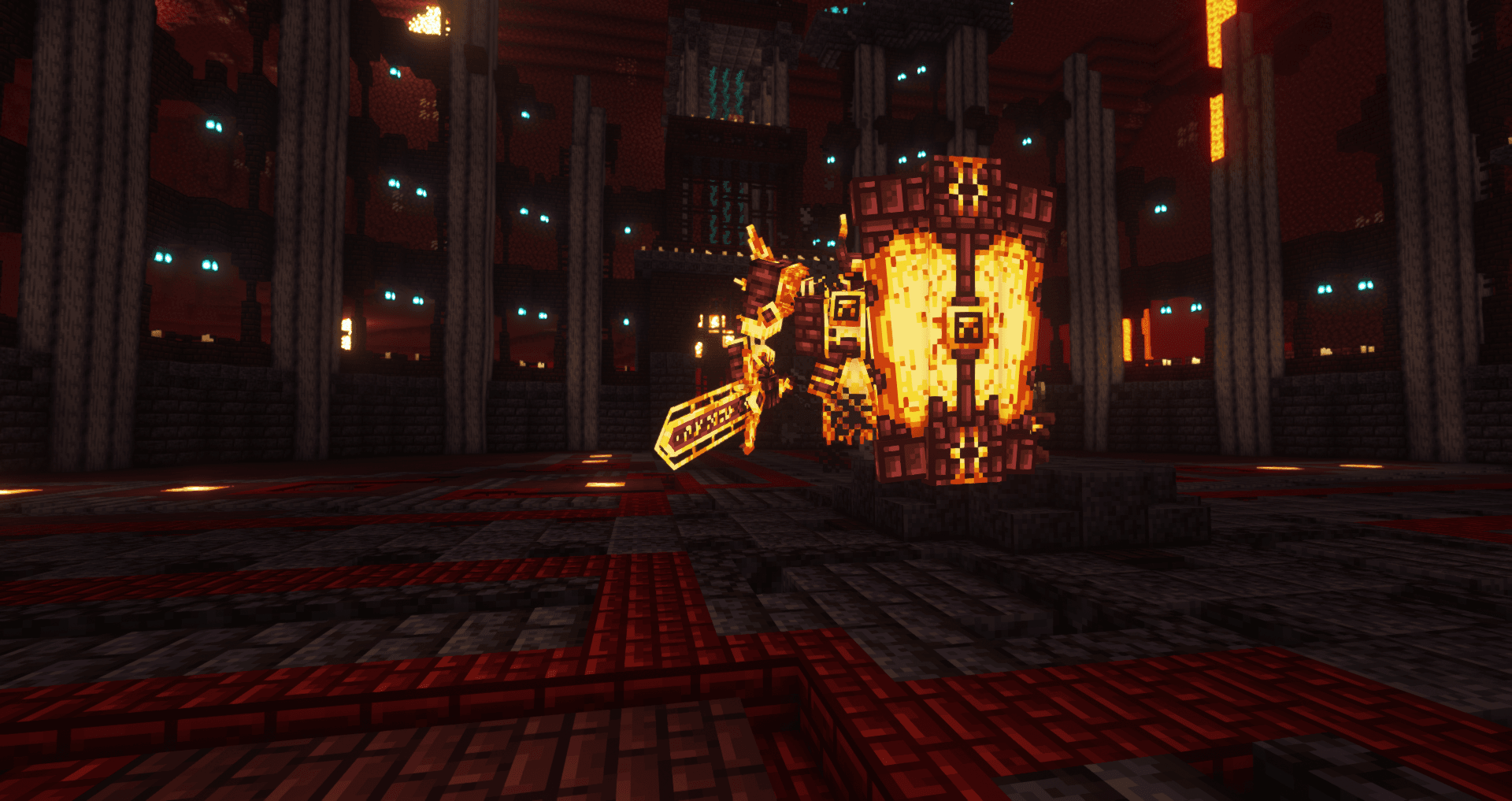
L_Ender's Cataclysm
by mcl_ender
Cataclysm is a mod that adds difficult dungeons, challenging boss-fights and powerful items.
Ready for your server with Fossils and Archeology: Revival?
6 GB of RAM from €12.00 per month. 35% off your first month with MADO35.