
Furnish
Lovely and useful furniture for Minecraft
Screenshots
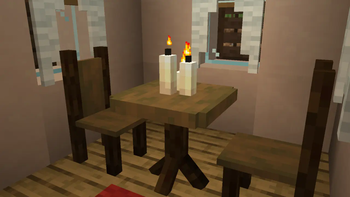
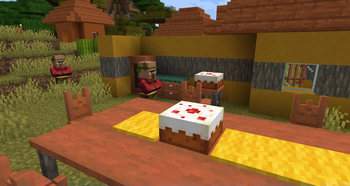
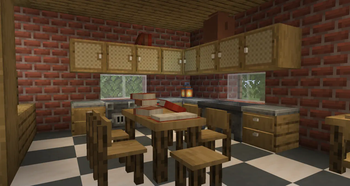
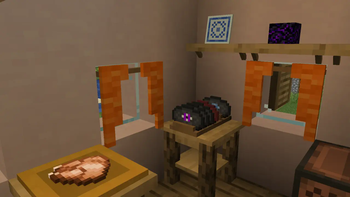
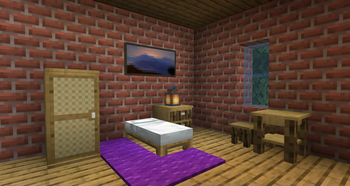
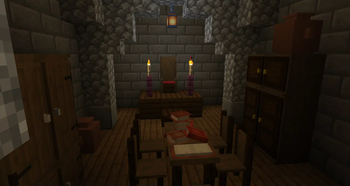
About this Mod
Welcome to Furnish!
Furnish adds useful and lovely furnitures to Minecraft.
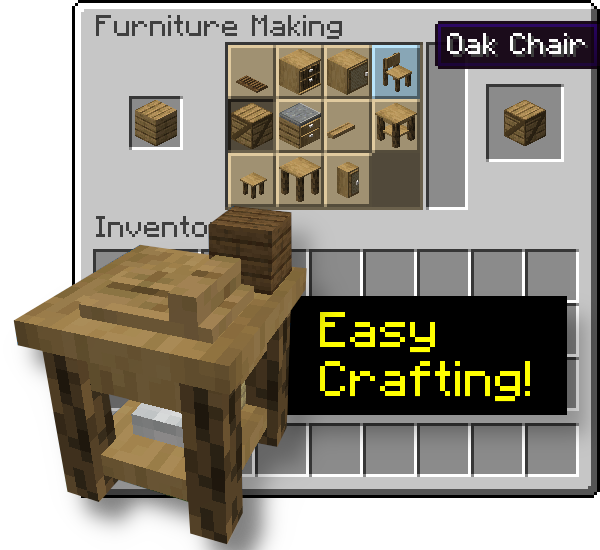
It has the advantage to not require a ton of crafting since everything happens in the Furniture Workbench, a Stonecutter-like crafting table.
Watch the videos!
✨ Introducing... Furnish! ✨ + Preview of upcoming features
✨ Furnish 0.3 - The Woolen Update !
so I added mail to minecraft (Furnish 0.4 Update Video)
Furnish Updates - 0.5 & 0.6 - Lot of new things!
Full list of features
- Easy way of crafting furniture: just put the material in the furniture workbench
- Furniture: cabinet, wardrobe, kitchen cabinet, bedside table, tables, chair, stool, crate, shelves, benches from all wood types (nether included!)
- Each furniture has it's little something (oak is related to jute cloth, for example)
- Furniture have functionalities: some, for example, store items, and you can seat on chairs and stools
- Shutters for your windows (some kind of vertical trapdoors)
- Terracotta amphoras
- Book piles (provide enchanting power)
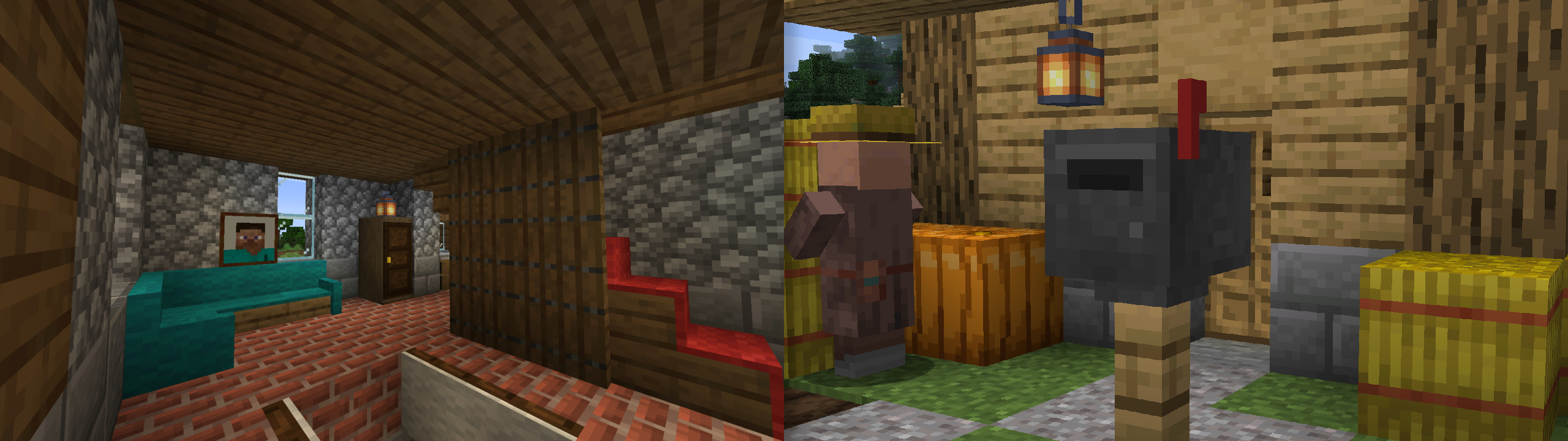
- Woolen sofas
- Awnings
- Buntings (use a Lantern on them to hang it!)
- Curtains
- Chimney conduit & chimney cap
- Put carpets on stairs and trapdoors (that can be used to make fun traps!) - also available as a standalone mod!
- Knock on doors
- New paintings: steve, alex, all tree types
- Right click on a painting with another to cycle the art
- Mail system: mailboxes and letters see this presentation video
- Plates: display food items. Even Rare Plates dropped by Endermen
- Showcases, which when powered with redstone, acts like a turntable
- Disk Rack
- Paper Lamps
- Lockers
- Ladders which do not require a support block, for all wood types
- More to come!
Compatibilty
For mod/modpack makers, it's easy to add a recipe for your block to the workbench with the new recipe type furnish:furniture_making.
Here's an example with Market Crates crates.
{
  "type": "furnish:furniture_making",
  "ingredient": {
    "item": "minecraft:acacia_planks"
  },
  "result": "marketcrates:acacia_crate",
  "count": 1
}
Items tagged #furnish:mail can be put in Mailboxes (there's also a config option to allow all items).
Items tagged #furnish:crate_blacklist can not be put in Crates.
Items tagged #furnish:music_discs can be put in Disk Rack alongside true music discs.
Items tagged #furnish:food can be put in Plates alongside true food items.
Modpacks
You can, of course, include Furnish in your modpack, that's why I'm making it.
Furnish is part of my own modpack, The Cubic Upgrade, which aims to enhance Minecraft in every aspect: exploration, fighting, building, cooking, enchanting, engineering... take a look!
Available Versions
How to Install Furnish on Your Server
Order Server
Order a Minecraft Java server with at least 3 GB RAM (4 GB recommended).
Set fabric Loader
In the panel under "Egg", select the fabric loader and matching Minecraft version (1.21.11).
Install Mod
Open the mod browser in the dashboard and search for "Furnish". Click "Install" – done! Alternatively, upload the .jar via SFTP to the /mods folder.
Compatibility
Mod Loaders
Minecraft Versions
1.21.11, 1.21.1, 1.21 (+3 more)
Server-side
✓ RequiredRecommended RAM
4 GB(min. 3 GB)Frequently Asked Questions
Furnish server crashes on startup – what to do?
Most common cause: wrong fabric version or insufficient RAM. Check the server log (latest.log) for "OutOfMemoryError" or "Mixin" errors. With Mado Hosting: ensure at least 3 GB RAM is allocated and the loader matches the mod version (1.21.11). You can switch loaders with one click in the panel.
Is Furnish compatible with fabric and forge and neoforge and quilt?
Furnish officially supports fabric, forge, neoforge, quilt for Minecraft 1.21.11, 1.21.1, 1.21. Note: Forge and Fabric mods are NOT cross-compatible – pick one loader and stick with it. The Mado dashboard automatically detects incompatible loader combinations.
Server lagging with Furnish – how to optimize performance?
Recommended RAM: 4 GB (per 8 players). Use /spark profiler to check if Furnish consumes the most tick time. Common fixes: reduce server view-distance to 8-10, install "performant" or "starlight" as supplementary mods on Forge. With Mado Hosting, your server runs on NVMe SSDs with dedicated CPU cores for minimal latency.
Similar Mods

![[ETF] Entity Texture Features](https://cdn.modrinth.com/data/BVzZfTc1/af683d206d50b05258d865b0d6e4aa2f2cee12f2_96.webp)
![[EMF] Entity Model Features](https://cdn.modrinth.com/data/4I1XuqiY/6e5bbd0d06b1741bfdab6c0cfab6de8fdaf0064c_96.webp)



Rent Modded Server
Install Furnish with just one click on your server.