

Modrinth · Forge
HybridFix on your Minecraft server
HybridFix runs on Minecraft servers with Forge. Order your server, set the loader in the panel and install the mod with one click in the mod browser.
Provide bugfixes, optimizations and a set of utilities for Forge+Bukkit server environment.
- Downloads
- 3.1K
- Author
- Undefined_0721
- Loader
- Forge
- Minecraft
- 1.12.2
- Updated
- –
Screenshots
What HybridFix looks like

Images: HybridFix on Modrinth, published by the project team.
Setup
Install HybridFix on your server
The server and players need the same loader and Minecraft version. Back up the world before adding or updating mods.
- 01
Configure
4 GB of RAM is preselected. You choose the term and add-ons and pay by credit card or PayPal.
- 02
Set the loader
In the panel, set the server software to Forge and choose the matching Minecraft version, for example 1.12.2.
- 03
Install the mod
Search the mod browser for “HybridFix” and install the release for your loader. Alternatively, upload the .jar to the mods folder via SFTP. Required dependencies are listed on the project page.
- 04
Connect
HybridFix is not needed on the client. Players connect using the server address from the panel.
- On the server
- Required
- On the client
- Not needed
- Loader
- Forge
- Minecraft
- 1.12.2
- License
- GNU Lesser General Public License v2.1 only
The panel
Install mods, find errors.
Real screenshots from the Mado panel. Both come with every Minecraft server.
Mod browser
Modrinth and CurseForge, right in the panel.
The browser filters by your Minecraft version. Install mods with one click, without uploading .jar files.

AI crash analysis
When a mod crashes, the analyzer reads the log.
Mods often fail on a wrong loader version, Java version or missing dependency. The analyzer names a likely cause and suggests a fix.

Releases
Published releases
Pick the file that matches your server’s loader and Minecraft version. The server and players need the same release.
HybridFix · ModrinthOriginal description by the project author
HybridFix (混合修复)
Provide a bunch of bugfixes, optimizations and utilities for Forge+Bukkit server and client environments.
Fixed issues
Forge-Bukkit
- Bukkit plugins cannot handle some mod explosions(e.g., Tinkers' Construct EFLN)
- Bridge some Forge events to Bukkit
Forge
- (Universal) Fix Forge JarDiscoverer attempting to read
module-info.classand other multi-release classes. - (Server) Fix
Outdated servershowing in ping before server fully boots.
Mods
Common
- Replace brittle asm transformer patches of Quark with mixins
- Fix Swet AI control of Aether Legacy
Client
- Replace expensive reflection usages in Industrial Craft 2 with direct calls
Server
- Simple Difficulty, ToughAsNails(And any other similar mods) thirst is not getting reset on player respawn(Luohuayu/CatServer#536)(MohistMC/Mohist#2905)
- Ring dupe bug in The Betweenlands mod(Luohuayu/CatServer#204)
- Simulate vanilla player respawn, most dupe bugs on player death should be fixed
- Fix Twilight Forest saplings can bypass the anti-grief plugin protection bug
- Fix Twilight Forest entities(e.g. Naga) can break blocks in protected areas
- Fix Twilight Forest Chain with Block can break blocks in protected areas
- Fix Thaumcraft 6 taint can spread into protected areas
- Fix Thaumcraft 6 flux rift can break blocks in protected areas
- Fix trait effects in Tinkers' Construct can bypass damage protection
- Fix So Many Enchantments can disarm players in protected areas
- Fix Botania Ring of Loki can bypass grief protection
- Fix Botania MineLens can bypass grief protection
- Fix Botania Rannuncarpus can bypass grief protection
- Fix Industrial Craft 2 miners can break blocks in protected areas
- Fix Industrial Craft 2 explosives can break blocks in protected areas
- Fix Draconic Evolution ChaosCrystal can break blocks in protected areas
- Fix TechReborn(RebornCore) explosions can break blocks in protected areas
- Offer events to Applied Energistics 2 Spatial Pylon to prevent some unpermitted griefing
- Fix TechGuns explosion can break blocks in protected areas
- Add entity blacklist/whitelist to Applied Energistics 2 Spatial Pylon
- Fix webs of InfernalMobs can spawn in protected areas
- Fix EpicSiegeMod mob AIs can grief in protected areas
- Disable recipe of Blackhole Controller (Deprecated) in Industrial Foregoing
- Fix Witchery spells can bypass damage protection
- Auto modify Actually Additions' config to make it fit the server environment
- Prevent Mekanism Digital Miner from mining tile entities
Features
- Auto overrides Mohist's crappy built-in explosion handling with our own method.
- Bridge Forge permission processing to Bukkit.
- Skip firing event if no listeners registered.
- Disable Timings for lower performance overhead.
- Compatibility first, shouldn't break any mods/plugins.
- Built Bukkit plugin into the mod, offers utilities to server owners.
- Enhance compatibility with mod FakePlayers.
- Offer more or less useful apis for plugin developers to interact with Forge mods easily.
- Extensive APIs for mod developers to maintain compatibility with hybrid servers easily.
- General CraftBukkit performance improvements.
- Auto deobfuscate plugin stacktraces when Censored ASM is installed for easier debugging.
- Cross ClassLoader access, make Forge mods can easily interact with Bukkit plugins. (Details)
- Bukkit APIs backported from modern version.
- Builtin plugin ASM patcher, compatible with your favourite plugins.
- Bukkit plugin mixin support, allows you to inject code into plugins via mods. (Experimental) (Docs)
- Extend Forge's error recovery system (
removeErroringEntitiesandremoveErroringTileEntities), notify server operators when errors occurred. - Guard player ticking process, kick player instead of directly crash.
- Fix Forge bugs that affect server play experience.
- (Universal) Optimize entity AI for faster nearest target lookup.
Configuration file is under ${minecraftDir}/config/hybridfix.cfg
How To (Server Admins)
Download HybridFix and its dependencies(MixinBooter and ConfigAnyTime) from CurseForge, drop HybridFix into ${minecraftDir}/mods folder.
HybridFix can be also installed on the client, some client-side fixes and optimizations will apply.
How To (Developers)
If you are developing mods, you can import HybridFix from curse maven:
Gradle(Groovy DSL):
implementation fg.deobf("curse.maven:hybridfix-1166614:{latest_artifact_id}")
If you are developing plugins, you can import HybridFix jar directly:
Maven:
<dependency>
    <groupId>io.wdsj</groupId>
    <artifactId>hybridfix</artifactId>
    <version>{latest_version}</version>
    <scope>system</scope>
    <systemPath>PATH-TO-JAR</systemPath>
</dependency>
Gradle(Groovy DSL):
compileOnly files("PATH-TO-JAR")
APIs are located at io.wdsj.hybridfix.api and io.wdsj.hybridfix.duck.api package.
Plugin Hooks
Thanks to HybridFix internal plugin, we can hook into plugins from Forge side to provide more fixes.
Currently patched plugins:
- Residence(SpigotMC)(GitHub)
- WorldGuard(BukkitDev)(GitHub)
- Citizens(GitHub)
Plugin ASM patcher
HybridFix uses ASM to inject into plugin classes dynamically at runtime
to resolve plugin compatibility problems with Forge+Bukkit environment.
Currently supported plugins:
- Residence: Fixes compatibility with Residence 6.0.0.0+.
- Universal: Redirects InventoryView INVOKEINTERFACE call to INVOKEVIRTUAL.
About FakePlayers
HybridFix utilizes Forge FakePlayer to fix some grief bugs, the naming logic is [modid-ClassName].
For example, the botania rannuncarpus patch is using the fake player with name [botania-SubTileRannuncarpus].
You can add these names into whitelist/blacklist of your plugins to customize behavior.
Commands
/hybridfix dumpitem- Show details of the item holding in the hand./hybridfix dumpentity- Show details of the entity targeted./hybridfix dumpblock- Show details of the block targeted./hybridfix version- Show version info./hybridfix eraseentity- Forcibly remove targeted entity./mods- Like/plugins, show all loaded mods.
Permissions
hybridfix.command.use- Allow to access/hybridfixcommand.hybridfix.command.eraseentity.use- Allow to access/hybridfix eraseentitycommand.hybridfix.command.mods.use- Allow to access/modscommand.
Note: Commands and permissions are registered on Bukkit side, that means you can manage permissions with Bukkit permission plugins like LuckPerms.
License
This mod is licensed under LGPL-2.1.
Backported Bukkit classes are licensed under GPL-3.0.
Unless explicitly specified in the code, other parts are under LGPL-2.1.
The stripped MCP remapped CraftBukkit JAR in the repository is for development use only and not included in releases.
HybridFix server crashes on startup – what to do?
Common causes: the loader or Minecraft version does not match the mod file, a dependency is missing, or RAM is too low. Check the log (latest.log) for “OutOfMemoryError”, “Mixin” or missing mods. At Mado, the AI crash analysis reads the log and suggests a cause. You can change the loader and version in the panel.
Which loader does HybridFix run on?
According to Modrinth, HybridFix supports Forge for Minecraft 1.12.2.
How much RAM does a server with HybridFix need?
As guidance, 3–4 GB for a server with this mod. This is an estimate, not a measured minimum. More mods, many players and long view distances need more. The spark profiler shows whether a mod is costing tick time.
Similar mods
Popular mods in the same category
 Server-ready

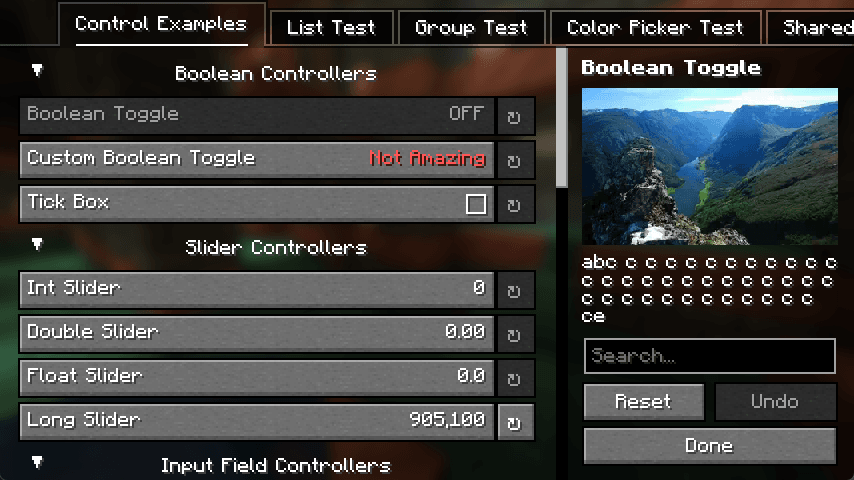
YetAnotherConfigLib (YACL)
by isxander
A builder-based configuration library for Minecraft!
 Server-ready

Text Placeholder API
by Patbox
Placeholder and Text manipulation library for your Minecraft mods.
 Client only

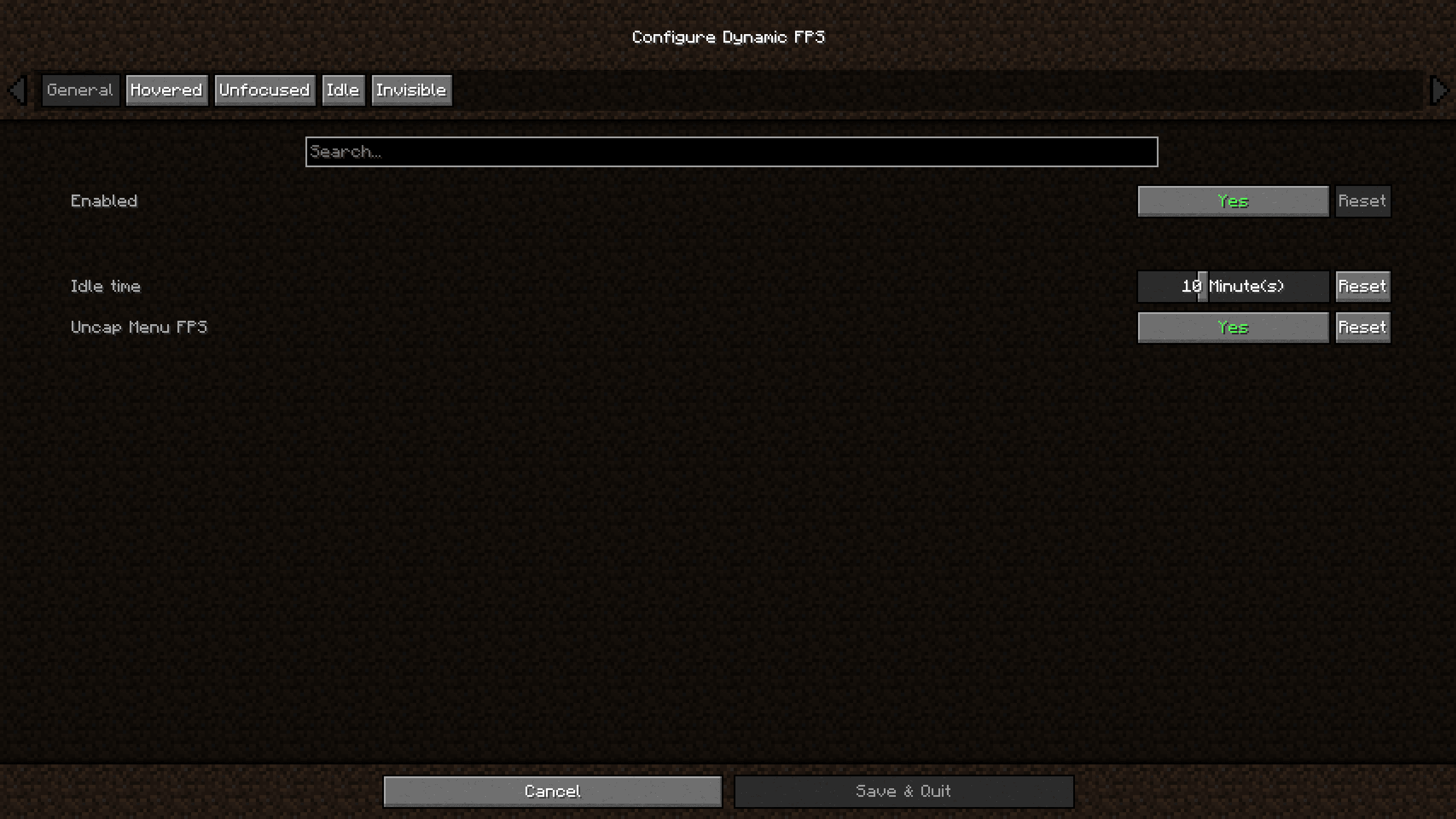
Dynamic FPS
by juliand665
Reduce resource usage while Minecraft is in the background, idle, or on battery.
 Server-ready

No Chat Reports
by Aizistral
Makes chat unreportable (where possible)
Ready for your server with HybridFix?
4 GB of RAM from €8.00 per month. 35% off your first month with MADO35.