

Modrinth · Forge, NeoForge
Create: Hypertubes on your Minecraft server
Create: Hypertubes runs on Minecraft servers with Forge or NeoForge. Order your server, set the loader in the panel and install the mod with one click in the mod browser.
Travel arround the world with tubes!
- Downloads
- 1.3M
- Author
- Rok
- Loader
- Forge, NeoForge
- Minecraft
- 1.20.1 – 1.21.1
- Updated
- –
Setup
Install Create: Hypertubes on your server
The server and players need the same loader and Minecraft version. Back up the world before adding or updating mods.
- 01
Configure
6 GB of RAM is preselected. You choose the term and add-ons and pay by credit card or PayPal.
- 02
Set the loader
In the panel, set the server software to Forge or NeoForge and choose the matching Minecraft version, for example 1.21.1.
- 03
Install the mod
Search the mod browser for “Create: Hypertubes” and install the release for your loader. Alternatively, upload the .jar to the mods folder via SFTP. Required dependencies are listed on the project page.
- 04
Connect
Every player installs the same Create: Hypertubes release locally and connects using the server address from the panel.
- On the server
- Required
- On the client
- Required
- Loader
- Forge, NeoForge
- Minecraft
- 1.21.1, 1.20.6, 1.20.5 +4 more
- License
- Apache License 2.0
The panel
Install mods, find errors.
Real screenshots from the Mado panel. Both come with every Minecraft server.
Mod browser
Modrinth and CurseForge, right in the panel.
The browser filters by your Minecraft version. Install mods with one click, without uploading .jar files.

AI crash analysis
When a mod crashes, the analyzer reads the log.
Mods often fail on a wrong loader version, Java version or missing dependency. The analyzer names a likely cause and suggests a fix.

Releases
Published releases
Pick the file that matches your server’s loader and Minecraft version. The server and players need the same release.
Create: Hypertubes · Modrinth- Create Hypertube 0.6.1 - NeoForge 1.21.1November 19, 2026Minecraft 1.21.1 · NeoForge
- Create Hypertube 0.6.1 - Forge 1.20.1November 19, 2026Minecraft 1.20.1 · Forge
- Hypertubes 0.6.0 FORGEJuly 30, 2026Minecraft 1.20.1 · Forge, NeoForge
Original description by the project author

Create: Hypertubes
This mod is currently in active development and is compatible with both Create 0.5.1 and 6.0.x. Features may change, and bugs are expected. Please report any issues on my GitHub!
Welcome to Create: Hypertubes!
Ever wanted to build a transportation network in Minecraft similar to ones in Satisfactory? Create: Hypertubes is an addon for the Create mod, inspired by Satisfactory Hypertubes, allowing you to construct intricate and seamless tube systems for moving players and entities with ease. Hypertubes offer a new way to travel in your Minecraft world.
With an intuitive building system, you can design elegant and fun hypertubes with many curves to travel through, or build long, efficient straightaway tubes to power your logistics network! The options are limitless.
Traveling
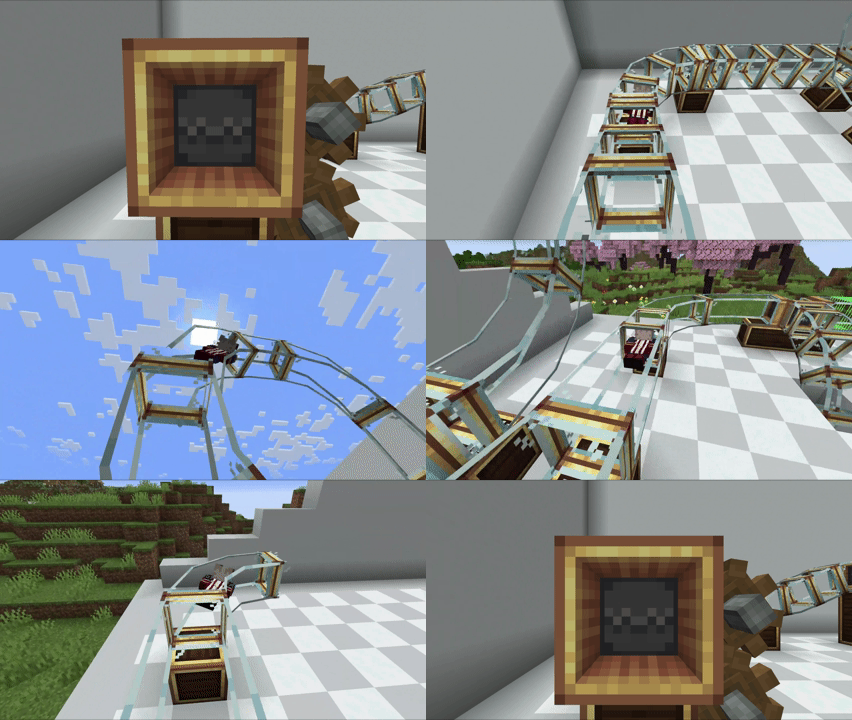
Jump into a Hypertube Entrance and and be thrown across your world
(You can enable FPV in the config files)
Placing Tubes
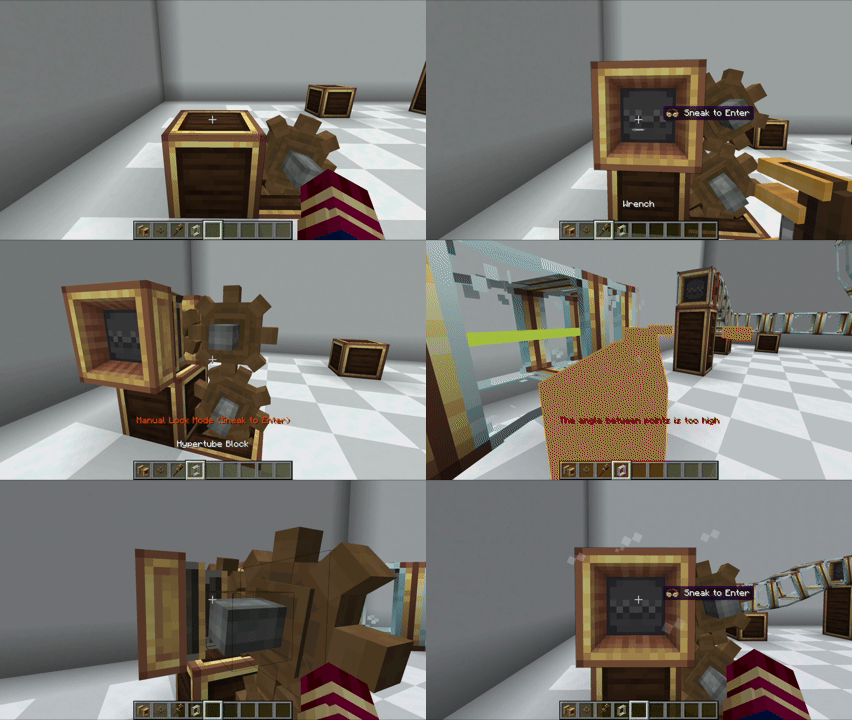
The components are designed to integrate smoothly into your existing Create progression, making it easy to get your Hypertube network up and running. Getting your network running is as simple as it gets: just power a Hypertube Entrance with a cogwheel and you're ready to go.
Hypertube Entrance Modes
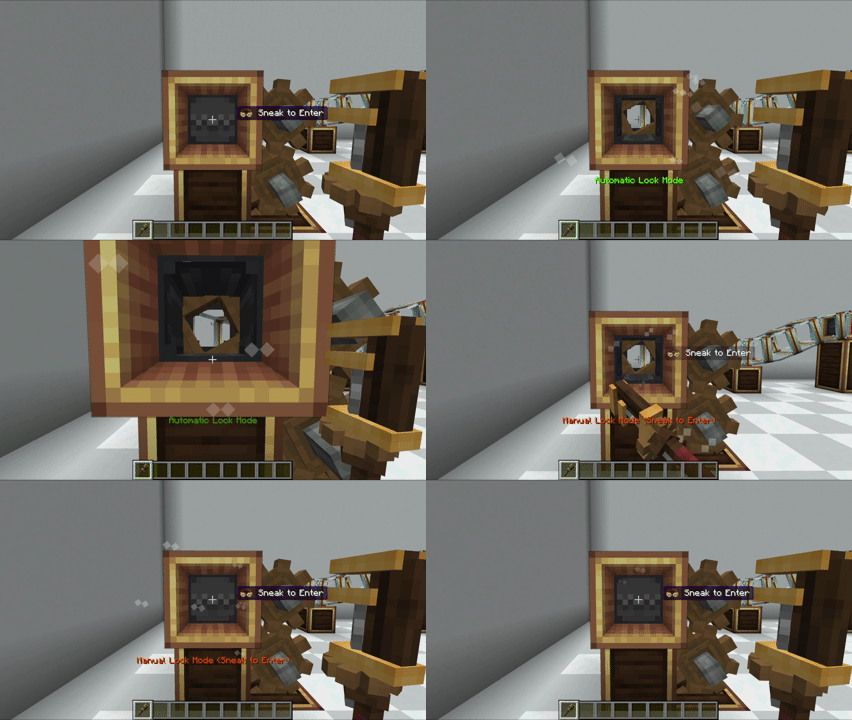
You can modify the Hypertube Entrance with a wrench to select your preferred mode!
If you're using Automatic Lock Mode, you can sneak to avoid being pulled into the tube
Fish and Villagers
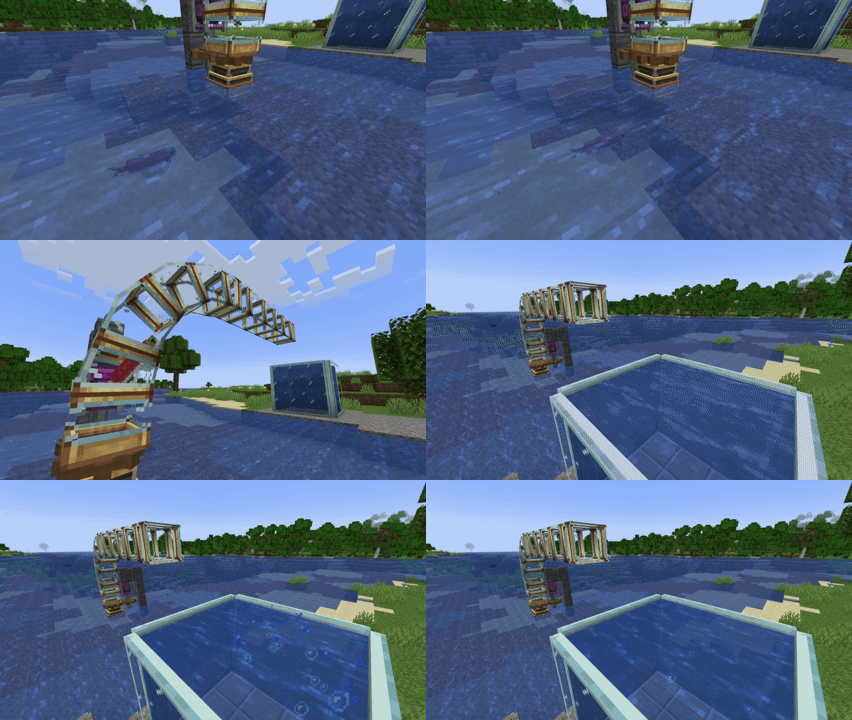
With version 0.2.0, fish and villagers can now travel through the tubes!
Just turn on Automatic Lock Mode and watch them go :)
Visual customization
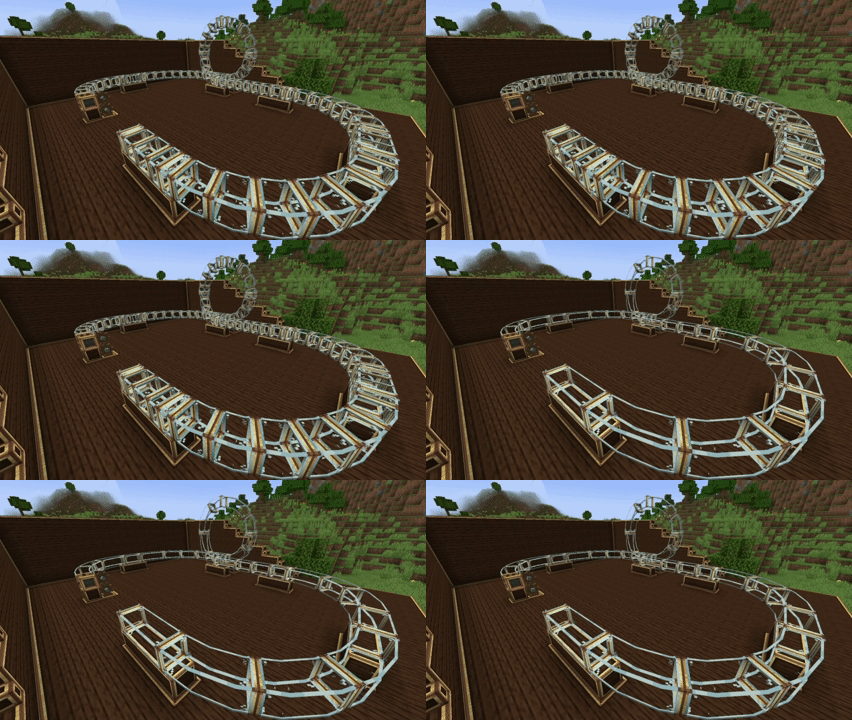
You can customize tube connections just by using a Wrench!
(This is just the first step toward the customization milestone, any suggestions or help are welcome!)
Automatization
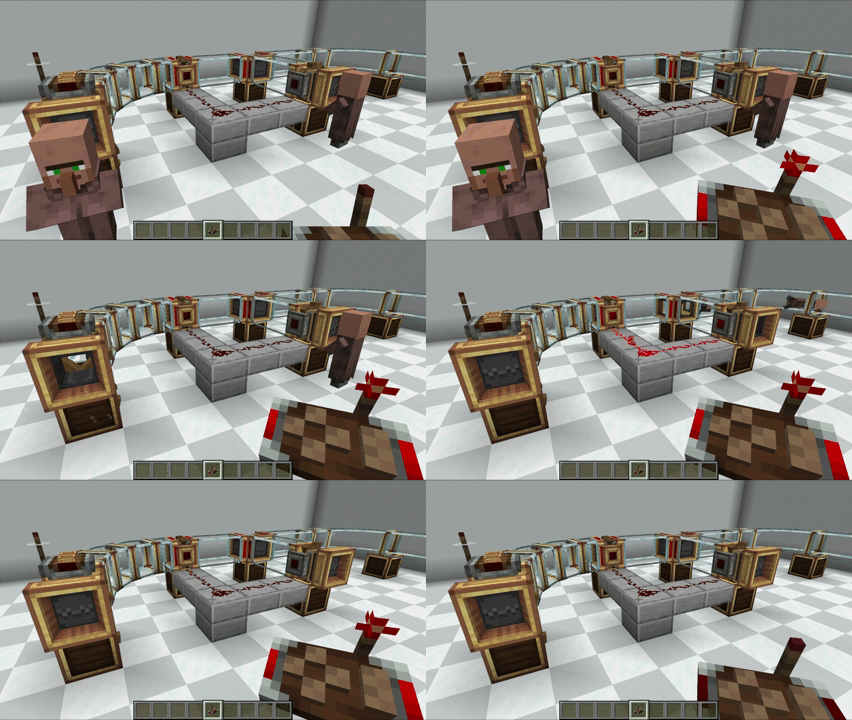
You can automatize tube behavior or detects travellers with Attachments!
Planned Features:
- [ ] Colored tubes ands customizations
- Tube Collision
- Tube Accelerator
- Tube Splitter/Junction
- Hypertube Cannon (Ficsit aproves)
- Fish will be able to travel through the tubes 🦈
- Redstone Automation
- And the other mobs will be able too!
We Need Your Feedback!
This mod is a work in progress, and your feedback is crucial! If you encounter any bugs or have suggestions for new features, please let me know:
- github.com/PedroRok/CreateHypertubes/issues - Report bugs and suggest features here!
Want to support the project?
If you enjoyed this project and appreciate my work, feel free to support me, it really helps me keep going ❤️
- ko-fi.com/pedrorok - Every donation makes a difference!
If you have any questions, suggestions, or just want to show off your contraptions, you can find me in the Cafeteria Development guild!

Create: Hypertubes server crashes on startup – what to do?
Common causes: the loader or Minecraft version does not match the mod file, a dependency is missing, or RAM is too low. Check the log (latest.log) for “OutOfMemoryError”, “Mixin” or missing mods. At Mado, the AI crash analysis reads the log and suggests a cause. You can change the loader and version in the panel.
Which loader does Create: Hypertubes run on?
According to Modrinth, Create: Hypertubes supports Forge, NeoForge for Minecraft 1.21.1, 1.20.6, 1.20.5.
How much RAM does a server with Create: Hypertubes need?
As guidance, 4–6 GB for a server with this mod. This is an estimate, not a measured minimum. More mods, many players and long view distances need more. The spark profiler shows whether a mod is costing tick time.
Similar mods
Popular mods in the same category
 Server-ready

Xaero's Minimap
by thexaero
Displays a map of the nearby world terrain, players, mobs, entities in the corner of your screen. Lets you create waypoints which help you find the locations you've marked.
 Server-ready

Xaero's World Map
by thexaero
Adds a full screen world map which shows you what you have explored in the world. Works great together with Xaero's Minimap.
 Server-ready

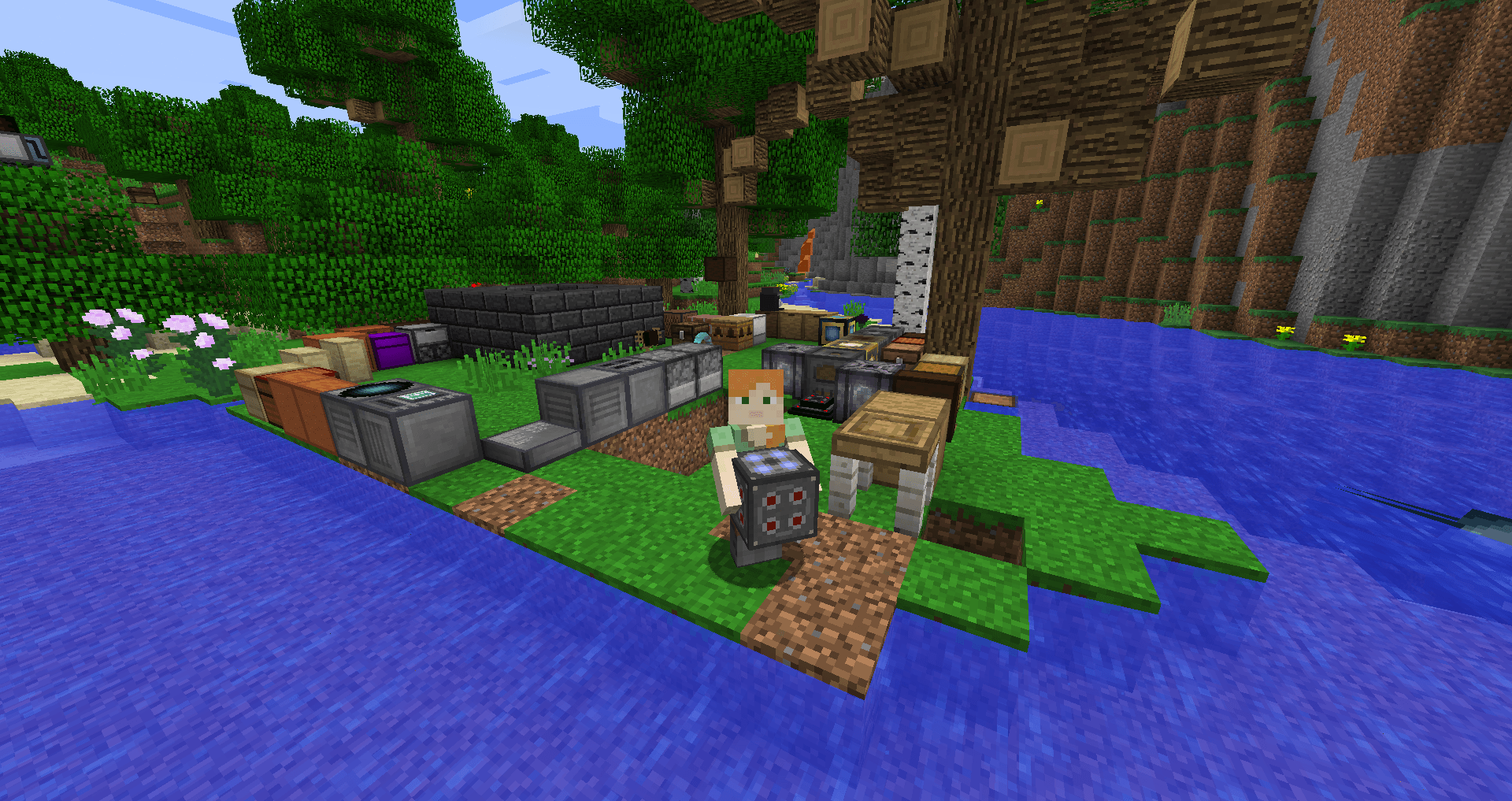
Carry On
by Tschipp
Carry On allows you to pick up Tile Entities and Mobs and carry them around!
 Server-ready

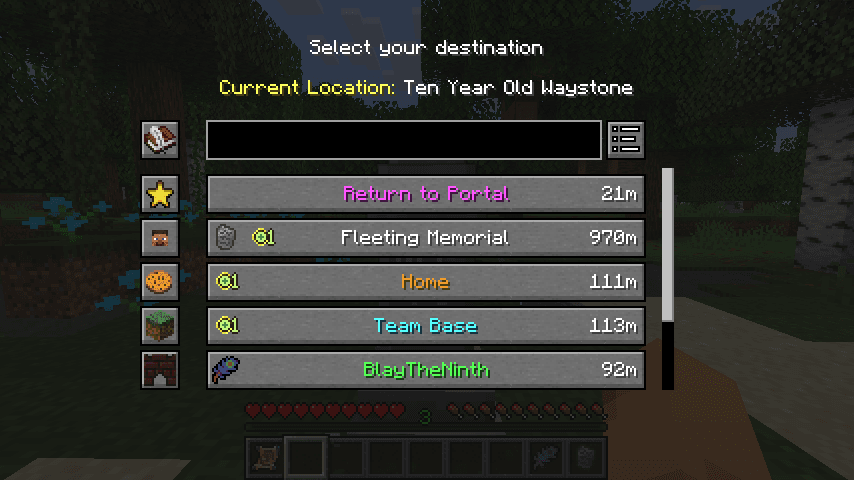
Waystones
by BlayTheNinth
Teleport from waystone to waystone or craft magical scrolls to warp.
Ready for your server with Create: Hypertubes?
6 GB of RAM from €12.00 per month. 35% off your first month with MADO35.