
IBE Editor
Simple GUI Mod to edit an item, a block or an entity in your current world
Screenshots
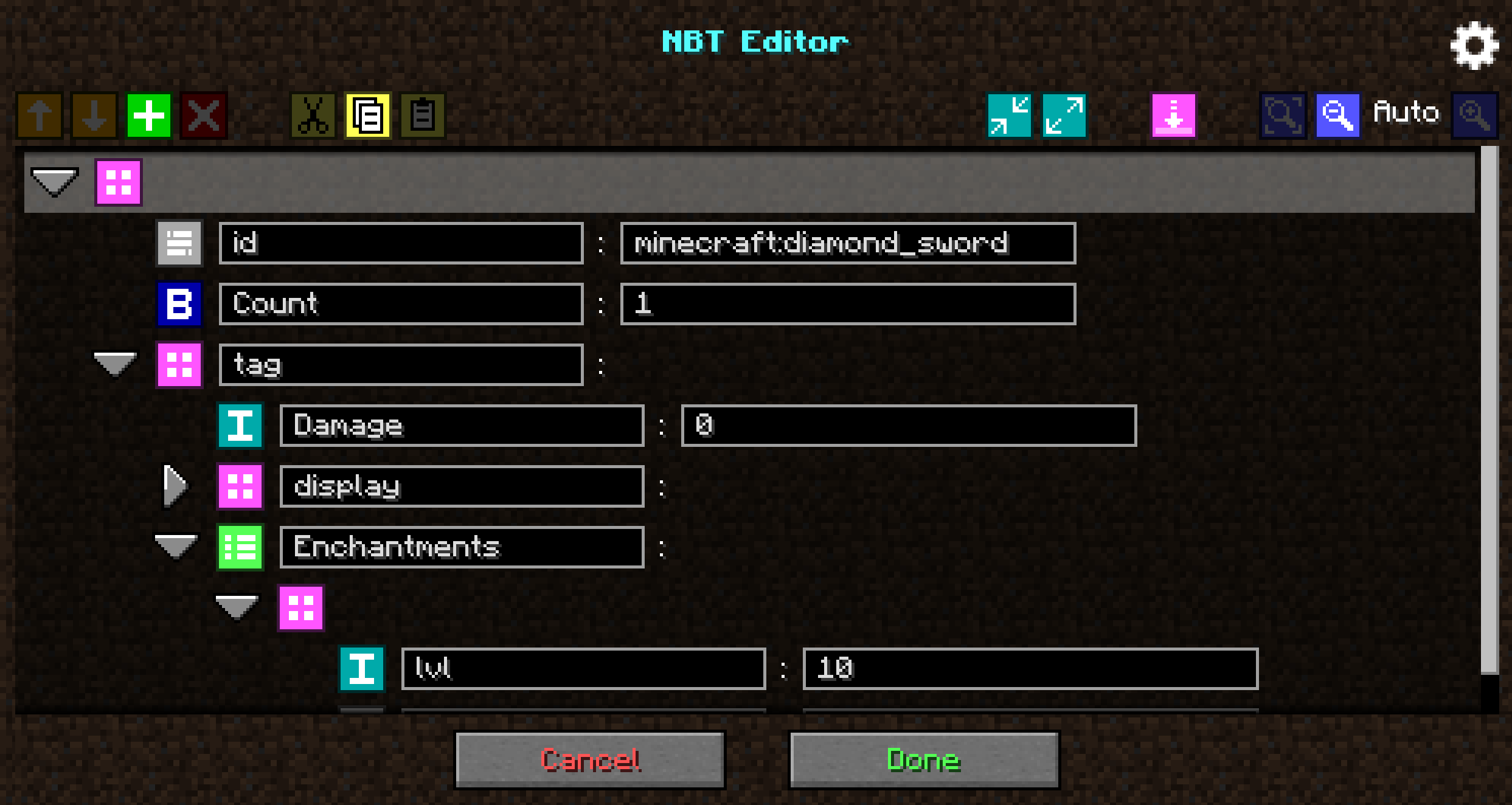
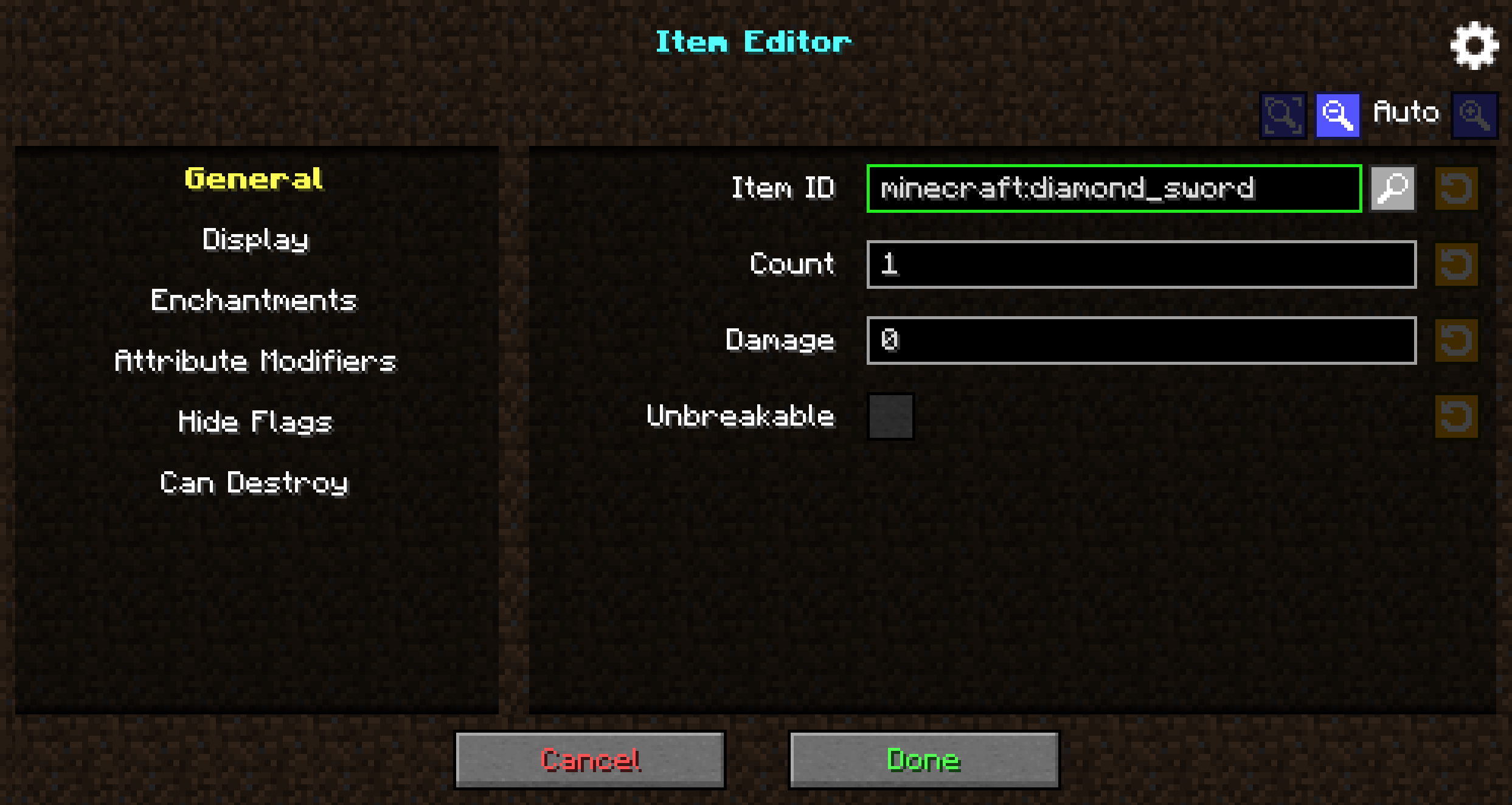
About this Mod







A simple GUI mod to edit an item, a block or an entity in your current world.
Update (October 31st 2024):
After almost 8 years of maintaining IBE Editor, I will pause this project indefinitely.
Recent updates (read: the replacement of NBT by Components in 1.20.5) have made it impossible to simply maintain the mod without having to rewrite a large portion of it. That combined with the fast release cycle, the mod is already a few versions behind, and I am simply not able to keep up with the pace.
I am also not as invested into the mod as I used to be because I don't even use it myself anymore. This project started back in 2017 as a little tool I created to help me to create custom items in adventure maps. I decided to share it with the community and eventually a lot of people started using it, which I did not expect.
I'm sorry to disappoint you, I know you all wanted an update, but I don't want to lie to you, it won't be coming (at least, not from me).
The GitHub repository has been archived. Anyone is free to fork the project or to make their own spin based on it.Thank you all for your support,
Skye
For help with installation, usage and configuration of the mod, see the IBE Editor wiki.
You can also join us on Discord!
Download the mod
Important: the mod does not support Minecraft 1.20.5 and above due to the new component system.
The mod is available to download on CurseForge, Modrinth and GitHub.
It is compatible with both Forge and Fabric mod loaders.
The Fabric version of the mod requires Fabric API.
Features
This mod is primarily aimed at server admins and map makers. It allows you to edit anything on your item, block or entity, directly in the game using a simple user interface.
The default keybinds are I for the Item Editor, N for the NBT Editor and R for the SNBT Editor.
Item Editor
- Name, Lore with formatting
- Enchantments
- Attribute Modifiers
- Hide Flags
- Can place on / Can destroy
- Potion effects
Block Editor
- Block state
- Container name, lock code
Entity Editor
- Name
- Health
- Misc attributes : Invulnerable, Silent, Glowing, No gravity, Fire
NBT Editor
- Can edit items, block entities and entities
- Add, remove, edit tags
- Cut, copy, paste tags
SNBT Editor
- Can edit items, block entities and entities
- Text formatting
Available Versions
How to Install IBE Editor on Your Server
Order Server
Order a Minecraft Java server with at least 3 GB RAM (4 GB recommended).
Set fabric Loader
In the panel under "Egg", select the fabric loader and matching Minecraft version (1.20.4).
Install Mod
Open the mod browser in the dashboard and search for "IBE Editor". Click "Install" – done! Alternatively, upload the .jar via SFTP to the /mods folder.
Compatibility
Mod Loaders
Minecraft Versions
1.20.4, 1.20.2, 1.20.1 (+17 more)
Server-side
~ OptionalRecommended RAM
4 GB(min. 3 GB)Frequently Asked Questions
IBE Editor server crashes on startup – what to do?
Most common cause: wrong fabric version or insufficient RAM. Check the server log (latest.log) for "OutOfMemoryError" or "Mixin" errors. With Mado Hosting: ensure at least 3 GB RAM is allocated and the loader matches the mod version (1.20.4). You can switch loaders with one click in the panel.
Is IBE Editor compatible with fabric and forge and neoforge?
IBE Editor officially supports fabric, forge, neoforge for Minecraft 1.20.4, 1.20.2, 1.20.1. Note: Forge and Fabric mods are NOT cross-compatible – pick one loader and stick with it. The Mado dashboard automatically detects incompatible loader combinations.
Server lagging with IBE Editor – how to optimize performance?
Recommended RAM: 4 GB (per 8 players). Use /spark profiler to check if IBE Editor consumes the most tick time. Common fixes: reduce server view-distance to 8-10, install "performant" or "starlight" as supplementary mods on Forge. With Mado Hosting, your server runs on NVMe SSDs with dedicated CPU cores for minimal latency.
Similar Mods




![[ETF] Entity Texture Features](https://cdn.modrinth.com/data/BVzZfTc1/af683d206d50b05258d865b0d6e4aa2f2cee12f2_96.webp)

Rent Modded Server
Install IBE Editor with just one click on your server.