
IngameIME Vintage
Use InputMethod in Fullscreen Minecraft 1.12.2
Screenshots

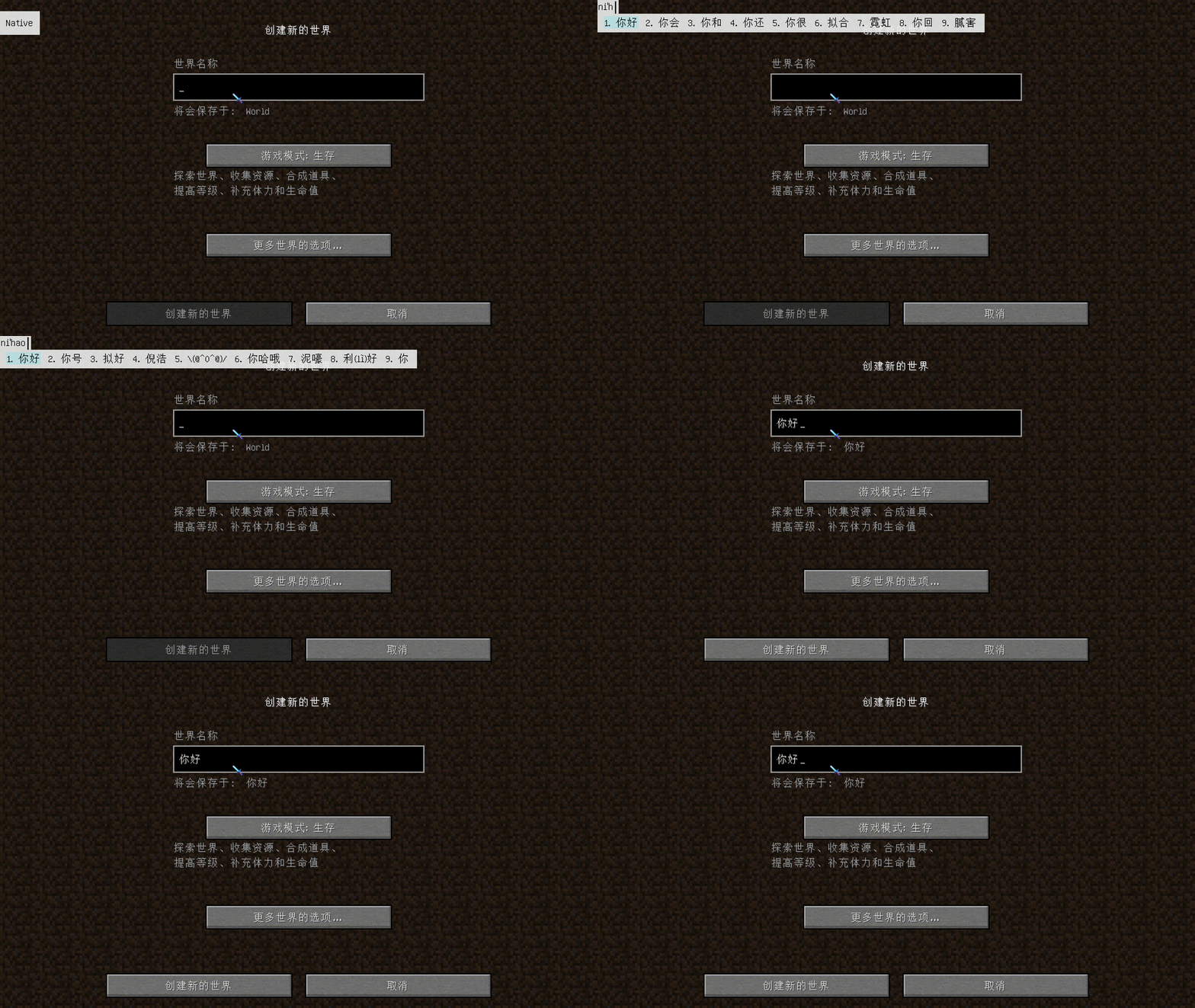
About this Mod
IngameIME-Minecraft-1.12.2

- Use
InputMethodin Full screen Minecraft!
Preview
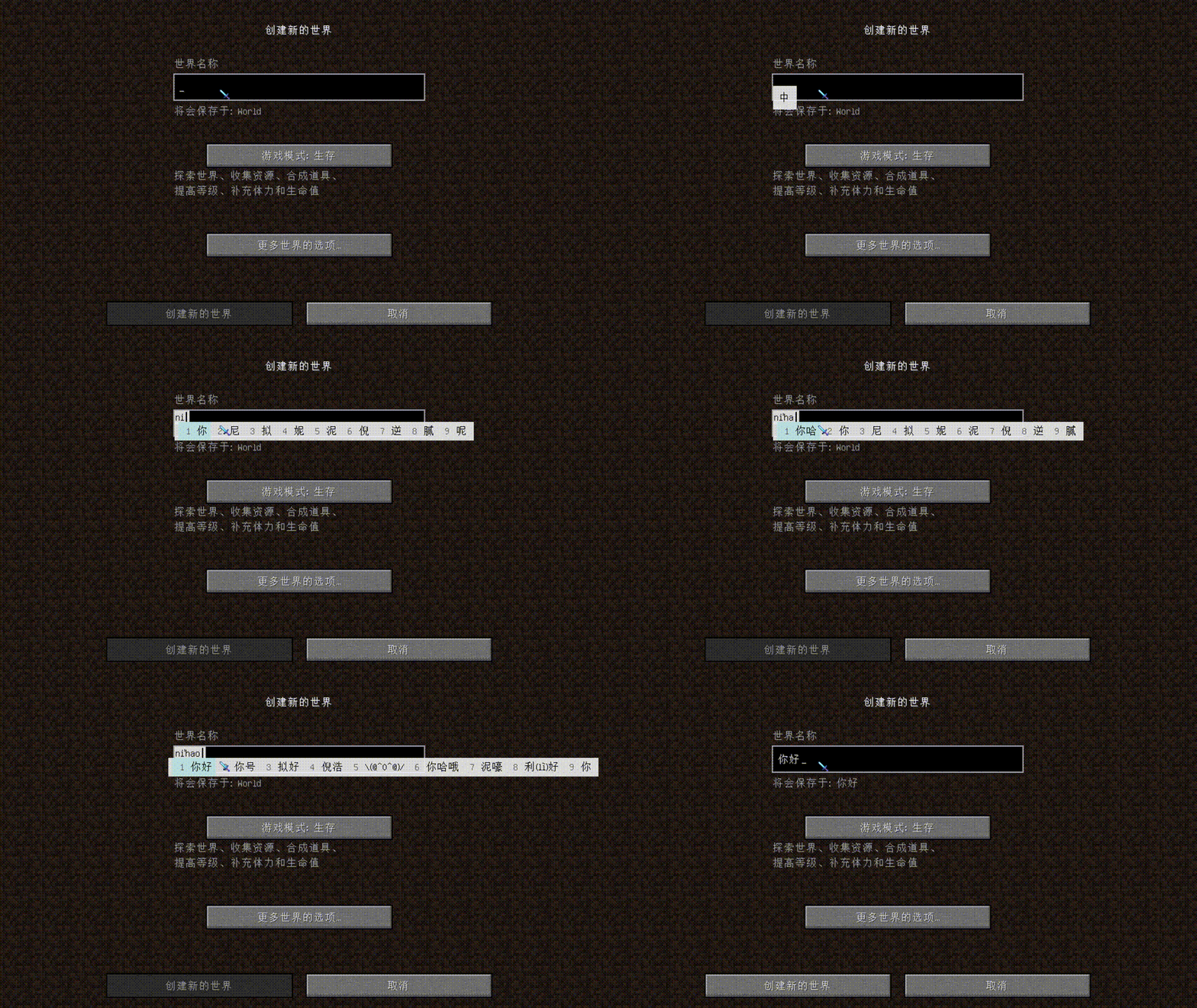
Full screen Mode
Special Thanks
- Windmill-City:Mod founder
- Kappa-maintainer:The biggest contributor, helped with most of the bugs and provided solutions
- tttsaurus:Helped to fix the bug of InGameInfoXML
- Andrea FredericaPatched a possible unknown crash issue with LoliASM(maybe
- Live-Block:Provides 1.17 UI and cursor following port
- There will be more in the future :)
Bug
- Unable to enter in the search box of JEI/HEI(Fixed in 0.0.7)
- Unable to enter text in Xaero's Minimap interface(Fixed in 0.0.9)
- Can't type text into Minecraft signs(Fixed in 0.1.0)
- Mixin errors will occur when used with RandomPatches (please use Universal Tweaks instead of this mod's functionality, or set patchMinecraftClass=false in config/randompatches.cfg
| Platform | Supported |
|---|---|
| Windows | √ |
| Linux | × |
| MacOS | × |
Available Versions
How to Install IngameIME Vintage on Your Client
Install the Mod Loader Locally
Install forge for your local Minecraft version.
Download the Matching File
Choose the IngameIME Vintage file for forge and Minecraft 1.12.2.
Install Mod
Place the .jar file in your local .minecraft/mods folder and restart Minecraft. No server-side installation is required.
Compatibility
Mod Loaders
Minecraft Versions
1.12.2, 1.7.10
Server-side
✗ UnsupportedRecommended RAM
4 GB(min. 3 GB)Frequently Asked Questions
Does IngameIME Vintage need to be installed on the Minecraft server?
No. Modrinth marks IngameIME Vintage as unsupported on the server side. Install it only in your local Minecraft mods folder. Your server can remain unchanged unless the mod page lists an additional dependency.
Which version and loader does IngameIME Vintage require?
Use a file for forge and your exact Minecraft version. Supported versions include 1.12.2, 1.7.10. Files for different loaders are not interchangeable.
IngameIME Vintage is not working – what should I check?
First check the Minecraft version, loader version and required dependencies. Put the .jar file in your local .minecraft/mods folder and remove older duplicates. Because this mod is client-side, adding server RAM will not fix it.
Similar Mods

![[ETF] Entity Texture Features](https://cdn.modrinth.com/data/BVzZfTc1/af683d206d50b05258d865b0d6e4aa2f2cee12f2_96.webp)
![[EMF] Entity Model Features](https://cdn.modrinth.com/data/4I1XuqiY/6e5bbd0d06b1741bfdab6c0cfab6de8fdaf0064c_96.webp)



Minecraft Server for Your Group
IngameIME Vintage stays on your client. Host a compatible world for your group.