![Items Displayed [Fabric]](https://cdn.modrinth.com/data/Guh4HXen/4e0b7b16f5b60457717af63acbf4e3cfd91e41fc_96.webp)
Items Displayed [Fabric]
A mod for builders and adventurers who would like to have their items placed in the world, not lying around in chests!
Screenshots
About this Mod
Items Displayed
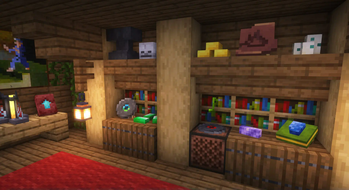
Did you ever think that there aren't any good ways to show off your stuff in Minecraft? Sure, we have item frames, but that's just plain old boring. If you're like me, then you'd prefer having your treasures displayed as 3D models in the world, not cluttering your chests.
Let me introduce you to Items Displayed! Designed for both daring adventurers and imaginative builders, this mod aims to redefine the way you store items and decorate your base.
Forge version is here!
Core features
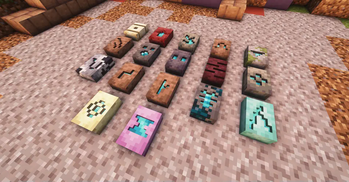
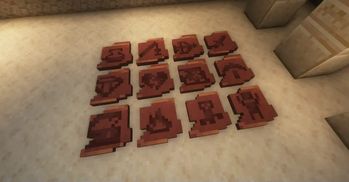
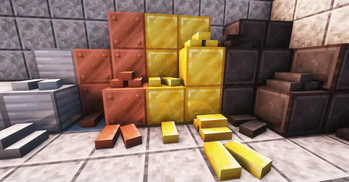
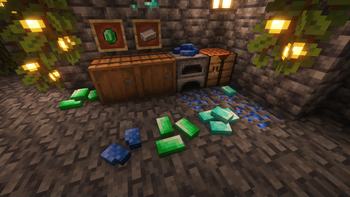
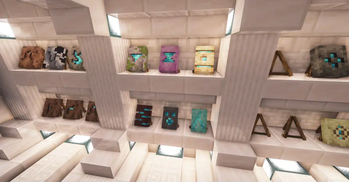
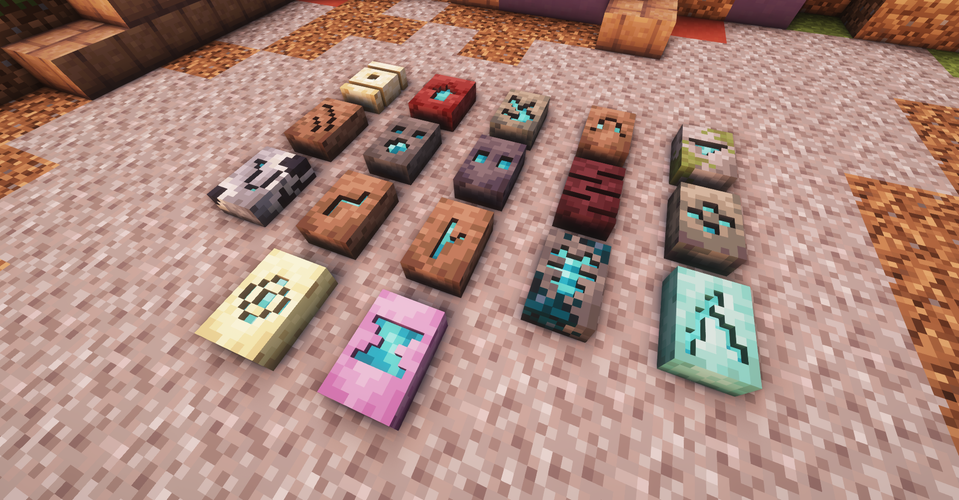
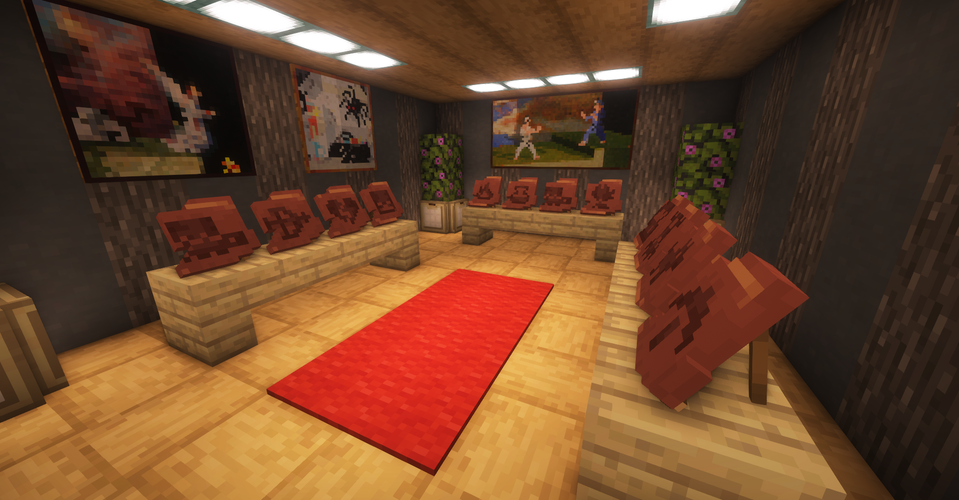
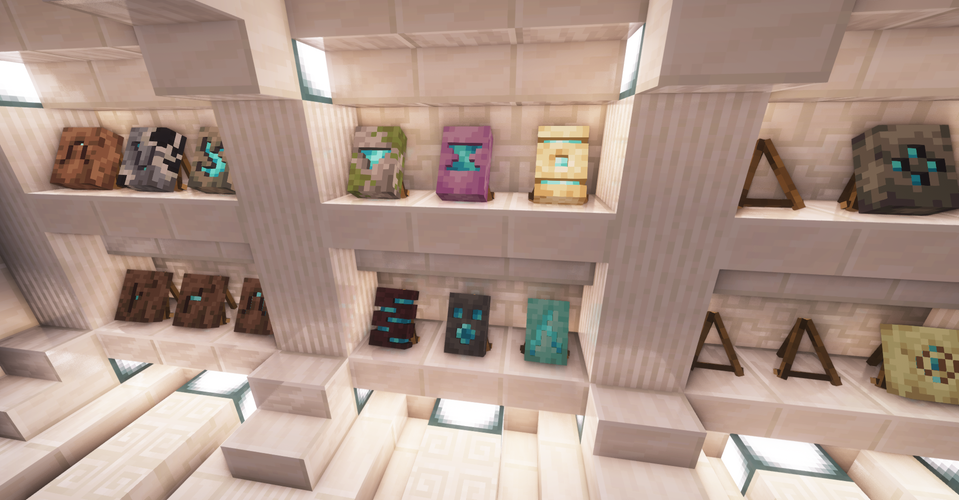
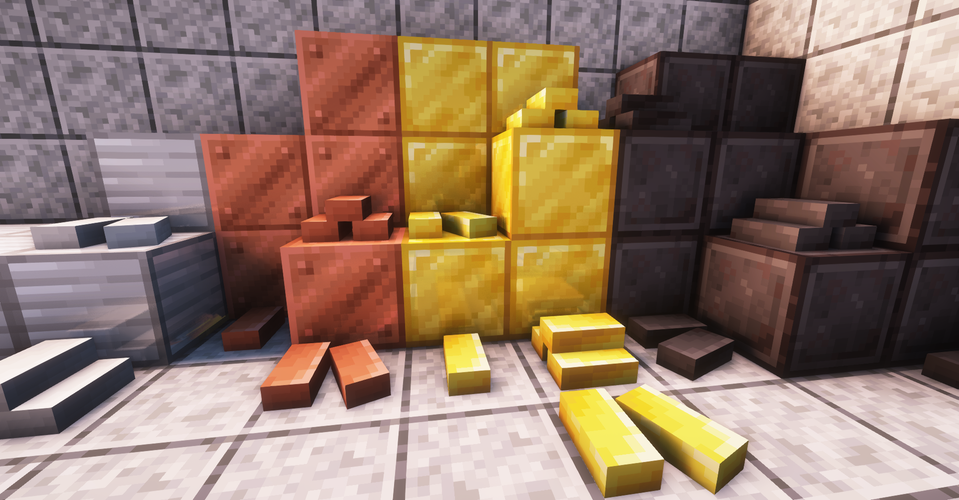
- Placeable items: Say goodbye to item frames. With Items Displayed, you'll be able to showcase your treasures in your house as stunning 3D models! Currently, the mod adds models for all sherds, smithing templates, ingots, etc. Want more items? Stay tuned for next updates :)
- Simple mechanics: My goal is to enhance your gameplay, not complicate it. You don't need to craft or tweak anything: to place an item, just right-click while sneaking with the item in your hand. Turning your house into a piece of art has never been easier!
- Item Display: You may feel like leaving your treasures lying on the ground is a strange decision. Worry not, this mod also adds a new item called Item Display, which can be crafted using sticks. It works exactly like an Armor Stand, save for the fact that it can be rotated to any angle, not just 45 degrees. Currently, Item Display supports all sherds and smithing templates.
- Vanilla style: When making the mod, I made sure to keep the authenticity of vanilla style in place. And hey, my mom couldn't tell which models are from Minecraft, and which are mine! That must mean something, right?
- High compatiblity: Don't let mod conflicts hold you back from your adventures. Items Displayed has been thoroughly tested, so unless another mod makes big changes in the way items work, there shouldn't be any issues.
FAQ
Q: How to propose a feature / submit an issue?
A: If you want to ask for a cool feature, just go to the comment section on CurseForge. I always make sure to read the comments! However, if you found an issue, please submit it on GitHub. To find Items Displayed on GitHub, just go to the "Issues" tab on top of this description.
Q: Can I add your mod to my modpack?
A: Yeah, sure, that'd be great! But as always, please leave a link to the mod's page, and don't change anything inside the mod itself. And also do mention how cool this mod is, but that's, uhhh, optional.
Q: Can you backport to an older version of Minecraft?
A: For now - nope! Come back a little later, when more vanilla items are already implemented.
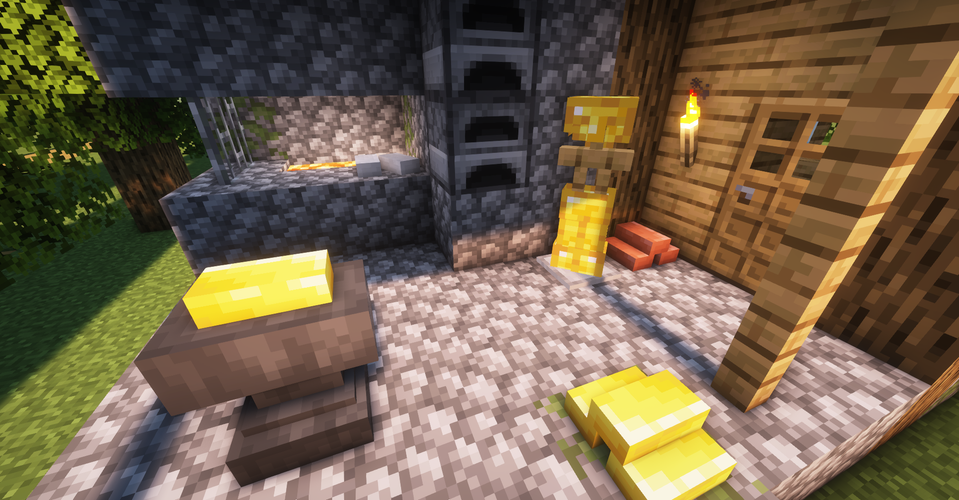
Minecraft constantly evolves, and so does this mod. In future updates, I plan to add more items, including Blaze Rods, Totems of Undying, Bottles, and much more! Would you like to join me on this adventure?
Need more information? Check out the mod's Wiki page!
Available Versions
How to Install Items Displayed [Fabric] on Your Server
Order Server
Order a Minecraft Java server with at least 3 GB RAM (4 GB recommended).
Set fabric Loader
In the panel under "Egg", select the fabric loader and matching Minecraft version (26.3).
Install Mod
Open the mod browser in the dashboard and search for "Items Displayed [Fabric]". Click "Install" – done! Alternatively, upload the .jar via SFTP to the /mods folder.
Compatibility
Mod Loaders
Minecraft Versions
26.3, 26.2, 26.1.2 (+21 more)
Server-side
✓ RequiredRecommended RAM
4 GB(min. 3 GB)Frequently Asked Questions
Items Displayed [Fabric] server crashes on startup – what to do?
Most common cause: wrong fabric version or insufficient RAM. Check the server log (latest.log) for "OutOfMemoryError" or "Mixin" errors. With Mado Hosting: ensure at least 3 GB RAM is allocated and the loader matches the mod version (26.3). You can switch loaders with one click in the panel.
Is Items Displayed [Fabric] compatible with fabric?
Items Displayed [Fabric] officially supports fabric for Minecraft 26.3, 26.2, 26.1.2. The Mado dashboard automatically detects incompatible loader combinations.
Server lagging with Items Displayed [Fabric] – how to optimize performance?
Recommended RAM: 4 GB (per 8 players). Use /spark profiler to check if Items Displayed [Fabric] consumes the most tick time. Common fixes: reduce server view-distance to 8-10, install "performant" or "starlight" as supplementary mods on Forge. With Mado Hosting, your server runs on NVMe SSDs with dedicated CPU cores for minimal latency.
Similar Mods

![[ETF] Entity Texture Features](https://cdn.modrinth.com/data/BVzZfTc1/af683d206d50b05258d865b0d6e4aa2f2cee12f2_96.webp)
![[EMF] Entity Model Features](https://cdn.modrinth.com/data/4I1XuqiY/6e5bbd0d06b1741bfdab6c0cfab6de8fdaf0064c_96.webp)



Rent Modded Server
Install Items Displayed [Fabric] with just one click on your server.