
FurniCraft
Furnish your creations with a wide variety of unique furniture in the vanilla style, without the need for any resource packs.
Screenshots
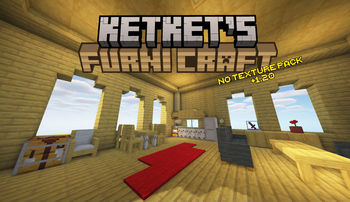
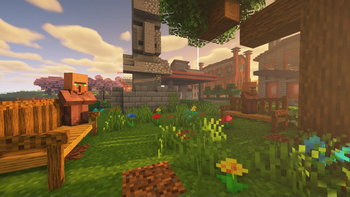
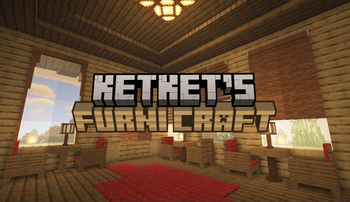
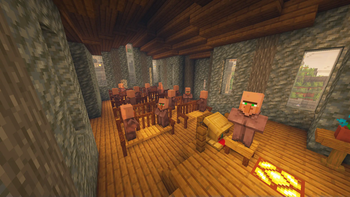
About this Mod
FurniCraft - Furnish Your Creations!
Furnish your creations with a wide variety of unique furniture in the vanilla style, without the need for any resource packs.
Enhance your survival gameplay with Ketket's SMP Essentials.

For more information and updates about the project, visit the ketket.dev page.
FEATURES
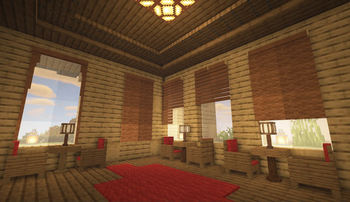
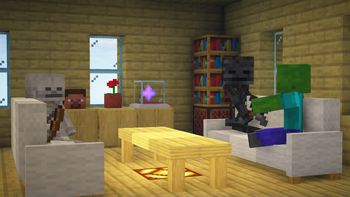
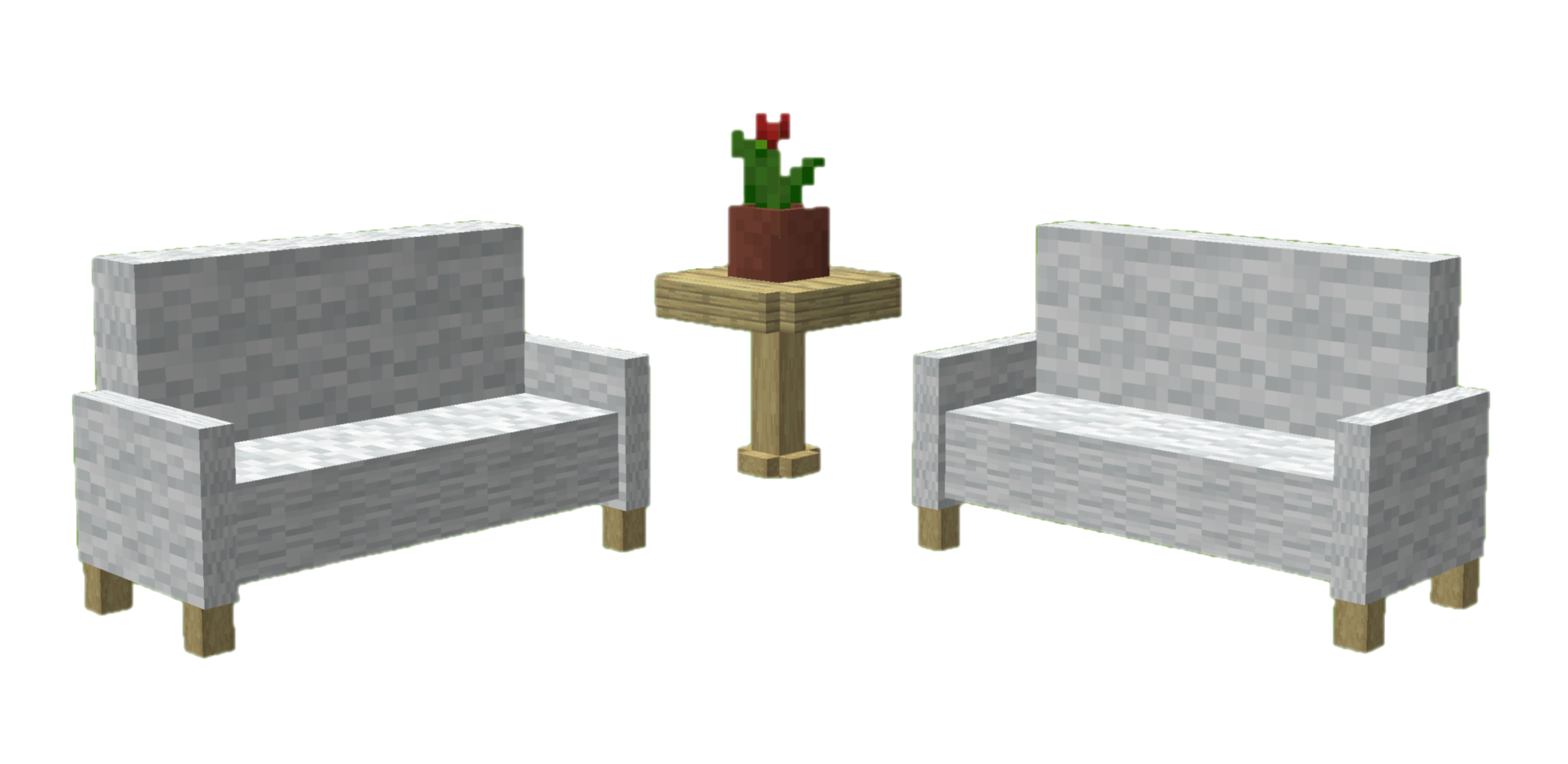
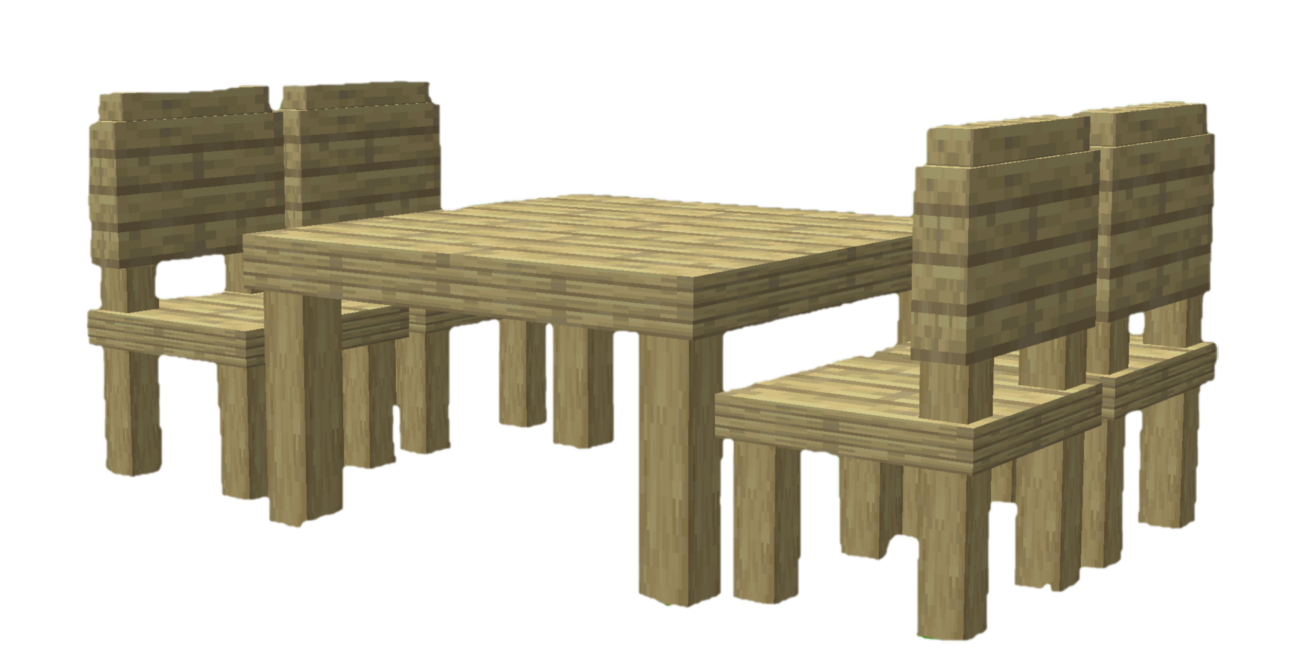
FurniCraft adds 20 unique furniture pieces in 6 categories to Minecraft, each with various wood and color options.
🛌List of Furniture
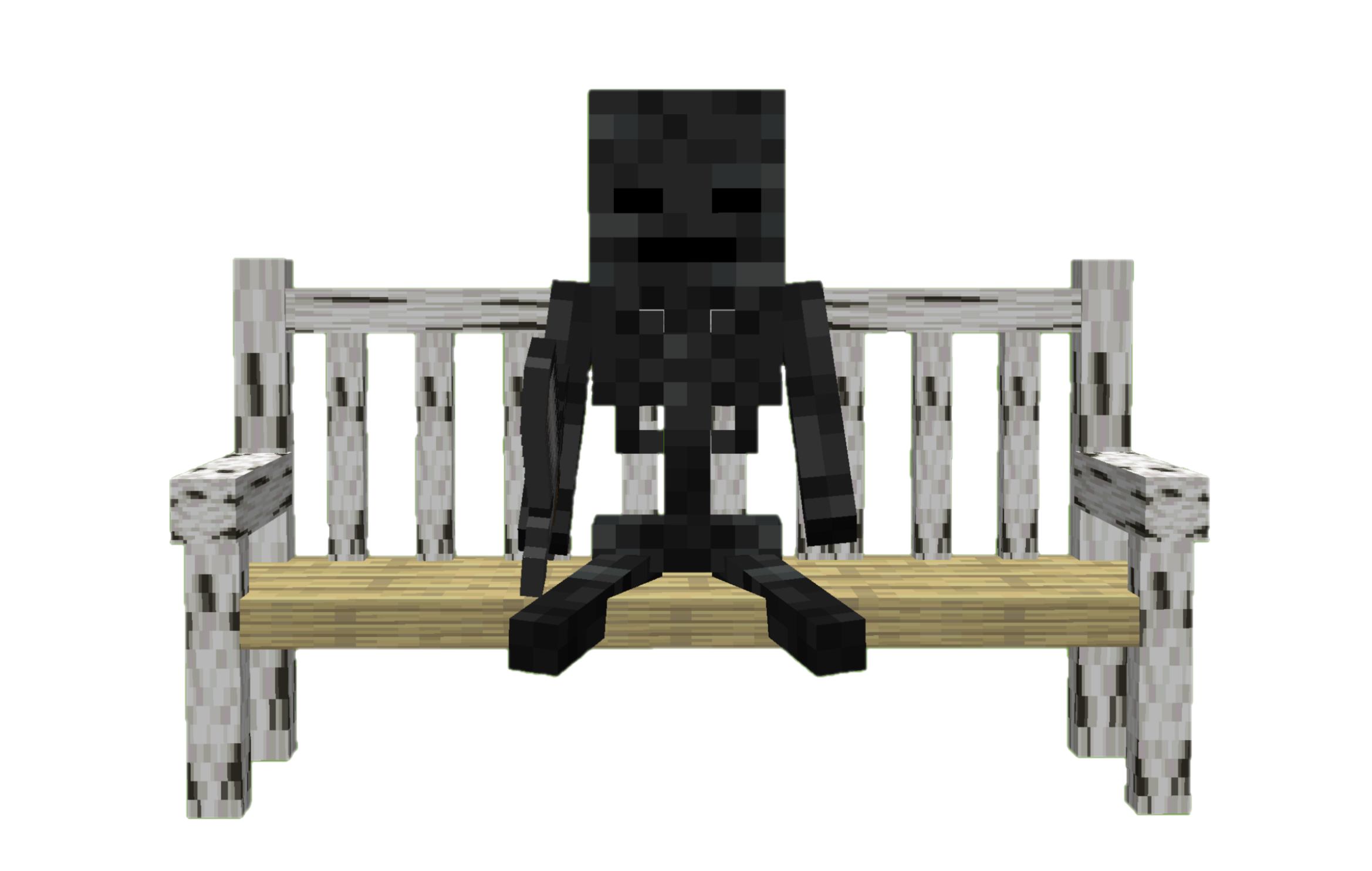
- Chair (Stool, Chair, Armchair, Sofa, Park Bench,Throne Chair)
- Table (Table, Low Table, Pedestal Table, Accent Table)
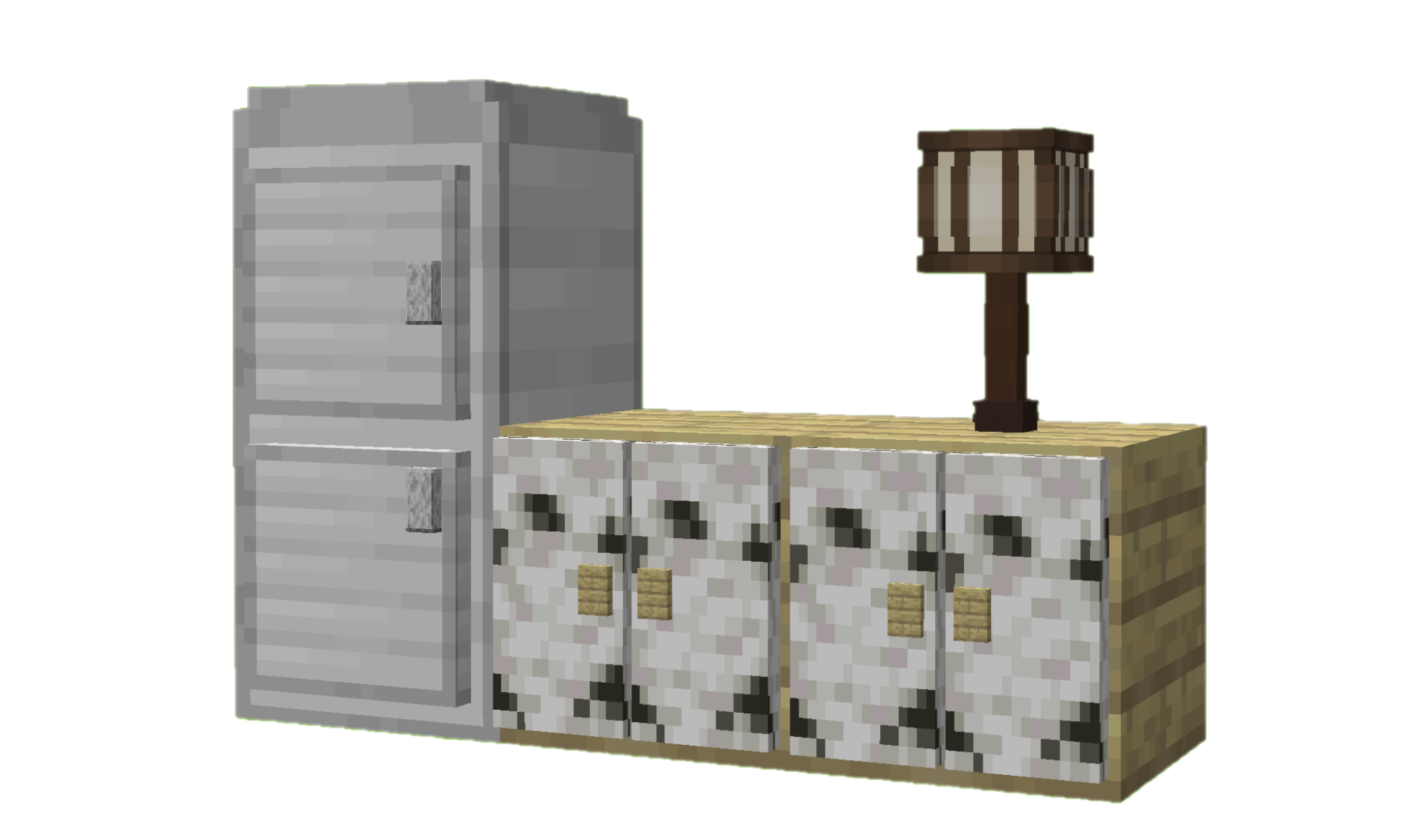
- Cabinet (Cabinet, Bedside Cabinet, Fridge, Mailbox)
- Light Fixture (Street Lamp, Street Lamp Pole , Desk Lamp)
- Curtain (Curtain, Roller Blind)
- Rack (Wall Rack)


UTILITIES
In addition to decorative additions, it also adds game-mechanical additions.
💡 Additions
- Players and mobs can sit on the all type of chair.
- Players can switch whether mobs can sit on a chair by shift right-clicking with an empty hand.
- With fridge, you can generate ice and water. For ice click bottom block of the fridge with water bucket. You can also fill empty buckets, bottles with fridge.
- You can easily change the wood type of the furniture. Simply hold any log in your hand and use Shift + right- click.
- You can strip furniture while holding axe with Shift + Right click.
- You can open & close curtain with empty handed Shift + Right click.
- Add a splash of color to your furniture by dyeing their wool with the dyes in your hand. Simply use Shift + right-click.
- You can store your items at cabinets.
- Table, sofa, park bench and curtain connect automatically with their same types.
Check My Other Projects
Silk/Fortune Switch - Instantly switch between Fortune and Silk Touch enchantments on your tools with a simple right-click.
Display Cases - Interactive display cases that can store items, change appearance, and emit redstone signals when occupied.
Better Cauldrons - Throw dirt or concrete powder into a water-filled cauldron to instantly create mud or concrete. Wash dyed blocks and items back to their clean form with an intuitive, vanilla-friendly system.
Mannequins - Add fully customizable mannequins that can hold items, change poses, swap skins, and bring your world to life.
UndyingRefill - Automatically replaces a used Totem of Undying by pulling another one from your inventory—or even from the first shulker box containing a totem. Never fumble your totems again.
Graves - This datapack creates a grave when a player dies, safely storing their items. Retrieve your belongings without worrying about losing them!
Quick Shulker Boxes - Quick Shulker Boxes lets you open Shulker Boxes while holding them, without needing to place them on the ground. Simply shift-right-click to access your shulker boxes.
Stackraft - Compress farm items like sugarcane, gunpowder, and more to save space. Perfect for managing large farms and keeping your inventory organized. Also works with the new Auto Crafters.
EasyCoords - Displays your coordinates, daytime, and direction on screen, simplifies location sharing, and shows death coordinates in chat.
Better Hanging Signs - It will enable your hanging signs to hold items.
FurnniCraft - Furnish your creations with a wide variety of unique furniture in the vanilla style, without the need for any resource packs.
EXTERNAL LINKS



🚯 Uninstall
- Run
/function ketket_furnitures:uninstallcommand. - Disable datapack.
- If there is any FurniCraft material left, run
/kill @e[type=furniture]command.
Available Versions
How to Install FurniCraft on Your Server
Order Server
Order a Minecraft Java server with at least 3 GB RAM (4 GB recommended).
Set datapack Loader
In the panel under "Egg", select the datapack loader and matching Minecraft version (26.3).
Install Mod
Open the mod browser in the dashboard and search for "FurniCraft". Click "Install" – done! Alternatively, upload the .jar via SFTP to the /mods folder.
Compatibility
Mod Loaders
Minecraft Versions
26.3, 26.2, 26.1.2 (+22 more)
Server-side
✓ RequiredRecommended RAM
4 GB(min. 3 GB)Frequently Asked Questions
FurniCraft server crashes on startup – what to do?
Most common cause: wrong datapack version or insufficient RAM. Check the server log (latest.log) for "OutOfMemoryError" or "Mixin" errors. With Mado Hosting: ensure at least 3 GB RAM is allocated and the loader matches the mod version (26.3). You can switch loaders with one click in the panel.
Is FurniCraft compatible with datapack and fabric and forge and neoforge and quilt?
FurniCraft officially supports datapack, fabric, forge, neoforge, quilt for Minecraft 26.3, 26.2, 26.1.2. Note: Forge and Fabric mods are NOT cross-compatible – pick one loader and stick with it. The Mado dashboard automatically detects incompatible loader combinations.
Server lagging with FurniCraft – how to optimize performance?
Recommended RAM: 4 GB (per 8 players). Use /spark profiler to check if FurniCraft consumes the most tick time. Common fixes: reduce server view-distance to 8-10, install "performant" or "starlight" as supplementary mods on Forge. With Mado Hosting, your server runs on NVMe SSDs with dedicated CPU cores for minimal latency.
Similar Mods

![[ETF] Entity Texture Features](https://cdn.modrinth.com/data/BVzZfTc1/af683d206d50b05258d865b0d6e4aa2f2cee12f2_96.webp)
![[EMF] Entity Model Features](https://cdn.modrinth.com/data/4I1XuqiY/6e5bbd0d06b1741bfdab6c0cfab6de8fdaf0064c_96.webp)



Rent Modded Server
Install FurniCraft with just one click on your server.