
Modrinth · Fabric, Forge, NeoForge
[LDS] Lazy Display System on your Minecraft server
[LDS] Lazy Display System runs on Minecraft servers with Fabric or Forge or NeoForge. Order your server, set the loader in the panel and install the mod with one click in the mod browser.
This is a decorative mod used for displaying items!
- Downloads
- 53.8K
- Author
- dondong
- Loader
- Fabric, Forge, NeoForge
- Minecraft
- 1.20 – 26.3
- Updated
- –
Screenshots
What [LDS] Lazy Display System looks like
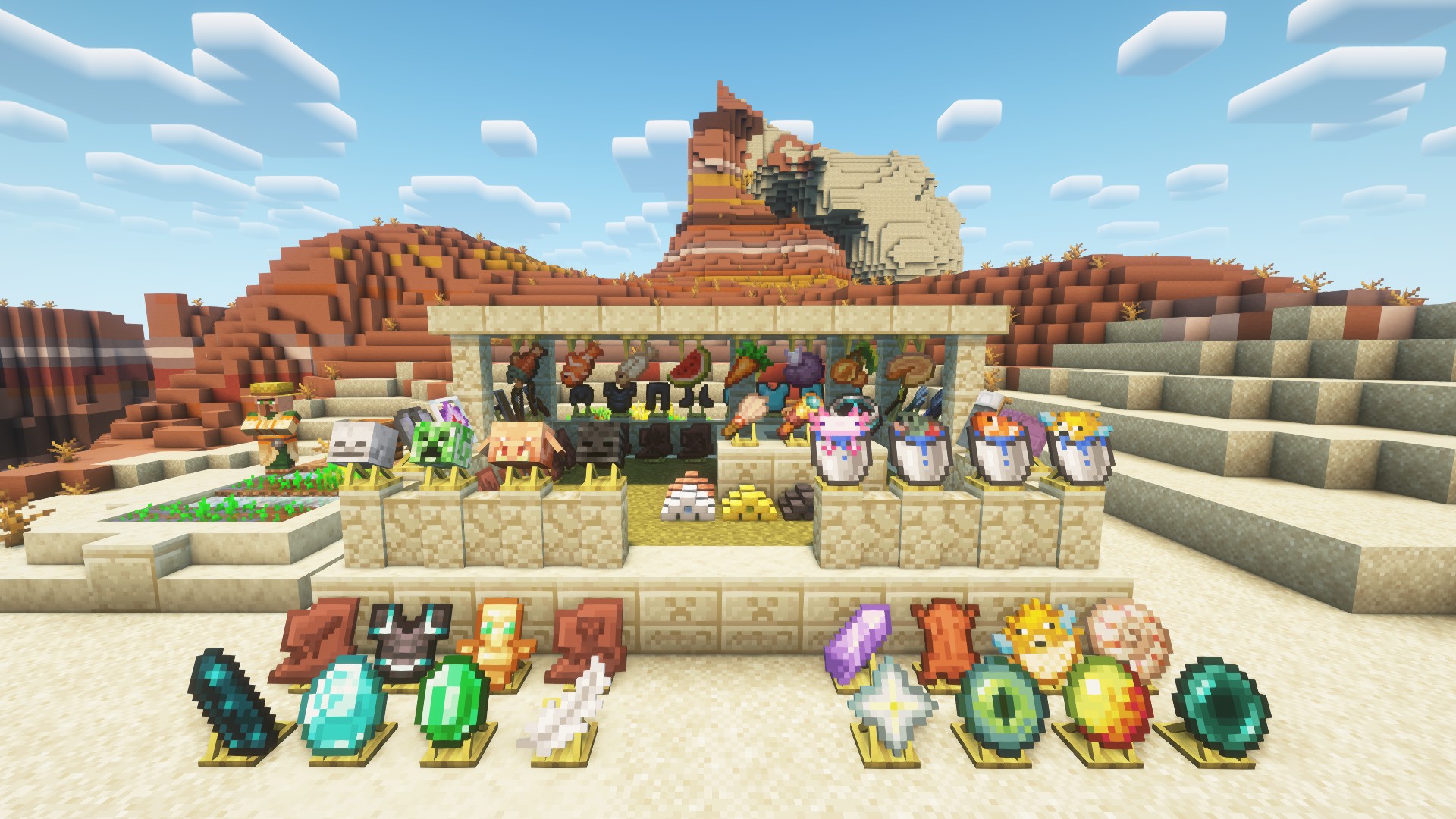
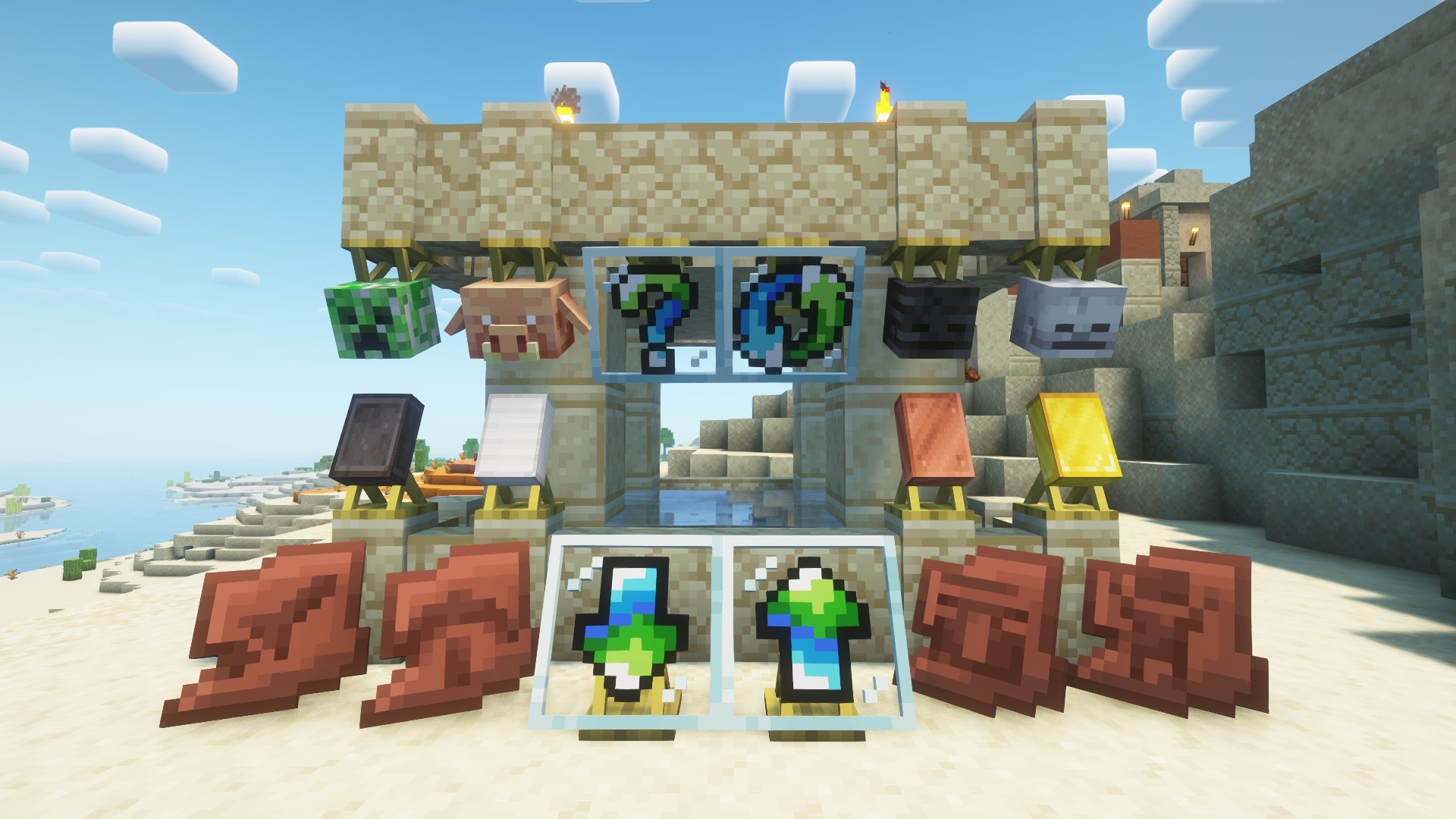
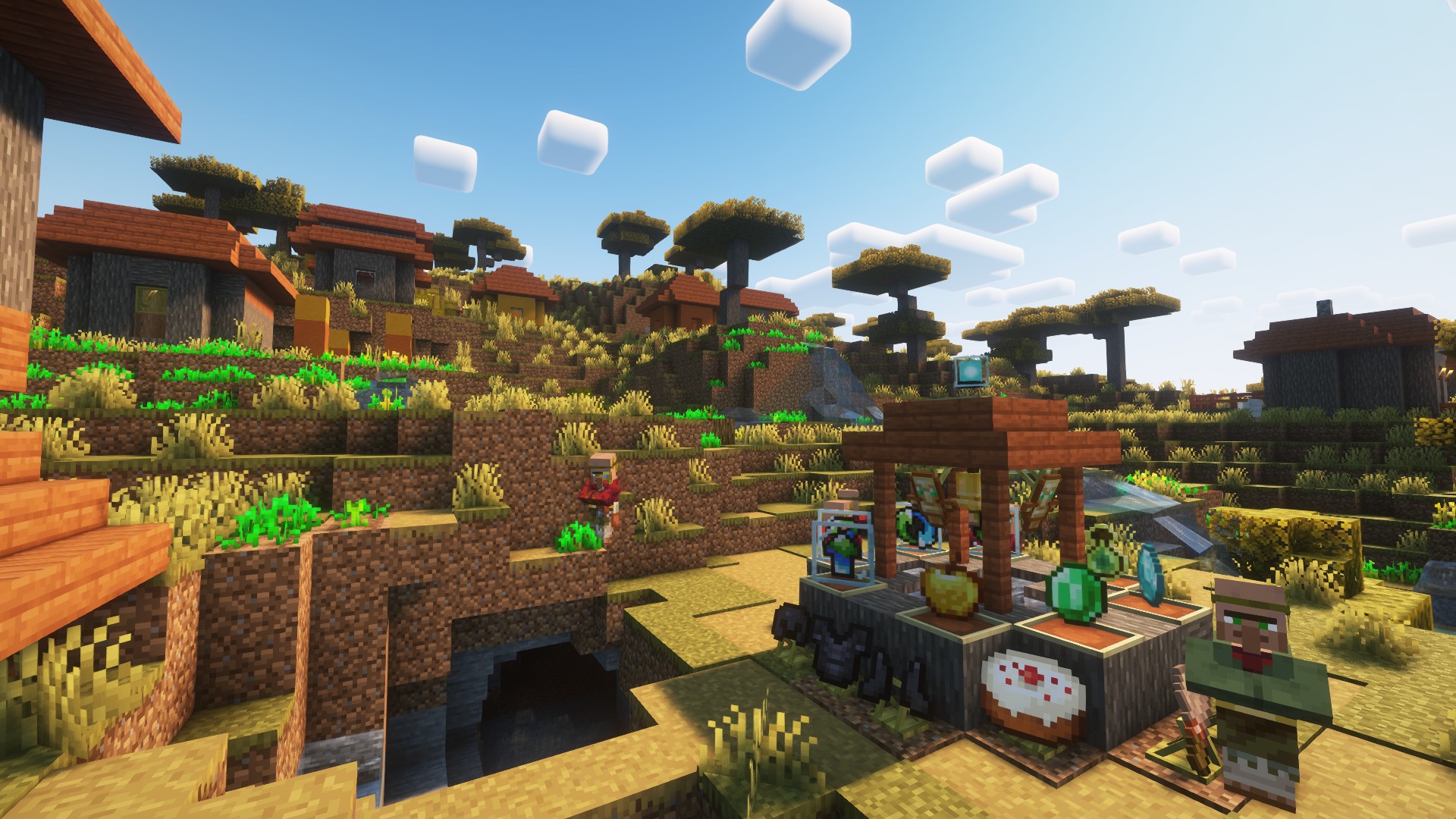
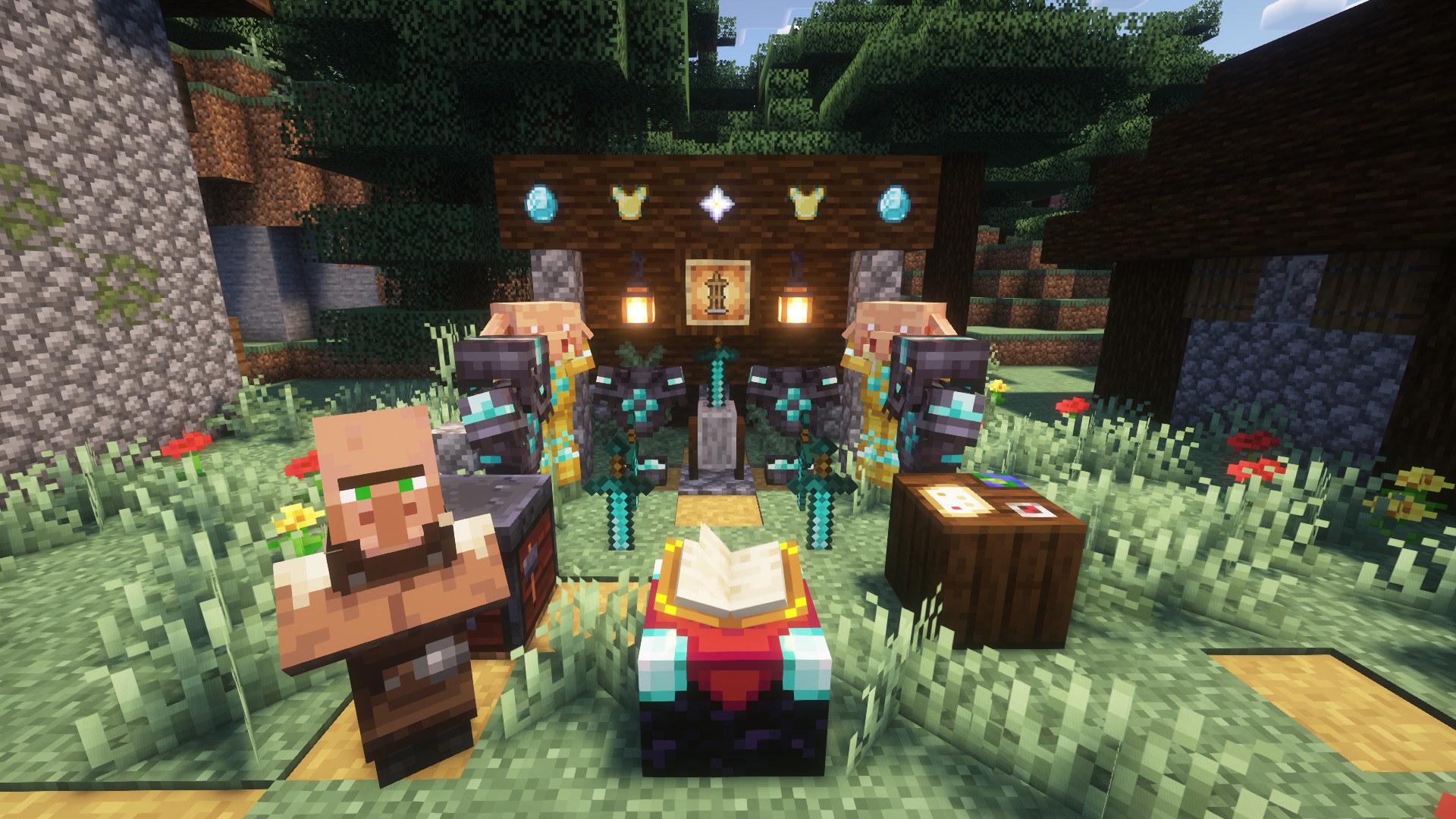
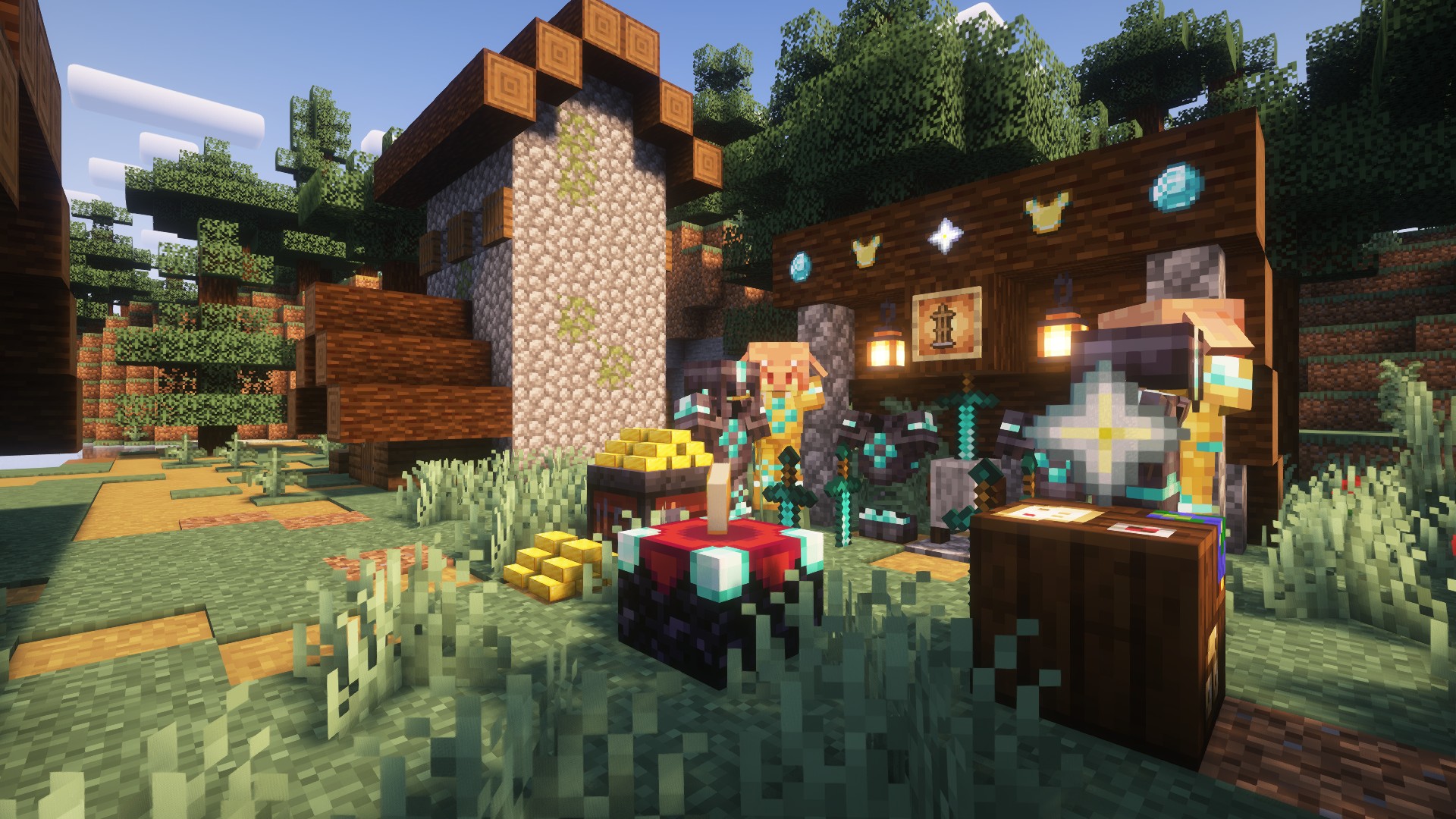
Images: [LDS] Lazy Display System on Modrinth, published by the project team.
Setup
Install [LDS] Lazy Display System on your server
The server and players need the same loader and Minecraft version. Back up the world before adding or updating mods.
- 01
Configure
4 GB of RAM is preselected. You choose the term and add-ons and pay by credit card or PayPal.
- 02
Set the loader
In the panel, set the server software to Fabric or Forge or NeoForge and choose the matching Minecraft version, for example 26.3.
- 03
Install the mod
Search the mod browser for “[LDS] Lazy Display System” and install the release for your loader. Alternatively, upload the .jar to the mods folder via SFTP. Required dependencies are listed on the project page.
- 04
Connect
Every player installs the same [LDS] Lazy Display System release locally and connects using the server address from the panel.
- On the server
- Required
- On the client
- Required
- Loader
- Fabric, Forge, NeoForge
- Minecraft
- 26.3, 26.2, 26.1.2 +19 more
- License
- Apache License 2.0
The panel
Install mods, find errors.
Real screenshots from the Mado panel. Both come with every Minecraft server.
Mod browser
Modrinth and CurseForge, right in the panel.
The browser filters by your Minecraft version. Install mods with one click, without uploading .jar files.

AI crash analysis
When a mod crashes, the analyzer reads the log.
Mods often fail on a wrong loader version, Java version or missing dependency. The analyzer names a likely cause and suggests a fix.

Releases
Published releases
Pick the file that matches your server’s loader and Minecraft version. The server and players need the same release.
[LDS] Lazy Display System · Modrinth- [LDS] Lazy Display System 2.0.2November 14, 2026Minecraft 1.21.1 · Fabric
- [LDS] Lazy Display System 2.0.2November 14, 2026Minecraft 1.21.1 · NeoForge
- [LDS] Lazy Display Stand 2.0.2November 14, 2026Minecraft 26.3 · NeoForge
- [LDS] Lazy Display Stand 2.0.2November 14, 2026Minecraft 26.3 · Fabric
- [LDS] Lazy Display Stand 2.0.2November 14, 2026Minecraft 26.2 · NeoForge
Original description by the project author
Lazy Display Stand 2.0.0
A decoration mod focused on item display. Just one single display block fulfills all your display and decoration‑related needs.

Getting the block
| Route | Details |
|---|---|
| Crafting | 1 glass pane(shapeless) → 1 Display Block |
| Creative | The vanilla Redstone Blocks tab |

Using it
Right-click to open the Display Settings screen. Sneak-right-click does exactly the same thing — there are no modifier combos and no keybinds anywhere in this mod.
| Where | What |
|---|---|
| Top | Three tabs: Block / Display / Animation |
| Right of the tabs | The Reset button — resets the current tab only |
| Middle | 3D Preview, updating live; an empty slot shows the "3D Preview" placeholder text |
| Slot | One Display slot: put the item you want to show in it |
Tab · Block — the body itself

| Parameter | Type | Range | Default | Effect |
|---|---|---|---|---|
| Appearance | cycle | Normal Block / Mimic Block / Armor Stand | Normal Block | What the body looks like |
| Hidden | toggle | On / Off | Off | Drops the body, leaves the exhibit |
| Collision | toggle | On / Off | On | Off lets players walk through; On pushes entities out of the cell to prevent suffocation |
| Scale | slider | 0.1 – 10 | 1.00 | Body size |
| Rotation X / Y / Z | slider | -180° – 180° | 0° | Body rotation on each axis |
| Offset X / Y / Z | slider | -1.00 – 1.00 (blocks) | 0.00 | Body position fine-tuning |
Tab · Display — the exhibit

| Parameter | Type | Range | Default | Effect |
|---|---|---|---|---|
| Appearance | cycle | Item / 3D (Block Model) | 3D (Block Model) | Flat icon or solid model |
| Glowing | toggle | On / Off | Off | Glowing outline on the exhibit |
| Highlight | toggle | On / Off | Off | Ignores ambient light (stays lit in a dark room) |
| Scale | slider | 0.1 – 10 | 1.00 | Exhibit size |
| Rotation X / Y / Z | slider | -180° – 180° | 0° | Exhibit rotation on each axis |
| Offset X / Y / Z | slider | -1.00 – 1.00 (blocks) | 0.00 | Exhibit position; by default it sits on the top face |
Tab · Animation — make it move

| Parameter | Type | Range | Default | Effect |
|---|---|---|---|---|
| Orbit Axis | cycle | X / Y / Z | Y | Axis the orbit turns around |
| Face Player | cycle | Off / Yaw Only / Full | Off | Whether the exhibit turns toward you |
| Spin Speed | slider | -720 – 720 (deg/s) | 0 | Exhibit spin, negative reverses |
| Bob Amp | slider | 0 – 1 | 0.00 | Exhibit up/down bobbing |
| Orbit Speed | slider | -720 – 720 (deg/s) | 0 | Exhibit orbits around the axis |
| Orbit Radius | slider | 0 – 1 | 0.25 | Orbit radius |
| Body Spin | slider | -720 – 720 (deg/s) | 0 | The body itself spins |
| Body Bob | slider | 0 – 1 | 0.00 | The body itself bobs |
| Body Orbit | slider | -720 – 720 (deg/s) | 0 | The body itself orbits |
| Body Radius | slider | 0 – 0.5 | 0.00 | Body orbit radius |
The first six affect the exhibit; the four named Body affect the block itself.
Animation is driven by game time, so every player sees the same phase — nobody sees it spinning at a different angle.
Speed 0 means stopped.
Works with items and blocks from any mod
- Any item can be displayed — set the Display tab's Appearance to "Item" and the vanilla
item model renderer takes over. Any item from any mod shows up as long as it has a model. - Turn a block item into a real 3D block — set Appearance to "3D (Block Model)" and you get
the actual block model that item would place. It requires a static block model; when no model
is available it falls back to the flat item rather than rendering nothing. - Make the body mimic the block below — set the Block tab's Appearance to "Mimic Block" and
the body becomes whatever block sits directly underneath. If that is a machine from
another mod, it mimics that machine — this mod does not need to know that mod at all. - ✅ Normal blocks (stone, wood, flowers, most building blocks) mimic fully
- ⚠️ Furnaces / hoppers / spawners: static model only, animations do not follow
- ❌ Chests, shulker boxes, beds, signs and banners are out of reach — they fall back to the
normal block automatically - ❌ Air, fluids or a missing model also fall back — it never renders as empty space
[LDS] Lazy Display System server crashes on startup – what to do?
Common causes: the loader or Minecraft version does not match the mod file, a dependency is missing, or RAM is too low. Check the log (latest.log) for “OutOfMemoryError”, “Mixin” or missing mods. At Mado, the AI crash analysis reads the log and suggests a cause. You can change the loader and version in the panel.
Which loader does [LDS] Lazy Display System run on?
According to Modrinth, [LDS] Lazy Display System supports Fabric, Forge, NeoForge for Minecraft 26.3, 26.2, 26.1.2. Forge and Fabric files are not interchangeable: pick one loader for the server and clients.
How much RAM does a server with [LDS] Lazy Display System need?
As guidance, 3–4 GB for a server with this mod. This is an estimate, not a measured minimum. More mods, many players and long view distances need more. The spark profiler shows whether a mod is costing tick time.
Similar mods
Popular mods in the same category
 Client only

Iris Shaders
by coderbot
A modern shader pack loader for Minecraft intended to be compatible with existing OptiFine shader packs
 Client only

[ETF] Entity Texture Features
by Traben
Emissive, Random & Custom texture support for entities in resourcepacks just like Optifine but for Fabric
 Client only

[EMF] Entity Model Features
by Traben
EMF is an, OptiFine format, Custom Entity Model replacement mod available for Fabric and Forge.
 Client only

Not Enough Animations
by tr7zw
Bringing first-person animations to the third-person
Ready for your server with [LDS] Lazy Display System?
4 GB of RAM from €8.00 per month. 35% off your first month with MADO35.