

Modrinth · Fabric
Minecraft Backrooms Found Footage on your Minecraft server
Minecraft Backrooms Found Footage runs on Minecraft servers with Fabric. Order your server, set the loader in the panel and install the mod with one click in the mod browser.
A mod that aims to turn Minecraft into a Found Footage Game.
- Downloads
- 2.6M
- Author
- SpacePotato
- Loader
- Fabric
- Minecraft
- 1.20.1
- Updated
- –
Screenshots
What Minecraft Backrooms Found Footage looks like


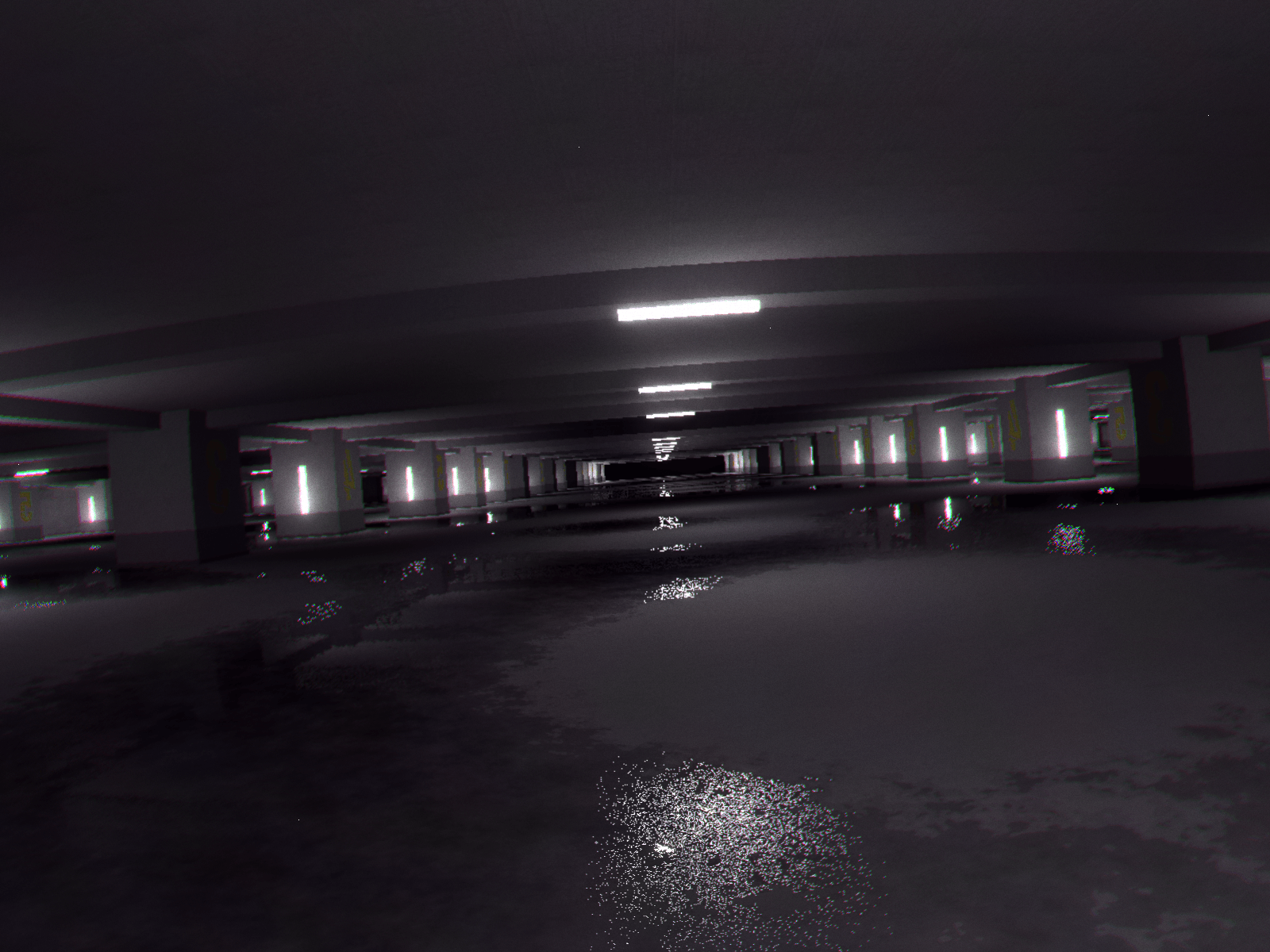
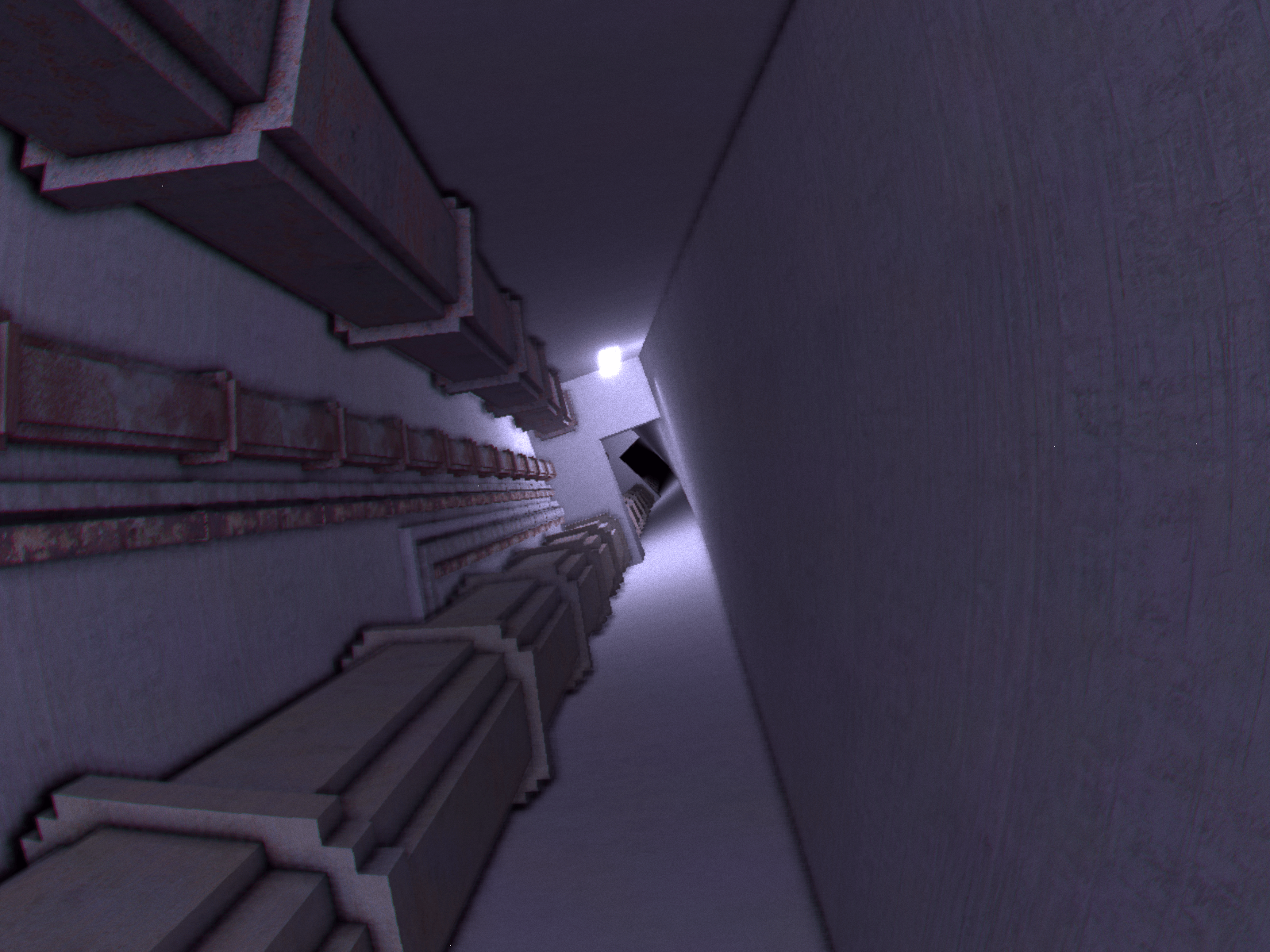
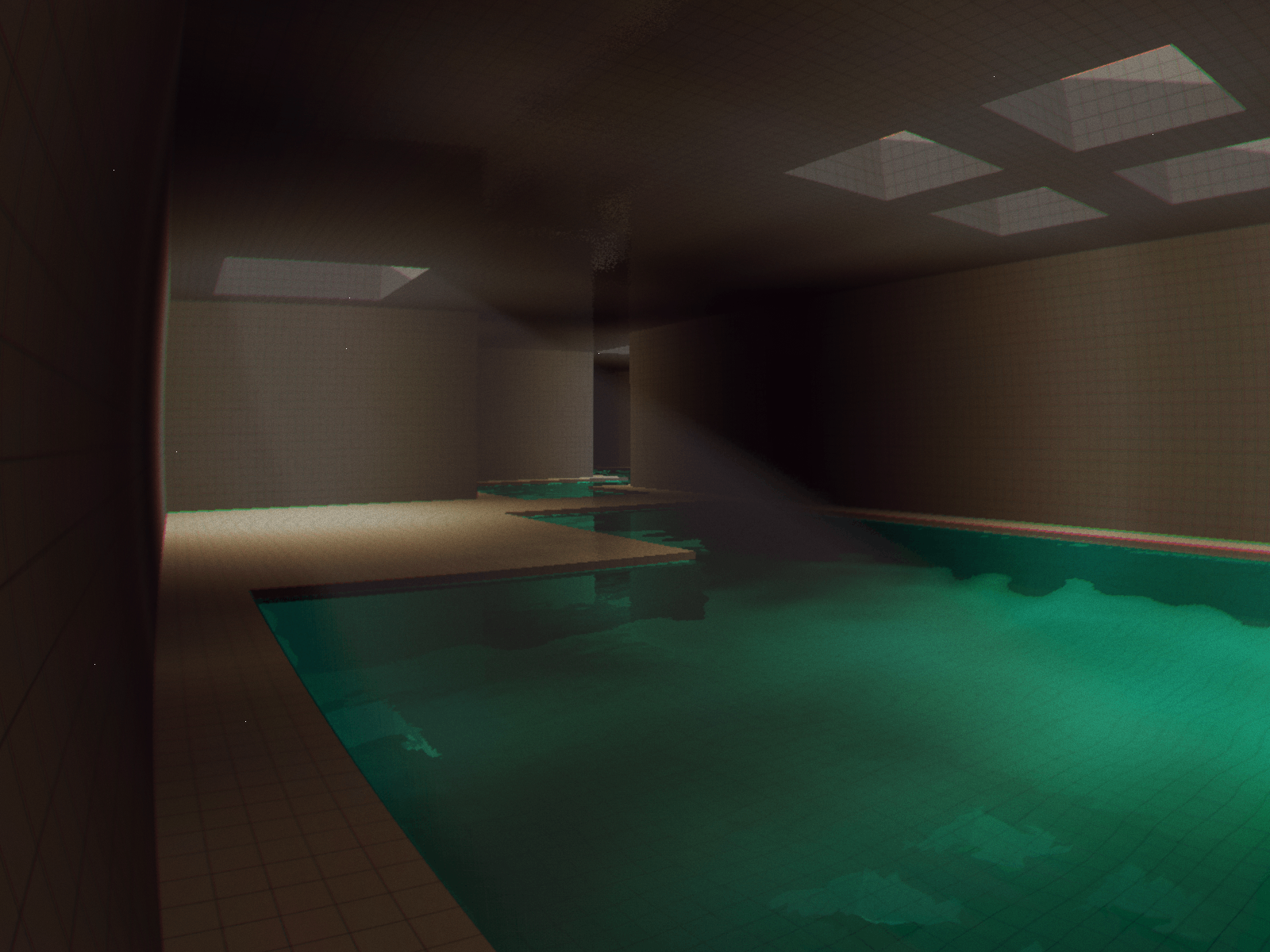
Images: Minecraft Backrooms Found Footage on Modrinth, published by the project team.
Setup
Install Minecraft Backrooms Found Footage on your server
The server and players need the same loader and Minecraft version. Back up the world before adding or updating mods.
- 01
Configure
6 GB of RAM is preselected. You choose the term and add-ons and pay by credit card or PayPal.
- 02
Set the loader
In the panel, set the server software to Fabric and choose the matching Minecraft version, for example 1.20.1.
- 03
Install the mod
Search the mod browser for “Minecraft Backrooms Found Footage” and install the release for your loader. Alternatively, upload the .jar to the mods folder via SFTP. Required dependencies are listed on the project page.
- 04
Connect
Every player installs the same Minecraft Backrooms Found Footage release locally and connects using the server address from the panel.
- On the server
- Required
- On the client
- Required
- Loader
- Fabric
- Minecraft
- 1.20.1
- License
- GNU Lesser General Public License v3.0 only
The panel
Install mods, find errors.
Real screenshots from the Mado panel. Both come with every Minecraft server.
Mod browser
Modrinth and CurseForge, right in the panel.
The browser filters by your Minecraft version. Install mods with one click, without uploading .jar files.

AI crash analysis
When a mod crashes, the analyzer reads the log.
Mods often fail on a wrong loader version, Java version or missing dependency. The analyzer names a likely cause and suggests a fix.

Releases
Published releases
Pick the file that matches your server’s loader and Minecraft version. The server and players need the same release.
Minecraft Backrooms Found Footage · ModrinthOriginal description by the project author



Minecraft Found Footage is a mod that aims to bring the feeling and aesthetic of "Found Footage" videos to Minecraft
This mod adds in custom shaders and camera effects using Veil and is not compatible with sodium or iris
The mod also has issues with integrated graphics and DOES NOT WORK with MacOS (we tried)
Use Mod menu to access the config
Suffocating yourself in any way for long enough will eventually cause you to noclip into the backrooms, where you have to travel through all 5 levels to escape:
- Level 0 ---------------------- The backrooms we all know and love
- Level 1 ---------------------- The Habitable Zone
- Level 2 ---------------------- Pipe Dreams
- Level 324 ------------------- The Forgotten Station
- The Poolrooms -------------- The Poolrooms O.o
- The Infinite Grass Field ----- This one's different
For better descriptions of each level, Read the wiki
The mod also adds four commands just in case:
- /skinwalker : Just in case the skinwalker refuses to spawn naturally, you can do this to have the skinwalker take the skin of your target. Don't tell anyone :D
- /release : Releases the target from the skinwalker if the target has had their skin stolen
- /backroomsevent : Manually triggers an event
- /gimmemyinventoryback : Restores the saved inventory of the specified targets from before they entered the Backrooms
- /level : Manually teleport yourself to a certain level.
Please report any bugs you may find to the GitHub Page
If the mod does NOT work, make sure you're following all of the steps below:
- Download Simple Voice Chat and Geckolib. You do not need to download veil. It's already included
- Do not use sodium or iris. This mod uses Veil which, in 1.20.1, is incompatible with either
- Do not use Fabulous! graphics. Only Fast or Fancy
- Do not remove Veil's deferred resource pack
Notes
- The skinwalker does not spawn naturally in singleplayer. I really didn't see a point
- There are a few bugs with devices that use integrated graphics and Mac OS
Minecraft Backrooms Found Footage server crashes on startup – what to do?
Common causes: the loader or Minecraft version does not match the mod file, a dependency is missing, or RAM is too low. Check the log (latest.log) for “OutOfMemoryError”, “Mixin” or missing mods. At Mado, the AI crash analysis reads the log and suggests a cause. You can change the loader and version in the panel.
Which loader does Minecraft Backrooms Found Footage run on?
According to Modrinth, Minecraft Backrooms Found Footage supports Fabric for Minecraft 1.20.1.
How much RAM does a server with Minecraft Backrooms Found Footage need?
As guidance, 4–6 GB for a server with this mod. This is an estimate, not a measured minimum. More mods, many players and long view distances need more. The spark profiler shows whether a mod is costing tick time.
Similar mods
Popular mods in the same category
 Server-ready

Xaero's Minimap
by thexaero
Displays a map of the nearby world terrain, players, mobs, entities in the corner of your screen. Lets you create waypoints which help you find the locations you've marked.
 Server-ready

Xaero's World Map
by thexaero
Adds a full screen world map which shows you what you have explored in the world. Works great together with Xaero's Minimap.
 Client only

Not Enough Animations
by tr7zw
Bringing first-person animations to the third-person
 Client only

3D Skin Layers
by tr7zw
Render the player skin layer in 3d!
Ready for your server with Minecraft Backrooms Found Footage?
6 GB of RAM from €12.00 per month. 35% off your first month with MADO35.