

Modrinth · Fabric, Forge, Quilt
Mo' Zombies Wave on your Minecraft server
Mo' Zombies Wave runs on Minecraft servers with Fabric or Forge or Quilt. Order your server, set the loader in the panel and install the mod with one click in the mod browser.
Adds 13 new zombies to the game, each with their own peculiarities
- Downloads
- 703.3K
- Author
- Wilyicaro
- Loader
- Fabric, Forge, Quilt
- Minecraft
- 1.20 – 1.20.1
- Updated
- –
Setup
Install Mo' Zombies Wave on your server
The server and players need the same loader and Minecraft version. Back up the world before adding or updating mods.
- 01
Configure
4 GB of RAM is preselected. You choose the term and add-ons and pay by credit card or PayPal.
- 02
Set the loader
In the panel, set the server software to Fabric or Forge or Quilt and choose the matching Minecraft version, for example 1.20.1.
- 03
Install the mod
Search the mod browser for “Mo' Zombies Wave” and install the release for your loader. Alternatively, upload the .jar to the mods folder via SFTP. Required dependencies are listed on the project page.
- 04
Connect
Every player installs the same Mo' Zombies Wave release locally and connects using the server address from the panel.
- On the server
- Required
- On the client
- Required
- Loader
- Fabric, Forge, Quilt
- Minecraft
- 1.20.1, 1.20
- License
- MIT License
The panel
Install mods, find errors.
Real screenshots from the Mado panel. Both come with every Minecraft server.
Mod browser
Modrinth and CurseForge, right in the panel.
The browser filters by your Minecraft version. Install mods with one click, without uploading .jar files.

AI crash analysis
When a mod crashes, the analyzer reads the log.
Mods often fail on a wrong loader version, Java version or missing dependency. The analyzer names a likely cause and suggests a fix.

Releases
Published releases
Pick the file that matches your server’s loader and Minecraft version. The server and players need the same release.
Mo' Zombies Wave · Modrinth- Mo' Zombies Wave [Fabric] 1.20.1-0.1.0betaJuly 18, 2023Minecraft 1.20, 1.20.1 · Fabric, Quilt
- Mo' Zombies Wave [Forge] 1.20.1-0.1.0betaJuly 18, 2023Minecraft 1.20, 1.20.1 · Forge
Original description by the project author
This is a port of the outdated 1.7.10 mod, Mo'Zombies, which features 100% of the original content.
It was created to fill the need in the +1.12.2 of Minecraft for a simpler zombie mod, like the original version, but that had greater peculiarities in relation to the behavior of the mobs and their drops and, mainly, to finish the Survivor mob
Mob list:
- Survivor
- Zombie Notch
- Zombie Herobrine
- Zombie Dwarf
- Zombie Chef
- Nether Zombie
- Zombie Miner
- Zombie King
- Zombie Knight
- Zombie Pirate
- Zombie Pa
- Zombie Cyborg
- Zombie Creeper
- Disco Zombie
Mo' Zombies Wave server crashes on startup – what to do?
Common causes: the loader or Minecraft version does not match the mod file, a dependency is missing, or RAM is too low. Check the log (latest.log) for “OutOfMemoryError”, “Mixin” or missing mods. At Mado, the AI crash analysis reads the log and suggests a cause. You can change the loader and version in the panel.
Which loader does Mo' Zombies Wave run on?
According to Modrinth, Mo' Zombies Wave supports Fabric, Forge, Quilt for Minecraft 1.20.1, 1.20. Forge and Fabric files are not interchangeable: pick one loader for the server and clients.
How much RAM does a server with Mo' Zombies Wave need?
As guidance, 3–4 GB for a server with this mod. This is an estimate, not a measured minimum. More mods, many players and long view distances need more. The spark profiler shows whether a mod is costing tick time.
Similar mods
Popular mods in the same category
 Client only

[EMF] Entity Model Features
by Traben
EMF is an, OptiFine format, Custom Entity Model replacement mod available for Fabric and Forge.
 Server-ready

Cobblemon
by CobbledStudios
A Pokémon mod for Fabric and NeoForge
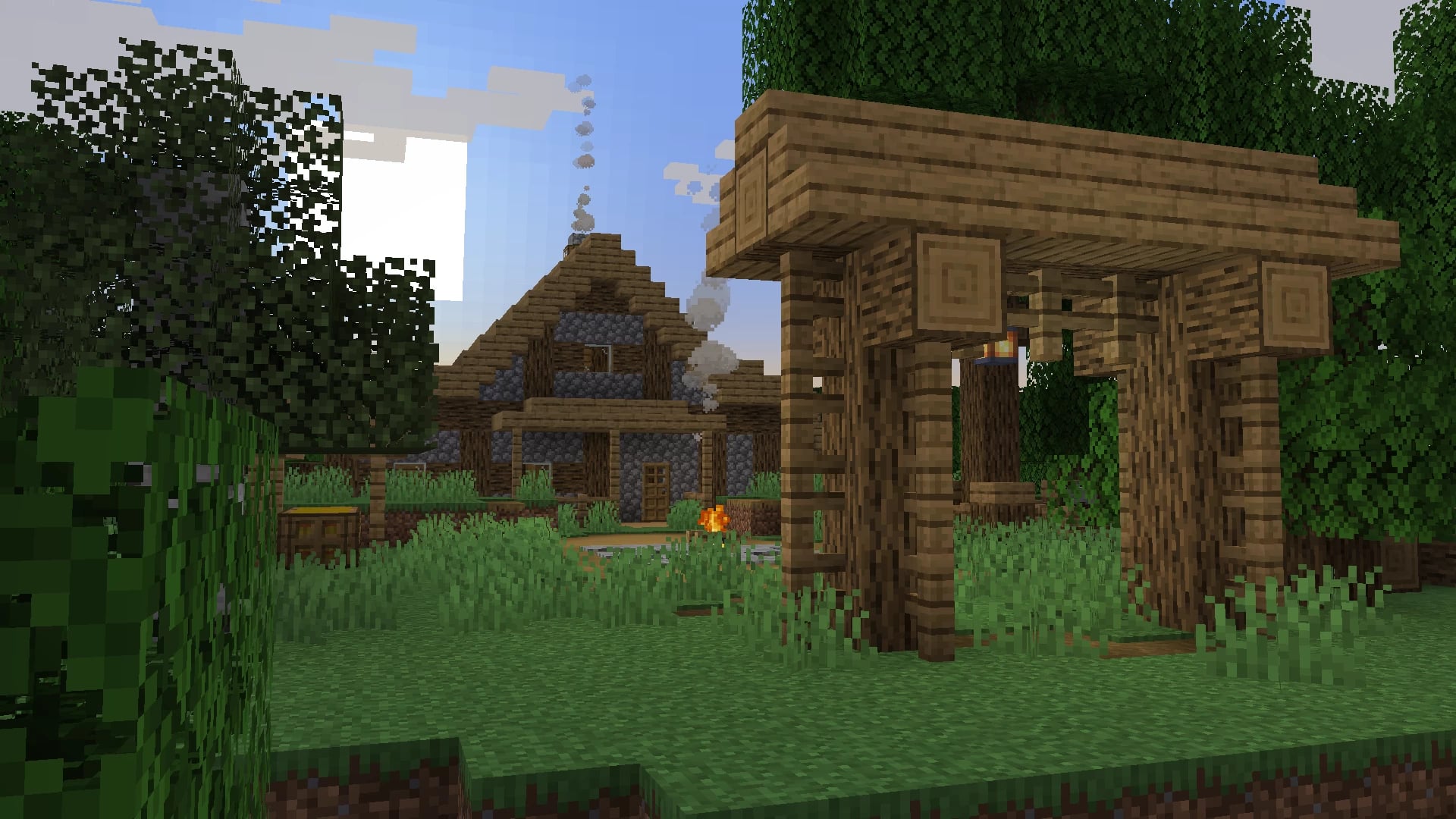 Server-ready

Dungeons and Taverns
by NovaWostra
A Structure Datapack adding dungeons, taverns and other structures to find while you explore the world.
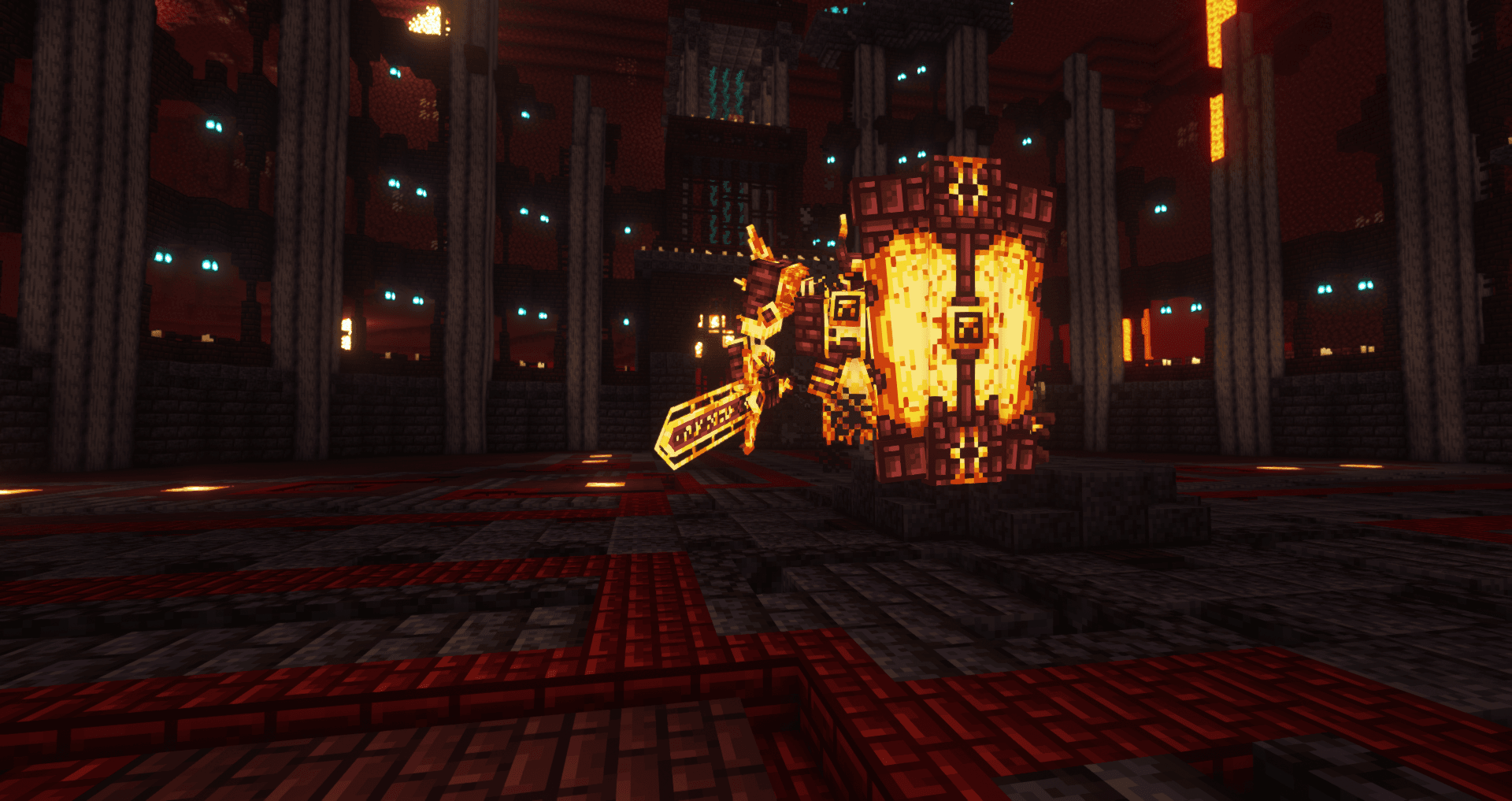 Server-ready

L_Ender's Cataclysm
by mcl_ender
Cataclysm is a mod that adds difficult dungeons, challenging boss-fights and powerful items.
Ready for your server with Mo' Zombies Wave?
4 GB of RAM from €8.00 per month. 35% off your first month with MADO35.