

Modrinth · Fabric, Forge, NeoForge
Moog's Glow Up on your Minecraft server
Moog's Glow Up runs on Minecraft servers with Fabric or Forge or NeoForge. Order your server, set the loader in the panel and install the mod with one click in the mod browser.
I thought glow ink was pretty cool but didn't have enough uses, so I added a bunch of vanilla-feeling features that make it more fun to play around with.
- Downloads
- 306.5K
- Author
- FinnDog_123
- Loader
- Fabric, Forge, NeoForge
- Minecraft
- 1.20 – 26.3
- Updated
- –
Setup
Install Moog's Glow Up on your server
The server and players need the same loader and Minecraft version. Back up the world before adding or updating mods.
- 01
Configure
4 GB of RAM is preselected. You choose the term and add-ons and pay by credit card or PayPal.
- 02
Set the loader
In the panel, set the server software to Fabric or Forge or NeoForge and choose the matching Minecraft version, for example 26.3.
- 03
Install the mod
Search the mod browser for “Moog's Glow Up” and install the release for your loader. Alternatively, upload the .jar to the mods folder via SFTP. Required dependencies are listed on the project page.
- 04
Connect
Every player installs the same Moog's Glow Up release locally and connects using the server address from the panel.
- On the server
- Required
- On the client
- Required
- Loader
- Fabric, Forge, NeoForge
- Minecraft
- 26.3, 26.2, 26.1.2 +17 more
- License
- LicenseRef-All-Rights-Reserved
The panel
Install mods, find errors.
Real screenshots from the Mado panel. Both come with every Minecraft server.
Mod browser
Modrinth and CurseForge, right in the panel.
The browser filters by your Minecraft version. Install mods with one click, without uploading .jar files.

AI crash analysis
When a mod crashes, the analyzer reads the log.
Mods often fail on a wrong loader version, Java version or missing dependency. The analyzer names a likely cause and suggests a fix.

Releases
Published releases
Pick the file that matches your server’s loader and Minecraft version. The server and players need the same release.
Moog's Glow Up · Modrinth- Moog's Glow Up 2.3.1-26.3 [FORGE]November 16, 2026Minecraft 26.3 · Forge
- Moog's Glow Up 2.3.1-26.2 [FORGE]November 16, 2026Minecraft 26.2 · Forge
- Moog's Glow Up 2.3.1-26.1.2 [FORGE]November 16, 2026Minecraft 26.1.2 · Forge
- Moog's Glow Up 2.3.1-1.21.1 [FORGE]November 16, 2026Minecraft 1.21.1 · Forge
- Moog's Glow Up 2.3.1-1.20+ [FORGE]November 16, 2026Minecraft 1.20, 1.20.1 · Forge
Original description by the project author






Moog's Glow Up is a small overhaul of Glow Ink Sacs.
I thought glow ink was pretty cool but didn't have enough uses, so I added a bunch of vanilla-feeling features that make it more fun to play around with.

Glowing Armor Trims
- You can find a Glow Trim Template in ocean loot.
- Use it in a smithing table with Glow Ink to make any armor trim glow. The armor reads
Bioluminescent in its tooltip.
Resonant Armor Trims
- Same template, but with an Echo Shard instead of glow ink.
- Instead of a steady glow, the trim pulses. The armor reads Resonant in its tooltip.
- A piece can be Bioluminescent or Resonant, never both. You can re-smith one into the other
whenever you like, so the choice isn't permanent.
Glowing Banners (Loom)
- Throw a banner and Glow Ink Sac into the loom to make the last layer glow.
- If your banner doesn't have any patterns yet, you can make the base layer glow instead.
- If you have Supplementaries installed, flags work too. Apply glow ink to a flag in the
loom, or craft a glowing banner into a flag and the glow carries across. A flag lights up as
a whole rather than one layer at a time, and its tooltip turns cyan to show that.
Supplementaries is entirely optional. (1.20-1.20.1 and 1.21-1.21.1 for now.)
Glowing Decorated Pots (sherd-only)
- Right-click a decorated pot side with Glow Ink to make that side's sherd pattern glow.
- This only works on sides that actually have a sherd pattern (not the blank brick sides).
Glow Torch
- A torch that actually works underwater. Pretty handy for exploring.
Glow Paste
- A subtle light source you can stick on block faces.
- It only shows up when you're nearby and holding Glow Paste in your hand.
Revealing Potion
- A splash potion that drops temporary light blocks where it hits. Useful for exploring dark areas.
- Anything caught in the splash starts glowing too, so it doubles as a way to find what's
lurking in a cave. Brew it from an Awkward Potion and a Glow Ink Sac; redstone and glowstone
extend and strengthen it as usual.
Glowing Sheep (easter egg)
- Use Glow Ink on a sheep and its wool will glow. Just a fun little thing I added.

Config file: config/glow_up.json
You can turn features on/off or tweak light levels and loot chances. Here's the default config:
{
  "enableGlowingArmorTrims": true,
  "enableEchoArmorTrims": true,
  "echoTrimPulseFrequency": 0.07,
  "glowTrimLootChance": 0.1,
  "glowTrimLootTables": [
    "minecraft:chests/shipwreck_treasure",
    "minecraft:chests/underwater_ruin_big",
    "minecraft:chests/underwater_ruin_small"
  ],
  "enableGlowingBanners": true,
  "enableGlowingDecoratedPots": true,
  "enableGlowPaste": true,
  "glowPasteLightLevel": 8,
  "glowPasteRevealRadius": 10,
  "enableGlowTorch": true,
  "glowTorchLightLevel": 15,
  "enableRevealingPotion": true,
  "enableGlowingSheep": true
}
This mod is inspired by a video by Nekoma!

Join our Discord if you want to chat or report bugs!
Moog's Glow Up server crashes on startup – what to do?
Common causes: the loader or Minecraft version does not match the mod file, a dependency is missing, or RAM is too low. Check the log (latest.log) for “OutOfMemoryError”, “Mixin” or missing mods. At Mado, the AI crash analysis reads the log and suggests a cause. You can change the loader and version in the panel.
Which loader does Moog's Glow Up run on?
According to Modrinth, Moog's Glow Up supports Fabric, Forge, NeoForge for Minecraft 26.3, 26.2, 26.1.2. Forge and Fabric files are not interchangeable: pick one loader for the server and clients.
How much RAM does a server with Moog's Glow Up need?
As guidance, 3–4 GB for a server with this mod. This is an estimate, not a measured minimum. More mods, many players and long view distances need more. The spark profiler shows whether a mod is costing tick time.
Similar mods
Popular mods in the same category
 Client only

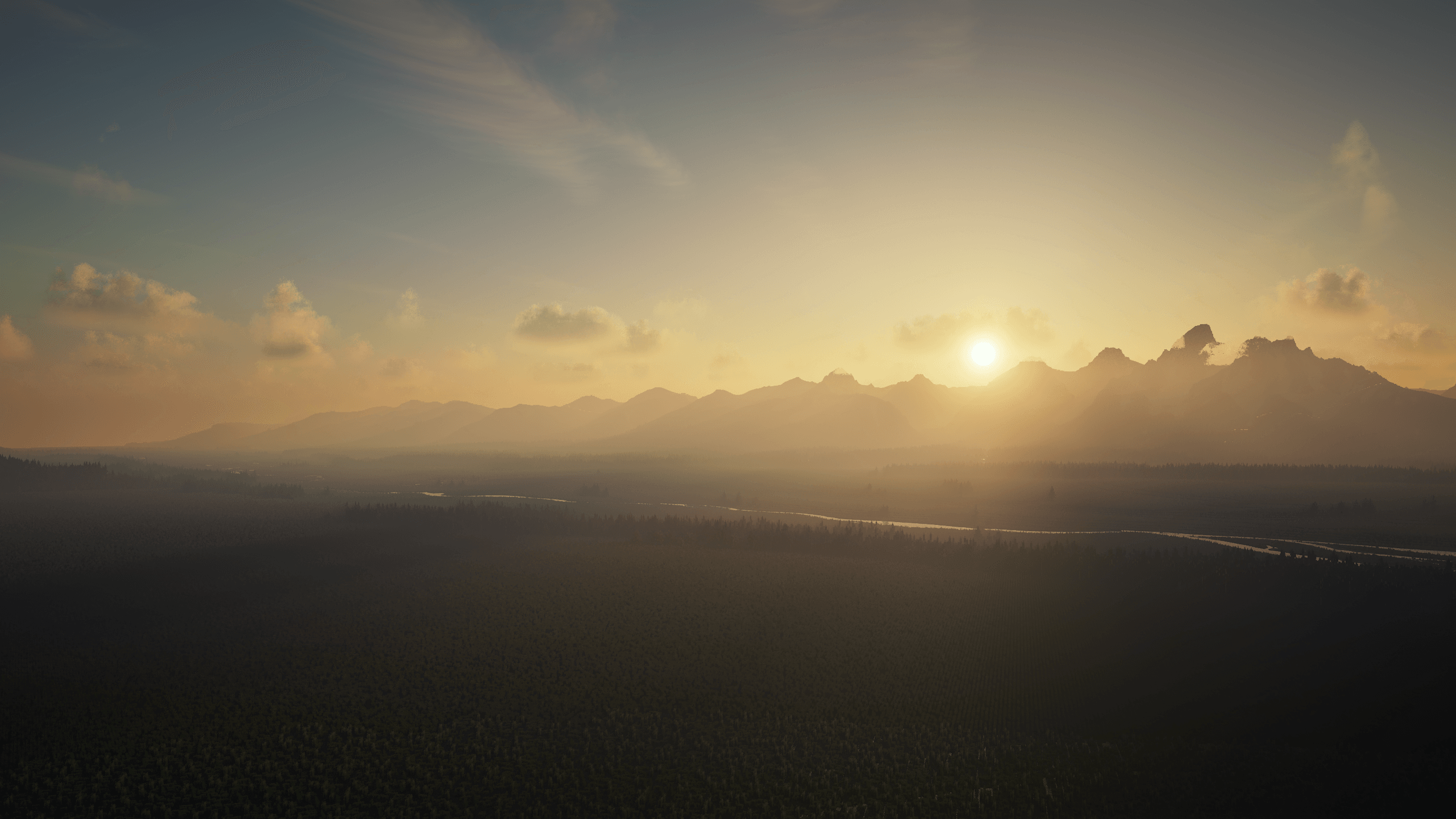
Iris Shaders
by coderbot
A modern shader pack loader for Minecraft intended to be compatible with existing OptiFine shader packs
 Client only

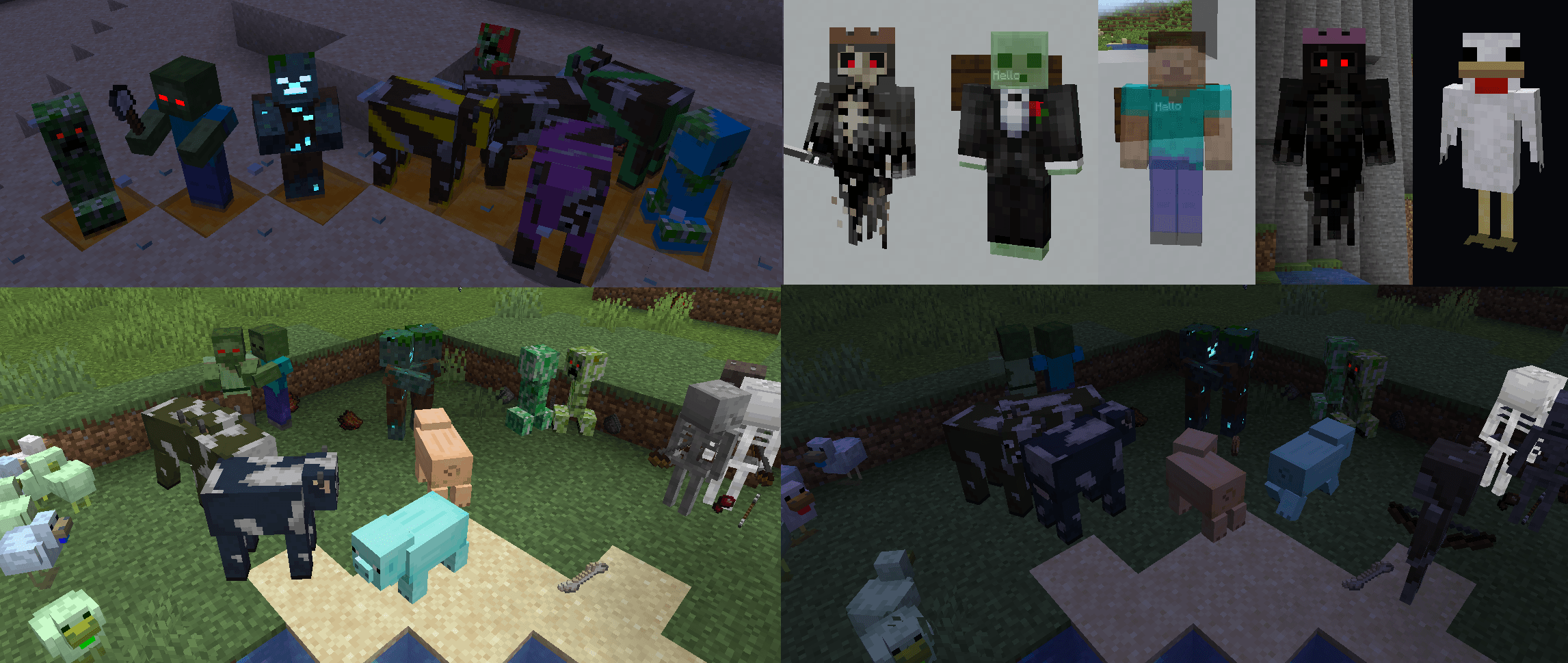
[ETF] Entity Texture Features
by Traben
Emissive, Random & Custom texture support for entities in resourcepacks just like Optifine but for Fabric
 Client only

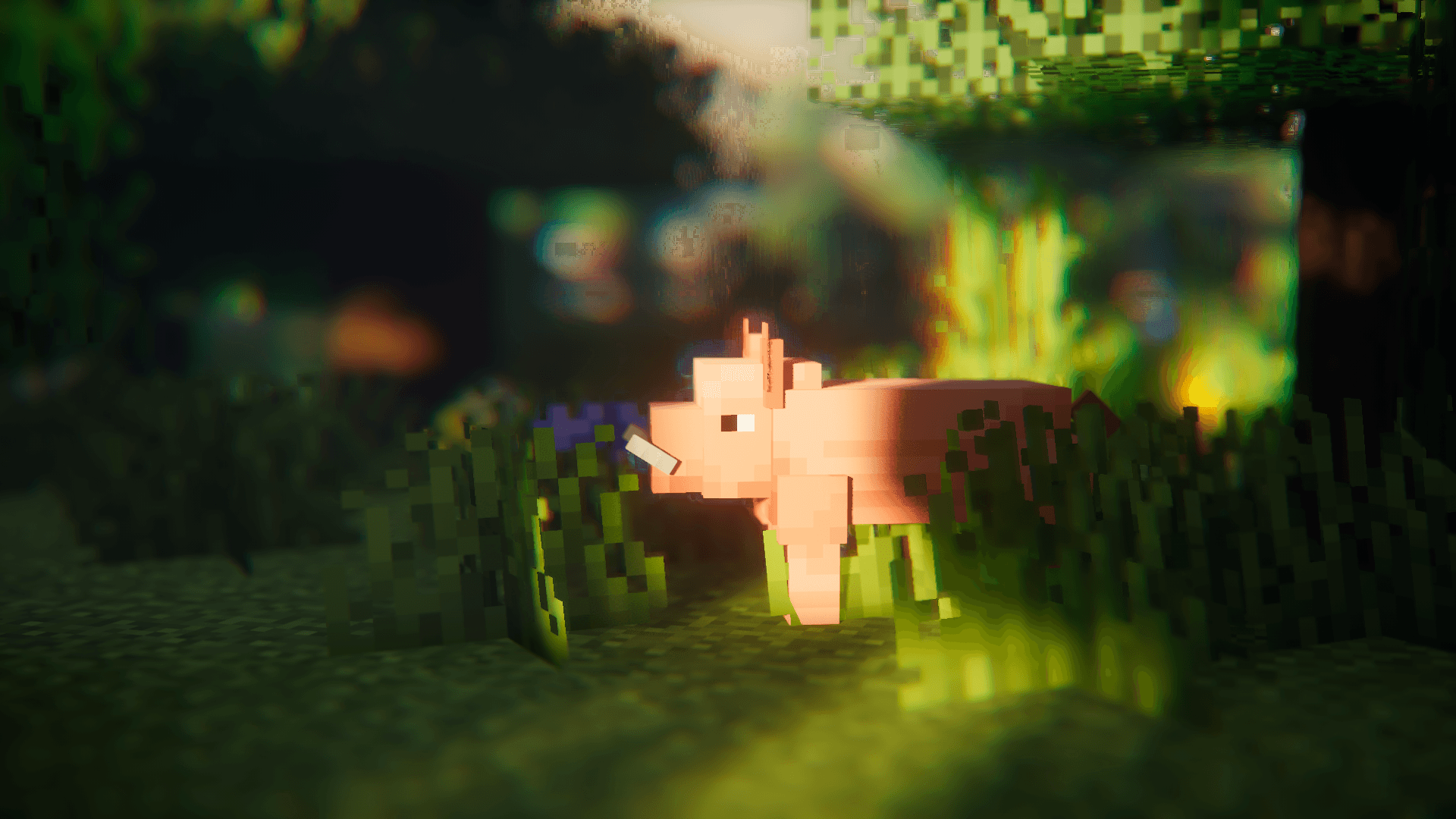
[EMF] Entity Model Features
by Traben
EMF is an, OptiFine format, Custom Entity Model replacement mod available for Fabric and Forge.
 Client only

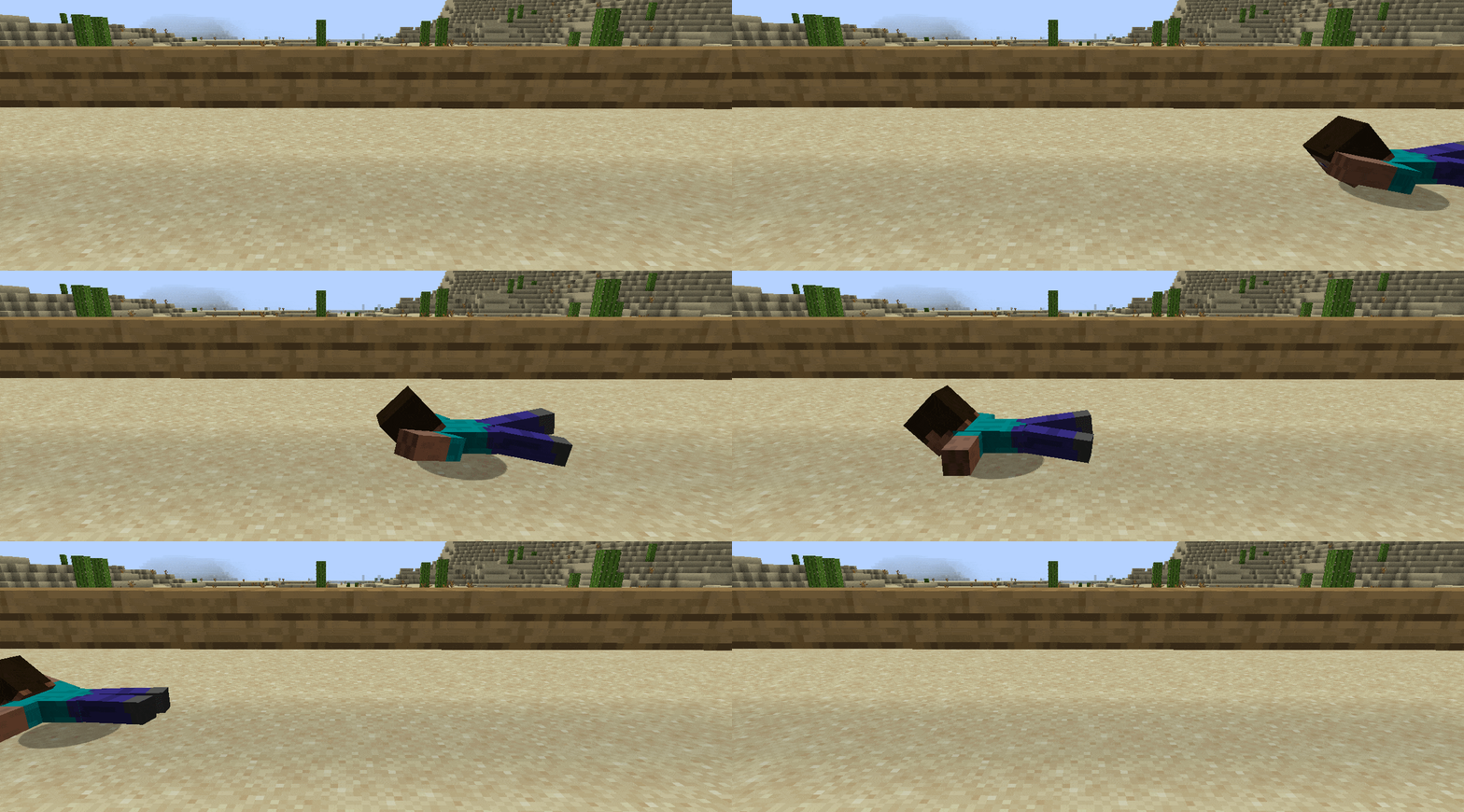
Not Enough Animations
by tr7zw
Bringing first-person animations to the third-person
Ready for your server with Moog's Glow Up?
4 GB of RAM from €8.00 per month. 35% off your first month with MADO35.