

Modrinth · Fabric, Quilt · Client mod
OptiGUI
OptiGUI is a client-side mod. Install it on your computer; the server does not need it.
Blazing fast custom GUI textures on Fabric and Quilt with built-in OptiFine custom GUI resource pack support
- Downloads
- 28.1M
- Author
- opekope2
- Loader
- Fabric, Quilt
- Minecraft
- 1.18 – 26.3
- Updated
- –
Setup
Install OptiGUI on your client
Client-side mods only run on your computer. More server RAM does not change their performance.
- 01
Install the loader locally
Install Fabric or Quilt for your Minecraft version in your launcher.
- 02
Download the file
Download the OptiGUI file for your loader and your exact Minecraft version, for example 26.3.
- 03
Add it to the mods folder
Put the .jar file in your local .minecraft/mods folder and remove older duplicates.
- 04
Launch
Launch Minecraft with the loader profile. Nothing needs to change on the server.
- On the server
- Not needed
- On the client
- Required
- Loader
- Fabric, Quilt
- Minecraft
- 26.3, 26.2, 26.1.2 +29 more
- License
- GNU Lesser General Public License v3.0 or later
Releases
Published releases
Pick the file that matches your server’s loader and Minecraft version. The server and players need the same release.
OptiGUI · Modrinth- OptiGUI 2.3.0-beta.6+1.21betaOctober 8, 2024Minecraft 1.21, 1.21.1 · Fabric, Quilt
- OptiGUI 2.3.0-beta.6+1.20betaOctober 8, 2024Minecraft 1.20, 1.20.1 · Fabric, Quilt
Original description by the project author
OptiGUI







OptiGUI is a client-side mod, which enables the customization of in-game GUI screen textures with resource packs. Now rewritten from scratch in Kotlin for cleaner code, better performance, more features, and extensibility.
Other mods' developers can add their custom containers and customization options. See documentation link above.
Supports most OptiFine GUI resource packs. If a resource pack does not work or works differently than using OptiFine, please open an issue (select the Report a bug template).
Check out my new OptiGUI resource pack for Minecraft 1.19+: Chest Boat GUI
⚠️ OptiGUI 2.3.x prior to beta 8 is incompatible with Fabric Language Kotlin 1.13.5+. Please downgrade to Fabric Language Kotlin 1.13.4.
How to use it
⚠️ If you're not a resource pack creator experimenting with OptiGUI 3 JSON resources, then you should stick with OptiGUI 2.3.x betas.
- Download and install Fabric loader or Quilt loader
- Download this mod to your mods folder
- Download the required dependencies to your mods folder as well
- Download and enable a supported resource pack (see below)
Supported languages
- 🇺🇸 by opekope2
- 🇹🇼 by dirtTW, notlin4
- 🇨🇳 by dirtTW, notlin4
- 🇩🇪 by Lucanoria
- 🇪🇸 by LyriaWintona
- 🇮🇹 by RoberbufDx8105
- 🇲🇾 by NuruddinPlays
- 🇺🇦 by gorr0w7
Want to see your name here? Translate OptiGUI to your native language.
Compatibility
Cobblemon
If you play with Cobblemon 1.5.2 and earlier, you need Fabric Language Kotlin 1.10.11+kotlin.1.9.20 or earlier (which doesn't crash).
Supported loaders & clients
As of the latest OptiGUI 3 alpha release, only Fabric & Quilt loaders are supported.
⚠️ Quilt support is based on Quilt loader's support for loading Fabric mods.
⚠️ Support for using Fabric compatibility layers or alternative clients such as Sinytra Connector or Lunar client is done on a best-effort basis, but issues may arise, which is not necessarily OptiGUI's fault.
Resource pack docs
OptiGUI supports OptiFine custom GUI resource packs, and also supports OptiGUI resource packs. OptiGUI resource packs are more flexible than OptiFine resource packs.
See documentation link above to get started.
Supported resource packs (OptiGUI 2.3.x)
Excluding vanilla resource packs (which don't container OptiFine or OptiGUI-specific files)
- Colourful Containers
- Colourful Containers Add-On
- Colourful Containers Dark Mode
- Animated RGB GUI ¹
- NEON20 ANIMATED
- Rybo's Enhanced GUI
- Animated Fox Guis ¹
- [DARK] Animated Fox Guis ¹
- Recolourful Containers GUI + HUD
¹ see FAQ for animation support
This list is not exhaustive. If you know a resource pack which works, and you'd like to see it here, or a resource pack, which does not work, but works with OptiFine, please open an issue.
Partially supported resource packs
Excluding vanilla resource packs (which don't container OptiFine or OptiGUI-specific files)
¹ Barrel does not work, neither does it work with OptiFine. The resource pack does not specify it according to the format.
FAQ
Use in a modpack?
Yes.
OptiFine GUI animations?
Only with Animatica.
OptiFine colors (colors.properties)?
No, use Colormatic.
Performance impact?
OptiGUI's performance impact is negligible (tho it varies a bit depending on which resource packs are used).
Configuration GUI/file?
Nothing to configure.
Sodium?
Yes.
OptiFine?
Actually, OptiGUI and OptiFine (with OptiFabric) can be loaded simultaneously.
I have observed that OptiGUI mixins will be placed before OptiFine ones, so you can turn off custom GUIs in OptiFine to save performance.
However, I can't assist you with this.
Does OptiGUI need to be installed on the Minecraft server?
No. Modrinth marks OptiGUI as unsupported on the server side. Install it only in your local mods folder. Your server can stay unchanged unless the project page lists an additional dependency.
Which version and loader does OptiGUI require?
Use a file for Fabric, Quilt and your exact Minecraft version. Supported versions include 26.3, 26.2, 26.1.2. Files for different loaders are not interchangeable.
OptiGUI is not working – what should I check?
First check the Minecraft version, loader version and required dependencies. Because the mod is client-side, more server RAM will not fix it.
Similar mods
Popular mods in the same category
 Client only

Iris Shaders
by coderbot
A modern shader pack loader for Minecraft intended to be compatible with existing OptiFine shader packs
 Client only

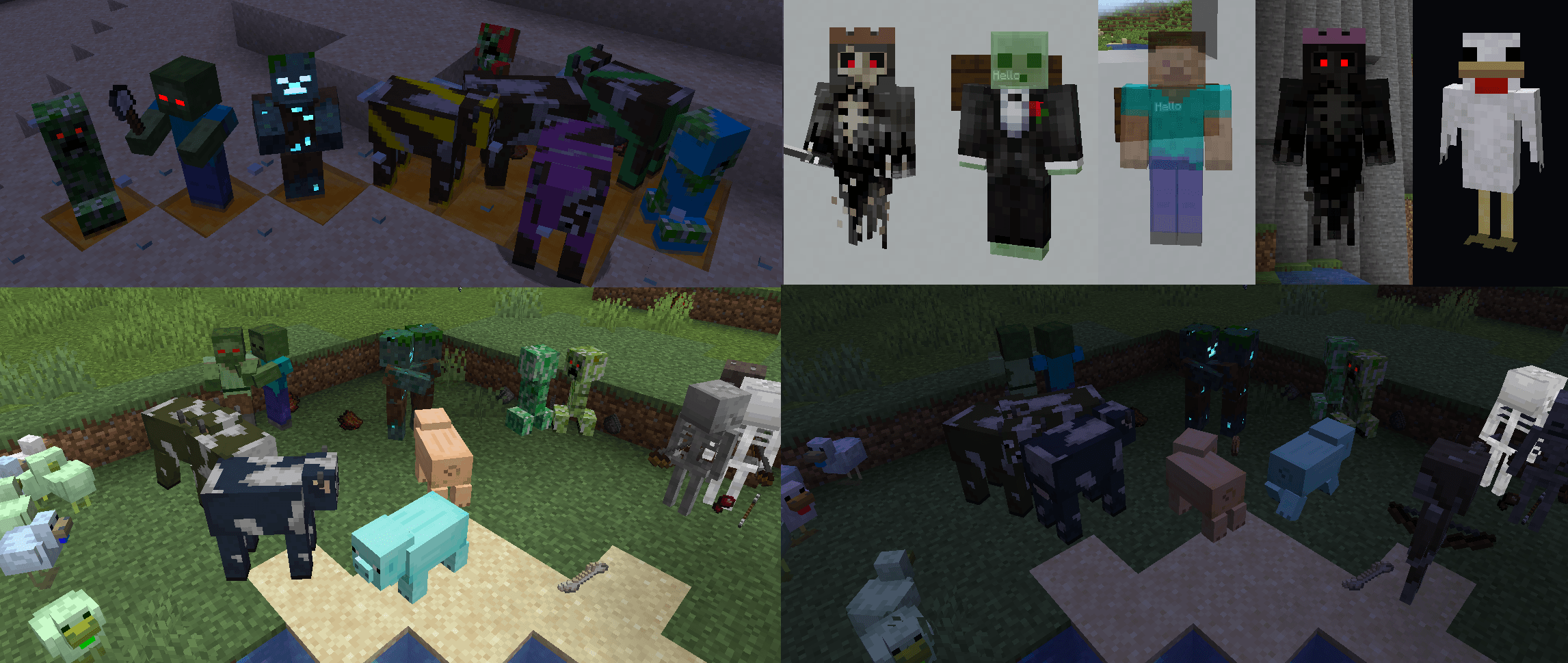
[ETF] Entity Texture Features
by Traben
Emissive, Random & Custom texture support for entities in resourcepacks just like Optifine but for Fabric
 Client only

[EMF] Entity Model Features
by Traben
EMF is an, OptiFine format, Custom Entity Model replacement mod available for Fabric and Forge.
 Client only

Not Enough Animations
by tr7zw
Bringing first-person animations to the third-person
Looking for mods for your own server?
The catalog lists mods that run on Minecraft servers.