
Ore Plus (Legacy)
This datapack incresses vanilla ores generation in Minecraft by adding custom configurations for the Vanilla Ores, making them generate more frequently.
Screenshots
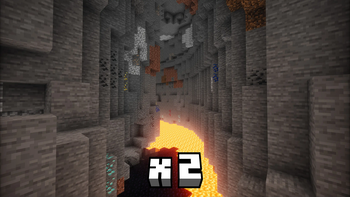
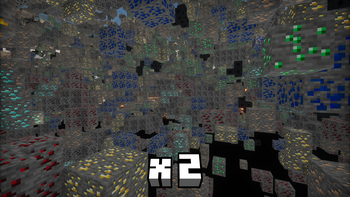
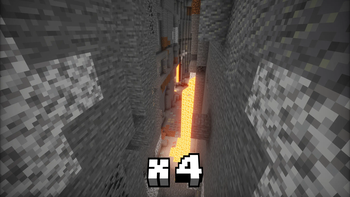
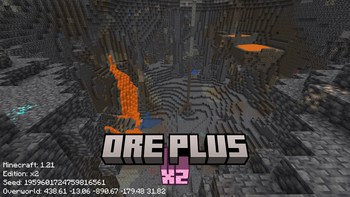
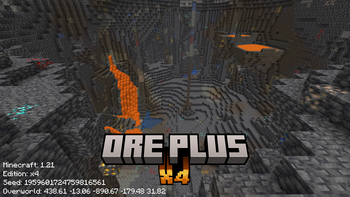
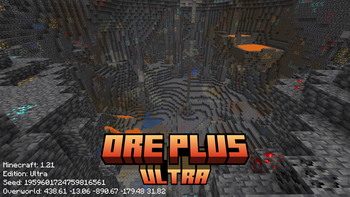
About this Mod
⚠️ We are currently migrating to separate modrinth repositories, for easy-to-use download and more open-sourced license!
Check out new separated versions here [📁x2] [📁x4] [📁Ultra]
This project will be achieved in the future.
Download Helper
You will find three editions of each version, indicated by suffixes such as x2, x4, and ultra.
- x2 and x4 are suitable for use in normal survival mode.
- The ultra edition offers enhanced features.
Fabric Forge NeoForge Quilt are supported for Mod Options
| Game Version | Support | Download Datapack | Download Mod |
|---|---|---|---|
| before 1.16.1 | ❎ | ||
| 1.16.2 - 1.16.5 | ✅ | ⬇️ Datapack | ⬇️ Mod |
| 1.17 - 1.17.1 | ✅ | ⬇️ Datapack | ⬇️ Mod |
| 1.18 - 1.18.1 | ✅ | ⬇️ Datapack | ⬇️ Mod |
| 1.18.2 | ✅ | ⬇️ Datapack | ⬇️ Mod |
| 1.19 - 1.19.3 | ✅ | ⬇️ Datapack | ⬇️ Mod |
| 1.19.4 | ✅ | ⬇️ Datapack | ⬇️ Mod |
| 1.20 - 1.20.6 | ✅ | ⬇️ Datapack | ⬇️ Mod |
| 1.21 - 1.21.8 | ✅ | ⬇️ Datapack | ⬇️ Mod |
| 1.21.9 - 1.21.11 | ✅ | ⬇️ Datapack | ⬇️ Mod |
| 26.1 | ✅ | [x2] [x4] [Ultra] | [x2] [x4] [Ultra] |
🎉 Celebrate 100000 Downloads and 100 Followers
Thanks for you all who support this project, I appreciate your loves on my project.




📋 Overview
This datapack modifies the default ore generation in Minecraft, primarily increasing the spawn rates of certain minerals.
Created with 💗 by wen_wen
❇️ Features
No Mod Loaders Required:
This datapack works seamlessly with vanilla Minecraft, requiring no additional mod loaders or software.
Wide Compatibility:
Designed to integrate smoothly with various Minecraft worlds and setups, ensuring minimal conflicts.
Enhanced Ore Generation:
Increases the spawn rates of specific minerals, making resource gathering more efficient.
📖 Detail
Rate Table
The table below shows the modified ore generation probabilities after the datapack is applied.
Please note that the names of the packs do not reflect the directly multiplied probabilities from the vanilla rates,
but rather the extent to which the datapack modifies the original ore generation probabilities.
ℹ️ Note
The Ultra Datapack will also modify the range of ore generation, from 0 to 256, to make sure all ore can generate.
| Ore Type | Ore Name | Vanilla Rate | Datapack x2 | Datapack x4 | Datapack Ultra |
|---|---|---|---|---|---|
| Ore | Coal | 20 | 36 | 68 | 256 |
| Ore | Copper | 6 | 10 | 20 | 256 |
| Large | Debris | 1 | 8 | 28 | 256 |
| Small | Debris | 1 | 8 | 28 | 256 |
| Ore | Diamond | 1 | 8 | 28 | 256 |
| Ore | Emerald | [3,8] | [8,16] | [16,28] | 256 |
| Ore | Gold | 2 | 10 | 28 | 256 |
| Deltas | Gold | 20 | 36 | 68 | 256 |
| Extra | Gold | 20 | 36 | 68 | 256 |
| Nether | Gold | 10 | 18 | 36 | 256 |
| Ore | Iron | 20 | 36 | 68 | 256 |
| Ore | Lapis | 1 | 8 | 20 | 256 |
| Deltas | Quartz | 32 | 45 | 80 | 256 |
| Nether | Quartz | 16 | 30 | 60 | 256 |
| Ore | Redstone | 8 | 14 | 32 | 256 |
Rates also listed on the download page on modrinth
And also feel free to refer to wiki for more details
🖼️ Gallery
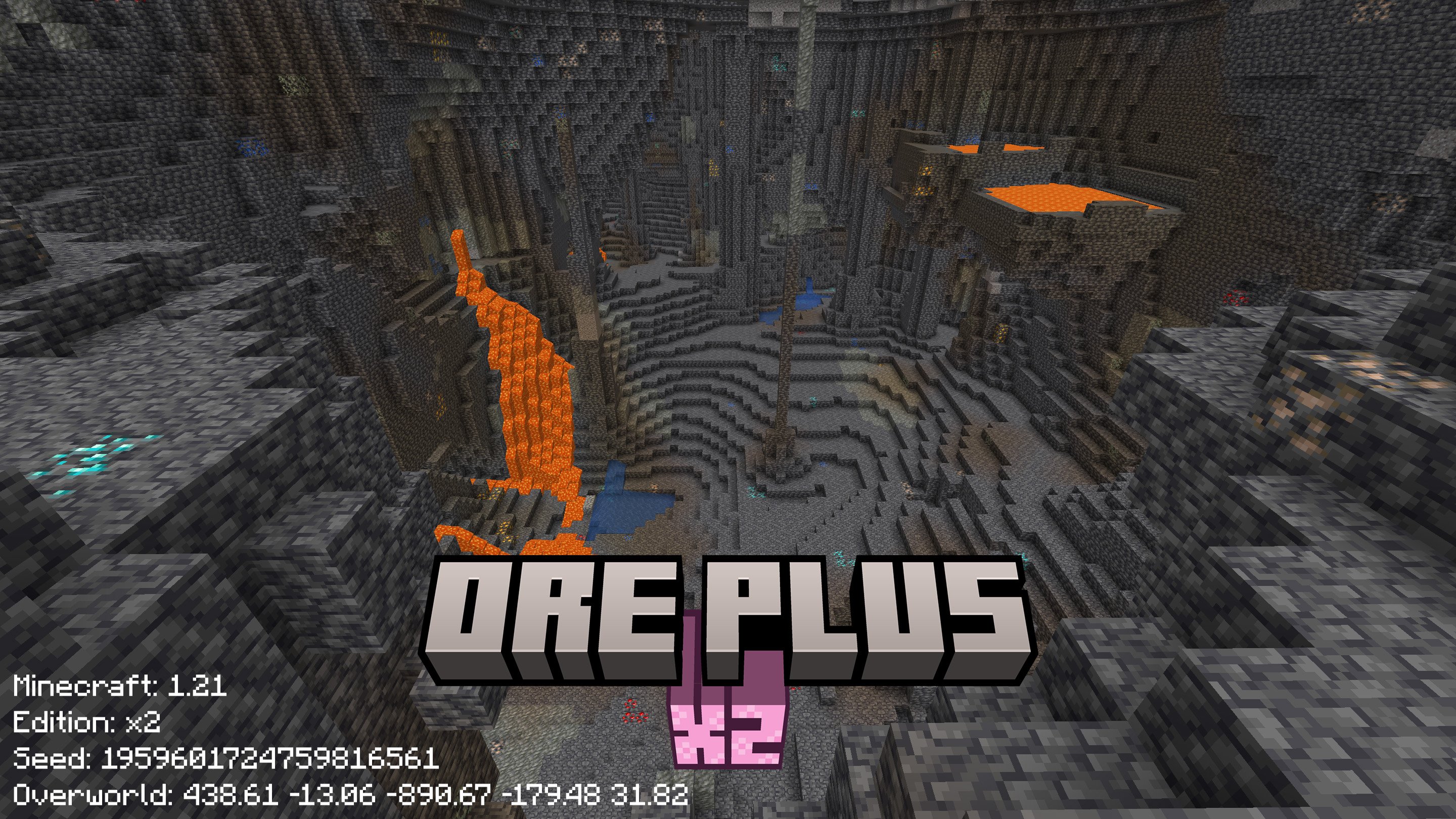

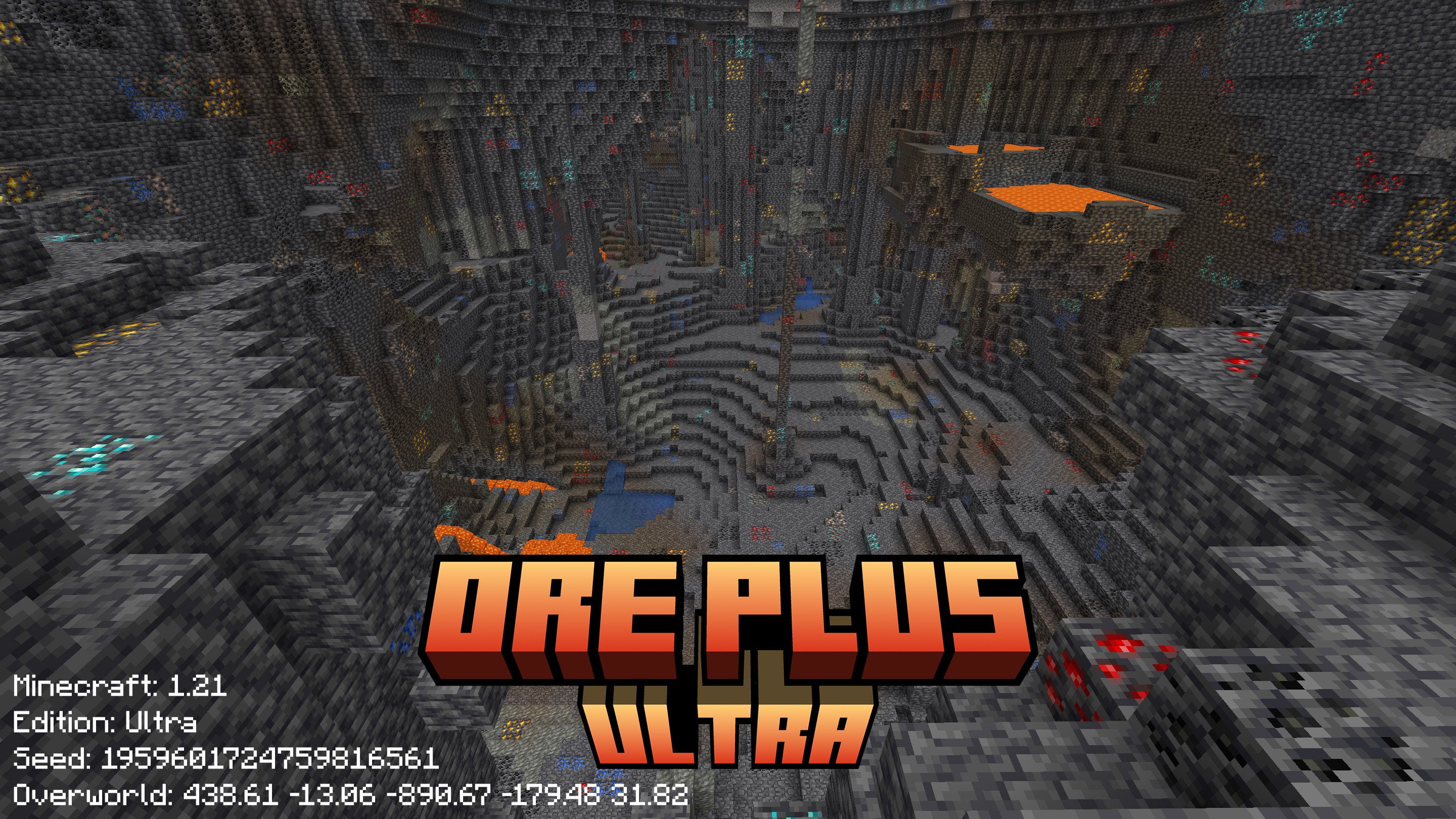
✅ Installation
Download
Modrinth [⬇️ Download] provides a modern UI to choose and download this datapack, detailed rates also has been listed on Download Page
⚠️ Download from Version Page
This pack offers three editions: x2, x4, and Ultra. The direct download button will automatically select the latest edition, which may not be the most suitable for your needs. To ensure you choose the best edition for your requirements, please visit the version page, review the details provided for each version, and download the one that suits you best.
Github [📦 Releases] Page is good to get the source code and pack them by self
Github [🔧 Action] can be used to get the lasted dev build
Install
Strongly recommand to install at the creation of a world
When creating a new world
Find the Data Paks Option
Click and drag the data pack to Minecraft
Then move the data pack to the right hand side and click Done
⚙️ Versions
Supported
Minecraft: 26.1+
Datapack Format: 100+
Download at new separated project.
new x2 ⬇️
new x4 ⬇️
new Ultra ⬇️
Minecraft: 1.21.9 - 1.21.11
Datapack Format: 88.0 - 94.1
x2 x4 and Ultra are available ⬇️
Minecraft: 1.21 - 1.21.8
Datapack Format: 48 - 81
x2 x4 and Ultra are available ⬇️
Minecraft: 1.20 - 1.20.6
Datapack Format: 15 - 41
x2 x4 and Ultra are available ⬇️
Minecraft: 1.19.4
Datapack Format: 12
x2 x4 and Ultra are available ⬇️
Minecraft: 1.19-1.19.3
Datapack Format: 10
x2 x4 and Ultra are available ⬇️
Minecraft: 1.18.2
Datapack Format: 9
x2 x4 and Ultra are available ⬇️
Minecraft: 1.18 - 1.18.1
Datapack Format: 8
Limited Supportℹ️
x2 x4 and Ultra are available ⬇️
Minecraft: 1.17 - 1.17.1
Datapack Format: 7
x2 x4 and Ultra are available ⬇️
Minecraft: 1.16.2 -1.16.5
Datapack Format: 6
x2 x4 and Ultra are available ⬇️
Not Support
below 1.16.1 (Included)
The key part to modify ore pre generated worldgen has not been introduced to datapack
📃 Contact
Community
Feedback
Welcome to 📑Issue Page to submit any bugs or featuers.
📜 License
Copyright (c) 2025 - 2026
wen_wen520 All rights reserved
🎉 Thanks & Related Resource


Previous Milestone
🎉 Celebrate 100000 Downloads and 100 Followers at 04/26/2026
🎉 Celebrate 50000 Downloads and 77 Followers at 11/14/2025
🎉 Celebrate 20000 Downloads and 40 Followers at 6/29/2025
🎉 Celebrate 15000 Downloads and 34 Followers at 6/1/2025
🎉 Celebrate 10000 Downloads and 24 Followers at 5/3/2025
🎉 Celebrate 8000 Downloads and 15 Followers at 4/21/2025
🎉 Celebrate 2000 Downloads and 6 Followers at 2/25/2025
🎉 Celebrate 1000 Downloads and 3 Followers
I am really thanks everyone who follow or star this project,
and of course, those people who download, use and love this project are also appreciate
Following resources are really helpful and useful,
thanks for their contributions
Minecraft
Provide the vanilla game (:
Minecraft Wiki
Resource, Guide and Infomations
Misode
Povide easy ways to create some files
Spyglass
The best extension on VS Code for Minecraft Datapack
Minecraft Title Generator
Use for screenshot in this project
Xray Ultimate Resource Pack
Can exactly show the ores underground, used in gallery
Available Versions
How to Install Ore Plus (Legacy) on Your Server
Order Server
Order a Minecraft Java server with at least 4 GB RAM (6 GB recommended).
Set datapack Loader
In the panel under "Egg", select the datapack loader and matching Minecraft version (1.21.11).
Install Mod
Open the mod browser in the dashboard and search for "Ore Plus (Legacy)". Click "Install" – done! Alternatively, upload the .jar via SFTP to the /mods folder.
Compatibility
Mod Loaders
Minecraft Versions
1.21.11, 1.21.10, 1.21.9 (+30 more)
Server-side
✓ RequiredRecommended RAM
6 GB(min. 4 GB)Frequently Asked Questions
Ore Plus (Legacy) server crashes on startup – what to do?
Most common cause: wrong datapack version or insufficient RAM. Check the server log (latest.log) for "OutOfMemoryError" or "Mixin" errors. With Mado Hosting: ensure at least 4 GB RAM is allocated and the loader matches the mod version (1.21.11). You can switch loaders with one click in the panel.
Is Ore Plus (Legacy) compatible with datapack and fabric and forge and neoforge and quilt?
Ore Plus (Legacy) officially supports datapack, fabric, forge, neoforge, quilt for Minecraft 1.21.11, 1.21.10, 1.21.9. Note: Forge and Fabric mods are NOT cross-compatible – pick one loader and stick with it. The Mado dashboard automatically detects incompatible loader combinations.
Server lagging with Ore Plus (Legacy) – how to optimize performance?
Recommended RAM: 6 GB (per 5 players). Use /spark profiler to check if Ore Plus (Legacy) consumes the most tick time. Common fixes: reduce server view-distance to 8-10, install "performant" or "starlight" as supplementary mods on Forge. With Mado Hosting, your server runs on NVMe SSDs with dedicated CPU cores for minimal latency.
Similar Mods


Rent Modded Server
Install Ore Plus (Legacy) with just one click on your server.