

Modrinth · Fabric, Forge, NeoForge
Paxi on your Minecraft server
Paxi runs on Minecraft servers with Fabric or Forge or NeoForge. Order your server, set the loader in the panel and install the mod with one click in the mod browser.
Automatic data & resource pack loading made easy.
- Downloads
- 11.6M
- Author
- YUNGNICKYOUNG
- Loader
- Fabric, Forge, NeoForge
- Minecraft
- 1.19.2 – 26.1.2
- Updated
- –
Setup
Install Paxi on your server
The server and players need the same loader and Minecraft version. Back up the world before adding or updating mods.
- 01
Configure
4 GB of RAM is preselected. You choose the term and add-ons and pay by credit card or PayPal.
- 02
Set the loader
In the panel, set the server software to Fabric or Forge or NeoForge and choose the matching Minecraft version, for example 26.1.2.
- 03
Install the mod
Search the mod browser for “Paxi” and install the release for your loader. Alternatively, upload the .jar to the mods folder via SFTP. Required dependencies are listed on the project page.
- 04
Connect
Paxi is optional on the client. Players connect using the server address from the panel.
- On the server
- Optional
- On the client
- Optional
- Loader
- Fabric, Forge, NeoForge
- Minecraft
- 26.1.2, 26.1.1, 1.21.1 +7 more
- License
- GNU Lesser General Public License v3.0 only
The panel
Install mods, find errors.
Real screenshots from the Mado panel. Both come with every Minecraft server.
Mod browser
Modrinth and CurseForge, right in the panel.
The browser filters by your Minecraft version. Install mods with one click, without uploading .jar files.

AI crash analysis
When a mod crashes, the analyzer reads the log.
Mods often fail on a wrong loader version, Java version or missing dependency. The analyzer names a likely cause and suggests a fix.

Releases
Published releases
Pick the file that matches your server’s loader and Minecraft version. The server and players need the same release.
Paxi · Modrinth- [26.1.2] v6.1.0 (NeoForge)June 24, 2026Minecraft 26.1.1, 26.1.2 · NeoForge
- [26.1.2] v6.1.0 (Fabric)June 24, 2026Minecraft 26.1.1, 26.1.2 · Fabric
- [1.21.1] v5.1.3 (NeoForge)May 1, 2025Minecraft 1.21, 1.21.1 · NeoForge
- [1.21.1] v5.1.3 (Forge)May 1, 2025Minecraft 1.21, 1.21.1 · Forge
- [1.21.1] v5.1.3 (Fabric)May 1, 2025Minecraft 1.21, 1.21.1 · Fabric
Original description by the project author


Paxi is a simple mod for global, automatic data and resource packs.
Usually, data packs have to be loaded separately for every world. Paxi adds the paxi folder in your Minecraft config folder, where you can place data and resource packs that will automatically be loaded for every world. The first time you run Paxi, the paxi folder will be created for you in your Minecraft config directory.
Paxi is as simple as it gets when it comes to global data and resource packs, making it a great utility for modpack creators!

Within the paxi folder is a datapacks folder for data packs. This folder will be created for you the first time you create or load a world with Paxi installed. Any data packs placed in this folder will be automatically loaded into any world you play - in other words, globally loaded data packs! When in game, use the command /datapack list to see all loaded data packs; packs loaded by Paxi are printed in pink text. Both zip files and regular folders (containing a pack.mcmeta file) are supported.
Data packs can also be loaded in a specific order! The first time you create or load a world with Paxi installed, the datapack_load_order.json file will be created for you in the paxi directory. You can fill this JSON file with a list of data pack folder names (including the .zip for zip files) in the order you want your data packs loaded in. Using this JSON file is entirely optional - any data packs not listed in the file will be loaded normally (alphabetically by folder/zip file name, same as normal data packs). So if you only have a few data packs that require loading in a specific order, you only need to list them in the JSON!
Starting with v5.1.3, the datapack_load_order.json file also supports pack entries with relative pathnames, meaning you can load data packs from any other folder as well. These relative pathnames are relative to the base .minecraft directory of your Minecraft instance folder. For example, if you wanted to load the pack MyDataPack located in .minecraft/datapacks, you can simply add the entry "datapacks/MyDataPack" to your datapack_load_order.json.
Additionally starting with v5.1.3, there is a config option Load from base 'datapacks' directory in the mod's config (enabled by default). When enabled, all packs in the .minecraft/datapacks folder will be automatically loaded as well. This behavior is identical to placing data packs in the normal Paxi folder (.minecraft/config/paxi/datapacks). This has been added to support CurseForge's upcoming data pack integration with Paxi, in which data packs will be automatically downloaded to the .minecraft/datapacks folder.

Also within the paxi folder is a resourcepacks folder for resource packs. This folder will be created for you the first time you run the game with Paxi installed. Any resource packs placed in this folder will be automatically loaded when you start the game. Both zip files and regular folders (containing a pack.mcmeta file) are supported. Resource packs are not supported on dedicated servers, since they only affect the game on the client-side (textures, sounds, and other assets).
Resource packs can also be loaded in a specific order! The first time you create or load a world with Paxi installed, the resourcepack_load_order.json file will be created for you in the paxi directory. You can fill this JSON file with a list of resource pack folder names (including the .zip for zip files) in the order you want your resource packs loaded in. Using this JSON file is entirely optional - any resource packs not listed in the file will be loaded normally (alphabetically by folder/zip file name, same as normal resource packs). So if you only have a few resource packs that require loading in a specific order, you only need to list them in the JSON!
Starting with v5.1.3, the resourcepack_load_order.json file also supports pack entries with relative pathnames, meaning you can load resource packs from any other folder as well. These relative pathnames are relative to the base .minecraft directory of your Minecraft instance folder. For example, if you wanted to load the pack MyResourcePack.zip located in the vanilla resourcepacks folder, you can simply add the entry "resourcepacks/MyResourcePack.zip" to your resourcepack_load_order.json.


Paxi server crashes on startup – what to do?
Common causes: the loader or Minecraft version does not match the mod file, a dependency is missing, or RAM is too low. Check the log (latest.log) for “OutOfMemoryError”, “Mixin” or missing mods. At Mado, the AI crash analysis reads the log and suggests a cause. You can change the loader and version in the panel.
Which loader does Paxi run on?
According to Modrinth, Paxi supports Fabric, Forge, NeoForge for Minecraft 26.1.2, 26.1.1, 1.21.1. Forge and Fabric files are not interchangeable: pick one loader for the server and clients.
How much RAM does a server with Paxi need?
As guidance, 3–4 GB for a server with this mod. This is an estimate, not a measured minimum. More mods, many players and long view distances need more. The spark profiler shows whether a mod is costing tick time.
Similar mods
Popular mods in the same category
 Server-ready

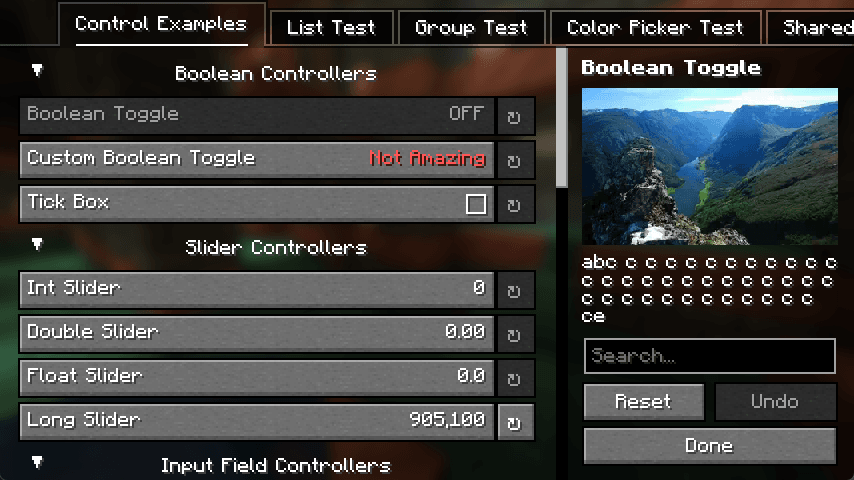
YetAnotherConfigLib (YACL)
by isxander
A builder-based configuration library for Minecraft!
 Server-ready

Text Placeholder API
by Patbox
Placeholder and Text manipulation library for your Minecraft mods.
 Client only

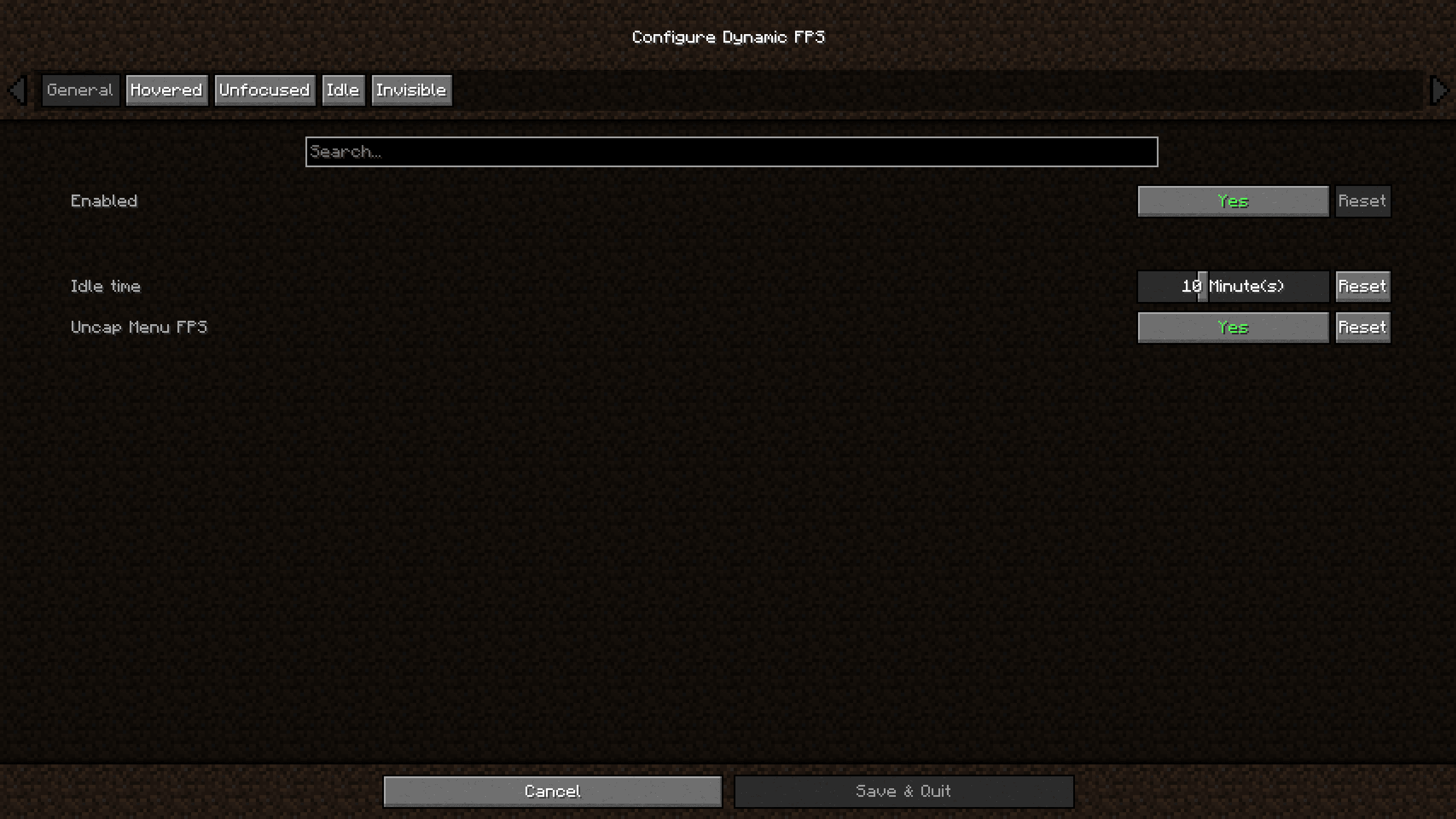
Dynamic FPS
by juliand665
Reduce resource usage while Minecraft is in the background, idle, or on battery.
 Server-ready

No Chat Reports
by Aizistral
Makes chat unreportable (where possible)
Ready for your server with Paxi?
4 GB of RAM from €8.00 per month. 35% off your first month with MADO35.