
Photography
Yet another camera mod to take photos of your world!
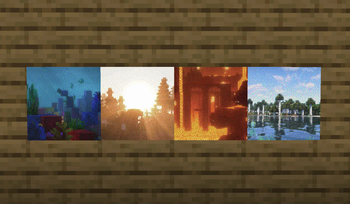
Screenshots
About this Mod
Photography requires Fabric Loader and Fabric API
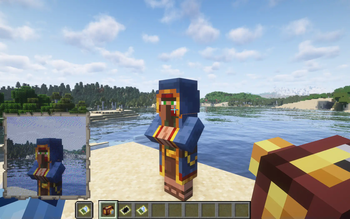
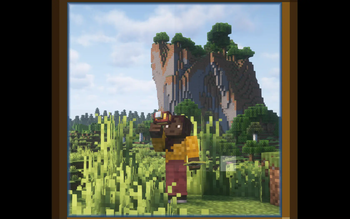
Photography adds a camera to easily take photos. That's it!
This is my very first mod, so please expect a few problems and bugs, even if I've done my best to avoid them. Thank you!
How to use the mod
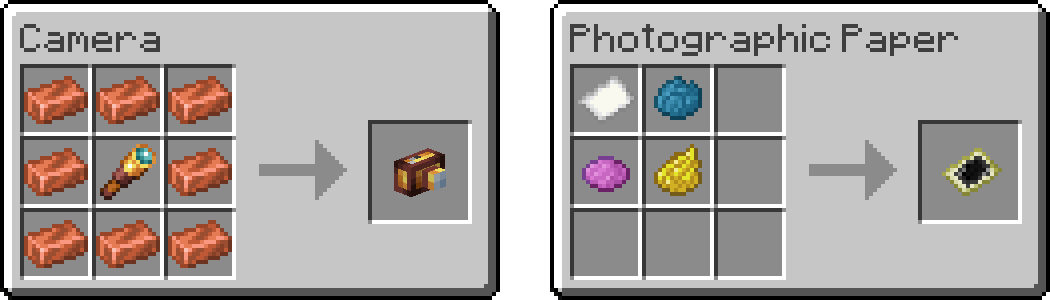
You need two items to take a photo:
- a Camera
- a Photographic Paper
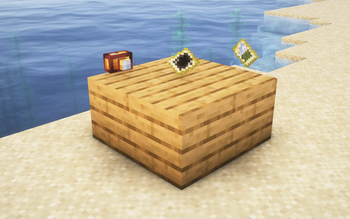
Here are the crafting recipes:
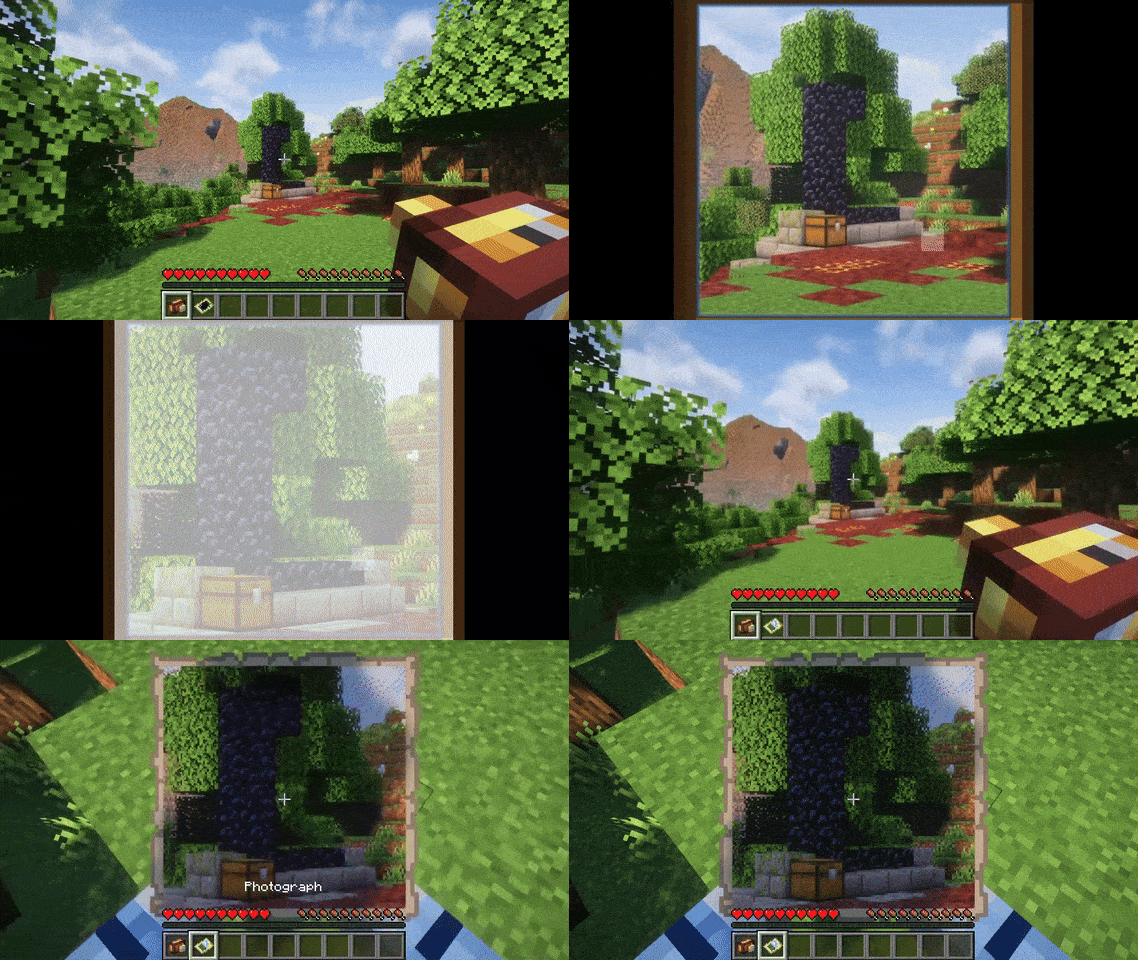
Then use the camera by right-clicking to open the viewfinder. You can use the right-click to take a photo, the mouse wheel to zoom, and the escape key to close the viewfinder. Taking a photo will consume a photographic paper from your inventory and give you a photograph.
Why yet another camera mod ?
This mod has been created to meet very specific needs. It adds a camera to easily take photos from the client renderer to enable the use of shaders while maintaining compatibility with vanilla clients. To clarify the mod is required on both server and client sides. Vanilla clients will still be able to join and see the photos, but will not be able to see or use the added features (which will be displayed as vanilla items), and the items and photos will remain in the world after the mod is removed.
Other recommended camera mods for Fabric
- Exposure (made by mortuusars) : my favorite camera mod with focus on process and aesthetics. It is required on both server and client sides and adds non-vanilla items that disappear after the mod is uninstalled.
- Camera Obscura (made by tomalbrc) : a very impressive server-side mod that allows you to take photos on maps that remain after the mod has been uninstalled. No client-side mods required! Everything is rendered on the server using simple raytracing.
- Polaroid Camera (made by HyperPigeon) : a very well-made mod that motivated me to try making my own. It lets you take photos on maps that remain after the mod is uninstalled, but adds a non-vanilla camera item that disappears after the mod is uninstalled. It was almost exactly what I needed, but I only wanted vanilla items because I'm a maniac...
Photography uses some code from Image2Map (made by TheEssem and Patbox) to render the photos.
Many thanks to its authors!
Available Versions
How to Install Photography on Your Server
Order Server
Order a Minecraft Java server with at least 3 GB RAM (4 GB recommended).
Set fabric Loader
In the panel under "Egg", select the fabric loader and matching Minecraft version (1.21.1).
Install Mod
Open the mod browser in the dashboard and search for "Photography". Click "Install" – done! Alternatively, upload the .jar via SFTP to the /mods folder.
Compatibility
Mod Loaders
Minecraft Versions
1.21.1, 1.21, 1.20.6 (+1 more)
Server-side
~ OptionalRecommended RAM
4 GB(min. 3 GB)Frequently Asked Questions
Photography server crashes on startup – what to do?
Most common cause: wrong fabric version or insufficient RAM. Check the server log (latest.log) for "OutOfMemoryError" or "Mixin" errors. With Mado Hosting: ensure at least 3 GB RAM is allocated and the loader matches the mod version (1.21.1). You can switch loaders with one click in the panel.
Is Photography compatible with fabric?
Photography officially supports fabric for Minecraft 1.21.1, 1.21, 1.20.6. The Mado dashboard automatically detects incompatible loader combinations.
Server lagging with Photography – how to optimize performance?
Recommended RAM: 4 GB (per 8 players). Use /spark profiler to check if Photography consumes the most tick time. Common fixes: reduce server view-distance to 8-10, install "performant" or "starlight" as supplementary mods on Forge. With Mado Hosting, your server runs on NVMe SSDs with dedicated CPU cores for minimal latency.
Similar Mods




Rent Modded Server
Install Photography with just one click on your server.