
Modrinth · Fabric, Forge, NeoForge, Quilt
QuickHarvest on your Minecraft server
QuickHarvest runs on Minecraft servers with Fabric or Forge or NeoForge or Quilt. Order your server, set the loader in the panel and install the mod with one click in the mod browser.
Right-click to harvest and instantly replant fully grown crops with a built-in, vanilla-balanced seed tax.
- Downloads
- 4.0K
- Author
- Vortr3x
- Loader
- Fabric, Forge, NeoForge, Quilt
- Minecraft
- 1.20.5 – 26.3
- Updated
- –
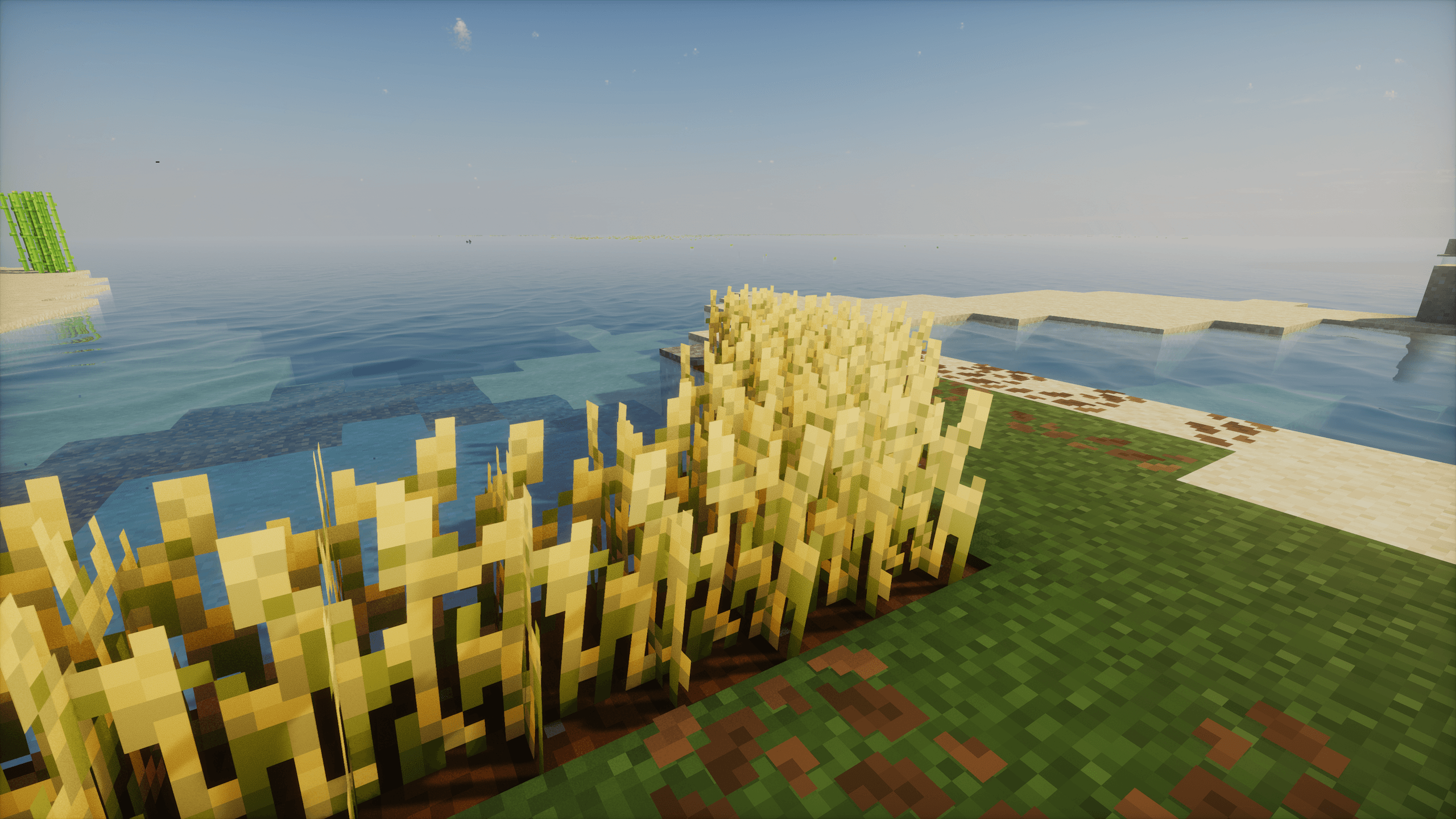
Screenshots
What QuickHarvest looks like


Images: QuickHarvest on Modrinth, published by the project team.
Setup
Install QuickHarvest on your server
The server and players need the same loader and Minecraft version. Back up the world before adding or updating mods.
- 01
Configure
4 GB of RAM is preselected. You choose the term and add-ons and pay by credit card or PayPal.
- 02
Set the loader
In the panel, set the server software to Fabric or Forge or NeoForge or Quilt and choose the matching Minecraft version, for example 26.3.
- 03
Install the mod
Search the mod browser for “QuickHarvest” and install the release for your loader. Alternatively, upload the .jar to the mods folder via SFTP. Required dependencies are listed on the project page.
- 04
Connect
QuickHarvest is optional on the client. Players connect using the server address from the panel.
- On the server
- Required
- On the client
- Optional
- Loader
- Fabric, Forge, NeoForge, Quilt
- Minecraft
- 26.3, 26.2, 26.1.2 +16 more
- License
- MIT License
The panel
Install mods, find errors.
Real screenshots from the Mado panel. Both come with every Minecraft server.
Mod browser
Modrinth and CurseForge, right in the panel.
The browser filters by your Minecraft version. Install mods with one click, without uploading .jar files.

AI crash analysis
When a mod crashes, the analyzer reads the log.
Mods often fail on a wrong loader version, Java version or missing dependency. The analyzer names a likely cause and suggests a fix.

Releases
Published releases
Pick the file that matches your server’s loader and Minecraft version. The server and players need the same release.
QuickHarvest · Modrinth- QuickHarvest 26.3October 18, 2026Minecraft 26.3 · Fabric, Forge, NeoForge, Quilt
- QuickHarvest 26.3October 18, 2026Minecraft 26.3 · datapack
- QuickHarvest 26.2July 5, 2026Minecraft 26.2 · Fabric, Forge, NeoForge, Quilt
- QuickHarvest 26.2July 5, 2026Minecraft 26.2 · datapack
- QuickHarvest 1.21.9-26.1.2-2June 9, 2026Minecraft 1.21.10, 1.21.11, 1.21.9, 26.1, 26.1.1, 26.1.2 · Fabric, Forge, NeoForge, Quilt
Original description by the project author
🌾 QuickHarvest
The smart, lag-free, and vanilla-balanced right-click harvesting solution for Minecraft.
QuickHarvest is a lightweight, server-friendly quality-of-life datapack that completely redefines how you farm. Instead of the tedious cycle of breaking mature crops and manually replanting them, simply right-click to harvest!
Unlike basic harvesting mods that give you "free" replants, QuickHarvest keeps your survival experience authentic by implementing a strict, automated seed tax directly from your dropped loot.
✨ Features
- ⚡ Effortless Farming: Right-click any fully grown crop to harvest its yields and instantly replant a fresh one in a single click.
- ⚖️ Vanilla-Balanced (Seed Tax): The datapack intercepts the dropped loot in mid-air and deducts exactly one seed/crop as the cost for replanting. If a crop drops only a single seed, it is completely consumed, preventing any item duplication!
- 👥 Multiplayer & Co-op Ready: The seed deduction logic is bound to the dropped item entity at the exact block coordinates. This guarantees that the correct crop pays the "tax," even if multiple players are farming side-by-side.
🥕 Supported Crops
| Crop | Mature State | Replant Cost (Deducted from Loot) |
|---|---|---|
| Wheat | age=7 |
🌾 1 Wheat Seed |
| Carrots | age=7 |
🥕 1 Carrot |
| Potatoes | age=7 |
🥔 1 Potato |
| Beetroots | age=3 |
🫚 1 Beetroot Seed |
📦 Installation & Setup
- Download the
QuickHarvestdatapack. - Drop it directly into your world's datapacks directory:
.minecraft/saves/YOUR_WORLD/datapacks/ - Launch your world or type
/reloadin the chat.
QuickHarvest server crashes on startup – what to do?
Common causes: the loader or Minecraft version does not match the mod file, a dependency is missing, or RAM is too low. Check the log (latest.log) for “OutOfMemoryError”, “Mixin” or missing mods. At Mado, the AI crash analysis reads the log and suggests a cause. You can change the loader and version in the panel.
Which loader does QuickHarvest run on?
According to Modrinth, QuickHarvest supports Fabric, Forge, NeoForge, Quilt for Minecraft 26.3, 26.2, 26.1.2. Forge and Fabric files are not interchangeable: pick one loader for the server and clients.
How much RAM does a server with QuickHarvest need?
As guidance, 3–4 GB for a server with this mod. This is an estimate, not a measured minimum. More mods, many players and long view distances need more. The spark profiler shows whether a mod is costing tick time.
Similar mods
Popular mods in the same category
 Server-ready

AppleSkin
by squeek502
Food/hunger-related HUD improvements
 Server-ready

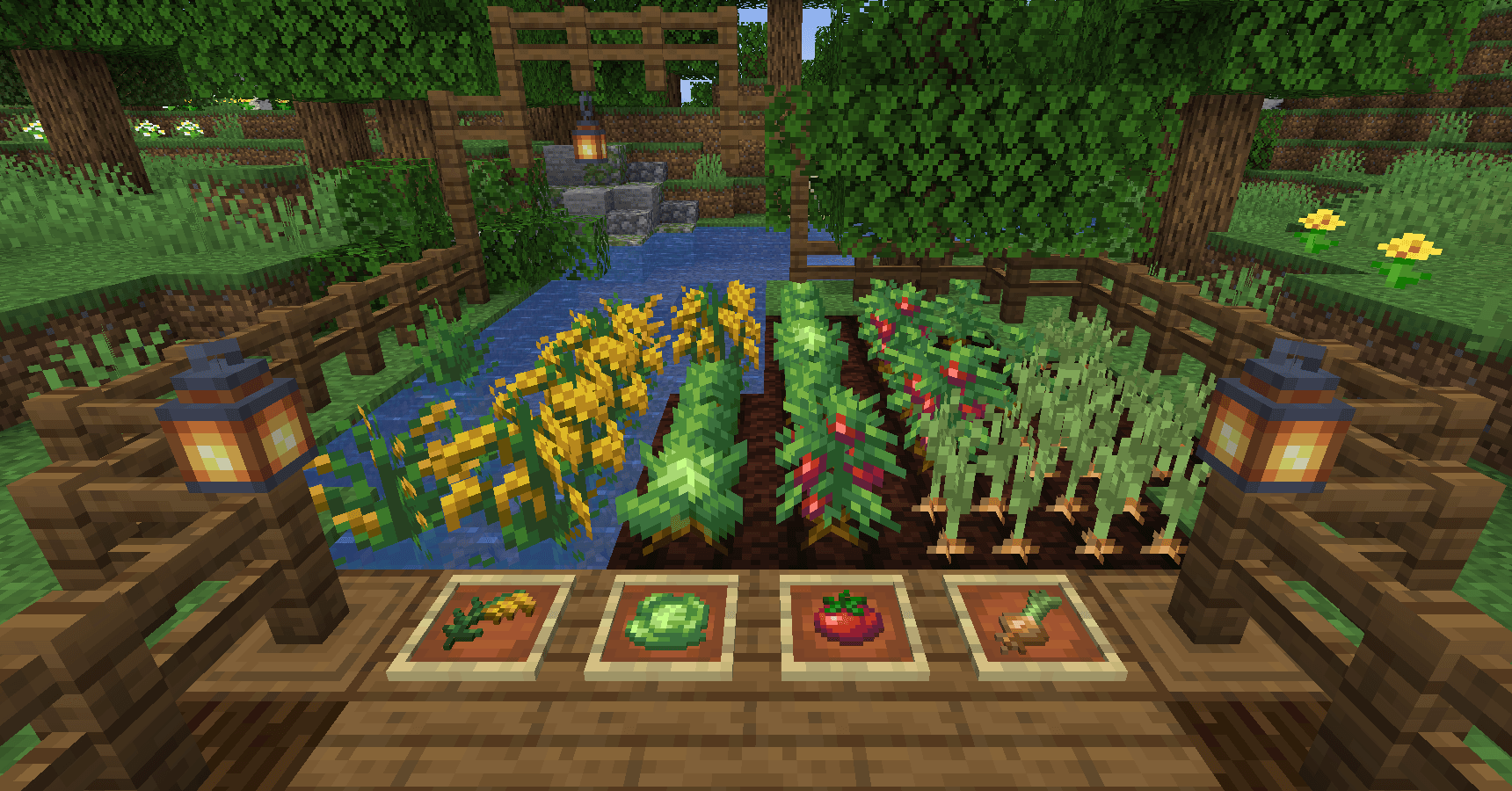
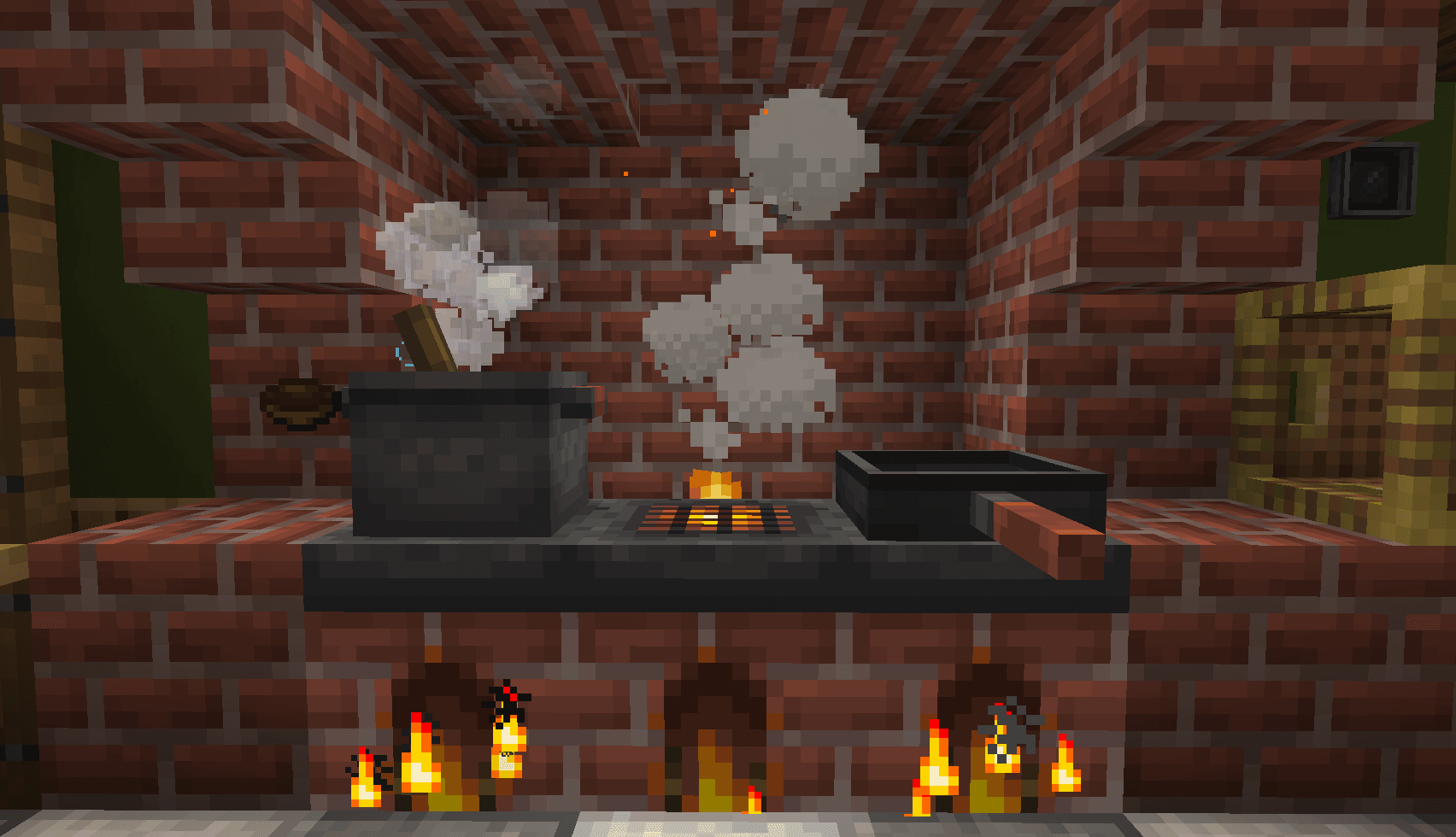
Farmer's Delight
by vectorwing
A cozy expansion to farming and cooking!
 Server-ready

Farmer's Delight Refabricated
by Cassian
Modern Fabric port of the cooking and farming mod, "Farmer's Delight"
 Server-ready

BetterEnd
by quiqueck
New Biomes, mysterious rituals and Mobs for your End
Ready for your server with QuickHarvest?
4 GB of RAM from €8.00 per month. 35% off your first month with MADO35.