Modrinth · Forge

Simple Shops on your Minecraft server

Simple Shops runs on Minecraft servers with Forge. Order your server, set the loader in the panel and install the mod with one click in the mod browser.

Simple player-driven item shops that are protected anywhere they are

Downloads
514.9K
Author
wolforcept
Loader
Forge
Minecraft
1.18.2 – 1.20.6
Updated
–

Screenshots

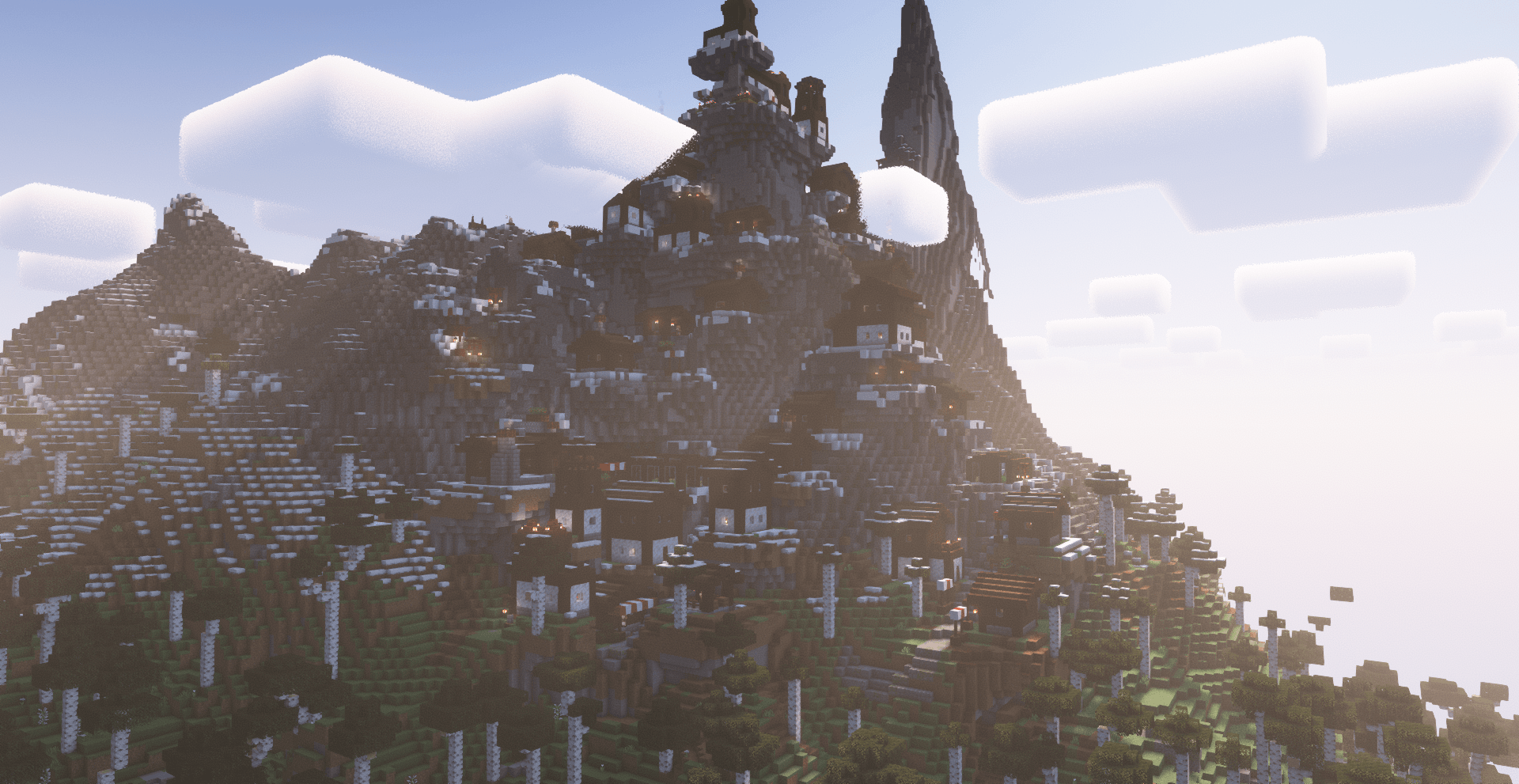
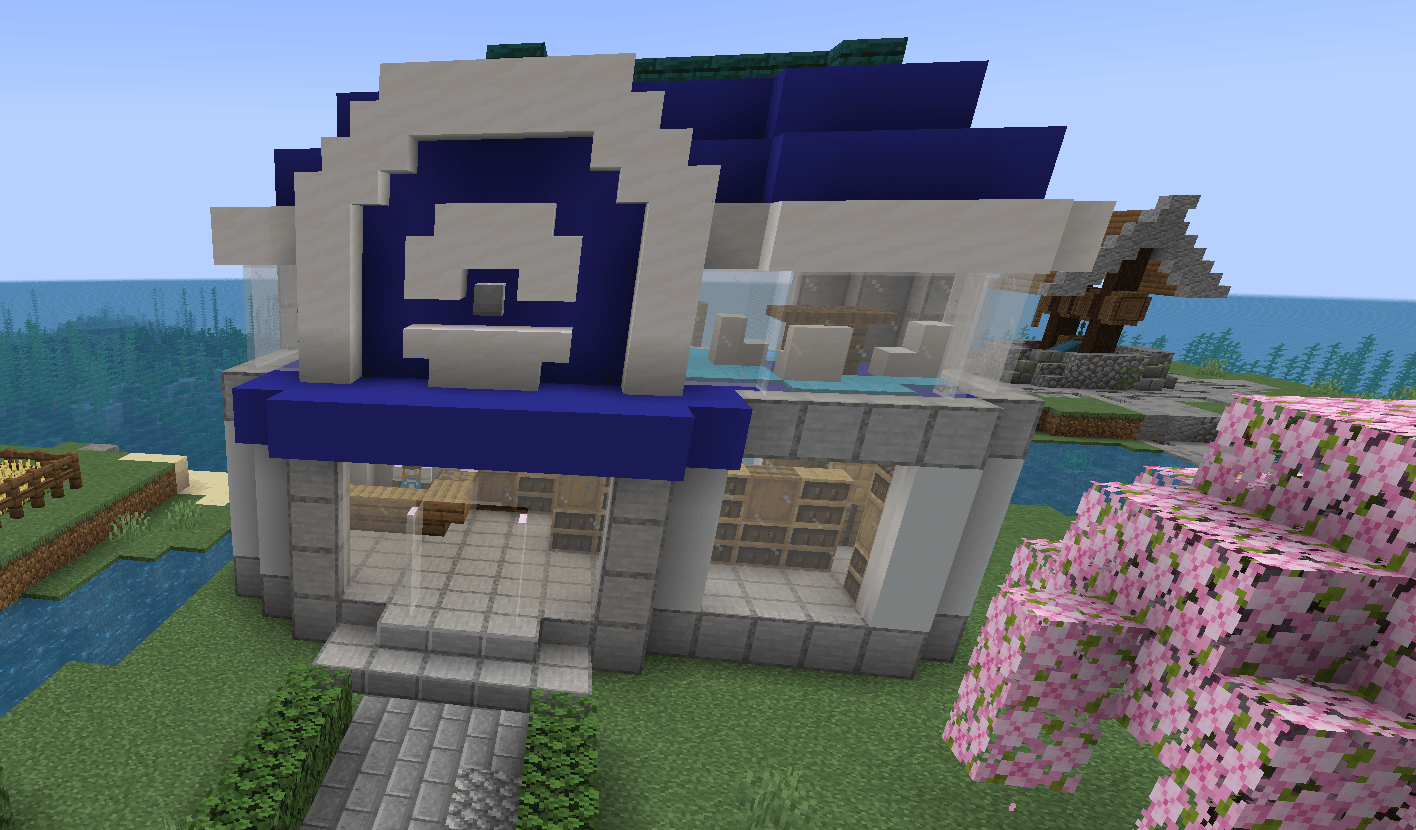
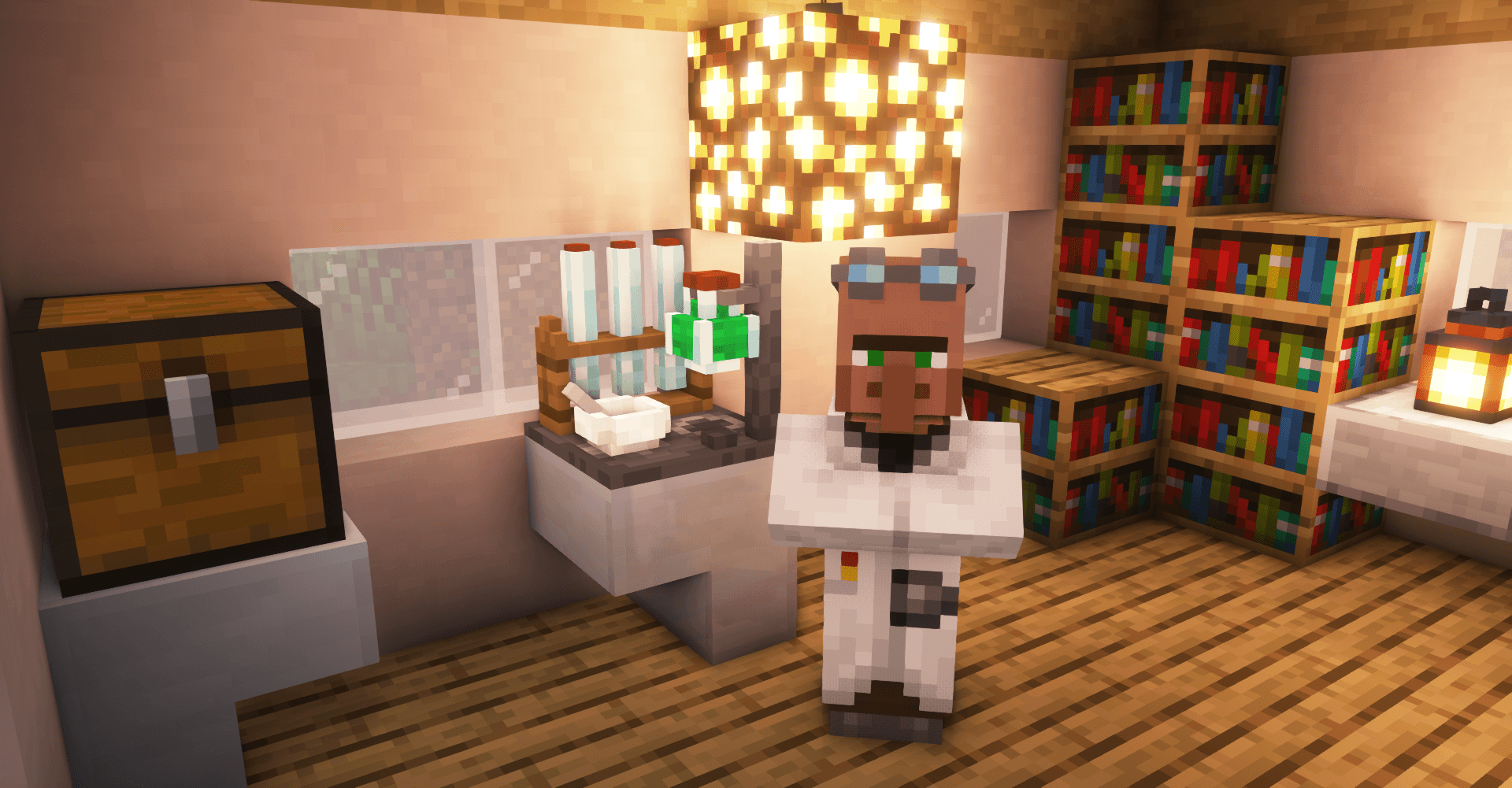
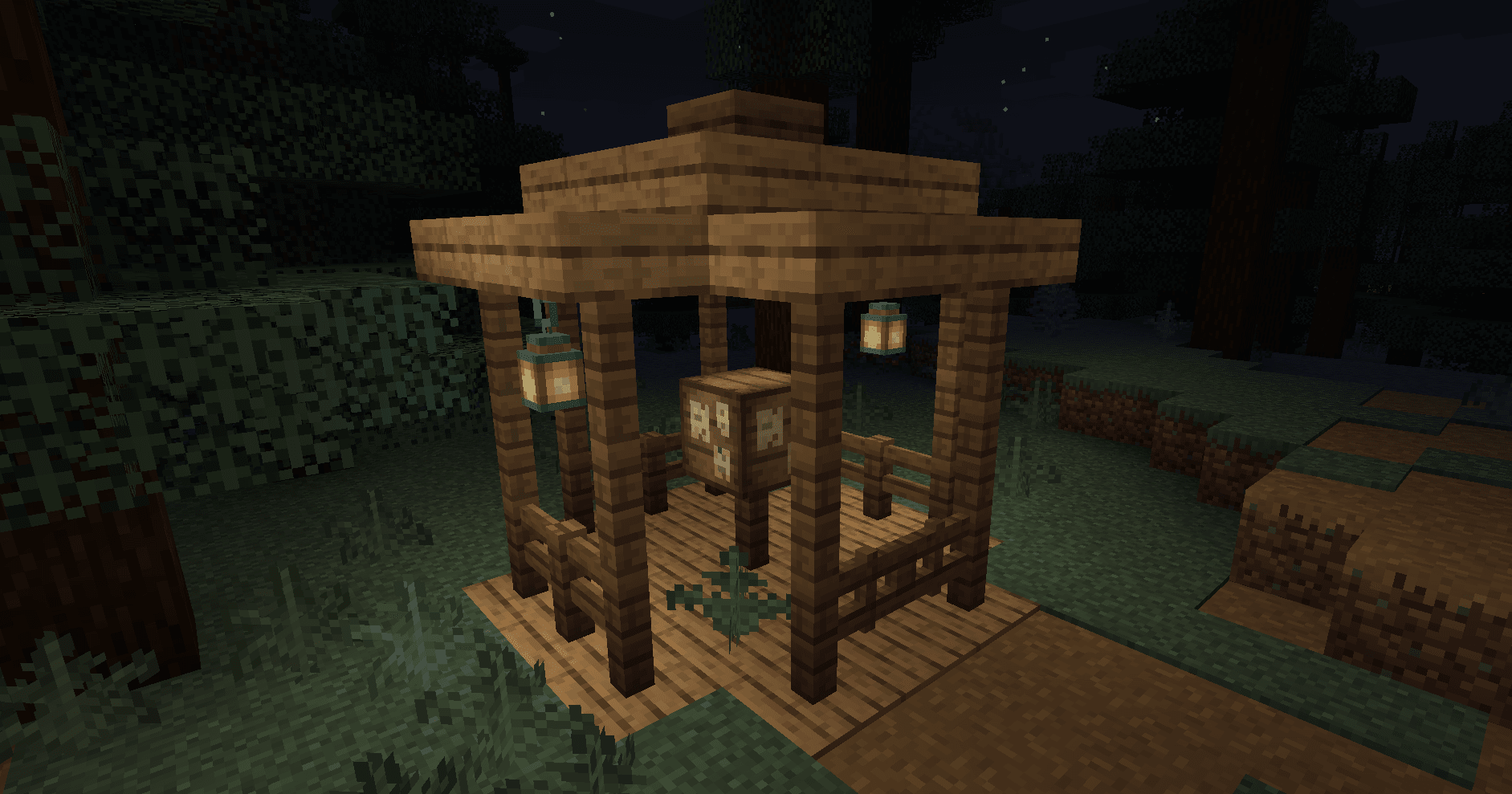
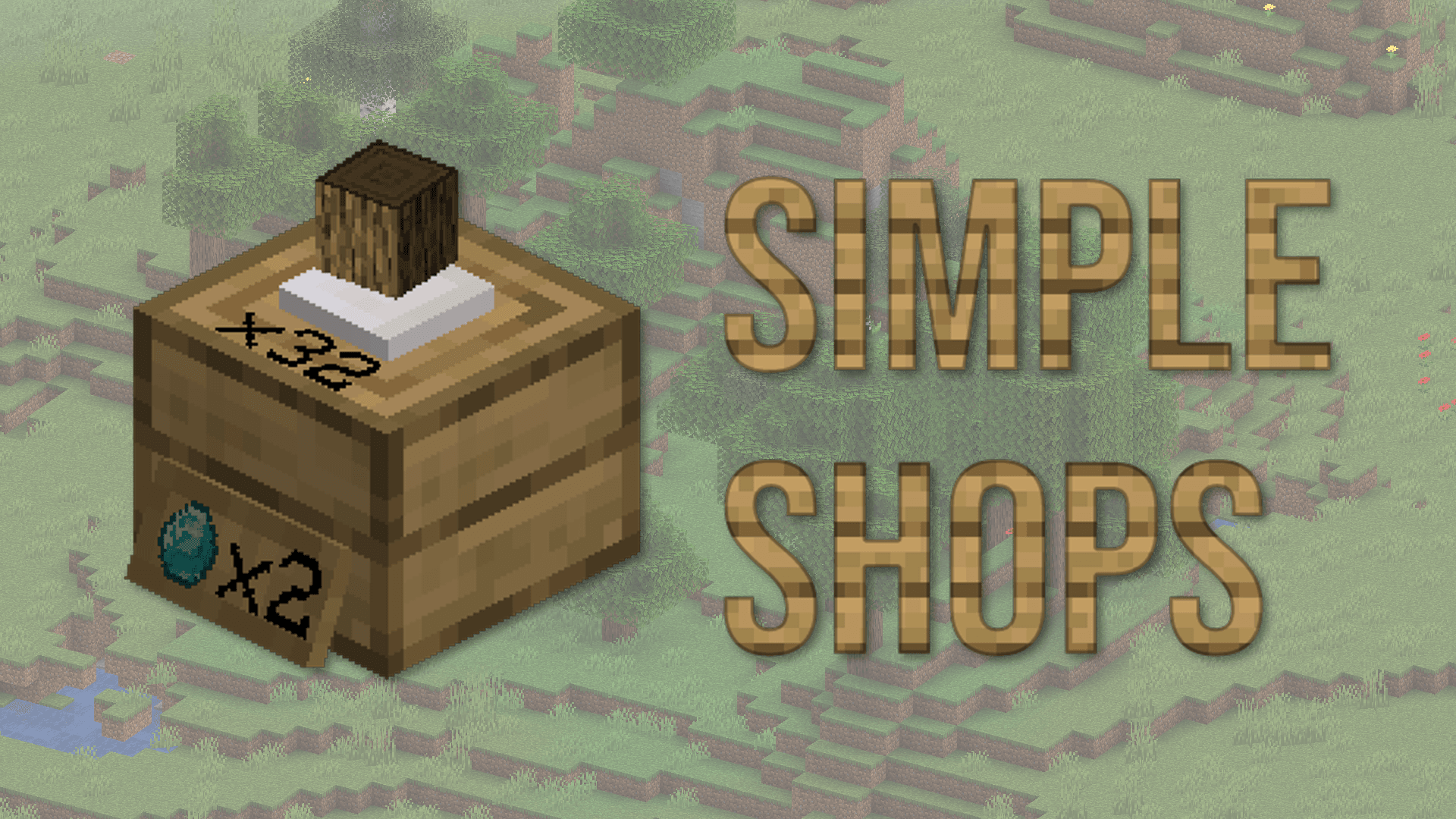
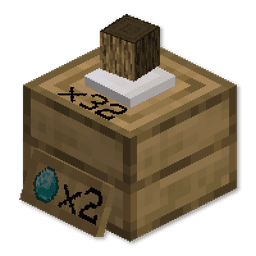
What Simple Shops looks like

Images: Simple Shops on Modrinth, published by the project team.

Setup

Install Simple Shops on your server

The server and players need the same loader and Minecraft version. Back up the world before adding or updating mods.

  1. 01

    Configure

    4 GB of RAM is preselected. You choose the term and add-ons and pay by credit card or PayPal.

  2. 02

    Set the loader

    In the panel, set the server software to Forge and choose the matching Minecraft version, for example 1.20.6.

  3. 03

    Install the mod

    Search the mod browser for “Simple Shops” and install the release for your loader. Alternatively, upload the .jar to the mods folder via SFTP. Required dependencies are listed on the project page.

  4. 04

    Connect

    Every player installs the same Simple Shops release locally and connects using the server address from the panel.

On the server
Required
On the client
Required
Loader
Forge
Minecraft
1.20.6, 1.20.5, 1.20.4 +7 more
License
LicenseRef-Custom

The panel

Install mods, find errors.

Real screenshots from the Mado panel. Both come with every Minecraft server.

Mod browser

Modrinth and CurseForge, right in the panel.

The browser filters by your Minecraft version. Install mods with one click, without uploading .jar files.

Browser in the Mado panel with search, a CurseForge or Modrinth source switch and install buttons.

AI crash analysis

When a mod crashes, the analyzer reads the log.

Mods often fail on a wrong loader version, Java version or missing dependency. The analyzer names a likely cause and suggests a fix.

Optimization page in the Mado panel with the AI Log Analyzer enabled and a “Server Crashed” notice with an “Analyze Now” button.

Releases

Published releases

Pick the file that matches your server’s loader and Minecraft version. The server and players need the same release.

Simple Shops · Modrinth
Original description by the project author

Simple Shops Mod

This mod adds Player Shops and Creative Shops

that are very easy to set up and use!


Simply craft the shop and place it on the ground.

Right click with an item to set the price,

and right click again to insert some items to sell.


You can leave it anywhere, since no other player can break it!

You can collect your profits afterwards with left click.

If you wish to break your shop, you can do it with left click while sneaking.

Update! Now you can add a Stock Viewer to your shop! With customizable colours too!

Check the tutorial video below!

https://www.youtube.com/watch?v=yb0MZE6b5Fk


Feel free to join the discord and share your ideas and feedback!

experience as easy and affordable as it can possibly be.<br />Get 25% off your first month for any gaming server with the code "<strong>wolforce</strong>".<br /><br /></td> </tr> </tbody> </table> <br /> <hr /><br /> <!-- --> <!-- --> <!-- BOTTOM TABLE --> <!-- --> <!-- --> <table style="text-align: center; width: 100%; display: inline;"> <tbody> <tr> <td>&nbsp;</td> <td>&nbsp;</td> <td><a style="color: #17a12e; text-decoration: none;" href="https://www.curseforge.com/minecraft/mc-mods/mctcg"> <strong>MCTCG</strong> </a></td> <td>&nbsp;&nbsp;&nbsp;&nbsp;&nbsp;</td> <td><a style="color: #aa4400; text-decoration: none;" href="https://www.curseforge.com/minecraft/mc-mods/mega-builds"> <strong>Mega Builds</strong> </a></td> <td>&nbsp;&nbsp;&nbsp;&nbsp;&nbsp;</td> <td><a style="color: #292929; text-decoration: none;" href="https://www.curseforge.com/minecraft/mc-mods/simple-shops"> <strong>Simple Shops</strong> </a></td> <td>&nbsp;&nbsp;&nbsp;&nbsp;&nbsp;</td> <td><a style="color: #575454; text-decoration: none;" href="https://www.curseforge.com/minecraft/mc-mods/player-tabs"> <strong>Player Tabs</strong> </a></td> <td>&nbsp;&nbsp;&nbsp;&nbsp;&nbsp;</td> <td><a style="color: #ff6600; text-decoration: none;" href="https://www.patreon.com/wolforce"> <strong>Support me!</strong> </a></td> </tr> <tr> <td>&nbsp;</td> <td>&nbsp;</td> <td style="margin: 0 50px 20px 50px !important;"><a href="https://www.curseforge.com/minecraft/mc-mods/mctcg"> <img src="https://wolforcept.github.io/images/mctcg256.gif" width="128" /> </a></td> <td>&nbsp;&nbsp;&nbsp;&nbsp;&nbsp;</td> <td style="margin: 0 50px 20px 50px !important;"><a href="https://www.curseforge.com/minecraft/mc-mods/mega-builds"> <img src="https://wolforcept.github.io/images/megabuilds128.png" width="128" /> </a></td> <td>&nbsp;&nbsp;&nbsp;&nbsp;&nbsp;</td> <td style="margin: 0 50px 20px 50px !important;"><a href="https://www.curseforge.com/minecraft/mc-mods/simple-shops"> <img src="https://wolforcept.github.io/images/simpleshops128.png" width="128" /> </a></td> <td>&nbsp;&nbsp;&nbsp;&nbsp;&nbsp;</td> <td style="margin: 0 50px 20px 50px !important;"><a href="https://www.curseforge.com/minecraft/mc-mods/player-tabs"> <img src="https://wolforcept.github.io/images/playertabs128.png" width="128" /> </a></td> <td>&nbsp;&nbsp;&nbsp;&nbsp;&nbsp;</td> <td><a href="https://www.patreon.com/wolforce"> <img src="https://wolforcept.github.io/patreon.svg" alt="Support me on Patreon!" width="128" /> </a></td> </tr> <tr> <td colspan="11">&nbsp;&nbsp;&nbsp;&nbsp;&nbsp;</td> </tr> <tr> <td><a style="color: #6a17a1; text-decoration: none;" href="https://www.curseforge.com/minecraft/mc-mods/hearthwell/"> <strong>Hearth Well</strong> </a></td> <td>&nbsp;&nbsp;&nbsp;&nbsp;&nbsp;</td> <td><a style="color: #5f3209; text-decoration: none;" href="https://www.curseforge.com/minecraft/mc-mods/vaultopic/"> <strong>Vaultopic</strong> </a></td> <td>&nbsp;&nbsp;&nbsp;&nbsp;&nbsp;</td> <td><a style="color: #5a5a5a; text-decoration: none;" href="https://www.curseforge.com/minecraft/mc-mods/mechanics/"> <strong>Mechanics</strong> </a></td> <td>&nbsp;&nbsp;&nbsp;&nbsp;&nbsp;</td> <td><a style="color: #338674; text-decoration: none;" href="https://www.curseforge.com/minecraft/mc-mods/pristeel/"> <strong>Pristeel</strong> </a></td> <td>&nbsp;&nbsp;&nbsp;&nbsp;&nbsp;</td> <td><a style="color: #083d0c; text-decoration: none;" href="https://www.curseforge.com/minecraft/mc-mods/groves/"> <strong>Groves</strong> </a></td> <td>&nbsp;&nbsp;&nbsp;&nbsp;&nbsp;</td> <td><a style="color: #854d33; text-decoration: none;" href="https://www.curseforge.com/minecraft/mc-mods/miner-golems"> <strong>Miner Golems</strong> </a></td> </tr> <tr> <td style="margin: 0 50px 20px 50px !important;"><a href="https://www.curseforge.com/minecraft/mc-mods/hearth-well"> <img src="https://wolforcept.github.io/images/hearthwell128.png" width="128" /> </a></td> <td>&nbsp;&nbsp;&nbsp;&nbsp;&nbsp;</td> <td style="margin: 0 50px 20px 50px !important;"><a href="https://www.curseforge.com/minecraft/mc-mods/vaultopic-early-inventory-management"> <img src="https://wolforcept.github.io/images/vaultopic128.png" width="128" /> </a></td> <td>&nbsp;&nbsp;&nbsp;&nbsp;&nbsp;</td> <td style="margin: 0 50px 20px 50px !important;"><a href="https://www.curseforge.com/minecraft/mc-mods/mechanics-crafting-ways"> <img src="https://wolforcept.github.io/images/mechanics128.png" width="128" /> </a></td> <td>&nbsp;&nbsp;&nbsp;&nbsp;&nbsp;</td> <td style="margin: 0 50px 20px 50px !important;"><a href="https://www.curseforge.com/minecraft/mc-mods/pristeel/"> <img src="https://wolforcept.github.io/images/pristeel128.png" width="128" /> </a></td> <td>&nbsp;&nbsp;&nbsp;&nbsp;&nbsp;</td> <td style="margin: 0 50px 20px 50px !important;"><a href="https://www.curseforge.com/minecraft/mc-mods/groves"> <img src="https://wolforcept.github.io/images/groves128.png" width="128" /> </a></td> <td>&nbsp;&nbsp;&nbsp;&nbsp;&nbsp;</td> <td style="margin: 0 50px 20px 50px !important;"><a href="https://www.curseforge.com/minecraft/mc-mods/miner-golems"> <img src="https://wolforcept.github.io/images/minergolems_logo128.png" width="128" /> </a></td> </tr> </tbody> </table>

FAQ

Simple Shops questions

Question not listed? Ask our team.

Simple Shops server crashes on startup – what to do?

Common causes: the loader or Minecraft version does not match the mod file, a dependency is missing, or RAM is too low. Check the log (latest.log) for “OutOfMemoryError”, “Mixin” or missing mods. At Mado, the AI crash analysis reads the log and suggests a cause. You can change the loader and version in the panel.

Which loader does Simple Shops run on?

According to Modrinth, Simple Shops supports Forge for Minecraft 1.20.6, 1.20.5, 1.20.4.

How much RAM does a server with Simple Shops need?

As guidance, 3–4 GB for a server with this mod. This is an estimate, not a measured minimum. More mods, many players and long view distances need more. The spark profiler shows whether a mod is costing tick time.

Ready for your server with Simple Shops?

4 GB of RAM from €8.00 per month. 35% off your first month with MADO35.

Order server