

Modrinth · Fabric, Forge, NeoForge · Client mod
Sodium Extras
Sodium Extras is a client-side mod. Install it on your computer; the server does not need it.
An add-on mod for Sodium that adds new features and customization.
- Downloads
- 13.1M
- Author
- Txni
- Loader
- Fabric, Forge, NeoForge
- Minecraft
- 1.20 – 1.21.5
- Updated
- –
Screenshots
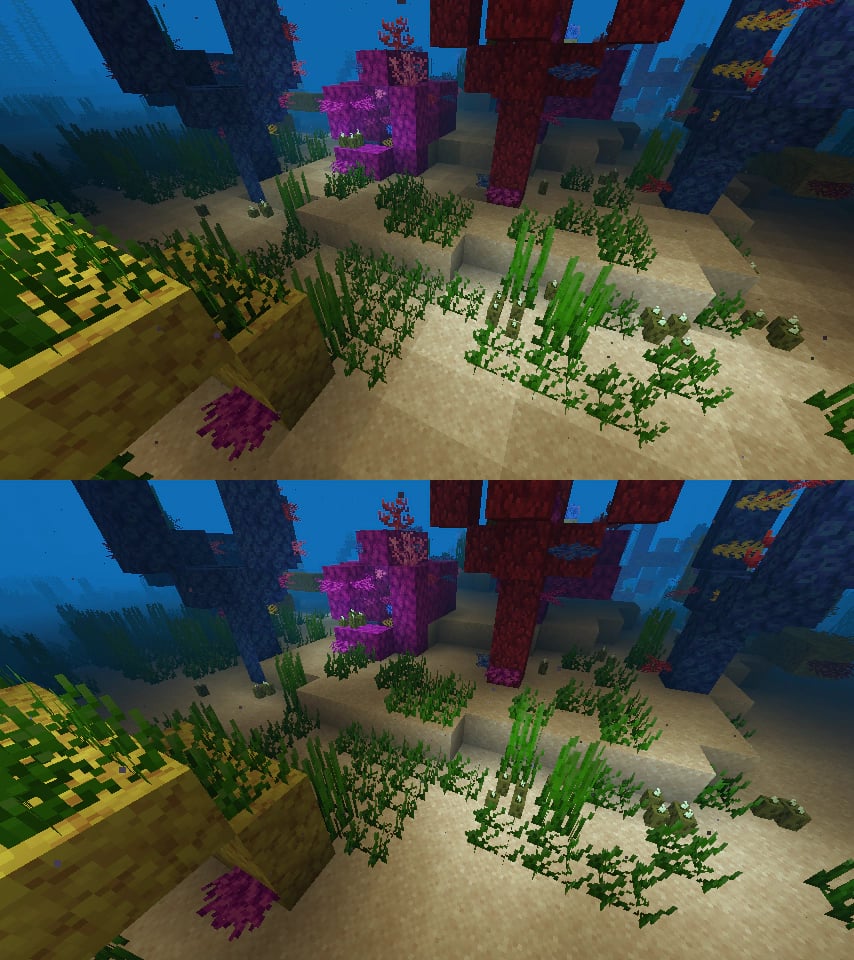
What Sodium Extras looks like

Images: Sodium Extras on Modrinth, published by the project team.
Setup
Install Sodium Extras on your client
Client-side mods only run on your computer. More server RAM does not change their performance.
- 01
Install the loader locally
Install Fabric or Forge or NeoForge for your Minecraft version in your launcher.
- 02
Download the file
Download the Sodium Extras file for your loader and your exact Minecraft version, for example 1.21.5.
- 03
Add it to the mods folder
Put the .jar file in your local .minecraft/mods folder and remove older duplicates.
- 04
Launch
Launch Minecraft with the loader profile. Nothing needs to change on the server.
- On the server
- Not needed
- On the client
- Required
- Loader
- Fabric, Forge, NeoForge
- Minecraft
- 1.21.5, 1.21.4, 1.21.1 +2 more
- License
- GNU Lesser General Public License v3.0 only
Releases
Published releases
Pick the file that matches your server’s loader and Minecraft version. The server and players need the same release.
Sodium Extras · Modrinth- SodiumExtras Neoforge 1.0.8 for 1.21.5April 10, 2025Minecraft 1.21.5 · NeoForge
- SodiumExtras Fabric 1.0.8 for 1.21.5April 10, 2025Minecraft 1.21.5 · Fabric
- SodiumExtras Fabric 1.0.8 for 1.21.4April 10, 2025Minecraft 1.21.4 · Fabric
- SodiumExtras Neoforge 1.0.8 for 1.21.4April 10, 2025Minecraft 1.21.4 · NeoForge
- SodiumExtras Fabric 1.0.8 for 1.21.1April 7, 2025Minecraft 1.21.1 · Fabric
Original description by the project author

Sodium Extras adds a lot of features to Sodium (and Embeddium on older versions) to improve the experience and performance.
Features
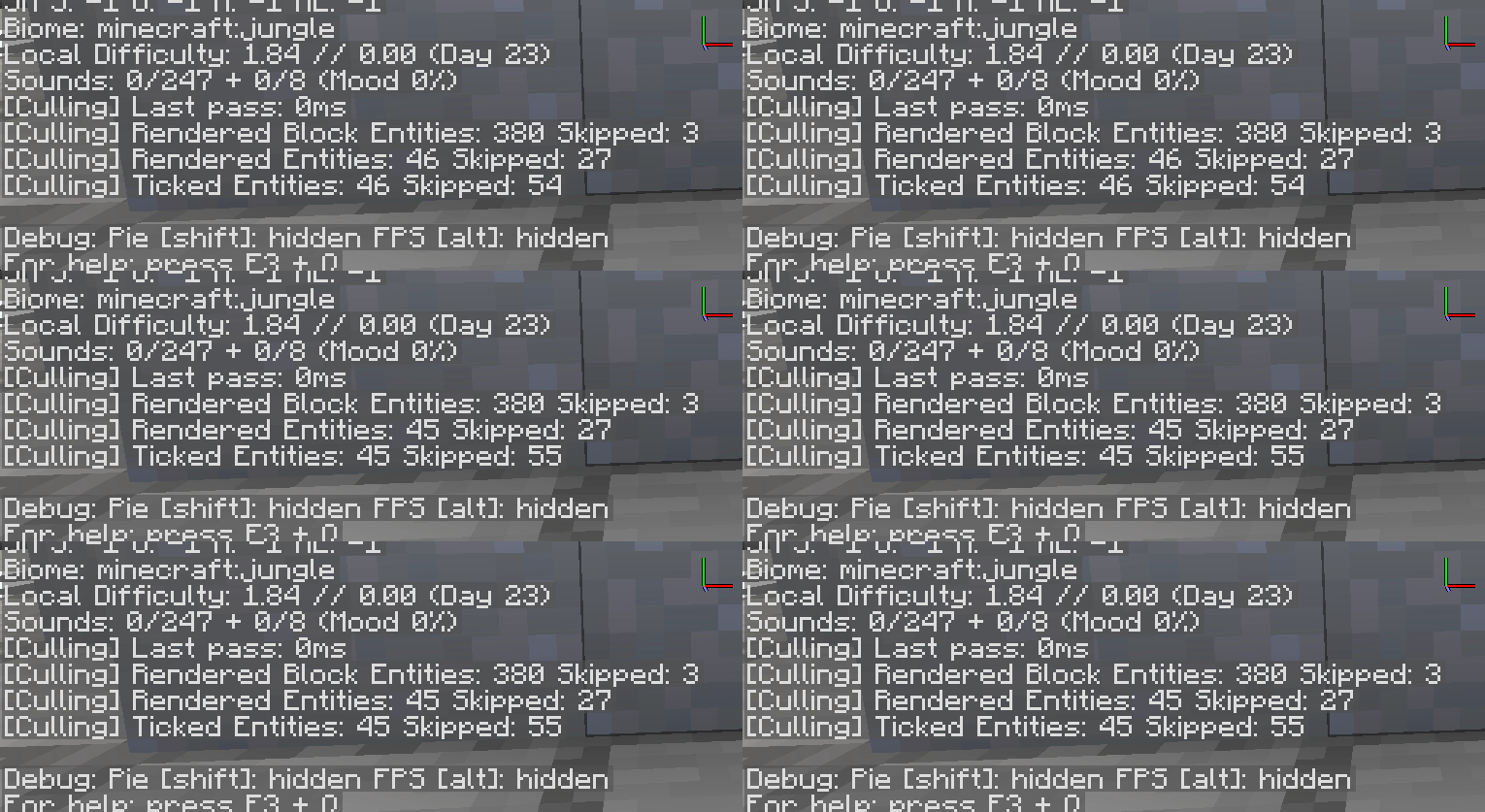
- Entity Culling. Improve performance in modpacks drastically by not rendering far away entities. Includes a configurable Y value so you can disable rendering mobs in caves while you're on the surface. Can be configured or disabled. Incompatible with Out Of Sight, because that mod does the same thing, and doesn't support Sodium anyway.
- Better FPS Counter. Looks nicer, and can be customized to display minimum frametimes (useful for debugging lag on tick) and average frametimes over the last 15 seconds (for accurate benchmarking)
- Borderless Fullscreen. Minecraft's default mode makes it hard to tab out. This is off by default, but replaces the vanilla Sodium fullscreen option.
- True Darkness. Has options to make night time & caves realistically dark. Can be configured or turned off.
- Fog Toggle. An option to turn off all fog, which is missing from vanilla Sodium.
- Font Shadow Toggle. An option to turn off all font shadows, which speeds up text rendering.
- Configurable Cloud Height. Vanilla clouds are quite low, and there's no other mod to raise them on Forge. This mod defaults them to being a bit higher.
- Integration With Sodium/Embeddium Dynamic Lights. This mod works perfectly with MDL, and improves its performance drastically with its optimizations. If you have MDL, you'll want to install this mod.
Note: this mod used to package a Zoom function on older versions, but it has been removed as there are now many different zoom mods to choose from.
On 1.16.5: Chunk Fade In. A port of "Fade In Chunks" from Fabric, this applies the Bedrock effect to reduce the pop-in effect from newly loaded chunks, either when you load in the game, switch worlds, or are just flying around. Can be configured or disabled.
Does Sodium Extras need to be installed on the Minecraft server?
No. Modrinth marks Sodium Extras as unsupported on the server side. Install it only in your local mods folder. Your server can stay unchanged unless the project page lists an additional dependency.
Which version and loader does Sodium Extras require?
Use a file for Fabric, Forge, NeoForge and your exact Minecraft version. Supported versions include 1.21.5, 1.21.4, 1.21.1. Files for different loaders are not interchangeable.
Sodium Extras is not working – what should I check?
First check the Minecraft version, loader version and required dependencies. Because the mod is client-side, more server RAM will not fix it.
Similar mods
Popular mods in the same category
 Client only

Sodium
by jellysquid3
A high-performance rendering engine replacement for Minecraft, which greatly improves frame rates and reduces micro-stutter.
 Client only

Iris Shaders
by coderbot
A modern shader pack loader for Minecraft intended to be compatible with existing OptiFine shader packs
 Client only

Entity Culling
by tr7zw
Using async path-tracing to hide Block-/Entities that are not visible
 Server-ready

FerriteCore
by malte0811
Memory usage optimizations
Looking for mods for your own server?
The catalog lists mods that run on Minecraft servers.