
Modrinth · Forge, NeoForge
Super Factory Manager on your Minecraft server
Super Factory Manager runs on Minecraft servers with Forge or NeoForge. Order your server, set the loader in the panel and install the mod with one click in the mod browser.
A programming language for moving stuff around in Minecraft
- Downloads
- 389.2K
- Author
- TeamDman
- Loader
- Forge, NeoForge
- Minecraft
- 1.19.2 – 26.1.2
- Updated
- –
Screenshots
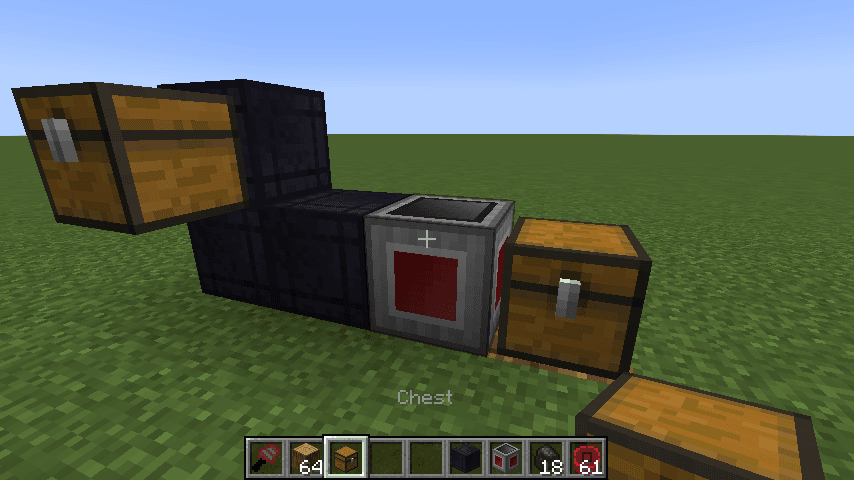
What Super Factory Manager looks like
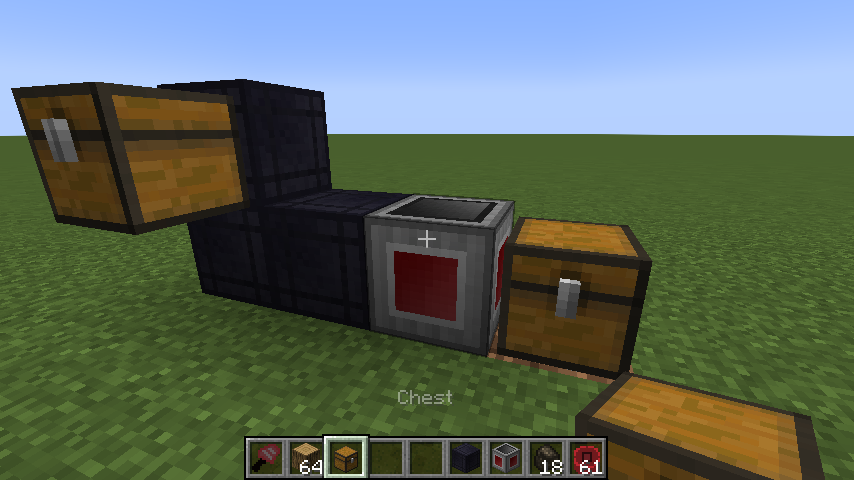
Images: Super Factory Manager on Modrinth, published by the project team.
Setup
Install Super Factory Manager on your server
The server and players need the same loader and Minecraft version. Back up the world before adding or updating mods.
- 01
Configure
4 GB of RAM is preselected. You choose the term and add-ons and pay by credit card or PayPal.
- 02
Set the loader
In the panel, set the server software to Forge or NeoForge and choose the matching Minecraft version, for example 26.1.2.
- 03
Install the mod
Search the mod browser for “Super Factory Manager” and install the release for your loader. Alternatively, upload the .jar to the mods folder via SFTP. Required dependencies are listed on the project page.
- 04
Connect
Every player installs the same Super Factory Manager release locally and connects using the server address from the panel.
- On the server
- Required
- On the client
- Required
- Loader
- Forge, NeoForge
- Minecraft
- 26.1.2, 1.21.1, 1.21 +7 more
- License
- Mozilla Public License 2.0
The panel
Install mods, find errors.
Real screenshots from the Mado panel. Both come with every Minecraft server.
Mod browser
Modrinth and CurseForge, right in the panel.
The browser filters by your Minecraft version. Install mods with one click, without uploading .jar files.

AI crash analysis
When a mod crashes, the analyzer reads the log.
Mods often fail on a wrong loader version, Java version or missing dependency. The analyzer names a likely cause and suggests a fix.

Releases
Published releases
Pick the file that matches your server’s loader and Minecraft version. The server and players need the same release.
Super Factory Manager · Modrinth- Super Factory Manager MC26.1.2 v4.34.0July 4, 2026Minecraft 26.1.2 · NeoForge
- Super Factory Manager MC1.21.1 v4.34.0July 4, 2026Minecraft 1.21.1 · NeoForge
- Super Factory Manager MC1.21 v4.34.0July 4, 2026Minecraft 1.21 · NeoForge
- Super Factory Manager MC1.20.4 v4.34.0July 4, 2026Minecraft 1.20.4 · NeoForge
- Super Factory Manager MC1.20.3 v4.34.0July 4, 2026Minecraft 1.20.3 · NeoForge
Original description by the project author
Super Factory Manager 4
SuperFactoryManager 4 brings a whole new way to use SFM. Instead of using flowchart GUIs, a new scripting language has been added.
Getting Started
You will need:
1x Factory Manager
1x Program Disk
1x Label Gun
(optional) Inventory Cables
Place your Factory Manager in the world, and connect it to your inventories using Inventory Cables
Place the Program Disk inside the Manager's GUI
Paste your script into the manager GUI using the buttons or by using Ctrl+V
The manager should tell you that the script was loaded
Hover over the disk to see the warnings and errors for your program
Shift-right-click the manager with the label gun in your hand to load the labels from your program
You can now use the scroll wheel while holding shift to change the active label.
Right click blocks in the world to apply or remove the label.
There is also a right-click menu for entering a custom label that may not be in your program yet.
Once you've assigned the labels, right click the manager while NOT holding shift to save the labels to the Program Disk
Your program should now be running without any issues
Original textures by VSWE
Super Factory Manager server crashes on startup – what to do?
Common causes: the loader or Minecraft version does not match the mod file, a dependency is missing, or RAM is too low. Check the log (latest.log) for “OutOfMemoryError”, “Mixin” or missing mods. At Mado, the AI crash analysis reads the log and suggests a cause. You can change the loader and version in the panel.
Which loader does Super Factory Manager run on?
According to Modrinth, Super Factory Manager supports Forge, NeoForge for Minecraft 26.1.2, 1.21.1, 1.21.
How much RAM does a server with Super Factory Manager need?
As guidance, 3–4 GB for a server with this mod. This is an estimate, not a measured minimum. More mods, many players and long view distances need more. The spark profiler shows whether a mod is costing tick time.
Similar mods
Popular mods in the same category
 Client only

Mouse Tweaks
by YaLTeR
Enhances inventory management by adding various functions to the mouse buttons.
 Server-ready

Clumps
by jaredlll08
Clumps XP orbs together to reduce lag
 Client only

Inventory Profiles Next
by blackd
Take control over your inventory. Sort. Move matching Items. Throw all. Locked slots. Gear sets! And much more.
 Server-ready

Shulker Box Tooltip
by MisterPeModder
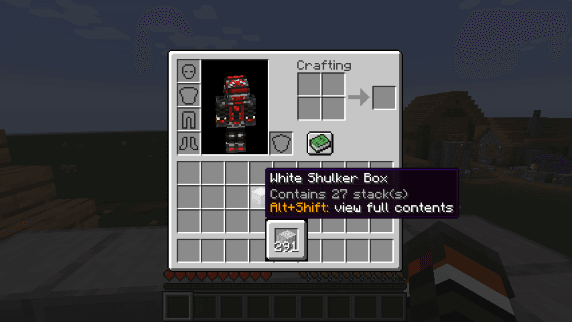
View the contents of shulker boxes from your inventory
Ready for your server with Super Factory Manager?
4 GB of RAM from €8.00 per month. 35% off your first month with MADO35.