
Modrinth · Fabric, Forge
Technical Enchant+ on your Minecraft server
Technical Enchant+ runs on Minecraft servers with Fabric or Forge. Order your server, set the loader in the panel and install the mod with one click in the mod browser.
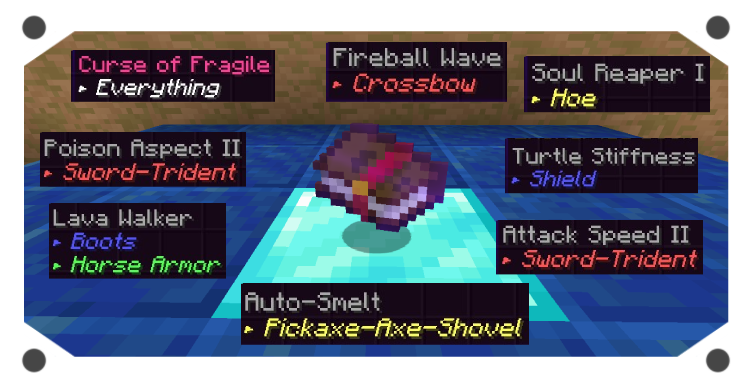
TE+ adds a new enchanting ecosystem with new mechanincs and features with over 50+ new enchantments. It's content can be expanded via Addons and Complements
- Downloads
- 4.7K
- Author
- Frektip
- Loader
- Fabric, Forge
- Minecraft
- 1.19 – 1.19.4
- Updated
- –
Screenshots
What Technical Enchant+ looks like
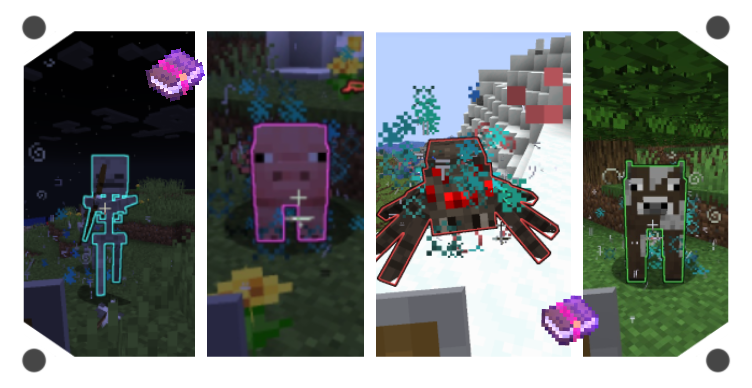
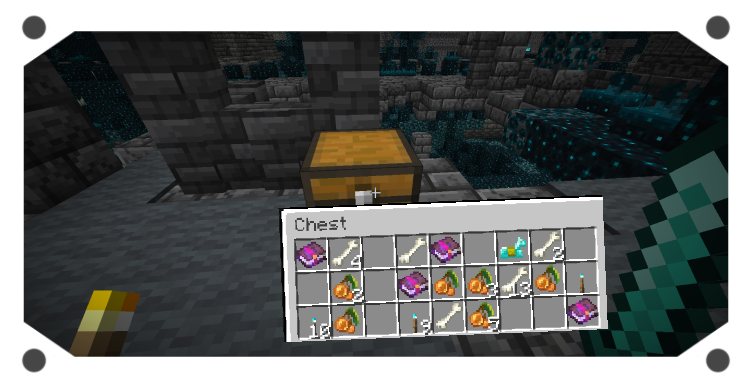
Images: Technical Enchant+ on Modrinth, published by the project team.
Setup
Install Technical Enchant+ on your server
The server and players need the same loader and Minecraft version. Back up the world before adding or updating mods.
- 01
Configure
4 GB of RAM is preselected. You choose the term and add-ons and pay by credit card or PayPal.
- 02
Set the loader
In the panel, set the server software to Fabric or Forge and choose the matching Minecraft version, for example 1.19.4.
- 03
Install the mod
Search the mod browser for “Technical Enchant+” and install the release for your loader. Alternatively, upload the .jar to the mods folder via SFTP. Required dependencies are listed on the project page.
- 04
Connect
Every player installs the same Technical Enchant+ release locally and connects using the server address from the panel.
- On the server
- Required
- On the client
- Required
- Loader
- Fabric, Forge
- Minecraft
- 1.19.4, 1.19.2, 1.19.1 +1 more
- License
- LicenseRef-Custom
The panel
Install mods, find errors.
Real screenshots from the Mado panel. Both come with every Minecraft server.
Mod browser
Modrinth and CurseForge, right in the panel.
The browser filters by your Minecraft version. Install mods with one click, without uploading .jar files.

AI crash analysis
When a mod crashes, the analyzer reads the log.
Mods often fail on a wrong loader version, Java version or missing dependency. The analyzer names a likely cause and suggests a fix.

Releases
Published releases
Pick the file that matches your server’s loader and Minecraft version. The server and players need the same release.
Technical Enchant+ · Modrinth- Technical Enchant+ v1.0.3-1.19.4 [FABRIC]May 21, 2023Minecraft 1.19.4 · Fabric
- Technical Enchant+ v1.0.3-1.19.4 [FORGE]May 21, 2023Minecraft 1.19.4 · Forge
- Technical Enchant+ v1.0.2-1.19.2 [FABRIC]January 22, 2023Minecraft 1.19, 1.19.1, 1.19.2 · Fabric
- Technical Enchant+ v1.0.2-1.19.2 [FORGE]January 22, 2023Minecraft 1.19, 1.19.1, 1.19.2 · Forge
Original description by the project author
TECHNICAL ENCHANT+
This is a pseudo-mod because it's originial version comes from a datapack with the same name. However it has some exclusive features for both Fabric and Forge.
Mod Overview
- Useful Commands
/function enchantplus:give/all ---> To obtain all the enchantments and items
/function #enchantplus:uninstall ---> To uninstall the datapack addons and complements
/function enchantplus:config ---> To access to the Main Config MENU
/function enchantplus:heldenchant/apply/<enchantment> ---> To enchant the item you're holding
/function enchantplus:force_conversion ---> To convert the nearest entity into an "Enchanted mob"
New Items
- Guide book: Get it by throwing a book and quill on top of an enchanting table
- Charged Bookshelf: Used to increase the enchanting setup Tiers
- Technical Anvil: Used to merge or extract custom enchantments and curses
- Polished Lapis: Currency to trade with an Advanced Enchanter
- Isolated Core: Rare item to remove custom and vanilla curses
- Blessed Orb: Item to convert a mob into an enchanted one
- Enchanting Setup
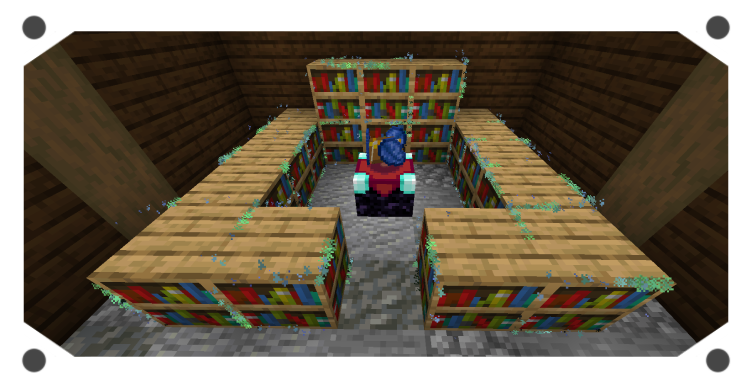
You can place charged bookshelves around the encahnting table from 2 to 5 blocks to increase it's Tier. Each time you level it up it will change the Enchanting table a bit. Like Adding hovering Lapis on top of it.
Tier 1: Allowed to get Low enchantments only ---requirements---> 10 levels and 1 lapis
Tier 2: Allowed to get Average enchantments ---requirements---> 20 levels and 2 lapis
Tier 3: Allowed to get Strong enchantments ---requirements---> 30 levels and 3 lapis
Tier 4: Convert Pages of Power into an enchanted book
Tier 5: Cool particles (for now)
Technical Anvil Modes
- Merging Mode
This mode is similar as vanilla's one. You can combine enchanted books with other enchanted books; enchanted books with items; enchanted items with other enchaned items of the same type. It will give you a preview of the result item, then you can confirm the action by clicking on the middle button.
The base XP cost to use the Technical Anvil is 10 levels, however you can modify it by using the in-game Menu Confing
- Extracting Mode
This mode allow you to extract any custom or vanilla enchantment. You just need to place your enchanted item on the left and some normal books on the right and click on the middle bottom button to get the enchantment. This method has no cost!
In case you want to remove custom or vanilla curses, place an Isolated Core on the right in order to extract it, however there is a small chance that during this action your enchanted item may lose some of it's custom or vanilla enchantments, be careful with that.
- Disenchant System
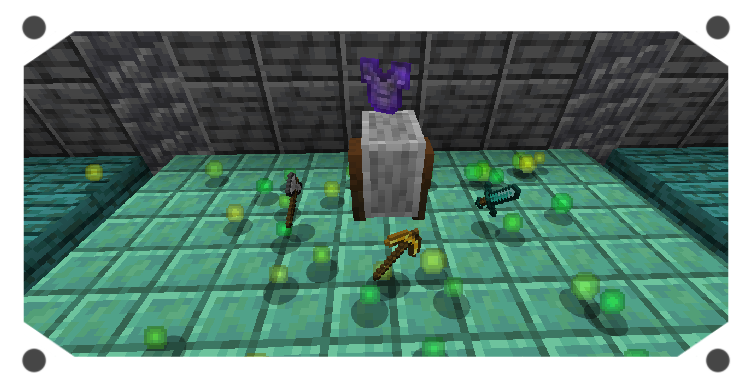
In case you want to get rid of ALL your custom and vanilla enchantments. Jus throw your enchanted item or book on top of a grindstone to get rewarded with XP (kind of similar as vanilla's). Keep in mind that you won't be able to remove custom curses or vanilla cuses using this method.
The XP reward is based on how many enchantments your item has and at what level they were with some randomization to add more XP.
- Extensions
These are built-in features that can be toggled on/off depending on your needs.
1.- Mob Use
Most hostile mobs can use any custom enchanted gear, this depends if the mob is capable of using ranged or melee weapons; as well as wearing armor.
2.- Mob Spawning
Every few often you should see hostile mobs spawning with TE+ enchanted gear. They can't spawn wearing netherite gear though. Be prepared, some of them could result being a bit challenging to face.
3.- Chest Loot
Any vanilla structure chest has a 30% chance to have a custom enchanted book as loot! However, this book has also a 10% chance of being a curse. Important to notice that TE+ uses a different system to achieve this, and it doesn't overwrite vanilla loot-table, meaning that TE+ is complatible with any chest loot-table datapacks.
4.- Exceed vanilla enchantment level
You can basically get enchantments such as Efficiency VI or Looting IV. For this you need to combine to max level books in the Technical Anvil, and then you can use that exceeded book in your items, using yet again, the Technical Anvil. You can find the complete enchantments list in the wiki, or checking the Guide Book.
In total there is a new max enchantment level for 20 vanilla enchantments!!
5.- Villagers
You can change a default librarian into an "Advanced Enchanter" by placing down a charged bookshelf below it's workstation. After that you will be able to trade custom enchantments and curses with it and maybe some exclusive items!
By default this type of villager won't be able to have discounts, it will have some limited trades and they can't restock speacial item trades. However you can change all of that with the Extensions Config menu
You can expend TE+ content with:
Addons: Add more enchantments with TE+ environment
Complements: Make modded items compatible with TE+ enchantments
Technical Enchant+ server crashes on startup – what to do?
Common causes: the loader or Minecraft version does not match the mod file, a dependency is missing, or RAM is too low. Check the log (latest.log) for “OutOfMemoryError”, “Mixin” or missing mods. At Mado, the AI crash analysis reads the log and suggests a cause. You can change the loader and version in the panel.
Which loader does Technical Enchant+ run on?
According to Modrinth, Technical Enchant+ supports Fabric, Forge for Minecraft 1.19.4, 1.19.2, 1.19.1. Forge and Fabric files are not interchangeable: pick one loader for the server and clients.
How much RAM does a server with Technical Enchant+ need?
As guidance, 3–4 GB for a server with this mod. This is an estimate, not a measured minimum. More mods, many players and long view distances need more. The spark profiler shows whether a mod is costing tick time.
Similar mods
Popular mods in the same category
 Server-ready

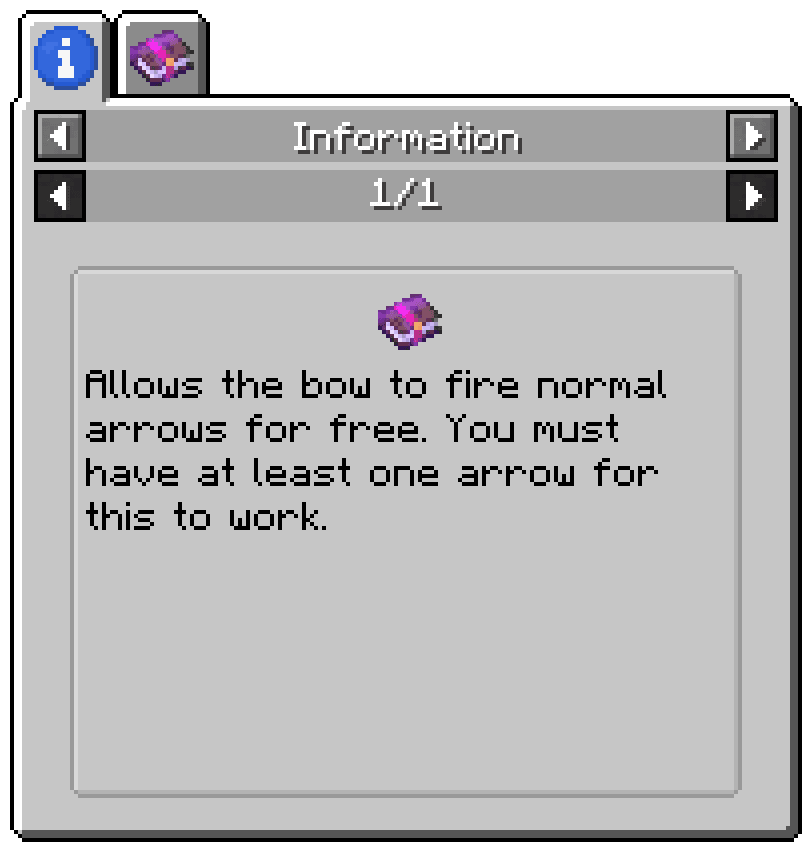
Enchantment Descriptions
by Darkhax
Provides a way to get enchantment descriptions from enchanted books.
 Server-ready

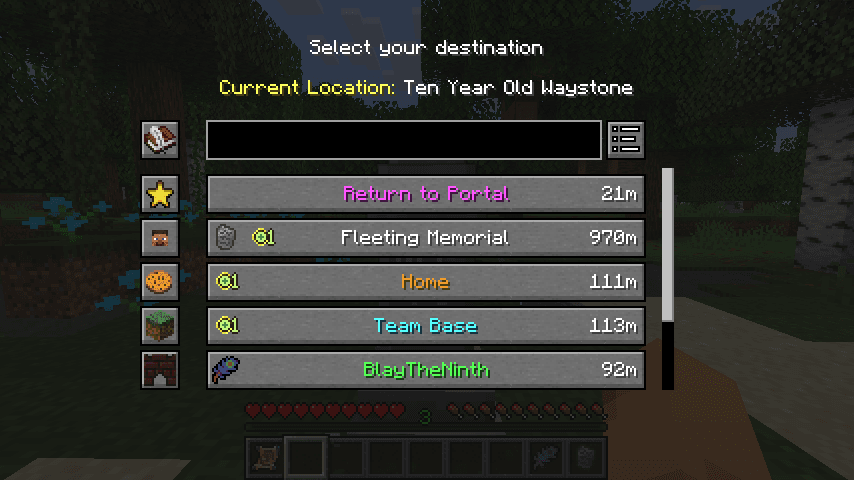
Waystones
by BlayTheNinth
Teleport from waystone to waystone or craft magical scrolls to warp.
 Server-ready

Sinytra Connector
by Su5eD
Lets you play Fabric mods on NeoForge
 Client only

EMIffect
by moechakucha
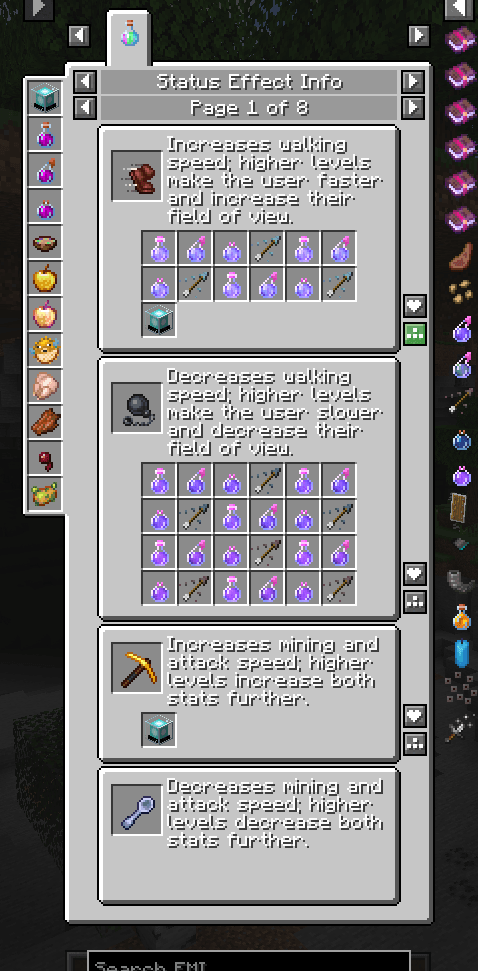
EMI addon that appends status effects in EMI and provides information about each status effect.
Ready for your server with Technical Enchant+?
4 GB of RAM from €8.00 per month. 35% off your first month with MADO35.