

Modrinth · NeoForge
The Broken Script on your Minecraft server
The Broken Script runs on Minecraft servers with NeoForge. Order your server, set the loader in the panel and install the mod with one click in the mod browser.
Here I am
- Downloads
- 3.4M
- Author
- probablymorningstar
- Loader
- NeoForge
- Minecraft
- 1.21.1
- Updated
- –
Screenshots
What The Broken Script looks like

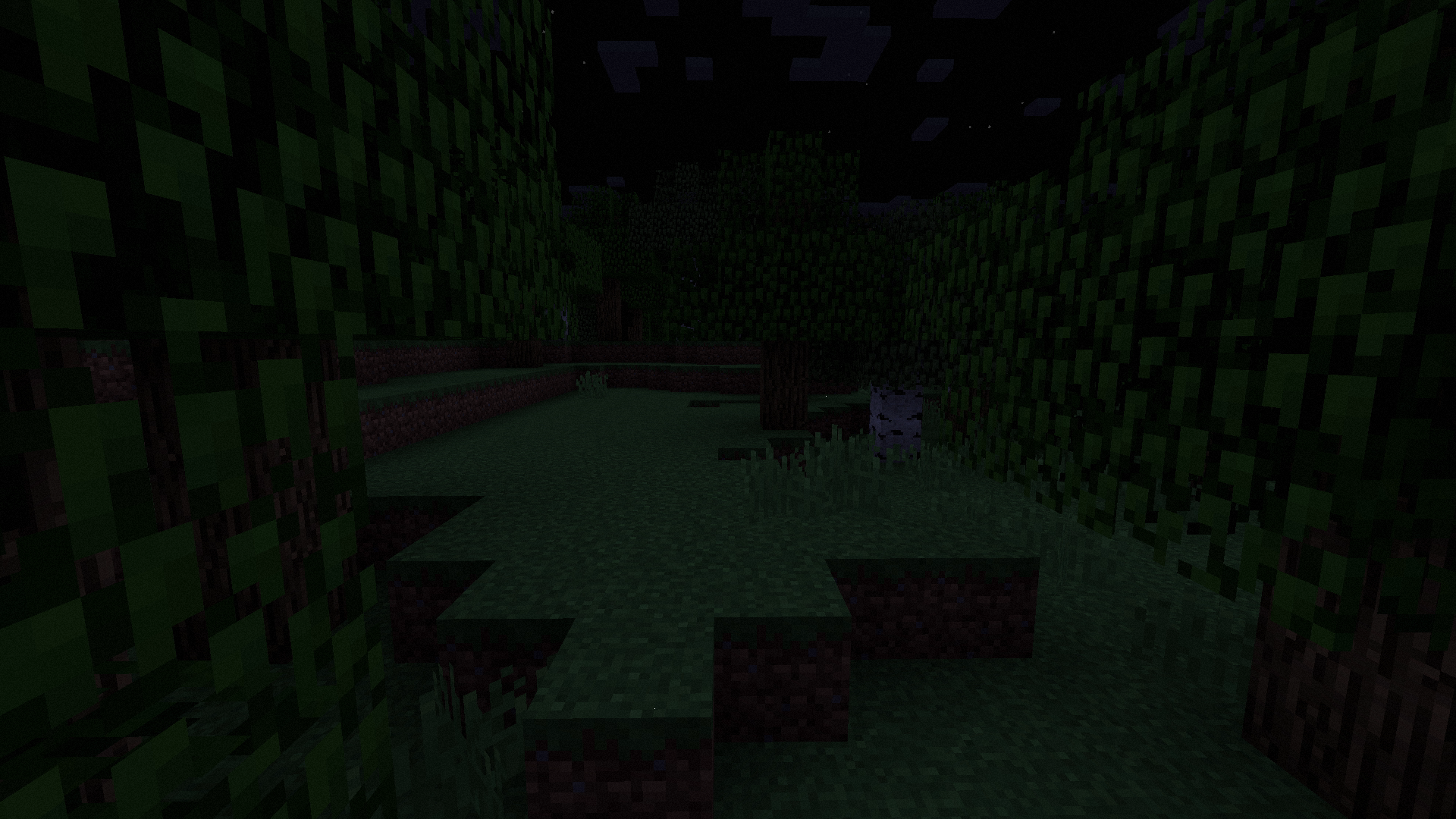
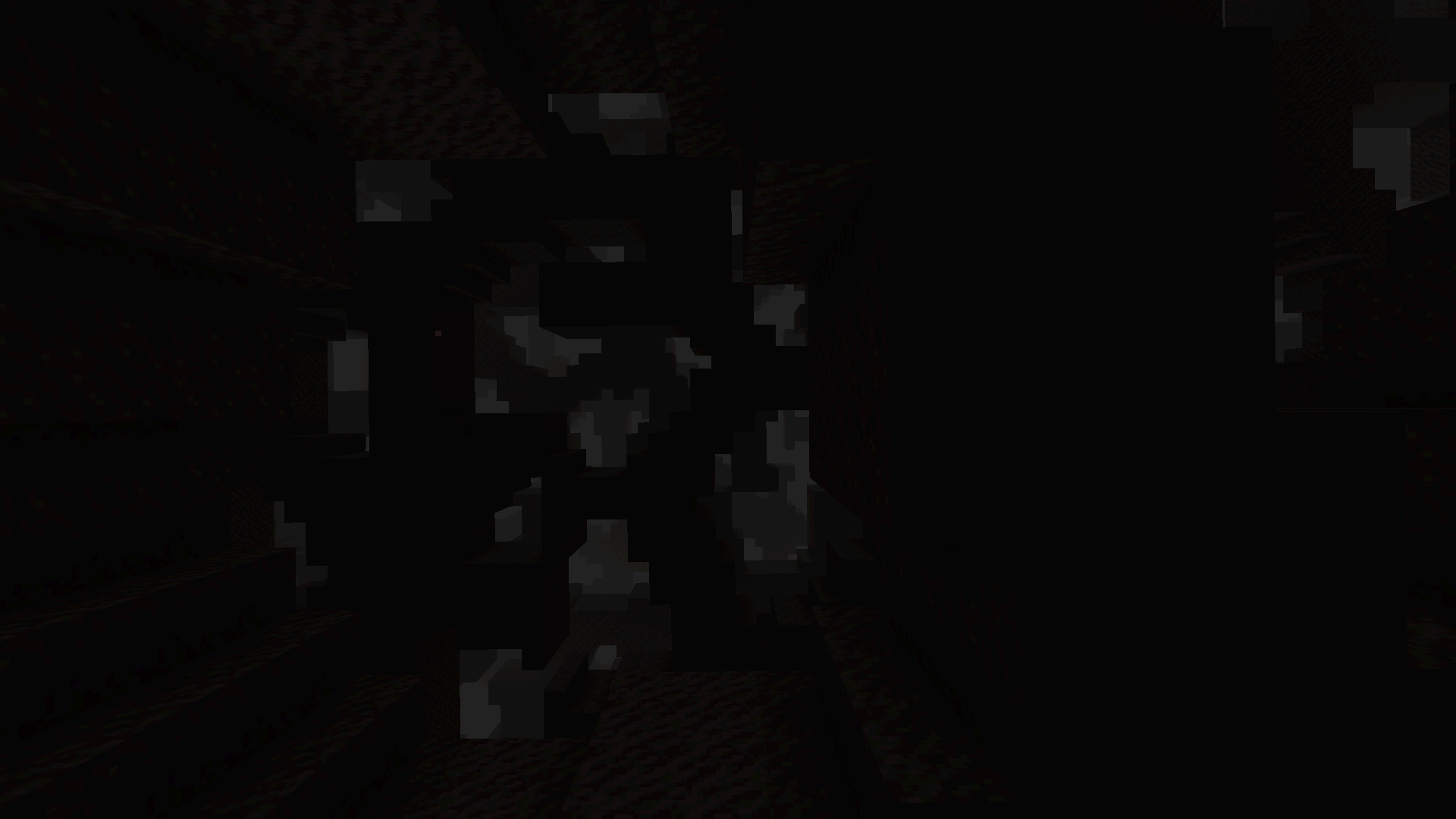
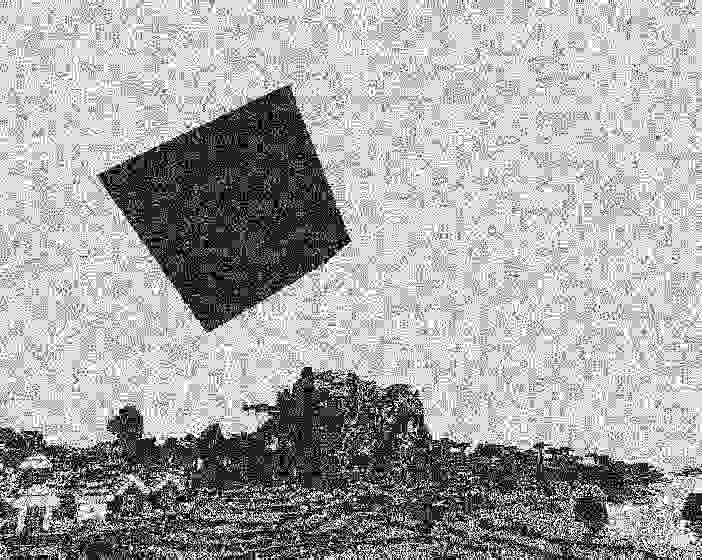

Images: The Broken Script on Modrinth, published by the project team.
Setup
Install The Broken Script on your server
The server and players need the same loader and Minecraft version. Back up the world before adding or updating mods.
- 01
Configure
4 GB of RAM is preselected. You choose the term and add-ons and pay by credit card or PayPal.
- 02
Set the loader
In the panel, set the server software to NeoForge and choose the matching Minecraft version, for example 1.21.1.
- 03
Install the mod
Search the mod browser for “The Broken Script” and install the release for your loader. Alternatively, upload the .jar to the mods folder via SFTP. Required dependencies are listed on the project page.
- 04
Connect
Every player installs the same The Broken Script release locally and connects using the server address from the panel.
- On the server
- Required
- On the client
- Required
- Loader
- NeoForge
- Minecraft
- 1.21.1
- License
- LicenseRef-All-Rights-Reserved
The panel
Install mods, find errors.
Real screenshots from the Mado panel. Both come with every Minecraft server.
Mod browser
Modrinth and CurseForge, right in the panel.
The browser filters by your Minecraft version. Install mods with one click, without uploading .jar files.

AI crash analysis
When a mod crashes, the analyzer reads the log.
Mods often fail on a wrong loader version, Java version or missing dependency. The analyzer names a likely cause and suggests a fix.

Releases
Published releases
Pick the file that matches your server’s loader and Minecraft version. The server and players need the same release.
The Broken Script · ModrinthOriginal description by the project author
THE BROKEN SCRIPT IS ONLY AVAILABLE HERE ON MODRINTH
- It is no longer available on curseforge, and is not distributed anywhere else
- Any appearance of it on curseforge, or any other site, is an unlawful upload and should be reported
- For your own safety, do NOT download or use these reuploads. We can not guaruntee the jars are unmodified.
================================================================================
Deep down, under the bedrock
The Broken Script is a slow burn, story focused horror mod that aims to provide a novel experience on top of the existing vanilla minecraft one.
The story is conveyed through a number of mediums, ranging from in game dialogue & writing, to meta elements outside the game.
Things you should know
This mod features many meta horror elements, that can appear to affect your PC
It does NOT contain malware, or any malicious elements
It can affect your game/experience in the following ways:
- Crashing (intentionally, or unintentionally. Report unintended crashes to the discord!)
- Creating text files outside your instance directory
- Trigger (fake) error/warning window popups
- Destroy chunks, delete or corrupt terrain, or potentially render your world unplayable
- Show flashing/strobing lights and patterns that might trigger people with epilepsy/photosensitivity
- Play loud or startling noises (rarely)
It does NOT do any of the following (not exhaustive):
- Delete or ban you completely from your world
- Turn your PC off
- Read any of your computer's existing files outside of its own directory
- Brick your instance
- Flash random screamer jumpscares
Content warning/disclaimer
This mod features content that may be upsetting or disturbing to some viewers. This includes:
- Depictions of graphic violence
- Blood
- Depictions of suicide
- Self harm
- Verbal and emotional abuse
Frequently Asked Questions
Q: I want to make TBS inspired fanwork/implement TBS references into a project I'm working on.
What are the rules for this?

A: You are not allowed to directly use our assets in a project (textures, entity models, etc) outside of explicit
permission from their creator, but you are more than welcome to use them as inspiration for your creative projects.
So long as you give credit where it's due, and you aren't stealing from us, feel free to do as you like.
Q: Will there be a bedrock port?
A: There will not be an official bedrock port.
Because of how addons work for bedrock, a full 1:1 port is completely impossible.
However, as said prior, you are more than welcome to make an unofficial one, with the sole
stipulation that it MUST be free, NOT sold.
Q: How do I enable cheats?
A: TBS's cheats are found in Broken Core's config.
From the pause menu, click mods -> Search for "Broken Core" -> Config -> Server -> Check Enable Cheats -> Apply
Q: My framerate is plumetting on the moon. How do I fix this?
A: This is caused by the moon's skybox shader, which can cause issues for machines that use old/low power
graphics cards, or rely on their CPU's integrated graphics.

It is toggleable under Config -> TBS -> Client -> Shader based moon -> Apply
Q: Events are happening too often/too infrequently. How do I change the rate that things happen?
A: Events are primarily tied to game time, in terms of when they start to happen.
However, you can increase the max number of possible events per day via
Config -> TBS -> Server -> Max events per day
Q: How do I disable the old world gen? I want my big caves!
A: This comes from the nostalgia gen datapack.
On the world creation screen, navigate to the "more" tab.
The "nostalgia helper worldgen" datapack should be on the LEFT side (Under "AVAILABLE") for it to be disabled.

In addition, you can remove this as the default with the config.
Config -> TBS -> Server -> World -> Allow old world gen
Q: I am not seeing any newer mobs (bees, goats, wardens etc), how do I enable them?
A: This can be enabled under Config -> TBS -> Server -> Disable new mob spawning
Q: I can't get any deepslate. Why is it all disappearing?
A: Config -> TBS -> Server -> World -> Remove deepslate
Q: Hostile mobs don't appear anymore, at all. Where did they all go?
A: This is caused by a variant of circuit that sometimes gets stuck and doesn't go away.

You can fix this by first enabling cheats through broken core's config, and then running this command:
/tbs dev entity discard @e[type=thebrokenscript:circuit_stare]

It should output something like "Removed 2 (possibly more) entities", and hostile mobs should spawn again.
Q: The sun/moon isn't moving in the sky. What's going on?
A: This is an event. The day/night flipping is now fake, to avoid unintentionally accelerating events happening.
Need a new Minecraft server? Check out our partner, lagless.gg!
Use code thebrokenscript for 30% off at checkout!

The Broken Script server crashes on startup – what to do?
Common causes: the loader or Minecraft version does not match the mod file, a dependency is missing, or RAM is too low. Check the log (latest.log) for “OutOfMemoryError”, “Mixin” or missing mods. At Mado, the AI crash analysis reads the log and suggests a cause. You can change the loader and version in the panel.
Which loader does The Broken Script run on?
According to Modrinth, The Broken Script supports NeoForge for Minecraft 1.21.1.
How much RAM does a server with The Broken Script need?
As guidance, 3–4 GB for a server with this mod. This is an estimate, not a measured minimum. More mods, many players and long view distances need more. The spark profiler shows whether a mod is costing tick time.
Similar mods
Popular mods in the same category
 Client only

Sodium Extra
by FlashyReese
A Sodium addon that adds features that shouldn't be in Sodium.
 Server-ready

VeinMiner
by Miraculixx
Mine the whole vein on mining a single ore/block. Make the tedious mining experience to something satisfying and fun! FTB Ultimine alternative
 Client only

Remove Reloading Screen
by dima_dencep
Makes resource packs load in the background, allowing you to do other things while waiting!
 Server-ready

Sinytra Connector
by Su5eD
Lets you play Fabric mods on NeoForge
Ready for your server with The Broken Script?
4 GB of RAM from €8.00 per month. 35% off your first month with MADO35.