
WaypointsPlus
Create and manage waypoints on any multiplayer server with a clean in-game GUI.
Screenshots
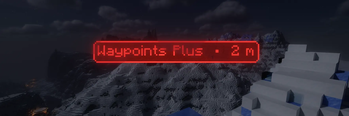

About this Mod
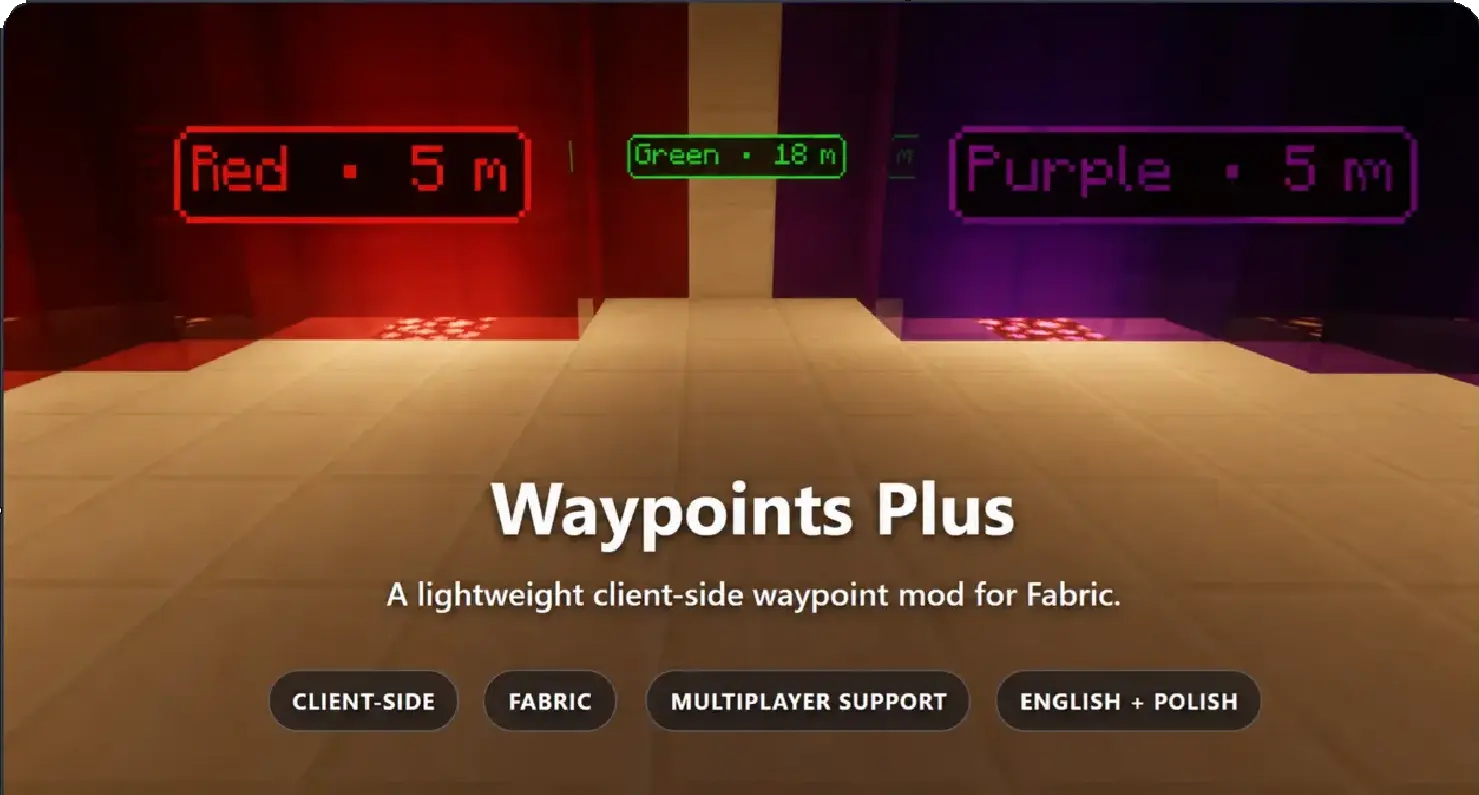
Waypoints Plus
Waypoints Plus is a lightweight, client-side Fabric mod for creating smooth and customizable waypoint markers.
Create separate profiles, organize waypoints per server or singleplayer world, and customize their appearance directly in game. No server installation is required.
Features
- Smooth world-space waypoint markers.
- Visible through walls and beyond loaded chunks.
- Markers always face the camera.
- Separate waypoint storage for every server and singleplayer world.
- Multiple profiles for each world or server.
- Automatic death waypoints stored in a dedicated profile.
- Overworld and Nether coordinate conversion using the vanilla
8:1ratio. - Custom waypoint names, positions, colors, and transparency.
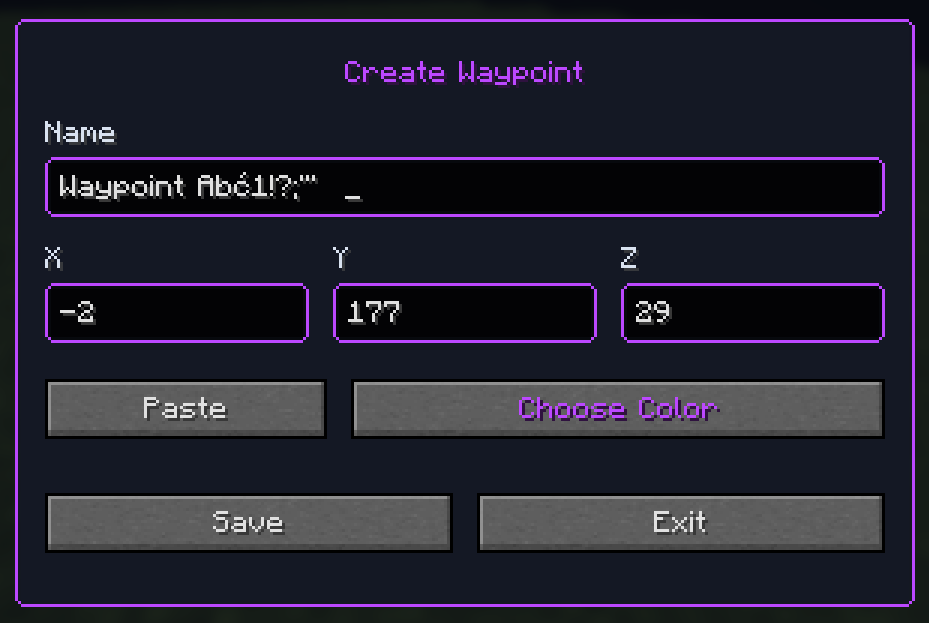
- Visual ARGB color picker.
- Customizable marker and background colors.
- Optional coordinates, distance, background, and laser.
- Adjustable waypoint scale.
- Depth-tested lasers that do not render through blocks.
- English and Polish interface.
- Full in-game waypoint creation, editing, repositioning, and deletion.
- Human-readable JSON storage with manual reload support.
Profiles
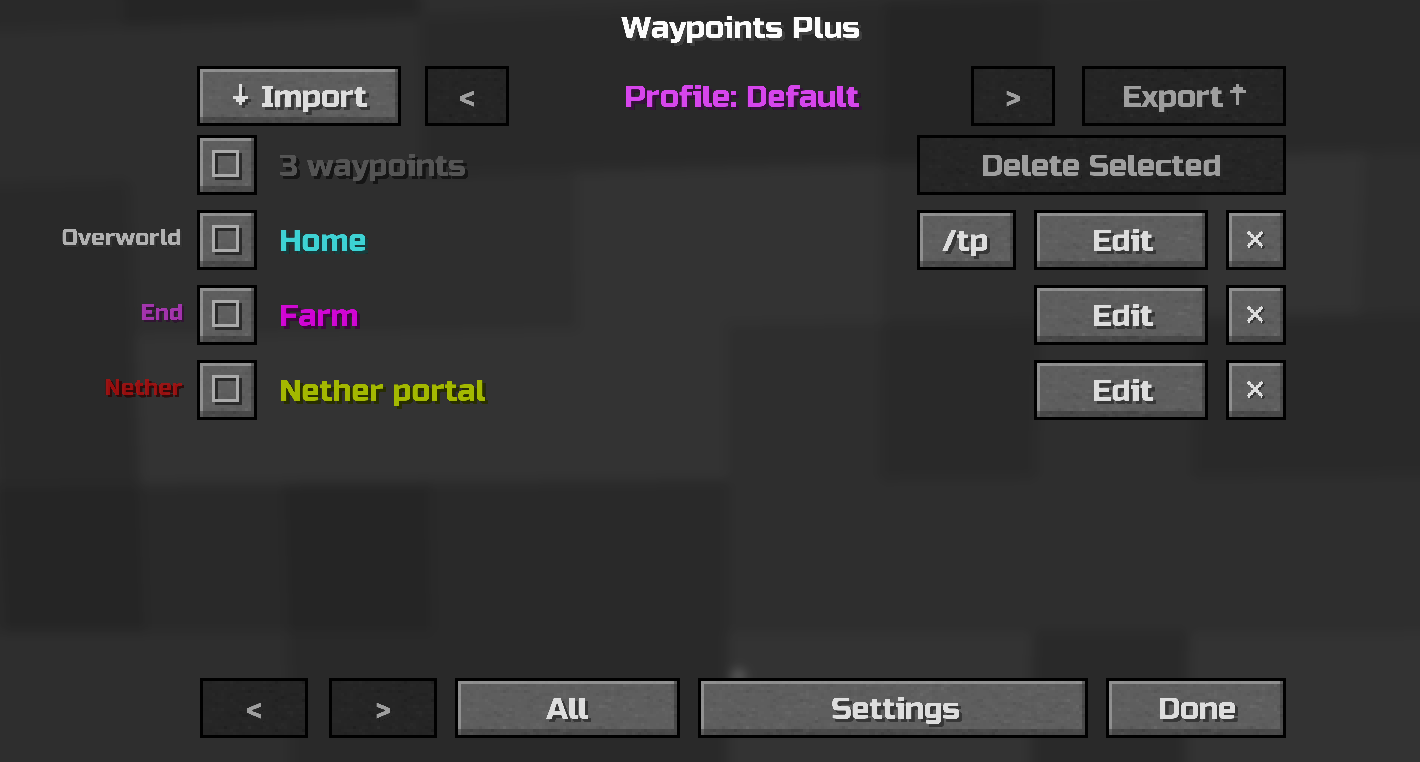
Keep different groups of waypoints separate without mixing everything into one list. Each server or world can contain multiple independent profiles.
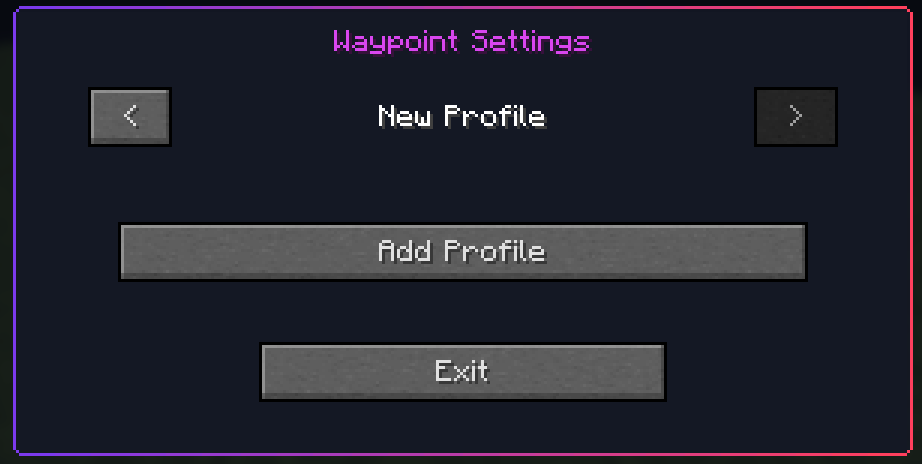
Waypoint management
Create waypoints at your current position or enter custom coordinates. Existing waypoints can be renamed, moved, recolored, or removed directly from the management screen.
Customization
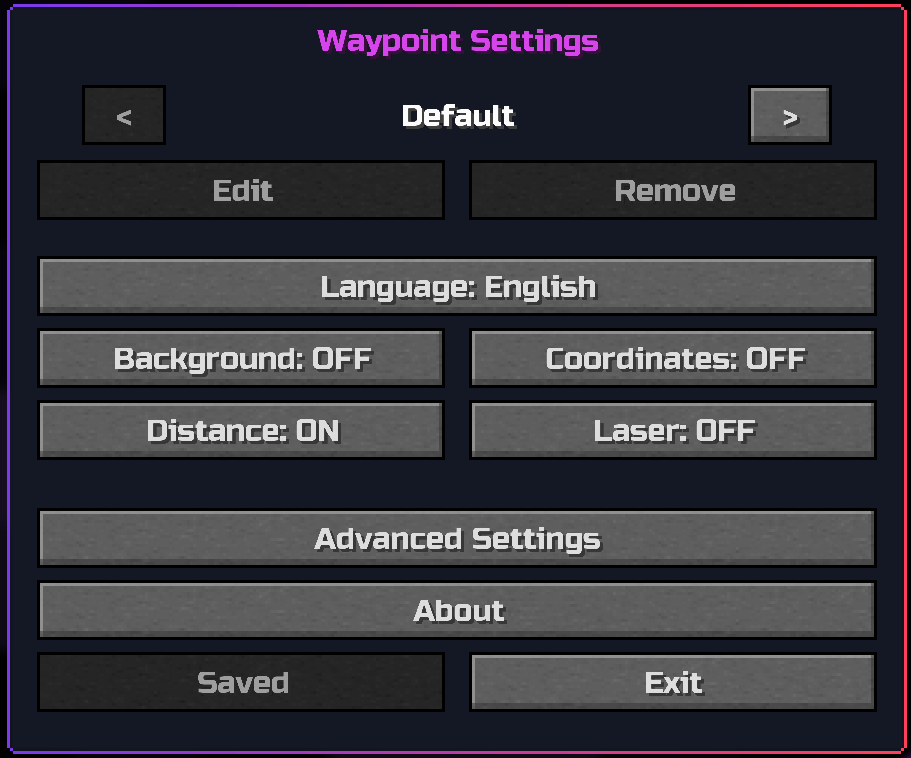
Control the information displayed on waypoint markers and adjust their appearance without editing configuration files manually.
Available options include:
- Background visibility.
- Coordinates visibility.
- Distance visibility.
- Laser visibility.
- Marker scale.
- Default marker color.
- Default background color.
- Menu background and blur where supported.
- English and Polish language.
Default controls
| Action | Default key |
|---|---|
| Create Waypoint | b |
| Manage Waypoints | ; |
| Previous Waypoint Profile | Left Arrow |
| Next Waypoint Profile | Right Arrow |
| Reload Waypoints From File | Unassigned |
| Quick Waypoint | Unassigned |
| Copy Current Position | Unassigned |
All controls can be changed in Minecraft's standard Controls menu.
Screenshot privacy
Waypoint coordinates and distance can be disabled independently. Turn them off before taking screenshots or recording when you do not want to reveal an exact location.
Supported versions
Waypoints Plus provides a separate, optimized JAR for each supported Minecraft version:
1.19.21.20.11.20.61.21.11.21.41.21.51.21.61.21.81.21.101.21.1126.1.226.2
Always install the file marked for your exact Minecraft version.
Requirements
Waypoints Plus is entirely client-side. It does not need to be installed on the server.
Local data
Configuration and waypoint data are stored in:
config/waypointsplus/
Available Versions
How to Install WaypointsPlus on Your Client
Install the Mod Loader Locally
Install fabric for your local Minecraft version.
Download the Matching File
Choose the WaypointsPlus file for fabric and Minecraft 26.2.
Install Mod
Place the .jar file in your local .minecraft/mods folder and restart Minecraft. No server-side installation is required.
Compatibility
Mod Loaders
Minecraft Versions
26.2, 26.1.2, 1.21.11 (+11 more)
Server-side
✗ UnsupportedRecommended RAM
4 GB(min. 3 GB)Frequently Asked Questions
Does WaypointsPlus need to be installed on the Minecraft server?
No. Modrinth marks WaypointsPlus as unsupported on the server side. Install it only in your local Minecraft mods folder. Your server can remain unchanged unless the mod page lists an additional dependency.
Which version and loader does WaypointsPlus require?
Use a file for fabric and your exact Minecraft version. Supported versions include 26.2, 26.1.2, 1.21.11. Files for different loaders are not interchangeable.
WaypointsPlus is not working – what should I check?
First check the Minecraft version, loader version and required dependencies. Put the .jar file in your local .minecraft/mods folder and remove older duplicates. Because this mod is client-side, adding server RAM will not fix it.
Similar Mods

![[ETF] Entity Texture Features](https://cdn.modrinth.com/data/BVzZfTc1/af683d206d50b05258d865b0d6e4aa2f2cee12f2_96.webp)
![[EMF] Entity Model Features](https://cdn.modrinth.com/data/4I1XuqiY/6e5bbd0d06b1741bfdab6c0cfab6de8fdaf0064c_96.webp)



Minecraft Server for Your Group
WaypointsPlus stays on your client. Host a compatible world for your group.